A First Look at the Custody Note App
Custody Note is attendance note software for criminal defence solicitors and accredited police station representatives. Here's what you see when you first open it.
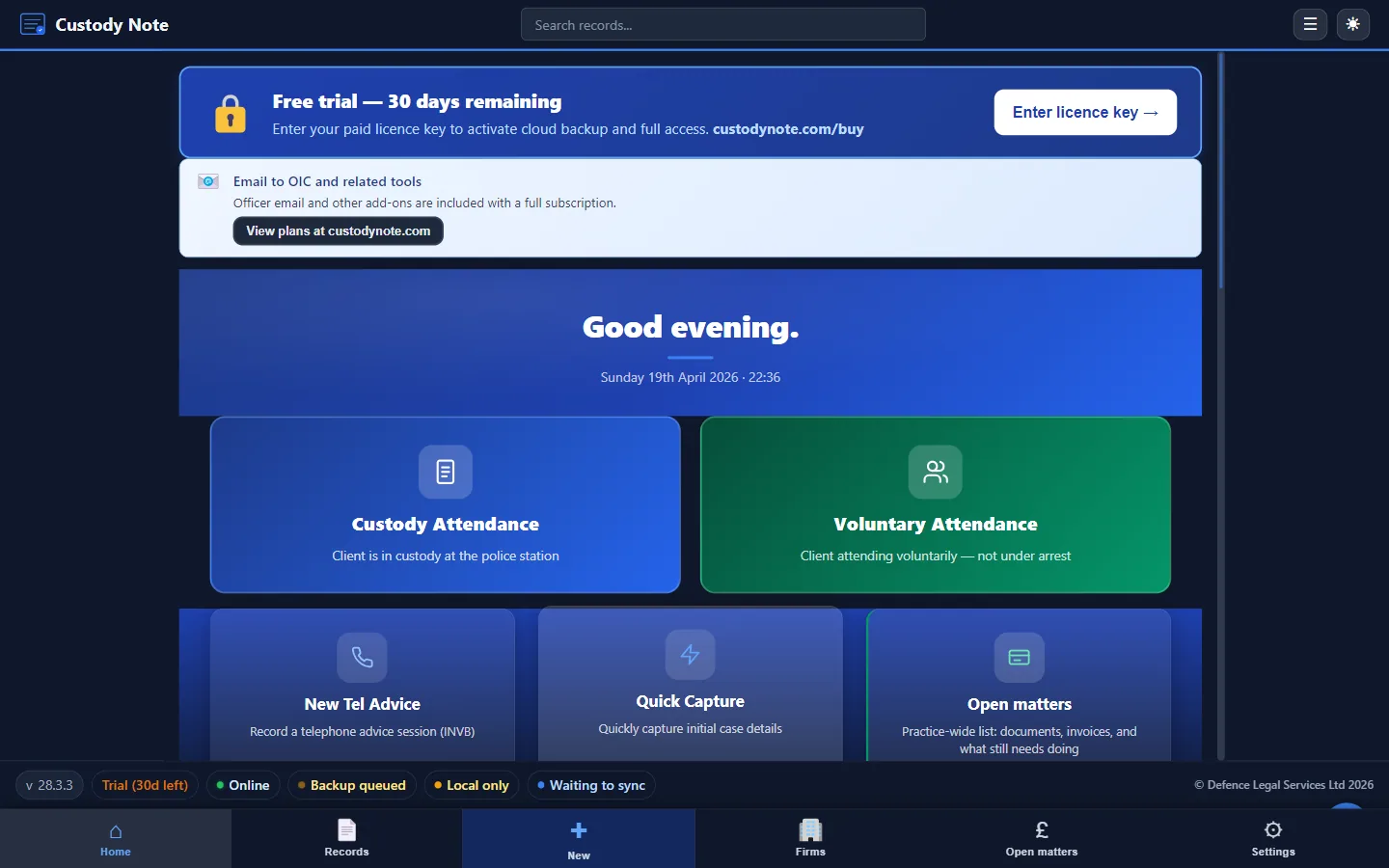
Custody Note is desktop software for Windows and Mac, designed from the ground up for one purpose: helping criminal defence solicitors and accredited police station representatives produce accurate, structured, and professional attendance notes at the custody suite.
Why a Dedicated App?
Generic note-taking tools (Word documents, notebooks, or generic apps) require you to impose your own structure every time you start a new note. At 3am in a busy custody suite, that's a problem. Fields get missed, sections run together, and billing information ends up scattered across the document.
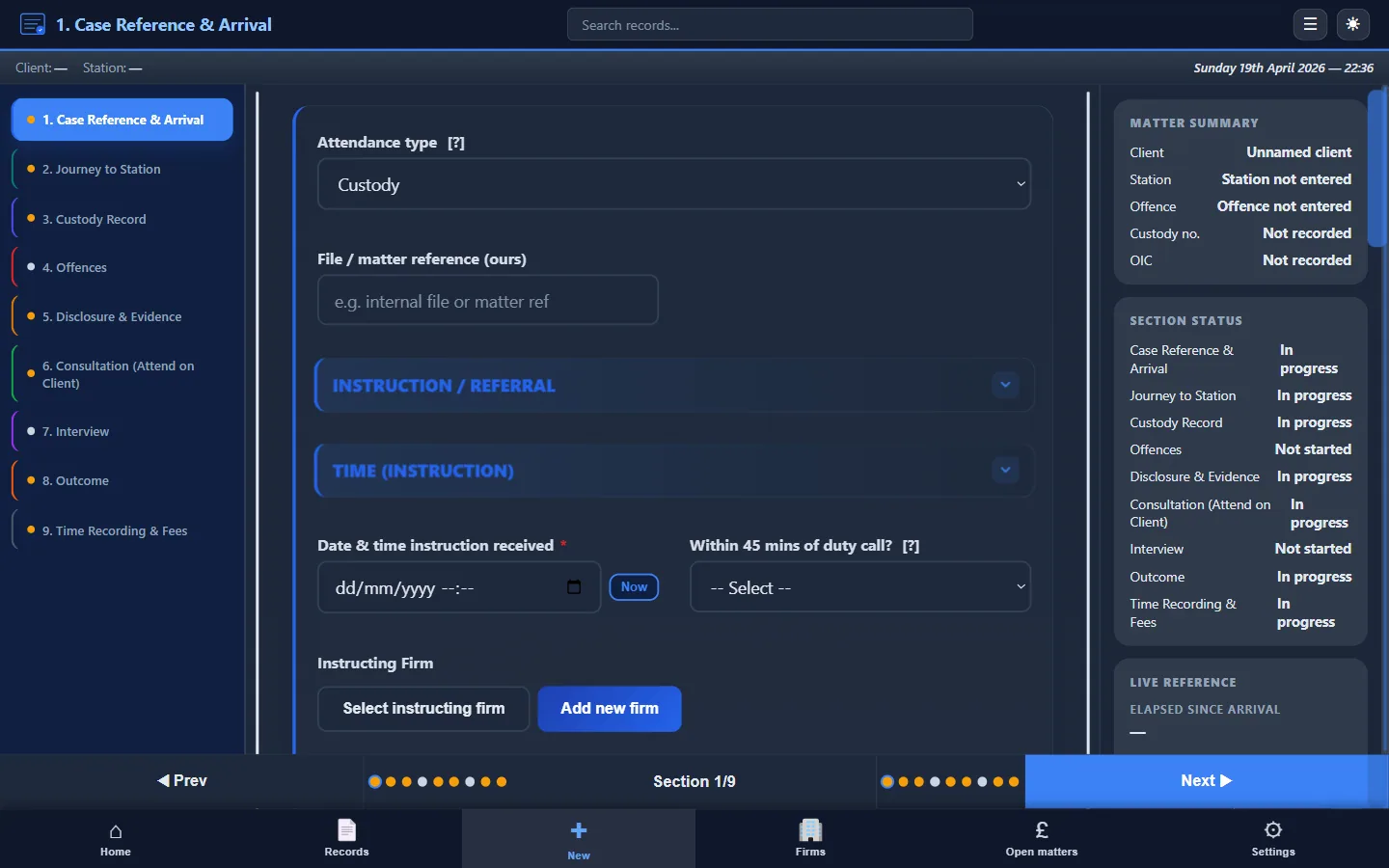
Custody Note solves this by providing a fixed, professionally designed structure for every note. Each section of a custody attendance (the reference details, the custody stage, disclosure, consultation, interview, outcome, and fees) has its own dedicated tab. You fill in what you know. The structure is already there.
What the Home Screen Shows
When you open Custody Note, the home screen presents the five workflows you need at the custody suite as large, colour-coded tiles. From here you can start a full custody attendance, log a voluntary interview, capture a quick note straight from the DSCC call, record telephone advice, or open an in-progress matter.
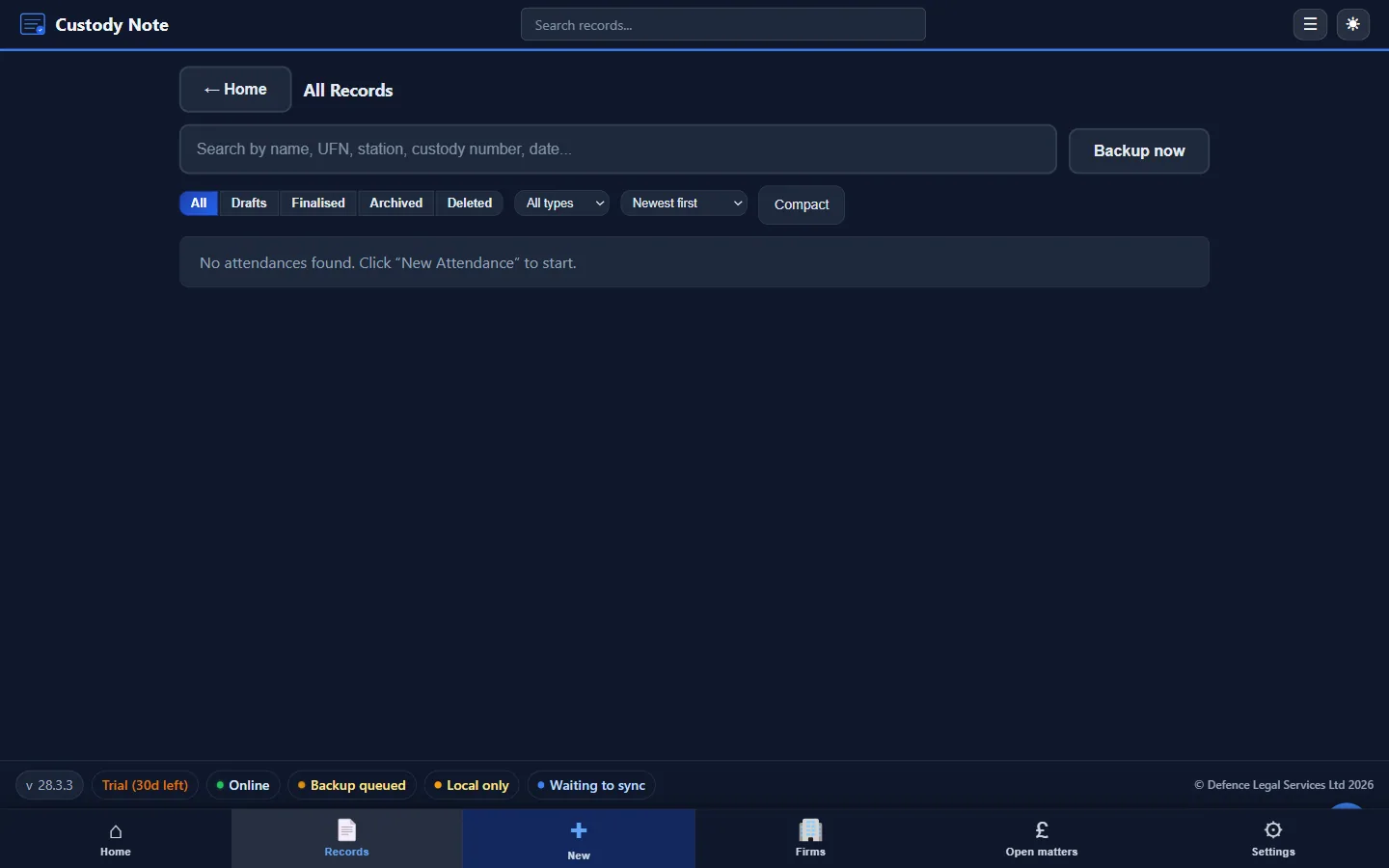
Underneath the tiles is a single search box that searches across every record you have ever created, by client, station, custody number, or matter reference.
Structured Forms, Not Blank Pages
Choosing a tile takes you into a structured form built around the custody-suite workflow. Each section corresponds to a distinct stage of the attendance, in the order you would normally complete one.
Offline by Design
Custody Note doesn't require an internet connection to function. Every note you create is saved locally on your device, encrypted at rest. You can work at any custody suite regardless of whether the building has reliable Wi-Fi. If cloud sync is enabled, data is pushed when a connection is available, but the app never depends on it.
Who It Is For
Custody Note is designed for criminal defence solicitors and accredited police station representatives working in England and Wales. It's a desktop application for Windows 10 or later (64-bit) and macOS 11 or later (Apple Silicon and Intel), installed as a direct download from our website. It isn't available as a native iOS or Android app.
The structured note format is built around PACE custody suite workflows, including structured sections for disclosure, consultation, interview, and LAA fee recording.
Note: This article is intended as general information for criminal defence practitioners in England and Wales. It doesn't constitute legal advice. Solicitors and accredited representatives should exercise their own professional judgment in each case. Law and practice may change; always verify current requirements with primary sources.