Custody Note
Attendance notes built for the custody suite.
Structured PACE sections for UK criminal defence solicitors and accredited reps. Offline-first. Free during beta — no credit card.
Can't use the Microsoft Store? Download the installer directly
Windows: Microsoft Store UK (or Setup.exe backup). Mac: .dmg for Apple Silicon or Intel. Primary Windows install: Microsoft Store UK. Mac: notarised .dmg (Apple Silicon & Intel) — not Mac App Store. Windows Setup.exe backup on the Download page. Windows and Mac (macOS 11+, Apple Silicon & Intel) · Defence Legal Services Ltd
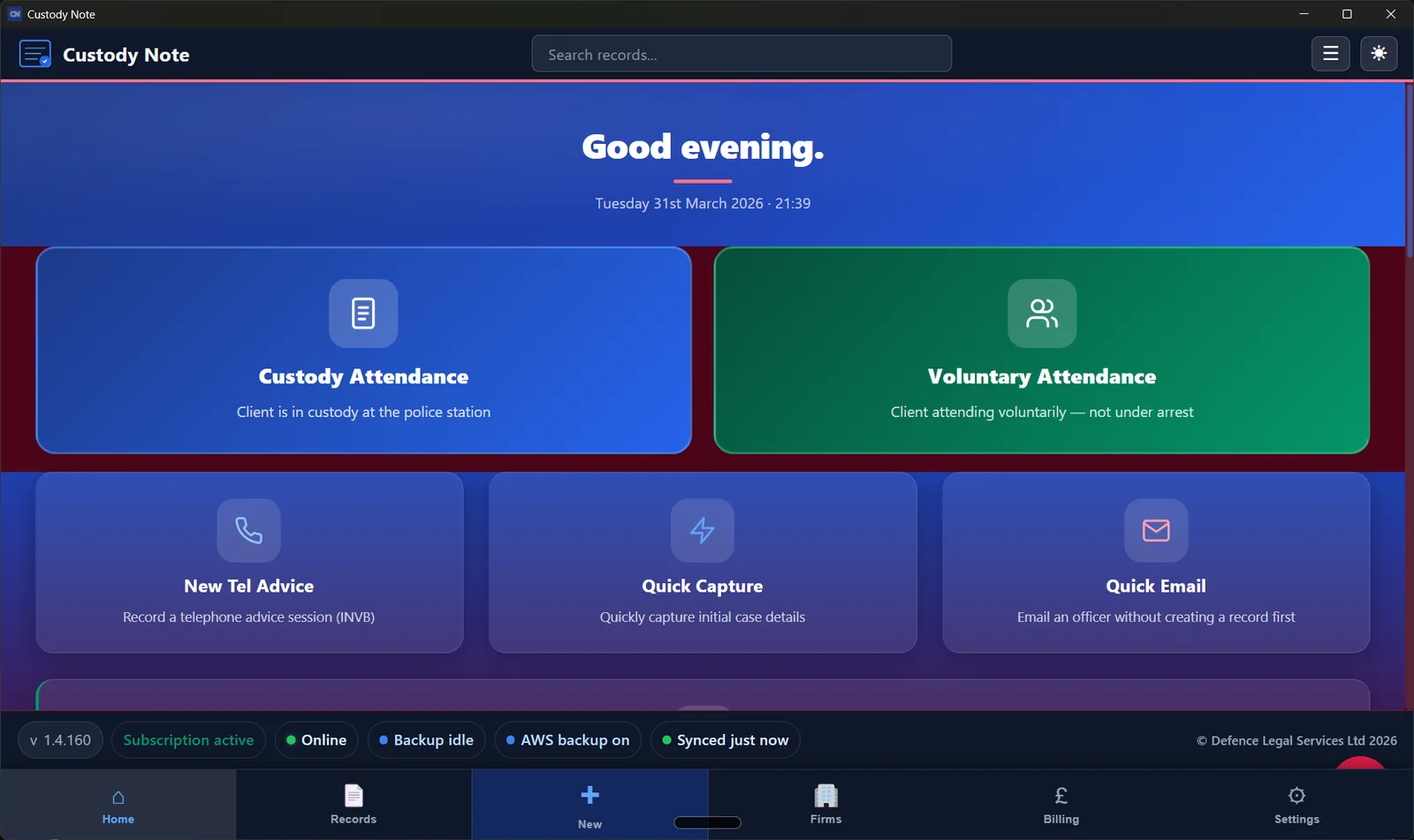
Windows is live on the Microsoft Store (UK)
Microsoft Store (UK): Available now — Windows only
Also on Mac — notarised .dmg
Direct notarised .dmg — not Mac App Store
Offline-first · PACE-oriented
Built for custody suites where Wi‑Fi fails
Free during beta
No credit card · Defence Legal Services Ltd
The custody desk does not wait
Disclosure arrives in fragments, the client is anxious, and the clock to interview is running — while you are still scribbling half-sentences.
Time pressure
You prioritise disclosure and instructions; the attendance note becomes a job “for later” — often after midnight.
Messy notes
Half-captured disclosure and vague interview summaries do not help your firm file, counsel, or an LAA audit.
Missed detail
Bail conditions, RUI terms, and what was actually said in interview matter when the case returns months on.
Rewriting later
Dictation, Word templates, and generic apps mean retyping the same facts — or relying on memory.
Still writing attendance notes at 2am? — structured sections cut the rewrite loop.
Structured PACE attendance notes — built for UK police station work
Custody Note replaces handwritten scraps and inconsistent Word files with one structured record from the custody desk to sign-out: disclosure, client instructions, PACE interview, and bail, RUI, charge, or NFA. PACE custody, voluntary interviews, and telephone advice — guided sections so nothing material is missed. For criminal solicitors and accredited reps in England and Wales.
Still writing custody notes manually?
- Structured PACE notes
- Works offline
- Instant PDF output
Why defence teams switch to Custody Note
Disclosure → advice → interview → outcome
One structure that follows real custody flow — so nothing critical drops between the custody suite and the file note.
PACE-real sections, not generic notes
Headings that match UK police station work: disclosure, client instructions, interview summary, bail/RUI/charge — not “meeting minutes.”
Faster handover to file and billing
PDF export and LAA-oriented fields — same format every attendance for duty rota, own client, or rep work.
Why not Word, dictation, or a generic note app?
Custody Note is purpose-built for UK police station representation — not a blank page or a task list with a law firm logo.
| Approach | Limitation | Custody Note |
|---|---|---|
| Word templates | Static — you still assemble each section under pressure; easy to skip headings. | Guided PACE-real workflow; consistent structure every attendance. |
| Dictation | Slow loop; transcription errors on names, dates, and bail conditions. | Structured fields you complete at the station — export when ready. |
| Generic note apps | No disclosure / interview / custody outcome semantics; often cloud-only. | Offline-first; built for disclosure, instructions, interview, outcome. |
Still writing custody notes manually?
- Structured PACE notes
- Works offline
- Instant PDF output
Same attendance. Different outcome.
From messy notes to a single structured record you can defend and bill from.
Before
Handwritten scraps, inconsistent Word files, details missing under pressure.
With Custody Note
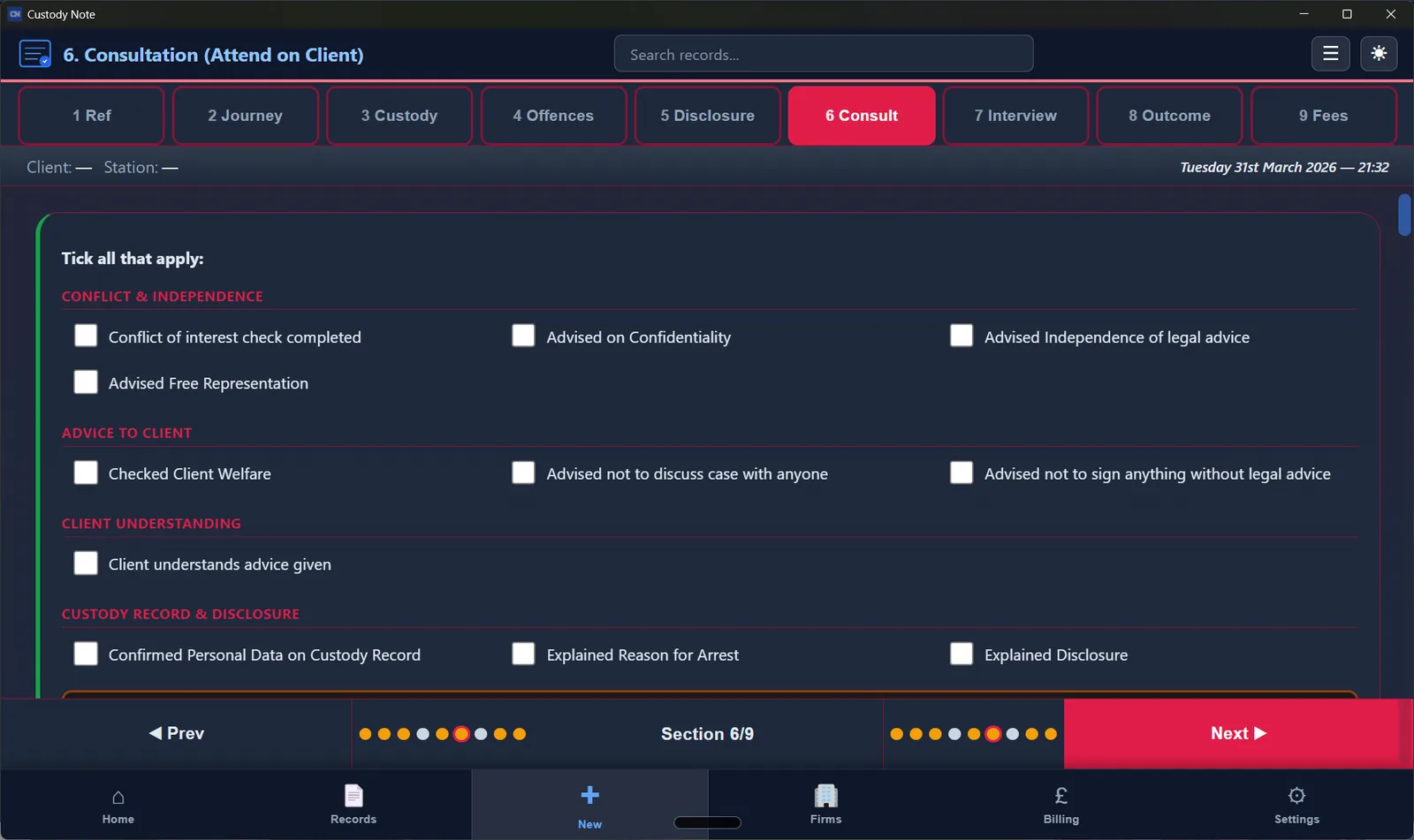
One structured record — PDF and billing fields in one place.
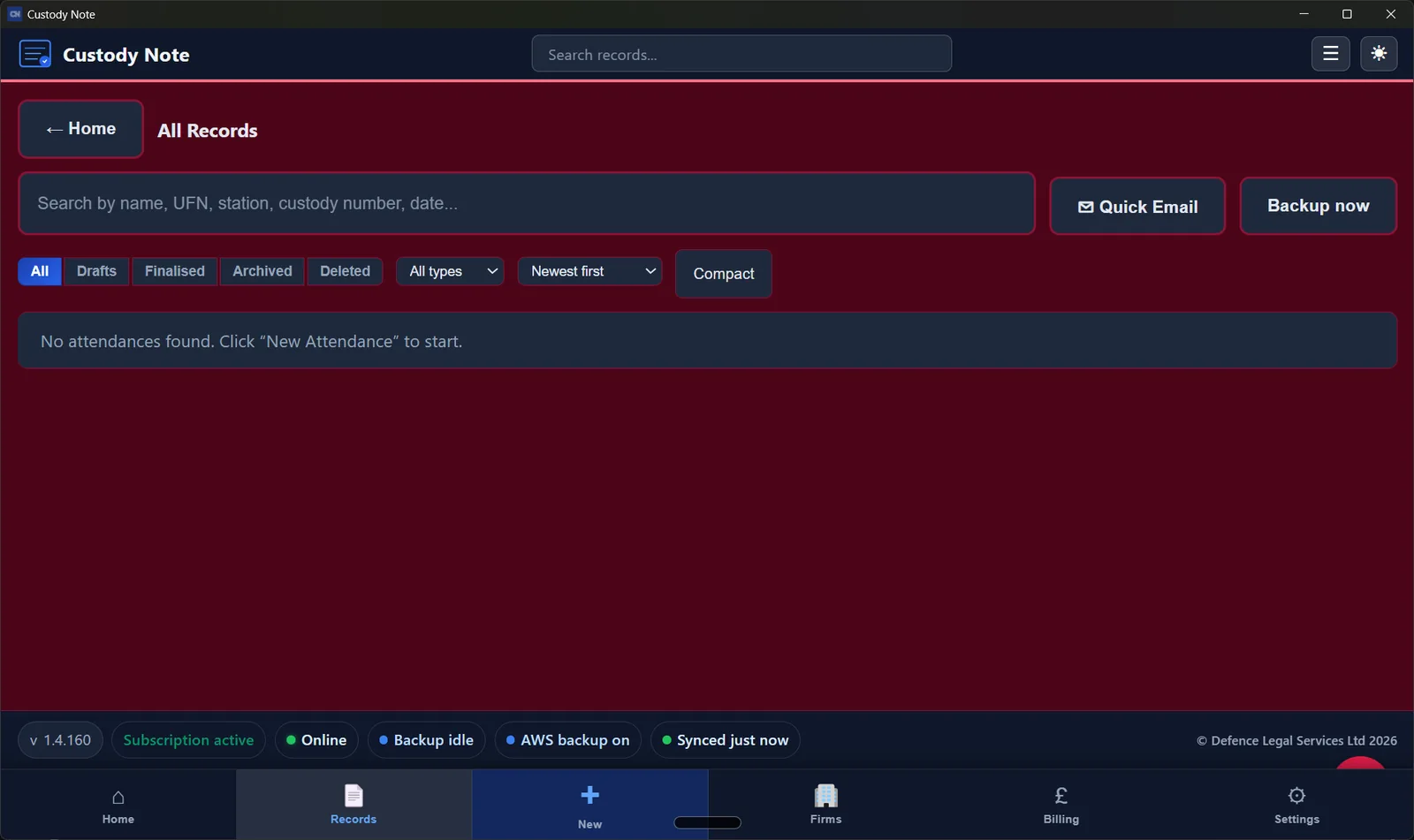
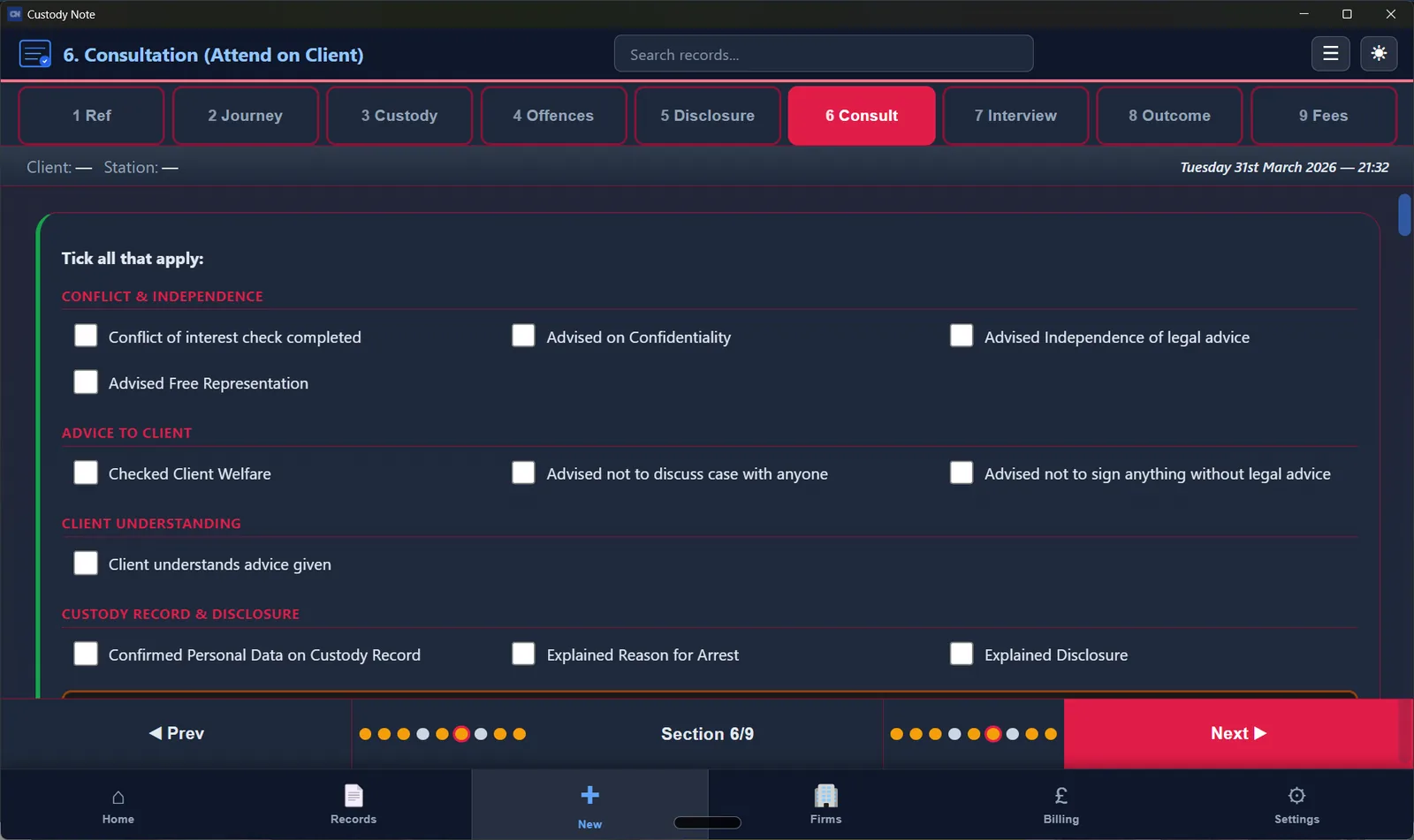
Inside the app
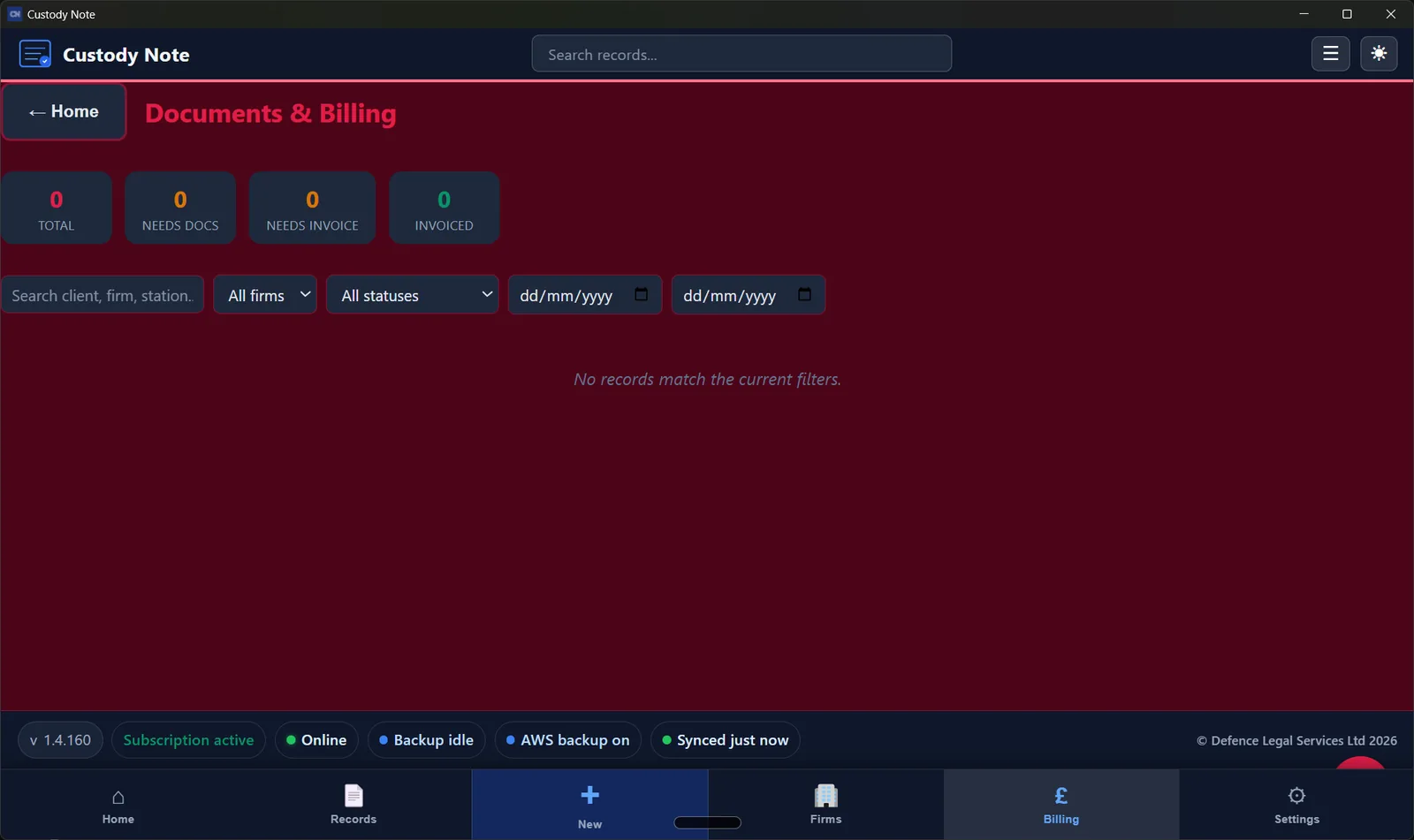
Records, structured notes, and export — built for how you work at the station.
Who it's for
Whether you're a sole solicitor or part of a larger crime team, Custody Note matches how you actually work at the station.
Criminal defence professionals
Criminal defence solicitors (including duty rota work) who need defensible, structured notes after every police station visit.
Accredited reps
Police station representatives working under supervision who need speed without sacrificing completeness.
Defence firms
Teams standardising attendance notes, billing handover, and PDF output across fee earners.
Before vs after
Paper and generic notes vs structured, offline-first attendance notes.
| Area | Before | With Custody Note |
|---|---|---|
| Note capture | Scattered Word files, inconsistent headings | Structured sections for custody / voluntary / telephone |
| Connectivity | Cloud-only tools fail when the station Wi‑Fi drops | Offline-first — works without internet, syncs later |
| Handover | Retyping the same facts for billing and firm file | PDF export and billing-oriented fields in one place |
| Security | Plain-text notes on disk | AES-256 encrypted local database; optional UK-region backup |
Built for real custody workflow
From the custody desk and disclosure slot through client instructions, PACE interview, and bail or charge outcomes.
Offline-first desktop app
Works in the custody suite when Wi‑Fi fails. Local AES-256 encryption on Free during beta.
PACE-oriented structure
Custody, voluntary, and telephone attendance flows with sections that match how UK defence work actually runs.
Windows Store (UK) + Mac .dmg
Microsoft Store (UK): Available now — Windows only. Mac is a notarised direct download — not Mac App Store.
Published by Defence Legal Services Ltd
Trading as Police Station Agent. Product software for practitioners — not a law firm and not legal advice.
Custody Note is developed by Defence Legal Services Ltd (trading as Police Station Agent) — focused on police station representation and tools that fit how practitioners work in custody, not generic SaaS templates.
How it works
Three steps from instruction to a record you can hand over with confidence.
- 1
Enter key details
Client, station, allegation, and attendance type — guided fields so nothing important is skipped.
- 2
Generate structured note
Work through custody, voluntary, or telephone workflows with PACE-oriented structure built in.
- 3
Export or save instantly
PDF for the firm file; billing and time recording when you are ready — all from one record.
Real-world workflow
Instruction → attendance → structured note → PDF to firm → billing prep — without retyping the same facts into five different places.
- 1Open or create a record for the custody or voluntary interview.
- 2Work through each section with guided fields — offline if needed.
- 3Export PDF for the firm file or peer review.
- 4Use billing and time-recording features to support your LAA workflow.
Everything you need at the station
Purpose-built for police station work — not a generic note-taker.
Custody, Voluntary & Telephone
Full PACE-aligned forms for every attendance type, with section-by-section guidance.
Works Offline
Built for police stations with no internet. Your data saves locally and syncs when you reconnect.
PDF & Billing
Export attendance notes as PDF. LAA-oriented billing support, QuickFile invoicing, and disbursement tracking.
Encrypted locally
AES-256 local encryption and local backup on Free during beta. Managed cloud backup and cross-device sync are planned for Pro after beta.
Quick Capture & Email
Log incoming calls instantly. Officer Emails: 16 templates for disclosure, bail chase, RUI, custody logs, and follow-ups — opens in Outlook Web.
Firms, Reports & Authorities
Firm tracking, monthly reports and authority documents are planned for Pro after beta — Free during beta covers core attendance notes.
About the product
About Custody Note
What is Custody Note?
Custody Note is a digital note-taking and workflow tool for criminal defence professionals. It helps structure police station attendance notes, disclosure summaries, client instructions, advice, interview notes and follow-up actions.
Who is Custody Note for?
Custody Note is designed for criminal defence solicitors, accredited police station representatives, litigators and legal teams involved in police station and pre-charge work in England and Wales.
What Custody Note does not do
Custody Note does not provide legal advice, replace professional judgment, create a solicitor-client relationship, or guarantee compliance with professional obligations. It does not record or transcribe interviews — it is a structured note-taking and workflow support tool.
Free police station attendance note template (UK)
Same section order practitioners use: attendance, disclosure, advice, interview, outcome — for Word or your case system. Enter your details below; we'll email the template. Prefer full automation? Use the free generator or start a Custody Note trial for guided workflows, PDF export, and billing support.
Upgrade to Custody Note for full automation — structured notes, offline use, and instant PDFs.
Guides for criminal defence practitioners
Latest from Custody Note Blog
Custody Note Blog →Custody Note for Windows is on the Microsoft Store (UK)
Custody Note for Windows is live on the Microsoft Store UK. Free during beta. Store install primary; Setup.exe backup. Mac stays on direct .dmg download.
SaBC police station claims: what the attendance note must feed the upload
SaBC INVC field map for police station claims: which attendance-note fields feed Submit a Bulk Claim, common rejections, and the monthly-by-20th rhythm.
Police Station Escape Fees in 2026: The Note That Supports the Claim
Police station escape fees in 2026: the attendance note is the evidence. What the £650 threshold means, and what the note must show.
Get Custody Note for Windows and Mac
Windows: install from the Microsoft Store (UK). Mac: download the notarised .dmg (Apple Silicon or Intel). Windows Setup.exe backup stays on the Download page. Custody Note is in beta — that's why it's free while we test with real police station work. Download and use structured attendance notes at no cost. Paid Pro is planned after beta. No credit card required.
Can't use the Microsoft Store? Download the installer directly

Windows is live on the Microsoft Store (UK). Also on Mac — notarised .dmg (not Mac App Store). Windows Setup.exe backup on the Download page. Microsoft Store (UK): Available now — Windows only