Attendance Note Template (UK): Free Download for Solicitors and Reps
A structured template is the simplest way to improve the quality and consistency of your police station attendance notes. This page provides a free downloadable template you can use today, plus guidance on how to adapt it for your firm.
For the full guide to attendance notes, see Police Station Attendance Notes (UK Guide).
Why use a template?
Without a template, attendance notes vary by practitioner: different headings, different section orders, different levels of detail. That causes three problems:
- Gaps. Under pressure at 2am, sections get skipped. A template prompts every field.
- Inconsistency. Supervisors and billing teams waste time searching for information that could be in the same place every time.
- Audit vulnerability. The LAA assessor reviewing your file six months later can't find the time breakdown because it was never recorded in a consistent location.
What the template covers
The template includes sections for all three attendance types used in police station work:
PACE custody attendance
- Case identifiers (client, DOB, DSCC ref, custody record, station, offence, date)
- Notification and arrival times
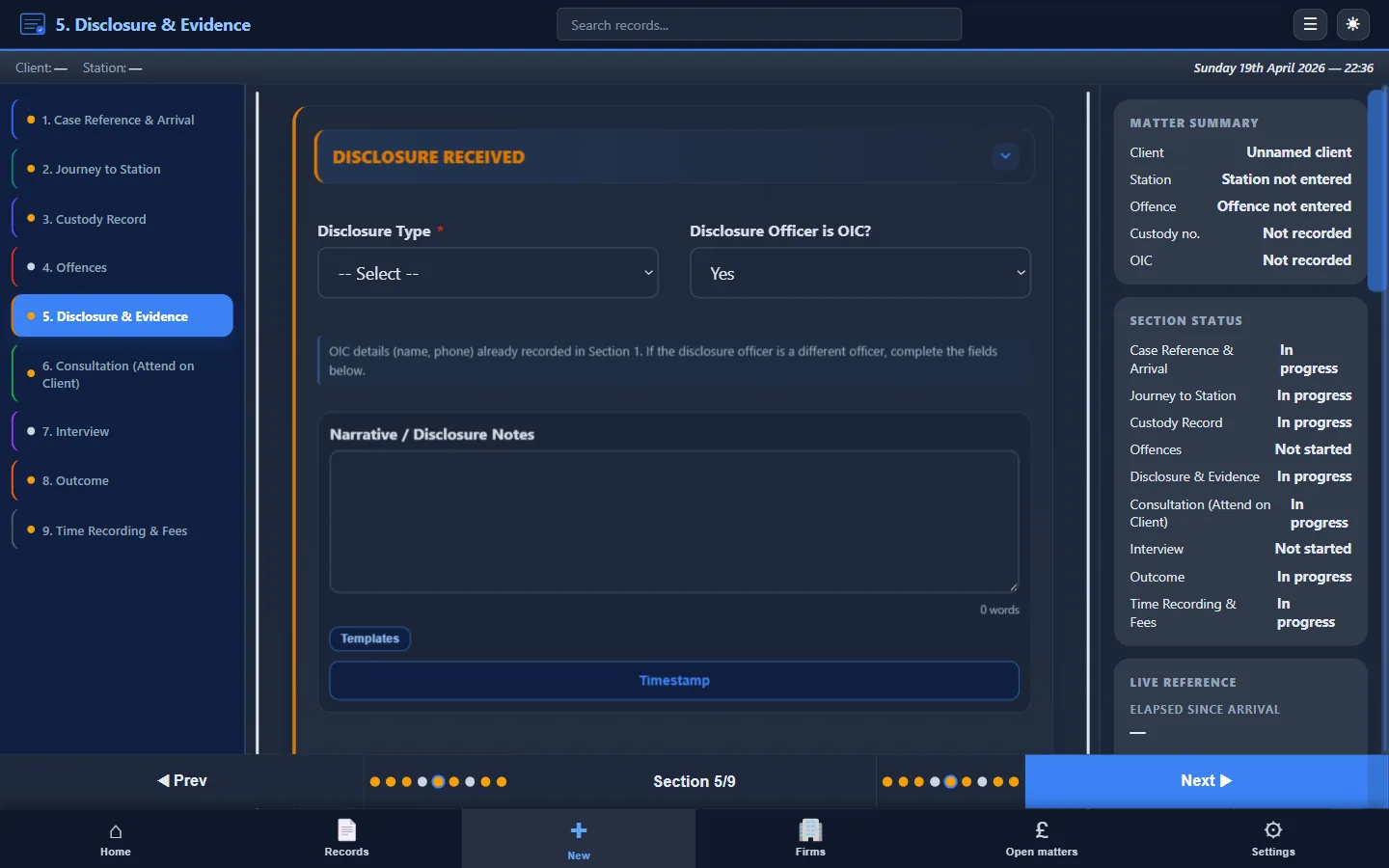
- Disclosure summary (what was disclosed, what was withheld, sufficiency assessment)
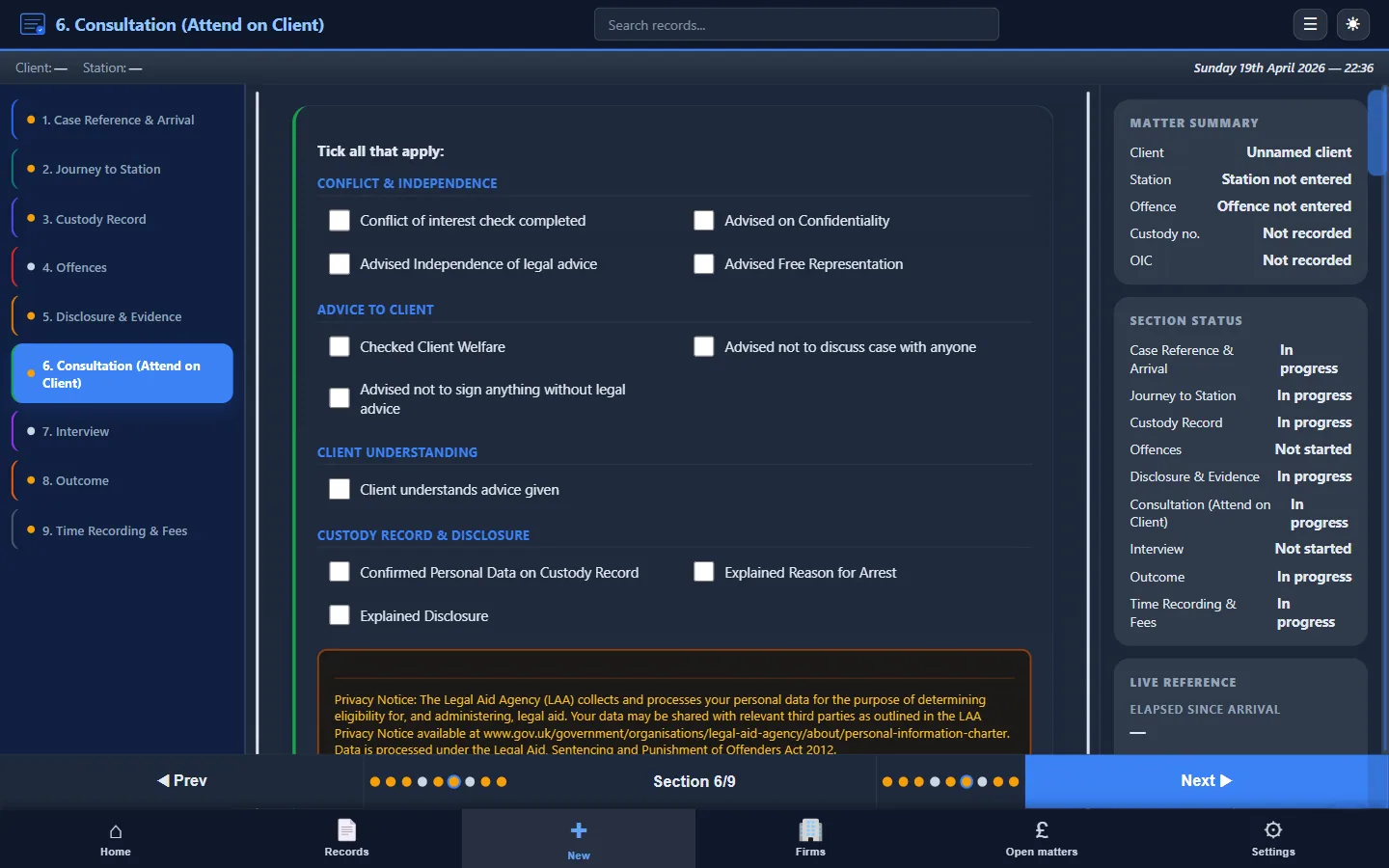
- Consultation record (advice, instructions, strategy, vulnerabilities)
- Prepared statement (if applicable)
- Interview summary (times, key points, objections, representations)
- Outcome and next steps (NFA, charge, bail, RUI; conditions; follow-up)
- Time summary (travel, waiting, consultation, interview, admin)
- LAA billing fields (claim type, fee code, disbursements)
Voluntary interview
Same core sections, adapted: no detention reviews, no s.56/s.58 rights section. Includes confirmation that the client attended voluntarily and was free to leave.
Telephone advice
Shorter: date, time, caller, allegation, advice given, whether in-person attendance recommended, outcome.
Download the template
Enter your work email below and we'll send you a structured attendance note template covering all three attendance types, with guidance notes for each section.
Free attendance note template (UK)
Enter your work email and we'll send a structured template you can use today. Covers custody, voluntary, and telephone attendances.
Prefer full automation? Download Custody Note free: guided workflows, offline use, and instant PDF export.
How to customise the template
Every firm has slightly different requirements. To customise:
- Add your firm header: logo, firm name, address, SRA number
- Add or remove sections: if your firm doesn't do telephone advice work, remove that section; if you track specific disbursements, add fields
- Standardise field names: match the terminology your billing team uses for LAA claims
- Distribute one version: don't let individuals create their own variants; that defeats the purpose
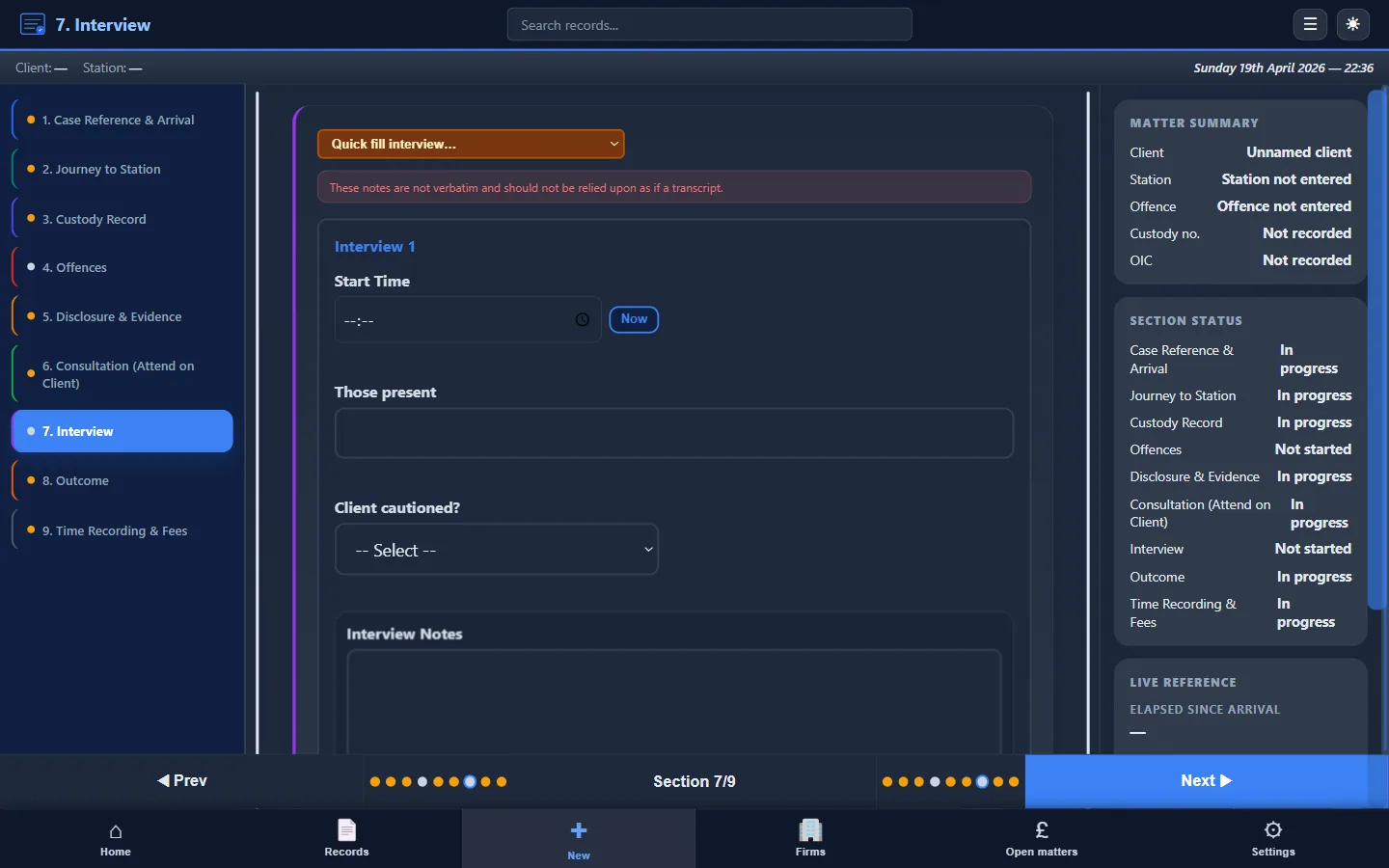
What the template should contain
For a section-by-section checklist of every section and field your attendance notes should cover, see What Must Be Included in Attendance Notes. The template follows this structure exactly.
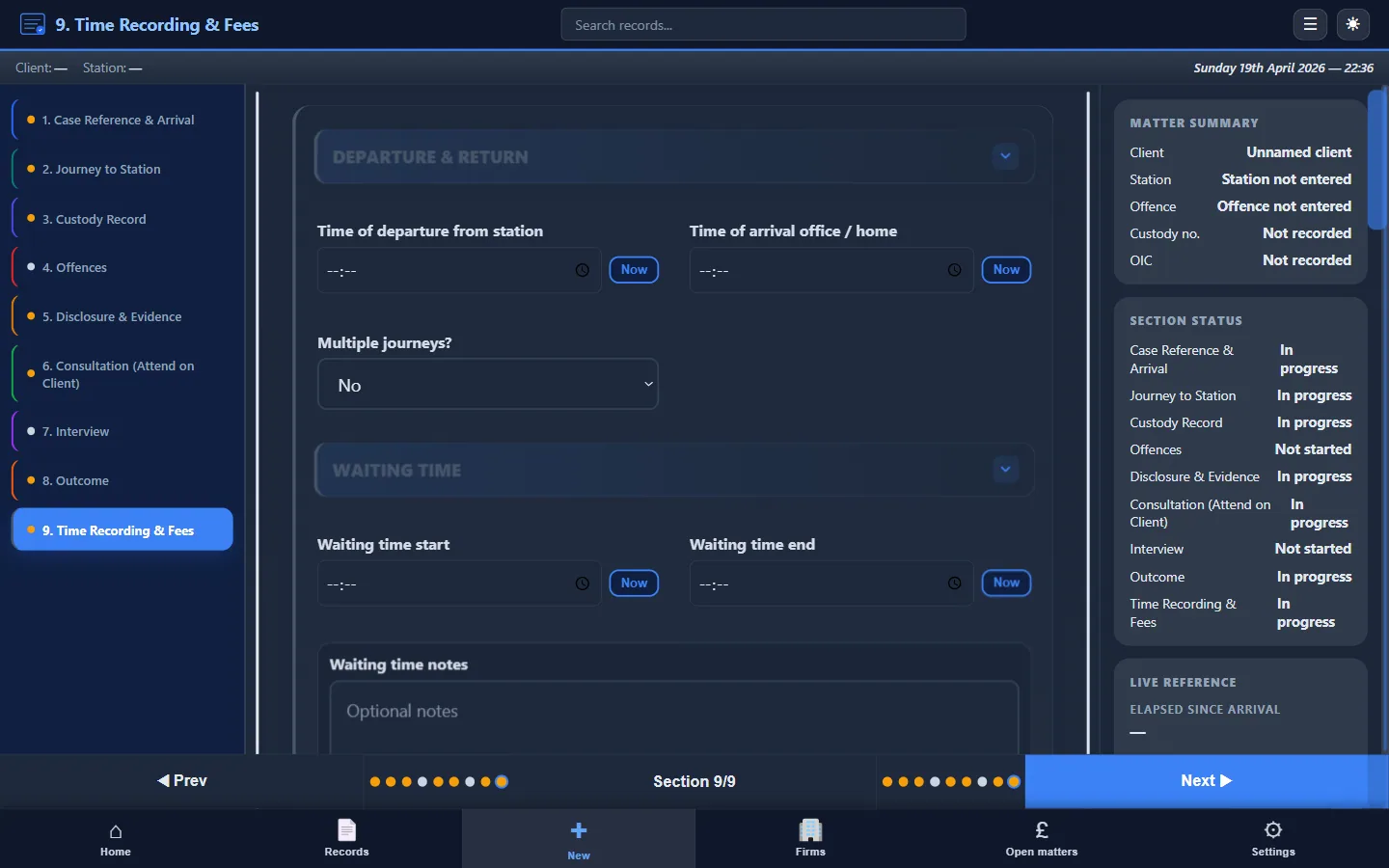
Limitations of static templates
A Word or PDF template is a good starting point, but it has limitations:
- No enforcement. You can skip fields and the template won't stop you.
- No offline protection. If your laptop dies, the Word file may not have been saved.
- No PDF export. You still need to format and convert manually.
- No billing integration. Time recording and LAA fields are separate from your invoicing workflow.
- Version drift. Over time, individuals modify “their” version and consistency breaks down.
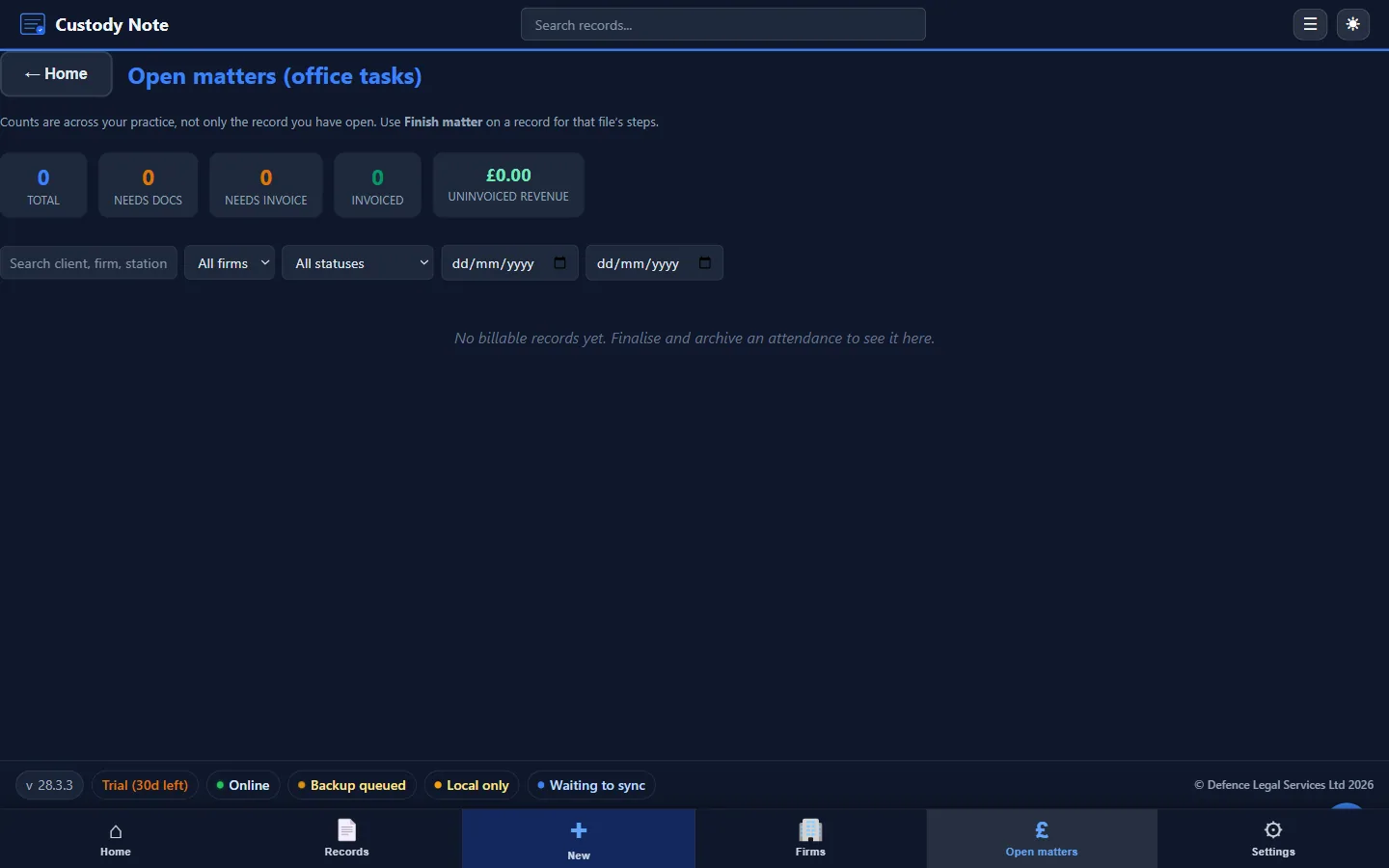
When you outgrow the template
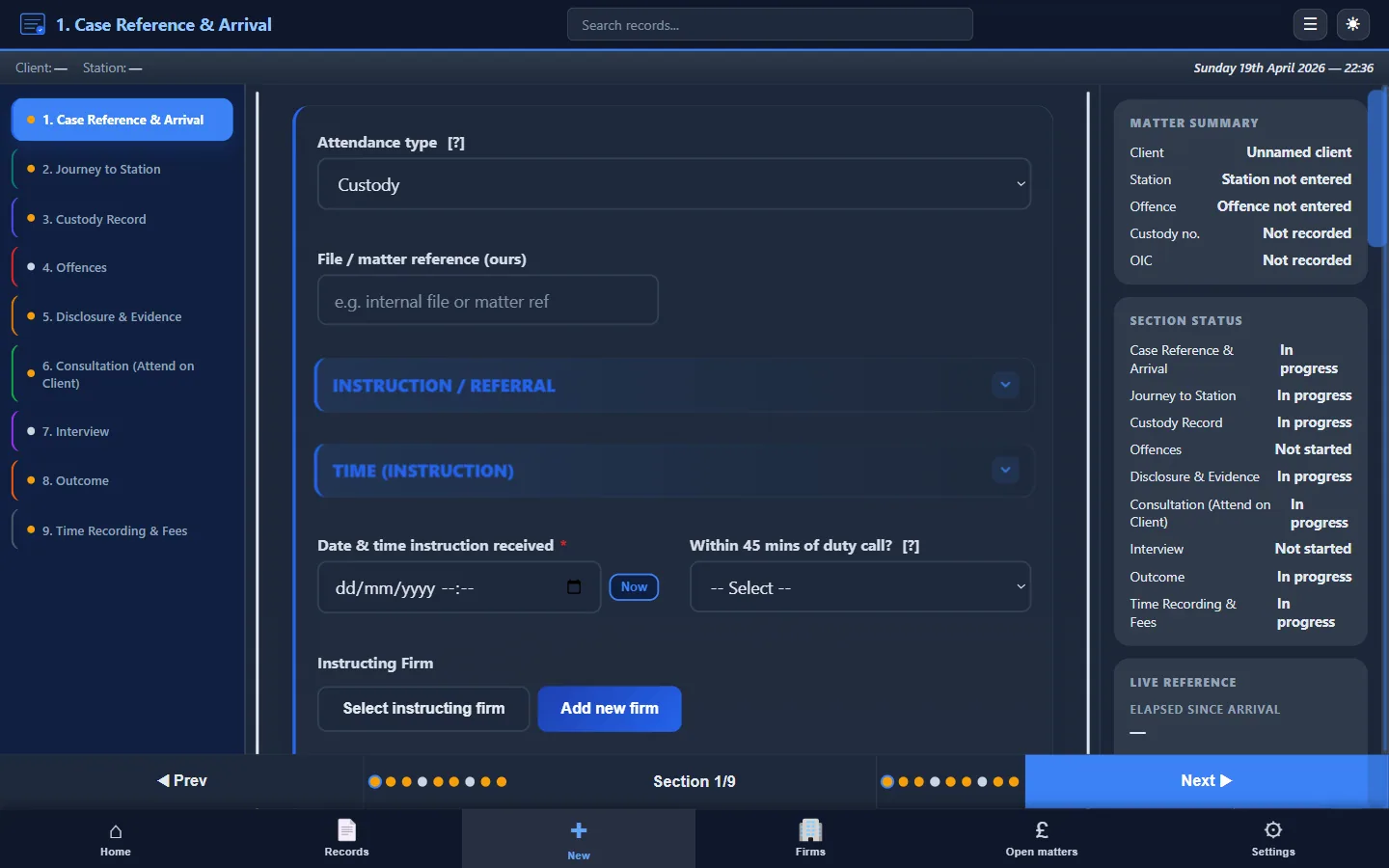
When your firm is ready to move from a static template to a structured, automated workflow, Custody Note automates the same structure. Guided fields ensure no section is missed. It works offline at the station, exports a professional PDF in one click, and includes LAA billing fields and time recording.
Ready for full automation?
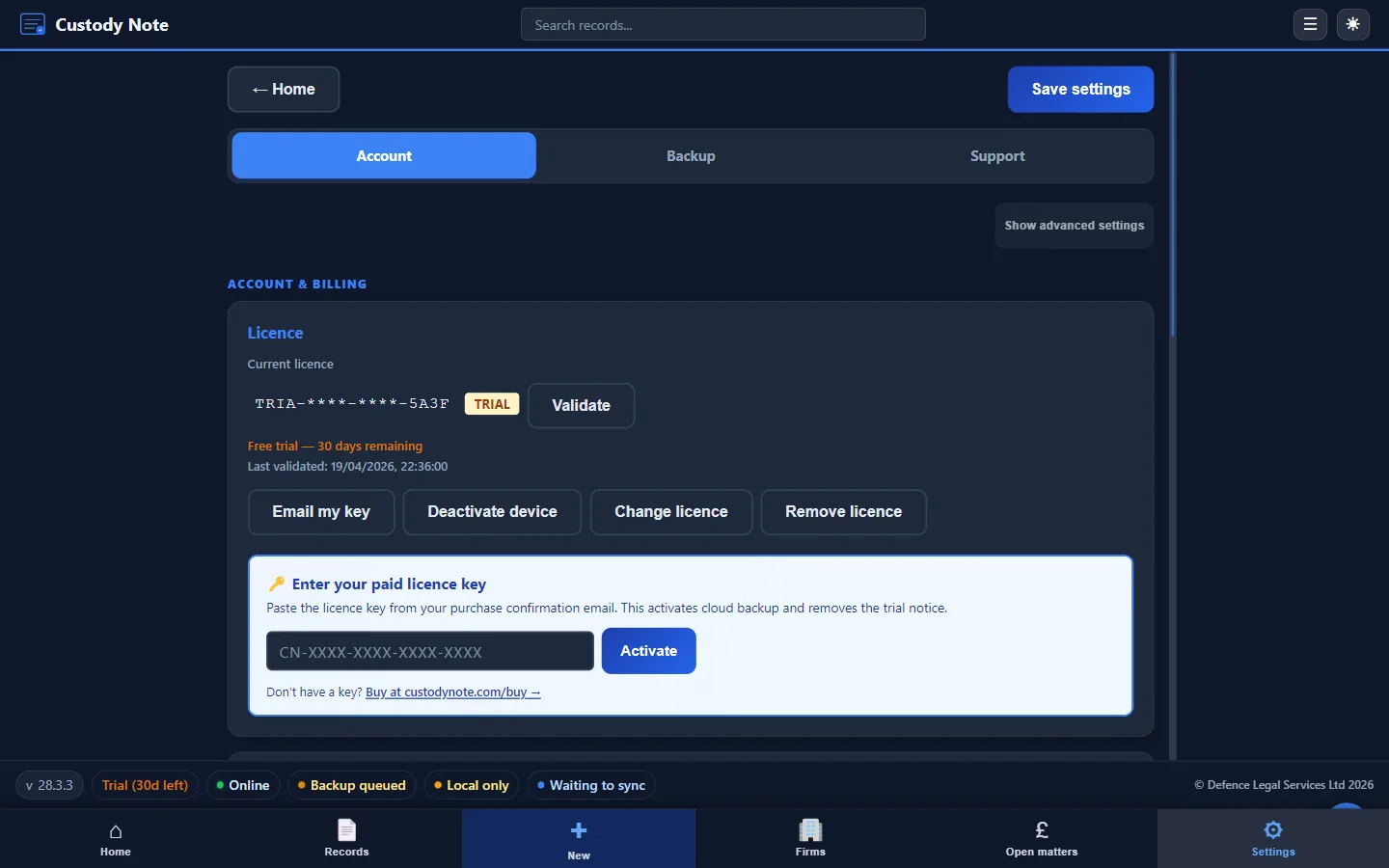
Custody Note gives you the template structure in guided forms: offline, encrypted, with instant PDF export and LAA billing fields.
Rolling out to a firm? See IT deployment for Microsoft Store, winget, and Setup.exe backup options.