Settings and Customisation in Custody Note
Custody Note's settings allow you to configure default values for your practice (firm name, billing preferences, and note defaults) so that each new attendance note starts with your information already in place.
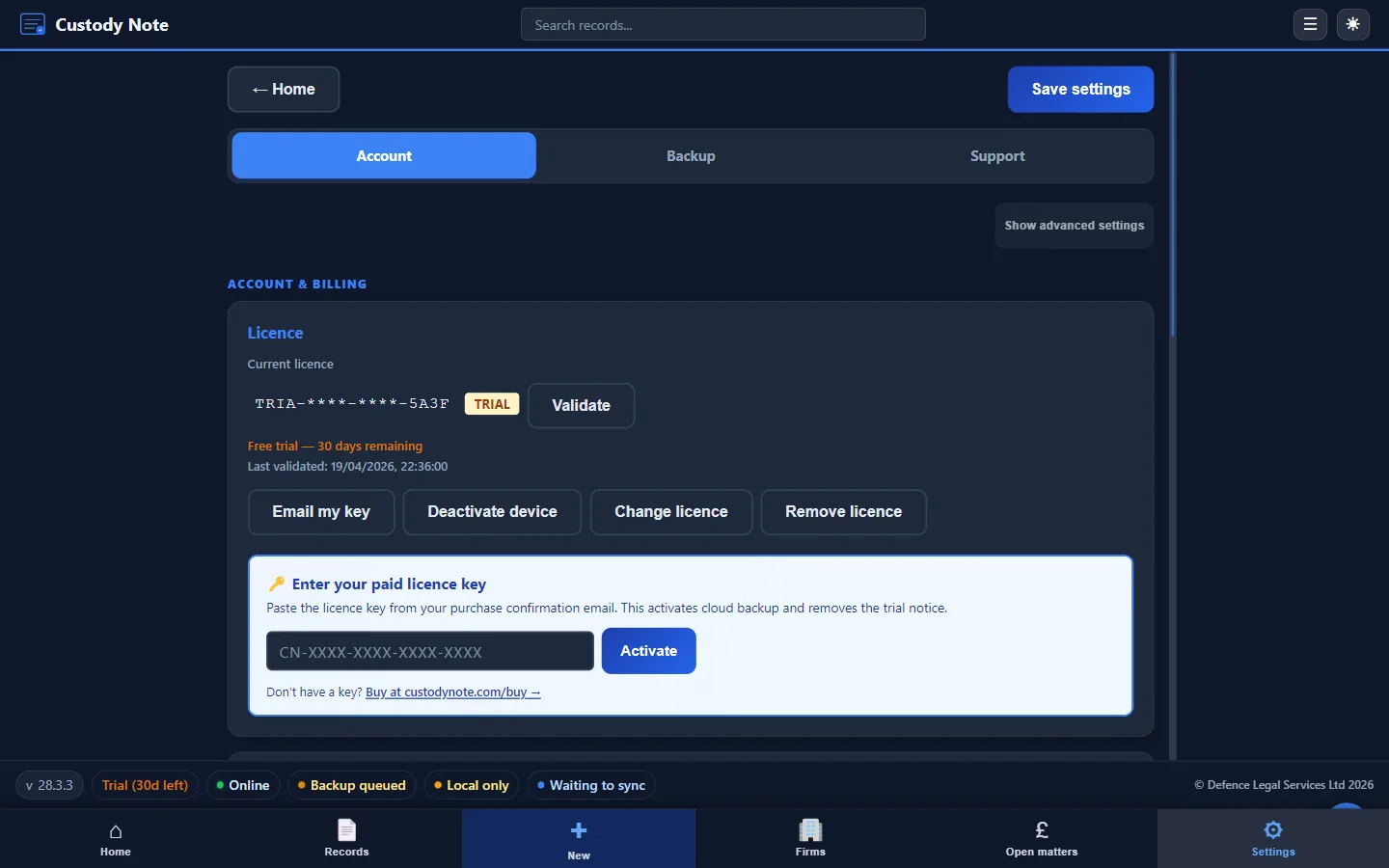
Custody Note's settings are designed around a simple principle: information you enter every time should be entered once. The settings screen lets you configure defaults for your practice so that each new note begins with the correct firm name, representative details, and billing preferences already populated.
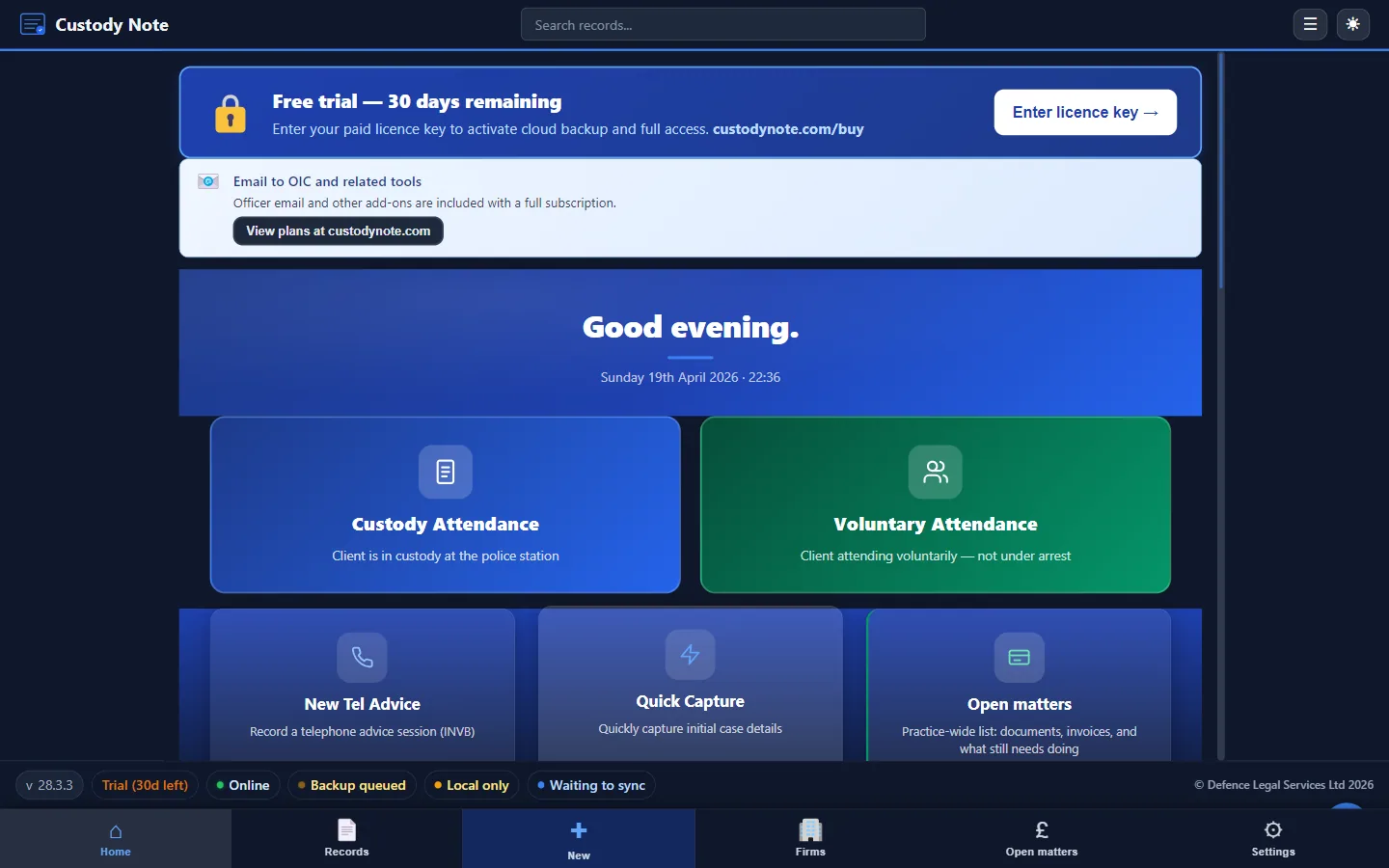
Firm and Representative Details
The most commonly used settings are firm name and representative details:
- Firm name: appears on all exported PDFs and printed notes
- Representative name: your name as it will appear in the note header
- LAA account number: referenced in billing exports
- Default custody suite region: pre-populates the custody suite field for representatives who regularly attend a specific area
These defaults mean that for the vast majority of attendances, you don't need to re-enter your own details. They appear in the new note automatically and can be overridden for any individual attendance where they aren't correct.
Instructing Firms
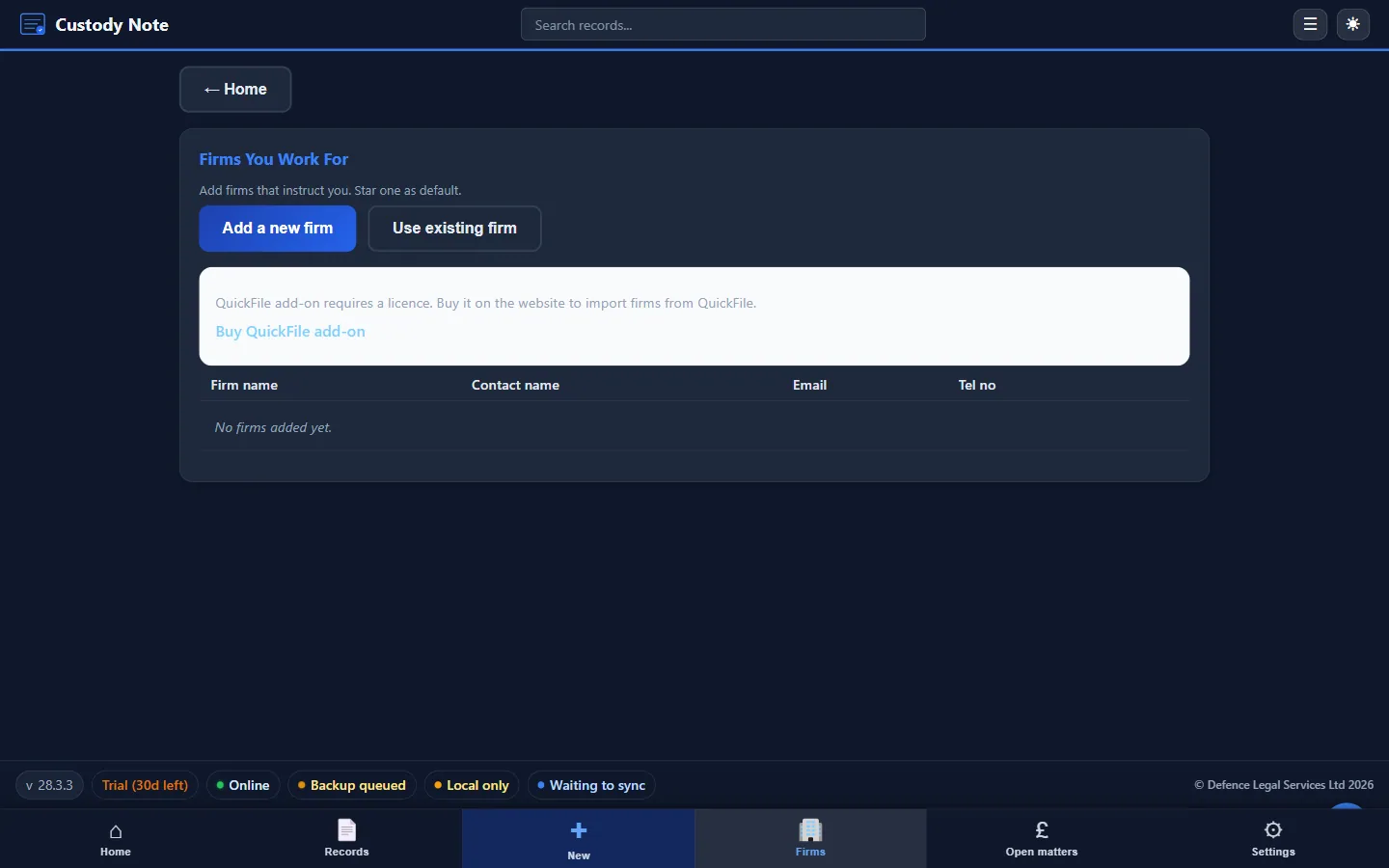
If you act as an agent for multiple instructing firms, the Firms screen lets you save each one (name, branding details, billing contact) once. They then autocomplete on every new attendance, and the right firm details flow into the exported PDF.
Billing Defaults
The settings screen includes configuration for billing preferences: default travel time assumptions for regularly attended custody suites, standard billing category mappings for common attendance types, and preferences for how time is rounded in the fees section. These preferences are particularly useful for accredited representatives and solicitors who attend a small number of custody suites regularly, where standard travel times are well-known.
PDF Export Settings
The settings screen controls the appearance of exported PDFs: whether to include or exclude the fees section in standard exports, page margins and font preferences for printed copies, and whether to include a confidentiality footer on exported documents. The confidentiality footer option is useful where notes are being shared electronically and you want to ensure that the recipient is reminded of the document's status.
Sync and Backup Configuration
The Backup tab is where you set your local backups. It's free during beta. Sign in with your email to sync your notes across up to 5 computers. Notes are encrypted on your computer before upload.
Why Good Defaults Matter
At 3am, entering your firm name and LAA number into a new note is a minor inconvenience that can become a source of error. A note that has the wrong firm name because you mistyped it while tired is a note that may cause confusion when it's audited. Defaults configured once in settings are defaults that are correct every time.
Note: This article is intended as general information for criminal defence practitioners in England and Wales. It doesn't constitute legal advice. Solicitors and accredited representatives should exercise their own professional judgment in each case. Law and practice may change; always verify current requirements with primary sources.