How to Write Attendance Notes: Step-by-Step Guide for Solicitors and Reps
Writing a good attendance note isn't about literary skill. It's about capturing the right information, in the right order, at the right time. This guide walks you through the process from instruction to file closure.
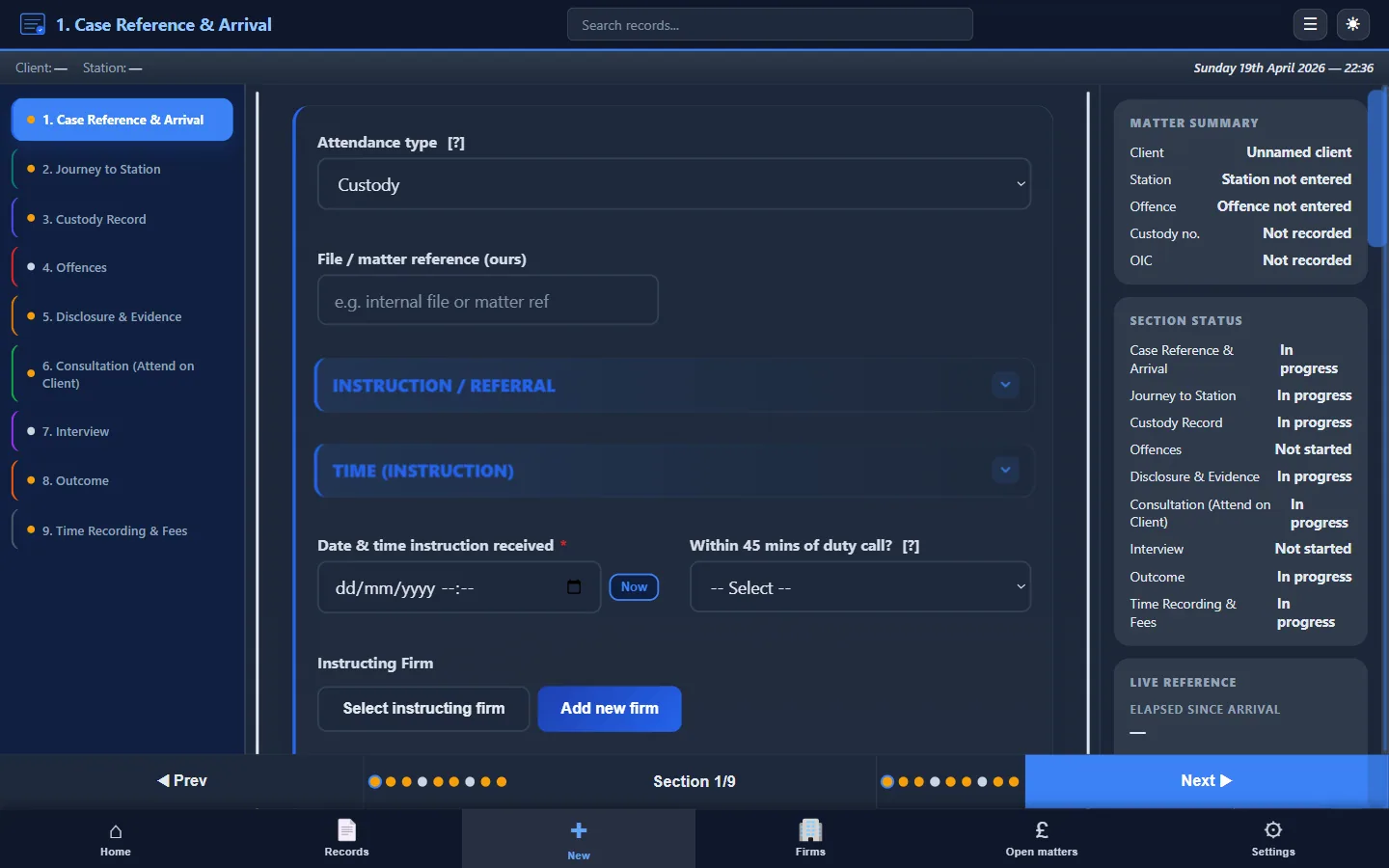
For the full guide to what attendance notes are and why they matter, see Police Station Attendance Notes (UK Guide).
Before you arrive
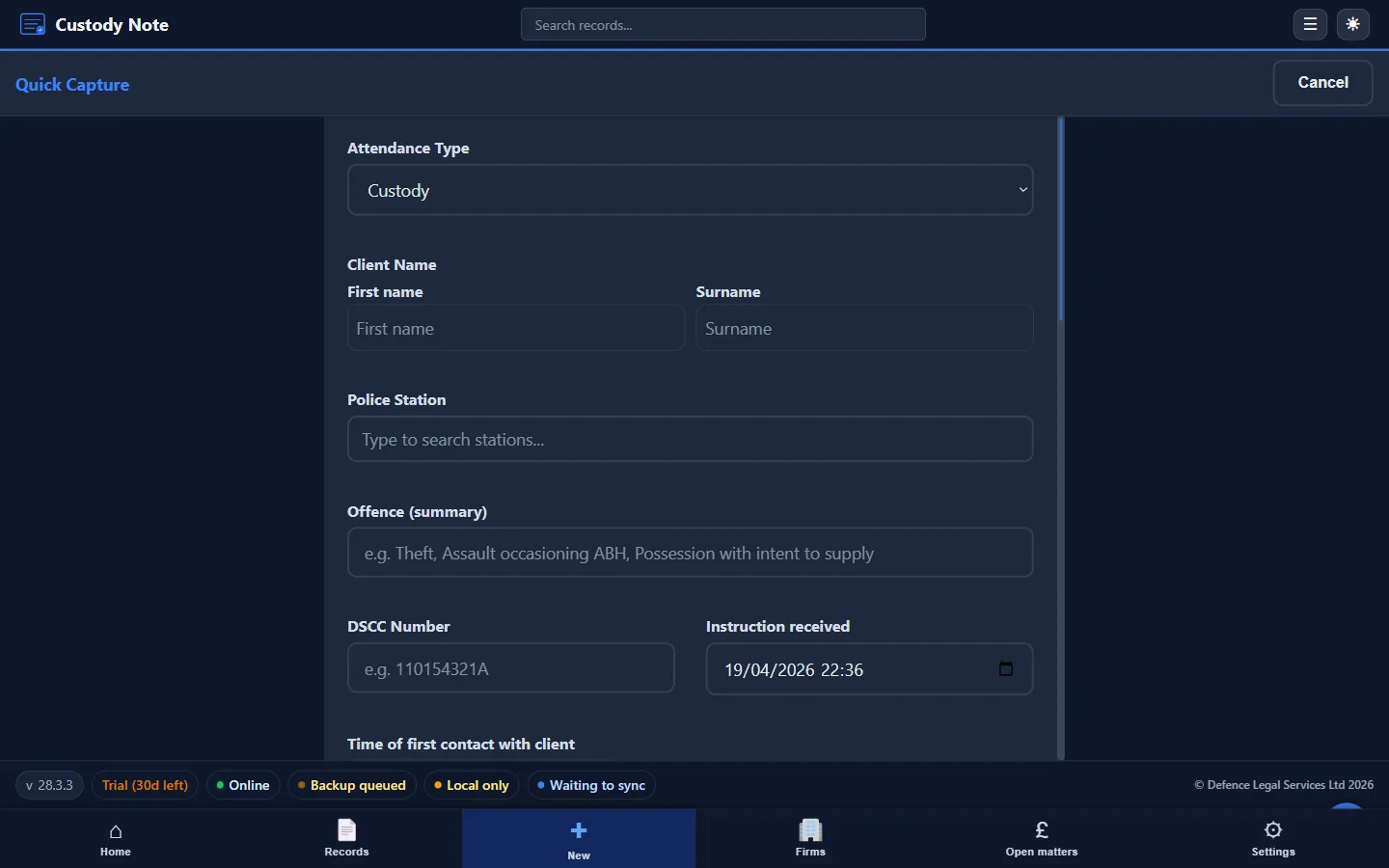
Open the record immediately
Start your attendance note when you receive the instruction, not when you arrive at the station. Record:
- Date and time of instruction
- Source (DSCC, own-client call, firm instruction)
- Client name and allegation (as communicated)
- Station name
This establishes the timeline from the outset and ensures travel time is captured from the correct starting point.
Prepare your template or software
Whether you use a Word template, a paper form, or structured software like Custody Note, open it now. Pre-populate the case identifiers. If you're driving, dictate the key details into a voice note and transfer them when you arrive.
At the station: recording as you go
The golden rule of attendance notes: write contemporaneously. Don't plan to “write it up later.” Detail is lost, handwriting is misread, and competing priorities mean the note is never completed properly.
Step 1: Arrival and booking in
Record your arrival time, the time you booked in with the custody officer, and any initial observations (station busy, long queue, client not yet available). Note the custody record number from the whiteboard or custody sergeant.
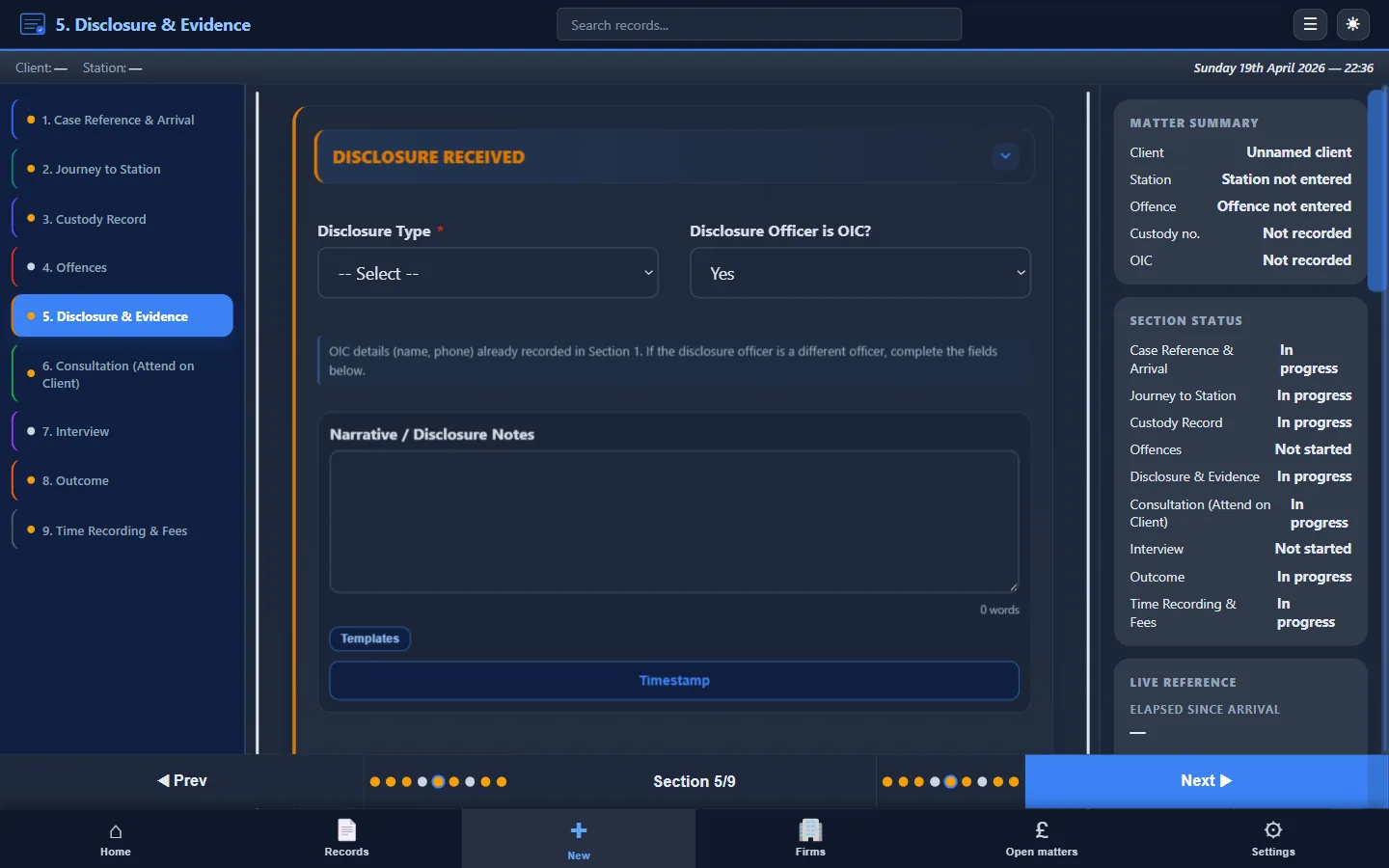
Step 2: Disclosure
When the investigating officer provides disclosure, record:
- Who gave disclosure (name, rank)
- What was disclosed: the specific facts, not just “disclosure given”
- What was withheld: anything explicitly not disclosed or stated to be unavailable
- Your assessment: was the disclosure sufficient to advise?
Poor disclosure notes are the single most common weakness in attendance records. “Disclosure was provided by DC Smith” tells a reviewer nothing. “DC Smith disclosed CCTV showing a person matching the client's description at the retail premises at approximately 21:30 on 14 March. Two witness statements were mentioned but not provided. No forensic evidence was disclosed. ID procedure details were withheld”: that's a disclosure record.
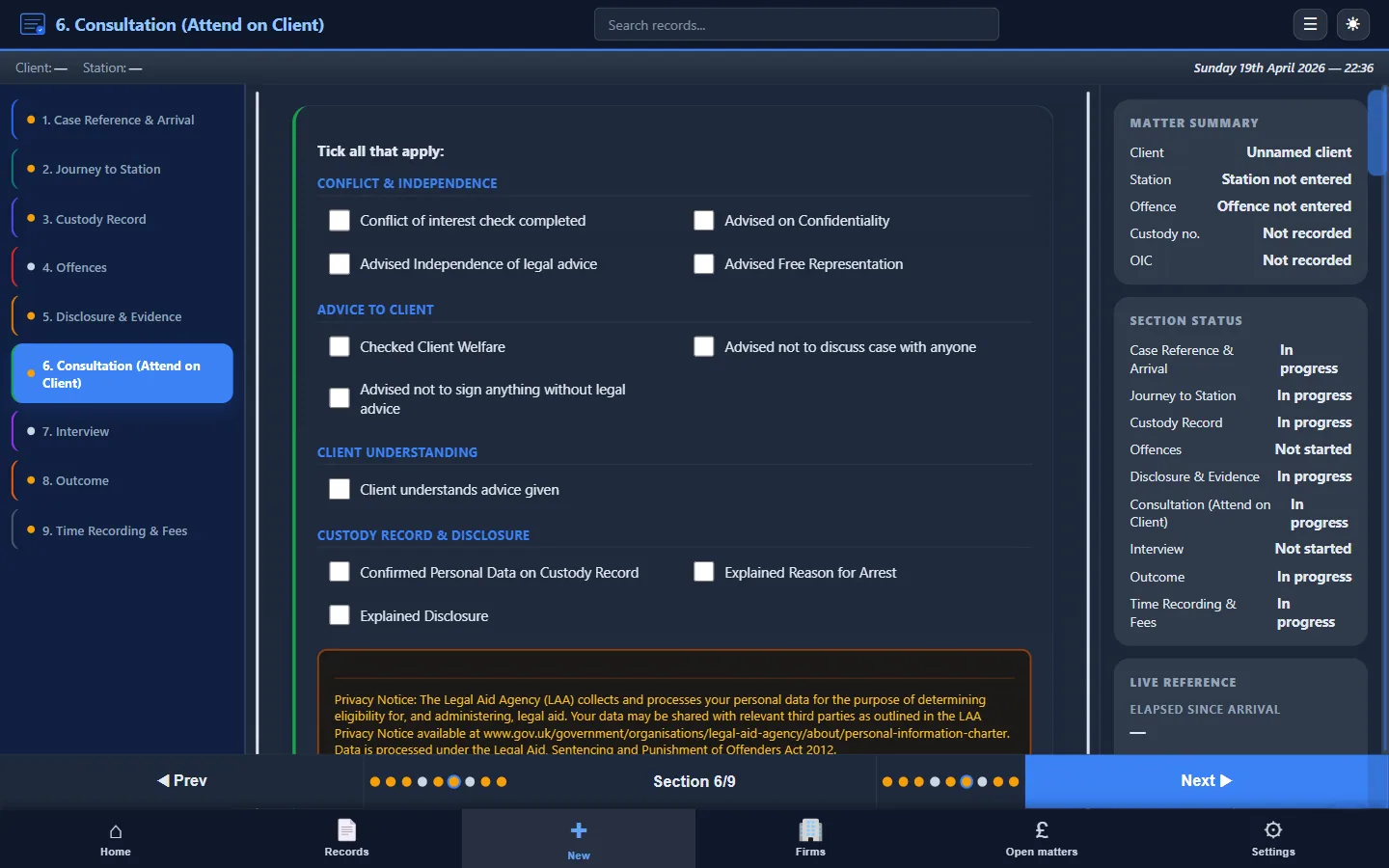
Step 3: Consultation
Record start and end times. Then capture:
- How you explained the allegation and evidence to the client
- The options you discussed (no comment, prepared statement, full account)
- The client's decision and their reasons
- Any vulnerabilities: mental health, learning difficulty, intoxication, language, fitness to be interviewed
- Whether you recommended an appropriate adult or interpreter
Record the substance of your advice. “Advised client” proves nothing if challenged. “Advised that disclosed CCTV placed client at the scene but didn't identify them as the offender; discussed options; client instructed that they were present to make a legitimate purchase and wished to say so via prepared statement.” That stands up.
Step 4: Prepared statement (if applicable)
If a prepared statement is used, note that you drafted it from the client's instructions, the client reviewed and approved it, and the substance of the position set out. Attach or reference the statement.
Step 5: Interview
Record start and end times, the names of interviewing officers, and whether the interview was audio or video recorded. Then note:
- Key areas of questioning
- The client's responses (or that they declined to comment)
- Any objections or representations you made
- Any breaks taken
- Any concerns about interview conduct
You aren't making a transcript. Record the shape of the interview and anything that might matter later. For detailed guidance, see Police Station Interview Notes Best Practice.
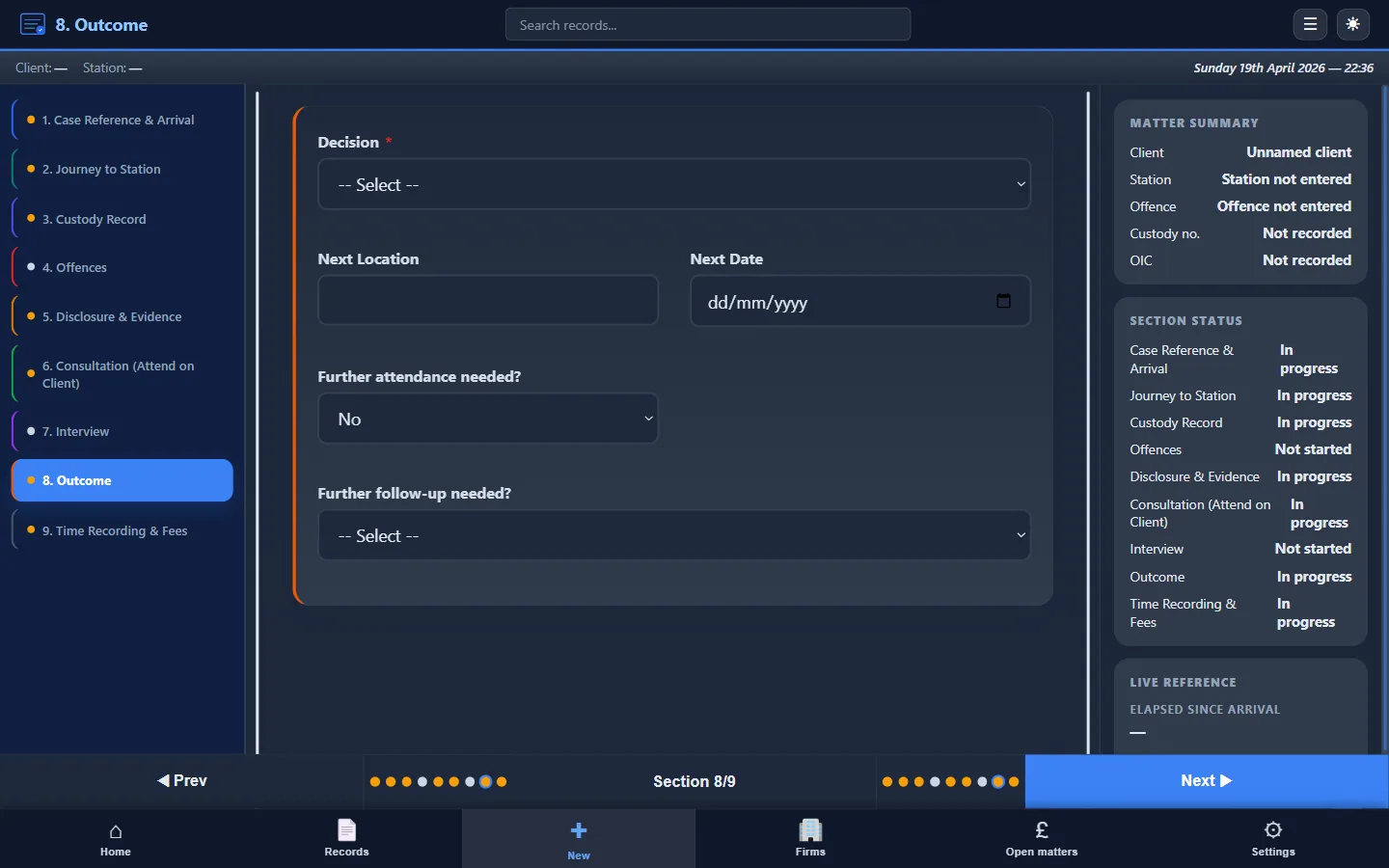
Step 6: Outcome
Record the outcome immediately: NFA, charge, bail (s.47ZA), RUI, or further detention. Note any conditions, the court date if charged, and what you told the client about next steps.
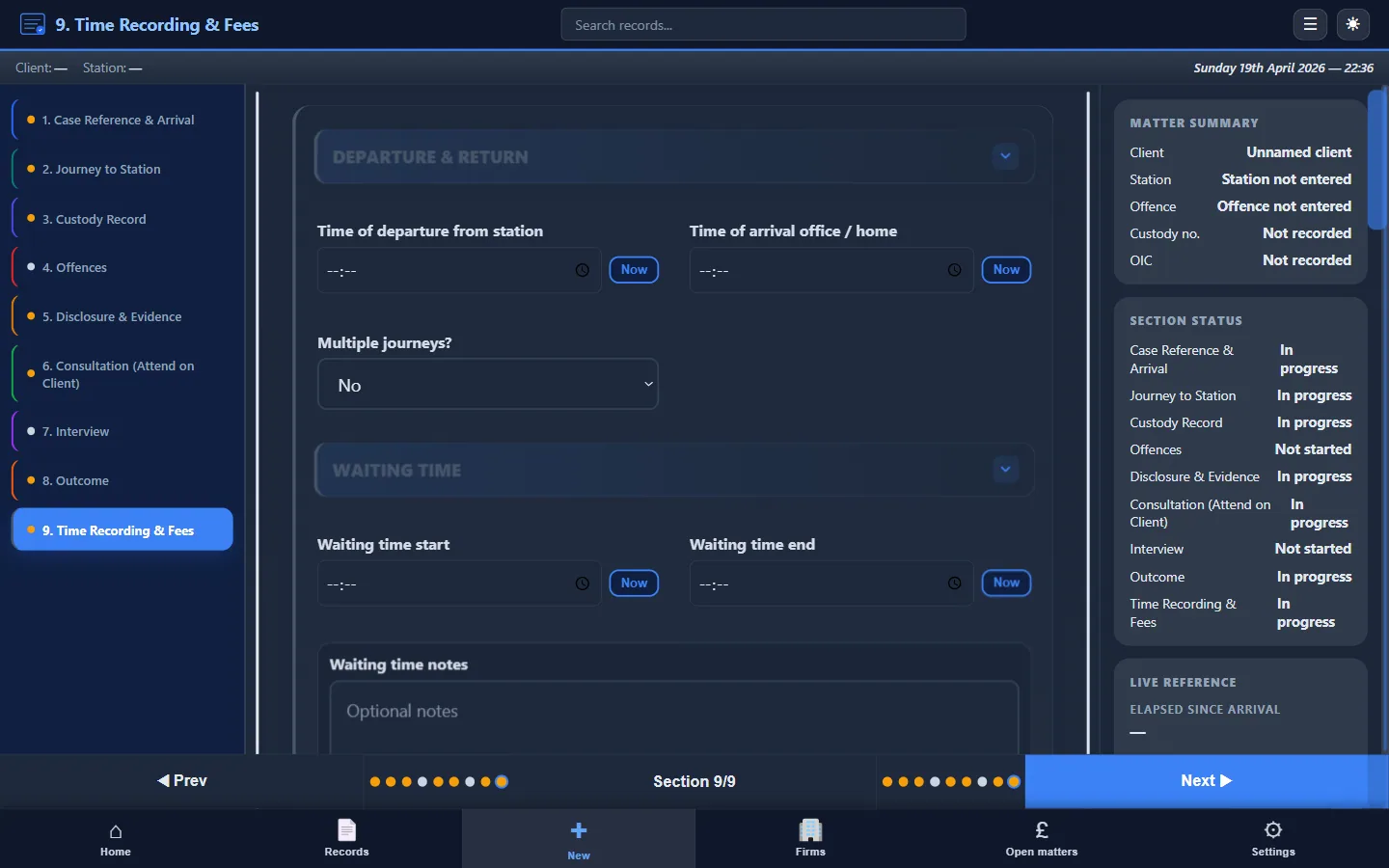
Step 7: Time summary
Before you leave the station, complete your time summary:
- Travel (to and from)
- Waiting (between arrival and consultation/interview)
- Consultation
- Interview attendance
- Post-interview / admin
This granular breakdown supports your LAA billing claim. A single “total: 2 hours” is far harder to defend at audit than a segmented record. See Attendance Notes for Legal Aid Billing for how this feeds into your claim.
After the attendance
Review and export
Before you close the record, review each section. Is any field blank that shouldn't be? Is the time summary complete? Does the disclosure section record substance, not just “disclosure given”?
Export or save the note for the firm file. If using Custody Note, this produces a PDF in one click. If using Word, save the final version with a clear file name and send to the firm.
Follow-up actions
Note any diarised actions: disclosure requests, bail return dates, identification procedures, further instructions. These should be visible in the note so the next person who opens the file knows what is outstanding.
Good vs bad attendance notes
A weak note looks like this:
Attended Anytown PS. Met client. Disclosure given. Advised.
Interview, no comment. Bailed. Left at 04:30.
A strong note looks like this:
DSCC 1234567 / Custody AB/12345/26 / Anytown PS / J. Smith (01/01/1990) / Theft s.1 Theft Act 1968 / 15 March 2026
Arrived 02:50. Booked in 02:55. Disclosure from DC Jones: CCTV placing person at scene at 21:30; two witness statements mentioned but not provided; no forensic; ID withheld. Assessment: sufficient to advise on basic allegation, limited on identification.
Consultation 03:05–03:25. Advised on disclosed evidence, discussed options. Client elected prepared statement: present at premises for legitimate purchase, denies theft.
Interview 03:40–04:10. PS read. No further comment. Objected to leading question at 03:52, noted on tape.
Outcome: RUI pending further enquiries. No conditions. Departed 04:25.
Time: Travel 35m / Waiting 15m / Consultation 20m / Interview 30m / Admin 15m / Total 1h 55m.
The first gives a reviewer nothing. The second defends the advice, supports the billing claim, and completes the file. For full worked examples with annotations, see Police Station Notes Example.
Tools that help
A consistent structure is more important than any particular tool. But the right tool enforces that structure under pressure.
- Templates give you sections to fill in. See our Free Attendance Note Template
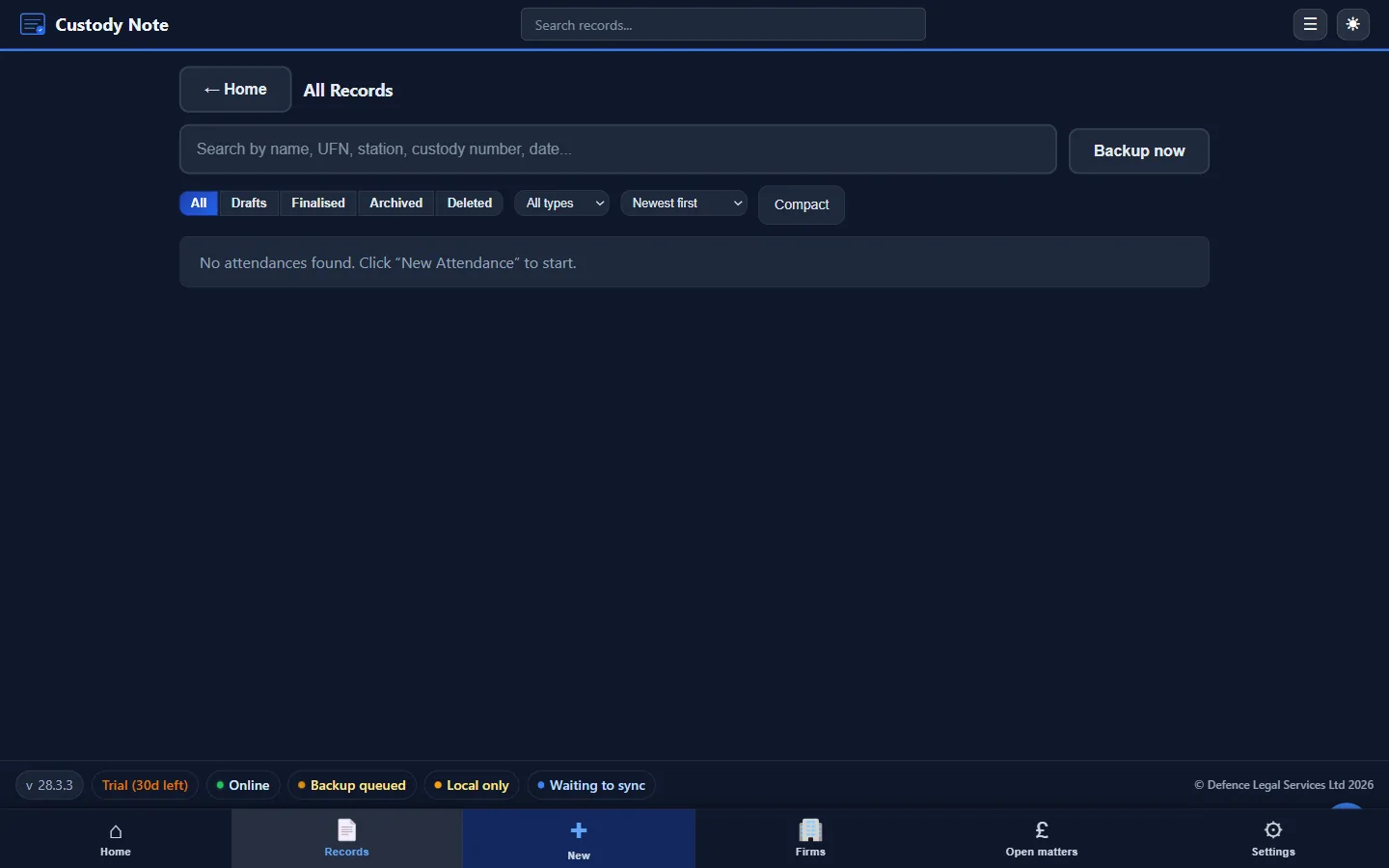
- Specialist software goes further, with guided fields, offline working, PDF export and billing. Custody Note does exactly this. You fill in the sections as you go, so the write-up doesn't take half the night.
Summary checklist
Before leaving the station, confirm:
- Case identifiers complete (DSCC, custody ref, client, offence)
- Arrival and consultation times recorded
- Disclosure recorded in substance
- Consultation advice recorded in substance
- Interview strategy and outcome recorded
- Time summary broken down by stage
- Follow-up actions noted
Tired of building this structure from scratch every time?
Custody Note walks you through each section at the station: offline, encrypted, with instant PDF export.
Rolling out to a firm? See IT deployment for Microsoft Store, winget, and Setup.exe backup options.