Managing Your Case Records in Custody Note
Over time, Custody Note builds a searchable, structured library of your police station attendance notes. Here is how the records list works and how to find, review, and export past notes.
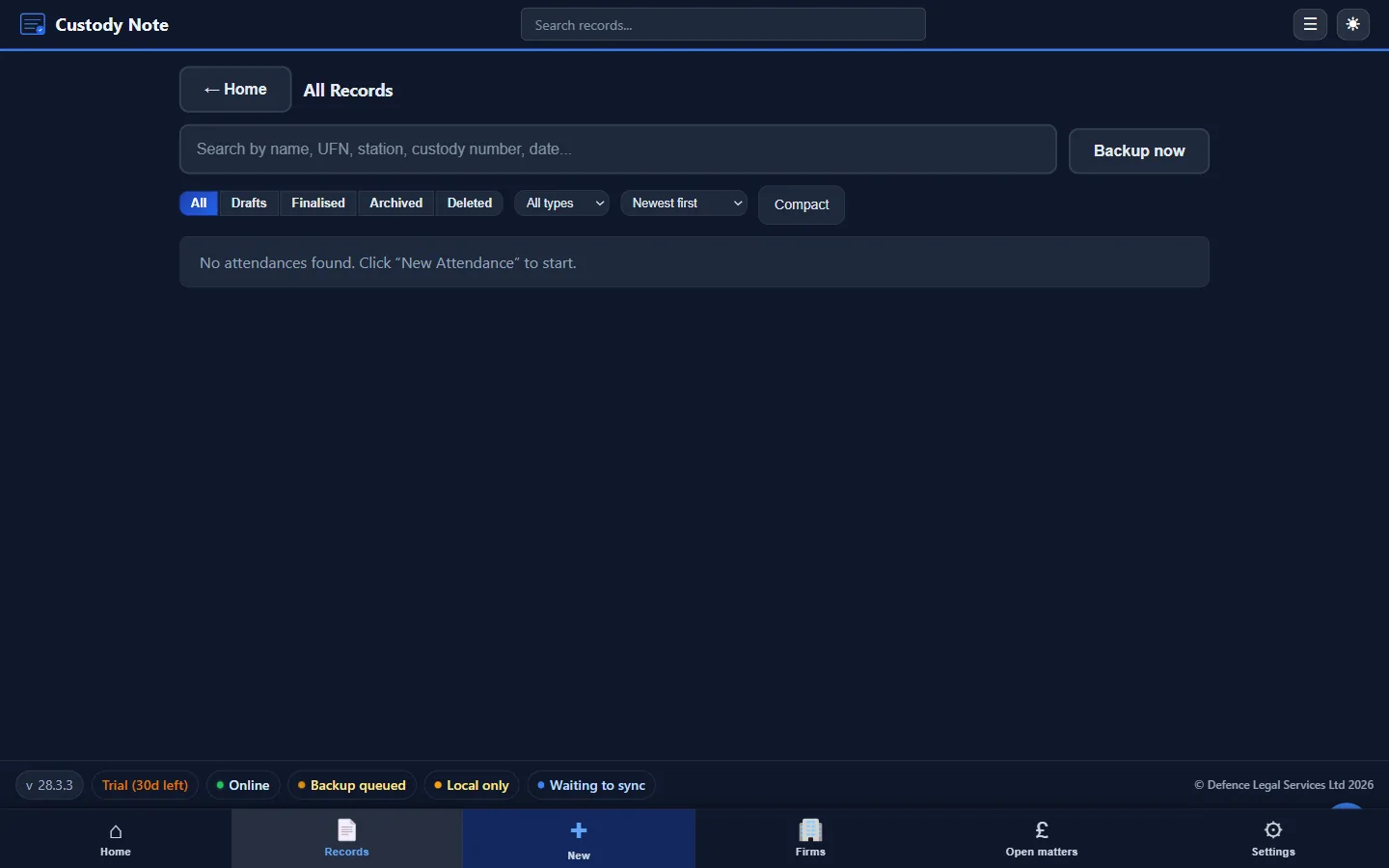
Each attendance note you create in Custody Note is saved to your local records library. The records list provides access to every note you have created, with tools for searching, filtering, and reviewing past attendances.
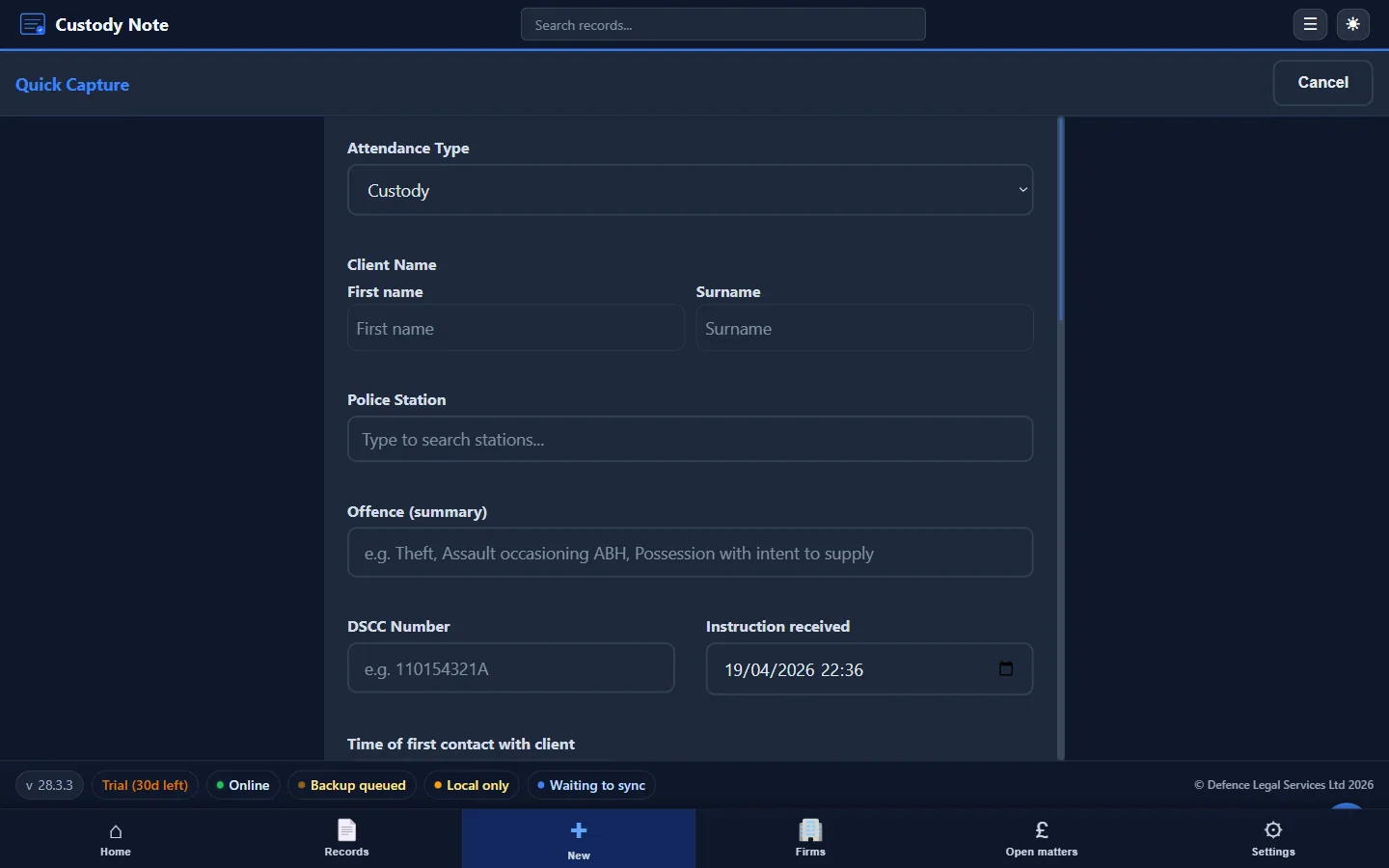
The Records List
Notes in the records list are displayed with key reference information visible at a glance: client name, custody suite, date of attendance, and outcome (where recorded). The list is sorted by date by default, with the most recent attendance at the top. Clicking on any record opens the full note in the editor.
Search and Filter
The search bar at the top of the records list lets you search across all notes by client name, custody suite, custody number, or any other text in the record. This is particularly useful when you need to find a specific attendance quickly, for example, when a client calls to ask about an outcome, or when you receive a billing query from the LAA.
Status filters along the top, Drafts, Finalised, Archived, Deleted, let you focus on just the records you need. The Quick Email shortcut takes the open record and drafts an email to the instructing firm or DSCC with the relevant details pre-filled.
The Open Matters Dashboard
Records and billing live side by side. The Open Matters dashboard turns the records list into a billing workflow: it shows you which matters need supporting documents, which are ready to invoice, and how much revenue is outstanding.

Editing Past Notes
All notes can be edited after they are created. This is important where a note needs to be completed after the attendance, for example, where information obtained after leaving the custody suite (such as the full charge sheet) needs to be added. Custody Note records the date of any subsequent edits, providing a transparent edit history.
Exporting Notes
Any note can be exported as a PDF from the records list. The exported PDF includes all sections of the note (case reference, custody record, disclosure, consultation, interview, outcome, and fees) in a clean, formatted layout suitable for retaining on file or sharing with a supervisor.
The PDF export is also the format used when producing a copy for counsel, for an LAA billing audit, or for any other professional purpose where a paper or digital copy is required.
Local Storage and Security
All notes are stored locally on the device, encrypted at rest. There's no central server holding your client data. If optional cloud sync is enabled, a copy is also held in your designated cloud storage, but the local copy is always the primary record. This means that your records are accessible even if your internet connection fails, and that your client data doesn't leave your device without your explicit choice to enable sync.
Note: This article is intended as general information for criminal defence practitioners in England and Wales. It doesn't constitute legal advice. Solicitors and accredited representatives should exercise their own professional judgment in each case. Law and practice may change; always verify current requirements with primary sources.