Why Custody Note Works Without the Internet
Custody suites aren't always well-connected. Custody Note works without an internet connection. Here's what that means in practice and why it's important.
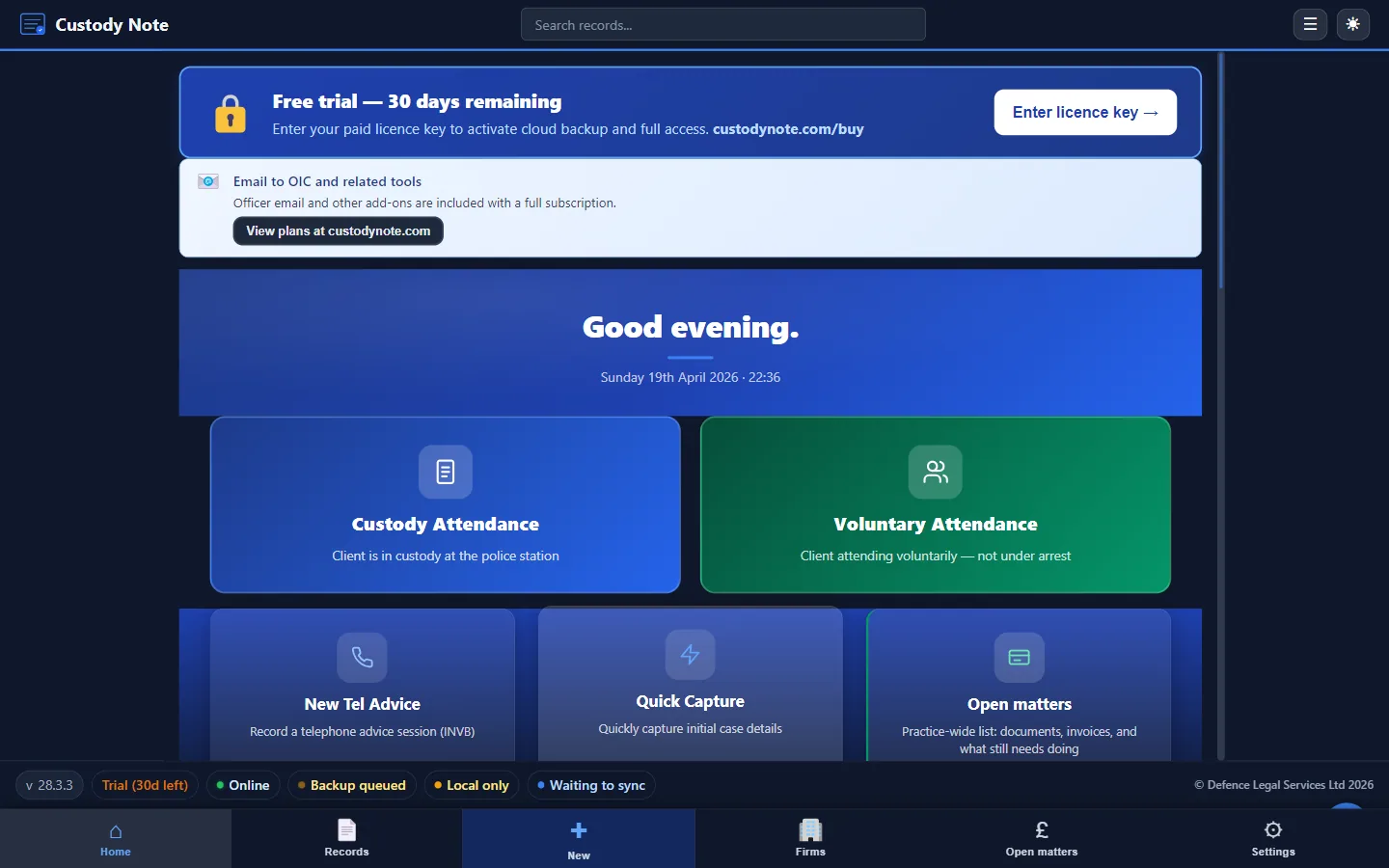
A custody suite isn't an office. Connectivity can be unreliable, public Wi-Fi may be unusable for professional work, and mobile data coverage in older custody suite buildings is sometimes poor. Custody Note works offline, so none of this stops you working.
What working offline means
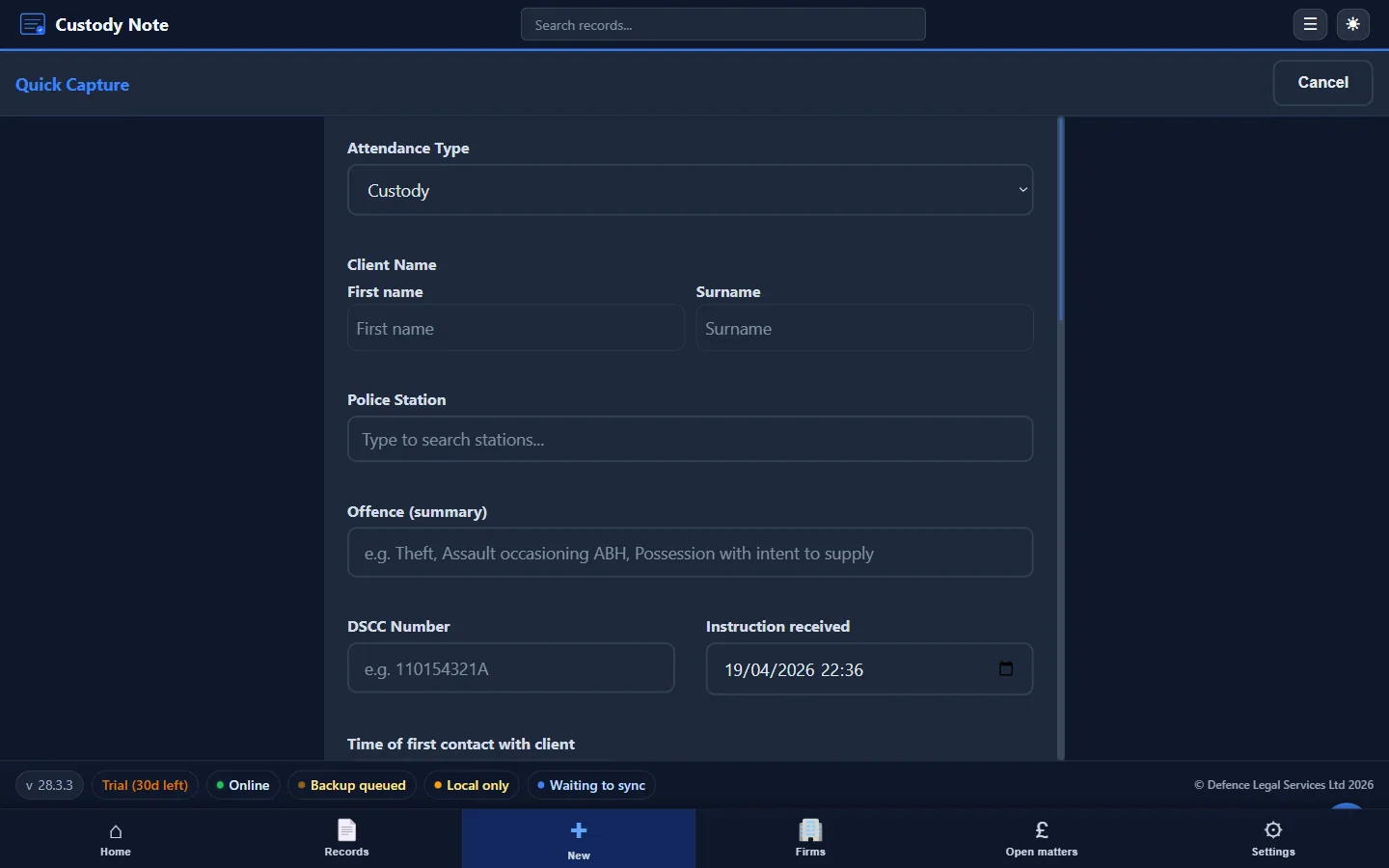
An app that works offline stores all its data and runs all its core functions locally. Custody Note saves every note to your device as you type. There's no network request when you open the app, create a note, save information, or export a PDF. All of that happens on the device, regardless of whether a network is available.
That's very different from cloud-based note-taking tools, which typically require a connection to save data and may lose or corrupt data if the connection drops during a save operation.
At the Custody Suite
In practice, that means:
- You can start a note on the drive to the station and carry on when you arrive
- You never need to connect to station Wi-Fi to use the application
- Notes save instantly and automatically. There's no manual save step and no risk of losing work
- You can export PDFs from previous attendances without being connected
- The app works on mobile data, Wi-Fi, or no connection at all
Local Encryption
Because notes are held locally, local security is a priority. Custody Note encrypts stored notes at rest on the device. This means that the note data isn't readable even if the device is accessed by someone other than the authorised user. The encryption is transparent. You don't need to decrypt before opening a note or encrypt before saving one.
Cloud sync during the free beta
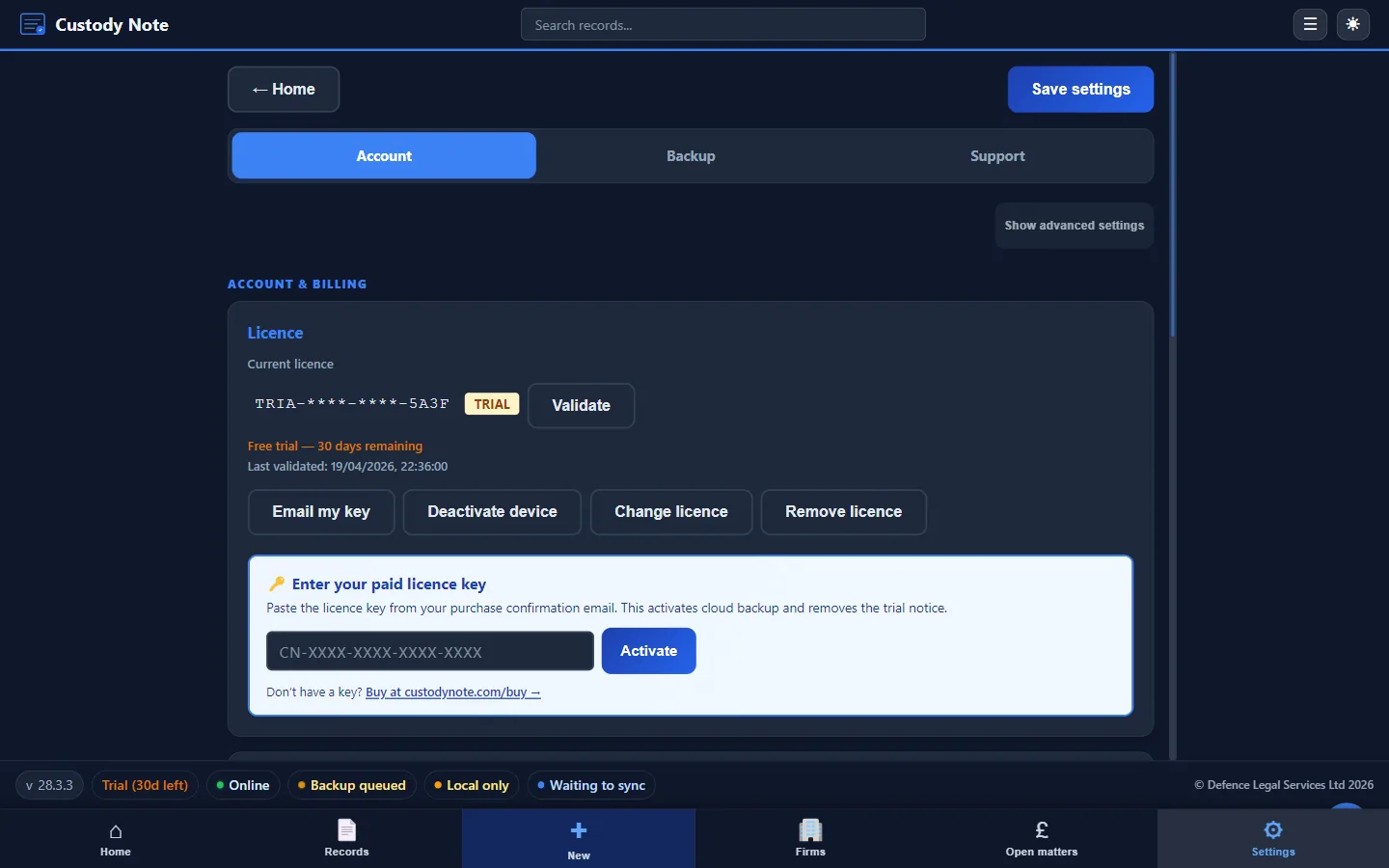
It's free during beta. Sign in with your email to sync your notes across up to 5 computers. Notes are encrypted on your computer before upload. Sync adds to your local copy and never replaces it. Your notes still save on your computer and work without internet. Managed cloud backup is planned for Pro after beta.
Reliability as a Professional Requirement
If you use a tool under time pressure with a lot at stake, it has to be reliable. An app that needs internet access may fail just when you need it most. Because Custody Note works offline, internet connectivity is off the list of things that can go wrong at 2am in a custody suite.
Note: This article is intended as general information for criminal defence practitioners in England and Wales. It doesn't constitute legal advice. Solicitors and accredited representatives should exercise their own professional judgment in each case. Law and practice may change; always verify current requirements with primary sources.