Common Mistakes in Attendance Notes: What Solicitors and Reps Get Wrong
A weak attendance note undermines an otherwise competent police station attendance. Whether the note is reviewed during an LAA audit, a conduct complaint, or a court hearing months later, gaps stand out. These are the mistakes that cause the most damage.
For the full guide, see Police Station Attendance Notes (UK Guide).
Mistake 1: “Disclosure given”
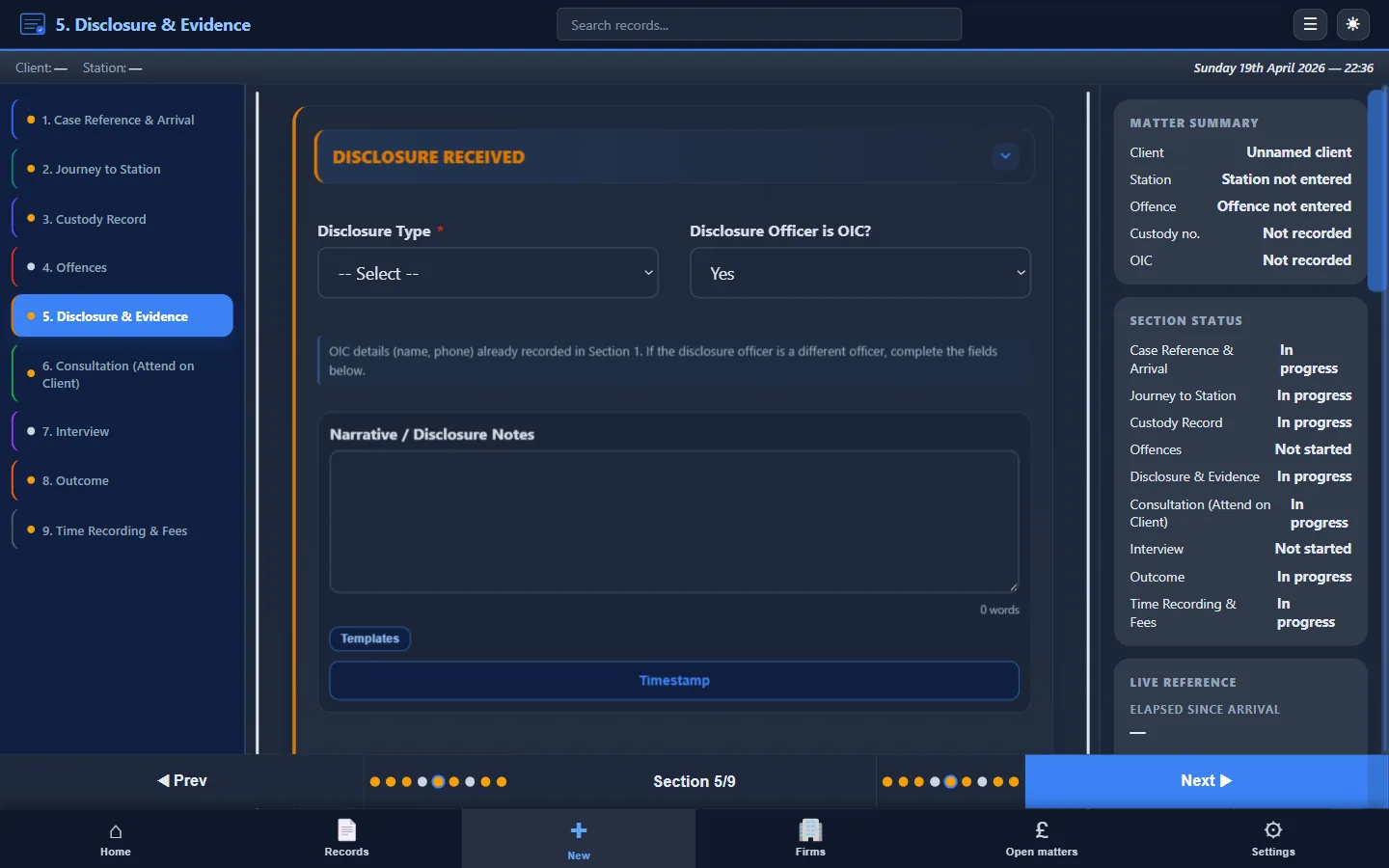
The problem: Recording that disclosure was provided without capturing the substance. “Disclosure given by DC Smith” tells a court or assessor nothing about what you were working with when you advised the client.
The fix: Record what was disclosed, what was withheld, and your assessment of sufficiency. The disclosure section should read like a brief summary of the evidence available to you at the time, not a single line confirming that a conversation took place.
Mistake 2: “Advised client”
The problem: The most common failing in attendance notes across the profession. If the advice is questioned later, by the client, a supervisor, a court, or an LAA assessor, “advised client” proves nothing.
The fix: Record the options discussed, the reasoning behind the recommended approach, the client's decision, and any risks flagged. Even two or three sentences of substance is infinitely better than two words.
Mistake 3, No time breakdown
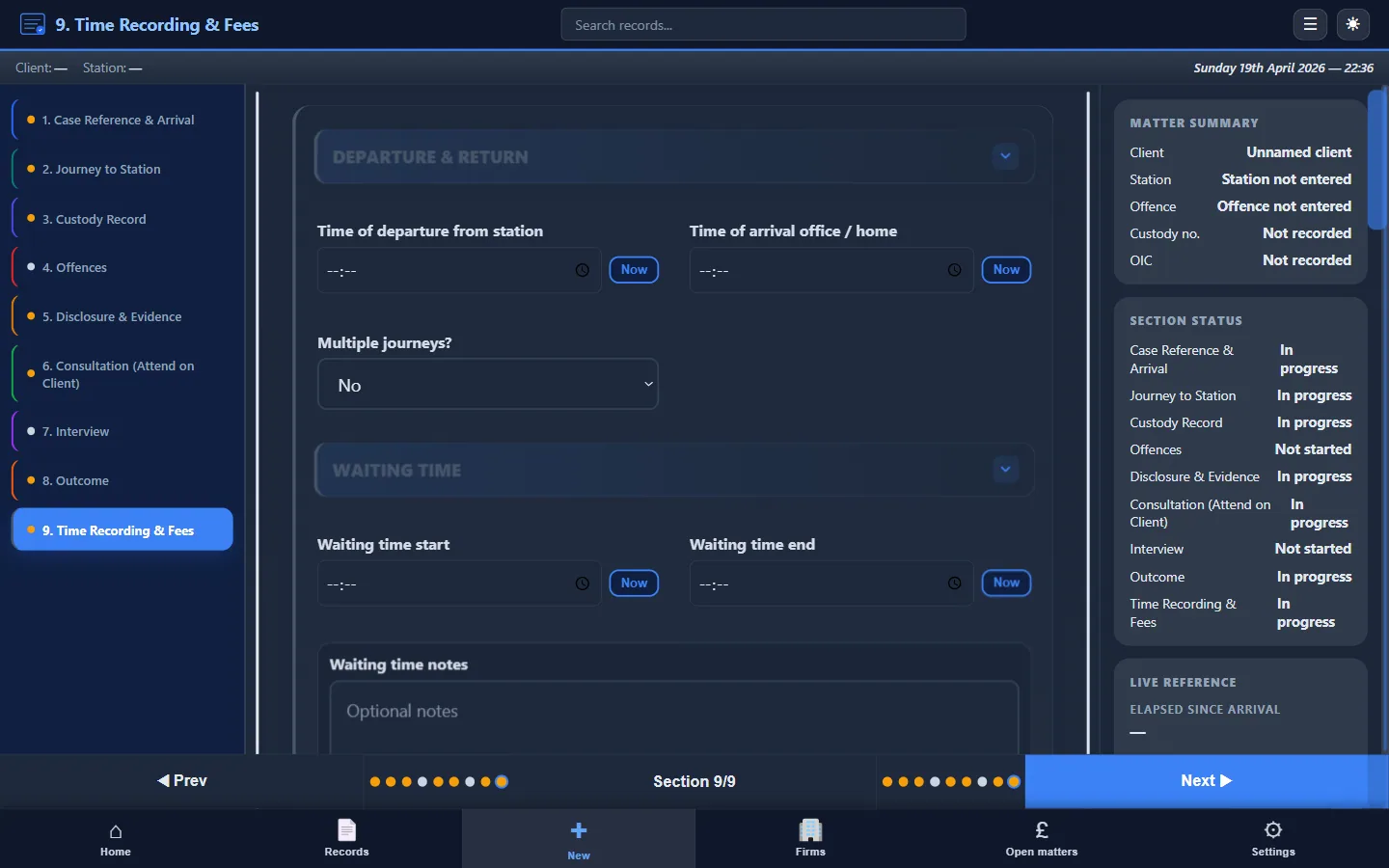
The problem: Recording a single total figure for time spent: “attendance: 2 hours.” The LAA expects to see time segmented by stage: travel, waiting, consultation, interview, post-interview. A single total is harder to verify and harder to defend.
The fix: Record each transition as it happens. Travel time starts when you leave; waiting starts when you arrive; consultation starts when you meet the client. See Attendance Notes for Legal Aid Billing.
Mistake 4: Writing up from memory
The problem: Taking rough notes on paper and planning to “type them up later.” In practice, detail is lost, handwriting is misread, competing priorities intervene, and the typed version is less complete than the original events warranted.
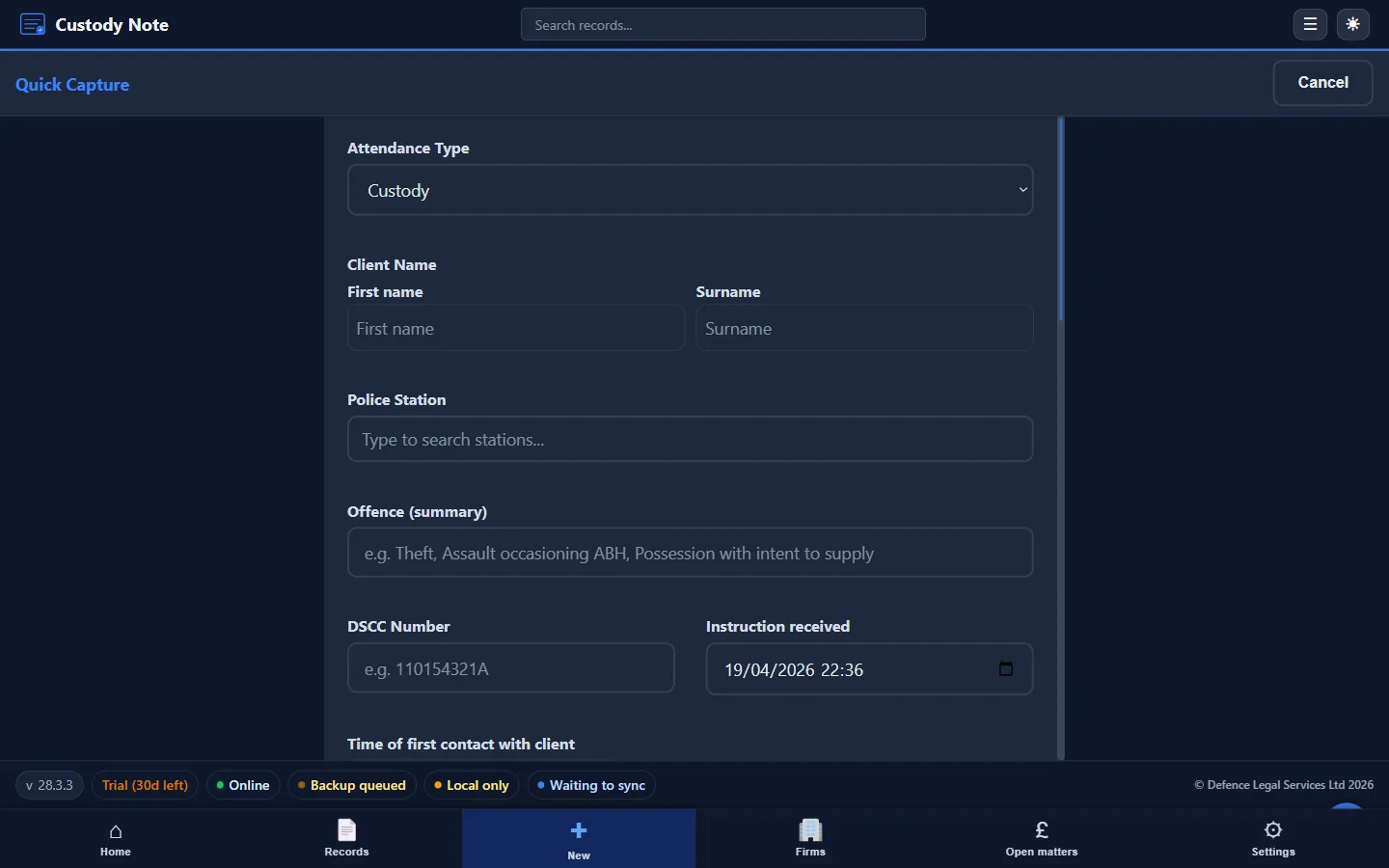
The fix: Write the note contemporaneously. Use structured software or a template at the station, even if Wi-Fi is unavailable. Custody Note works offline specifically for this reason.
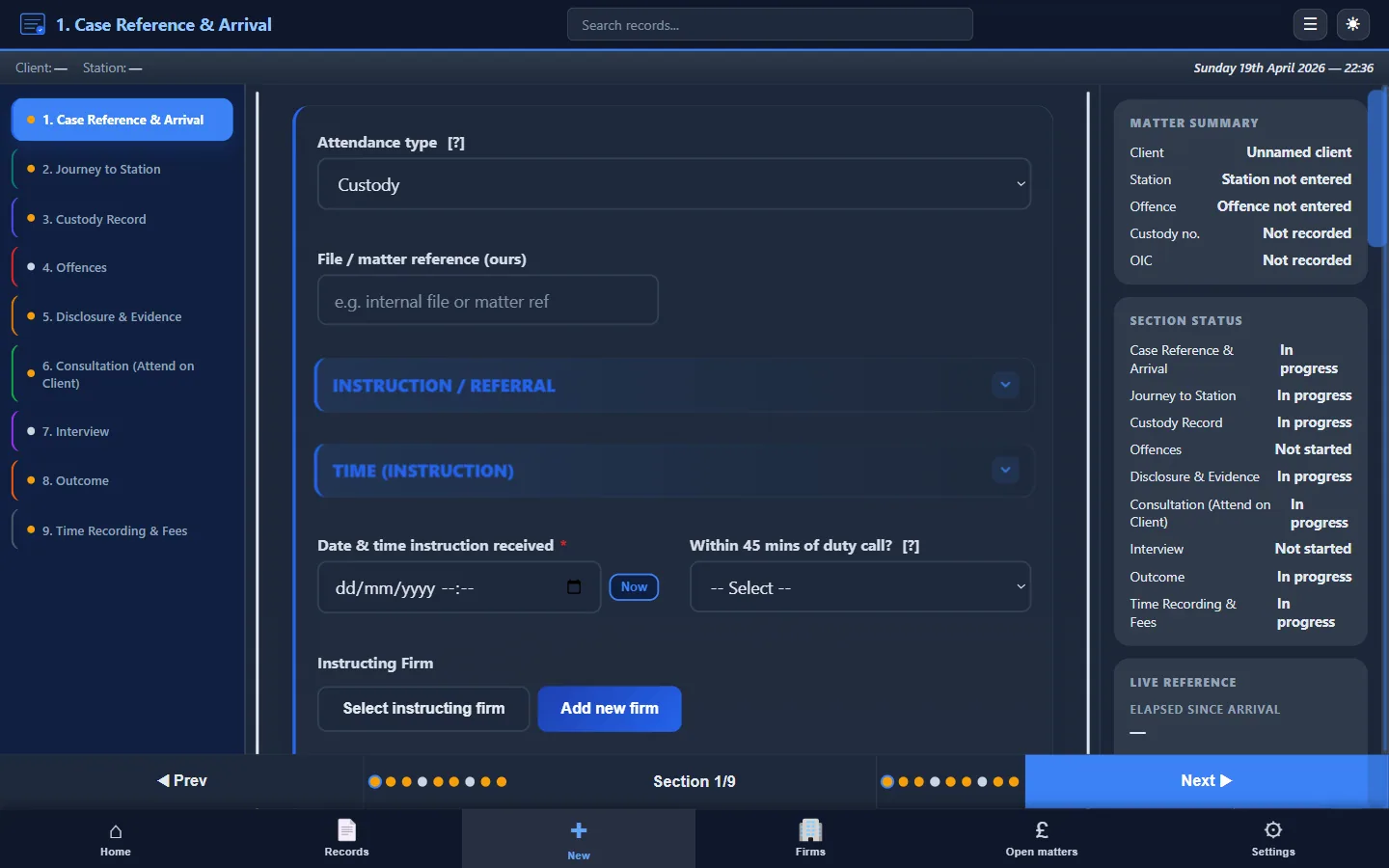
Mistake 5: Missing case identifiers
The problem: No DSCC reference, no custody record number, or no URN. Without these, the note is difficult to match to the correct matter, especially weeks later when the billing team processes the claim.
The fix: Record identifiers as the first entry in every note. Make it a habit before anything else is recorded. See What Must Be Included in Attendance Notes.
Mistake 6: Multiple inconsistent versions
The problem: A handwritten pad note, a rough Word document, a “final” Word document, and a version emailed to the firm. Each version differs slightly. If the file is audited, the inconsistencies create doubt about which record is accurate.
The fix: One structured record, created at the time, saved or exported once. A single PDF attendance note eliminates version confusion.
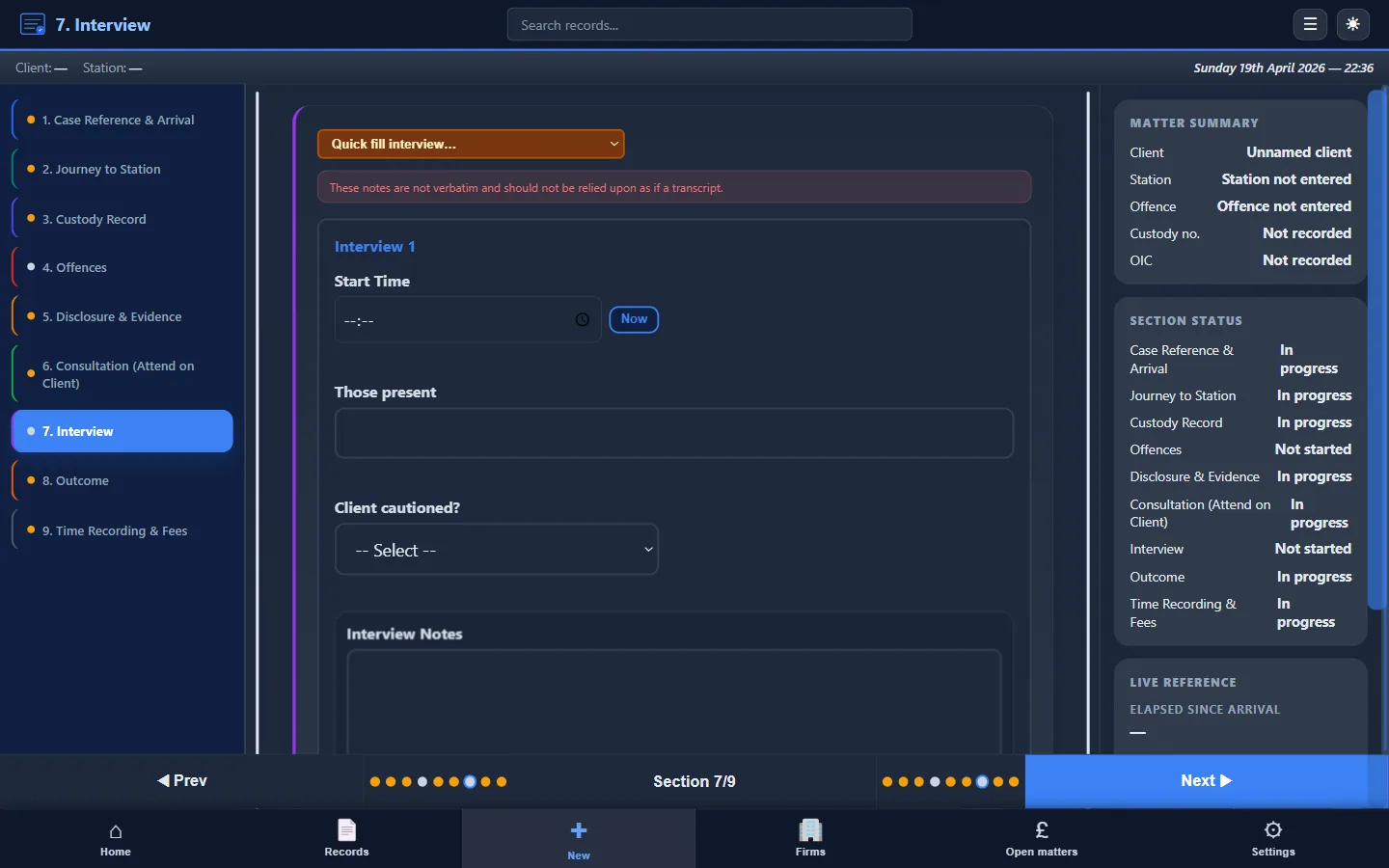
Mistake 7, No interview record
The problem: Skipping the interview section entirely, or recording only “no comment interview.” Even a no-comment interview involves timing, officer names, recording method, and any representations or objections you made.
The fix: Record start/end times, officers, and any events during the interview, even if the client said nothing. See Police Station Interview Notes Best Practice.
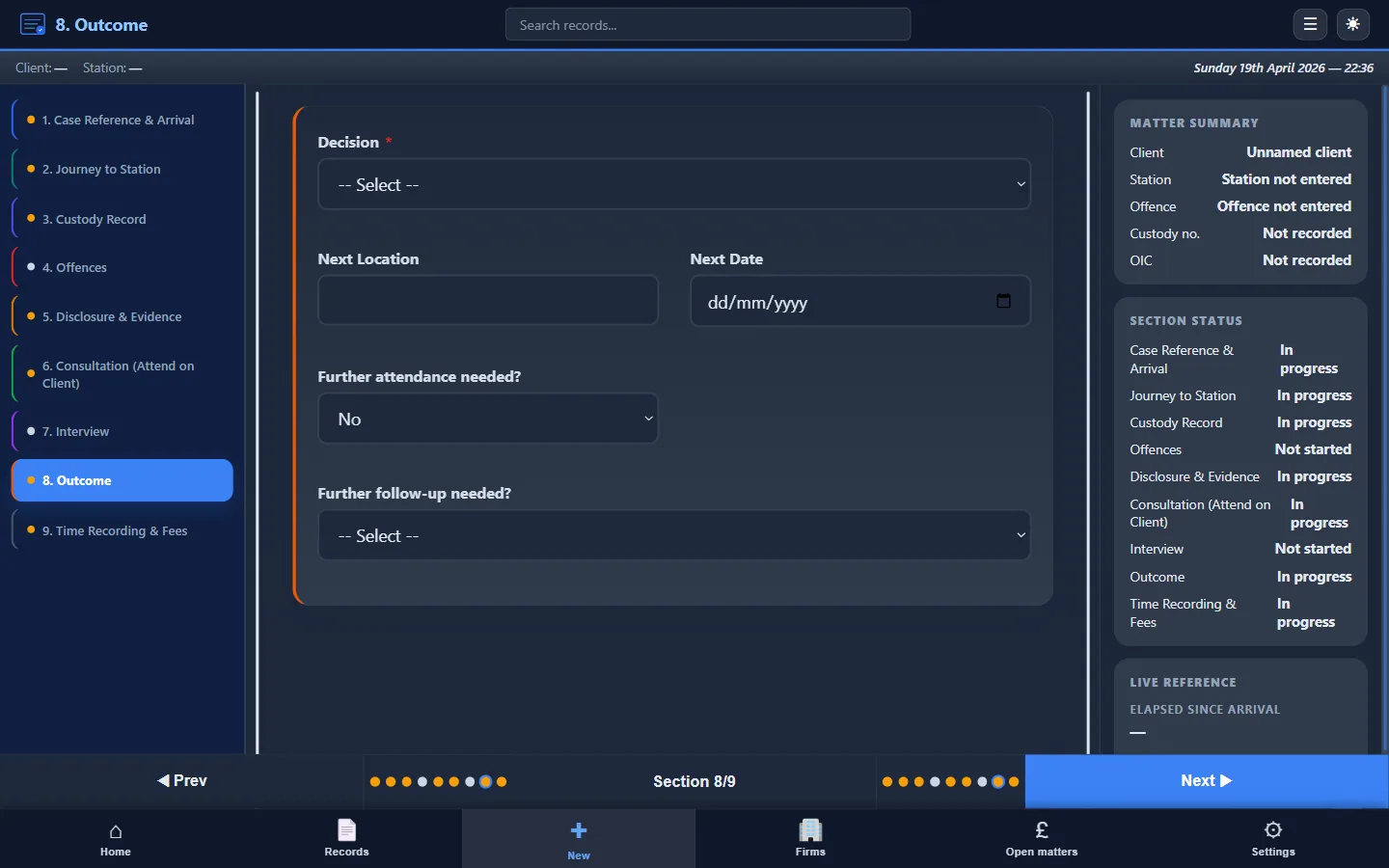
Mistake 8, No outcome recorded
The problem: The note trails off after the interview. No outcome, no next steps, no follow-up actions. The fee earner who picks up the file next has to call the police or the client to find out what happened.
The fix: Always close the note with the outcome (NFA, charge, bail, RUI), any conditions, what you told the client, and diarised follow-up actions.
Mistake 9: Mixing facts and opinion
The problem: Blending client instructions with your own assessment without distinguishing them. If the note is disclosed, this creates ambiguity about what the client said versus what you concluded.
The fix: Keep sections distinct. Client instructions are client instructions. Your assessment is your assessment. Label them clearly.
Mistake 10, Not using the note for billing
The problem: Writing the attendance note for the file but then separately reconstructing times and work done for the LAA claim. This duplication introduces mismatches between the file and the billing record.
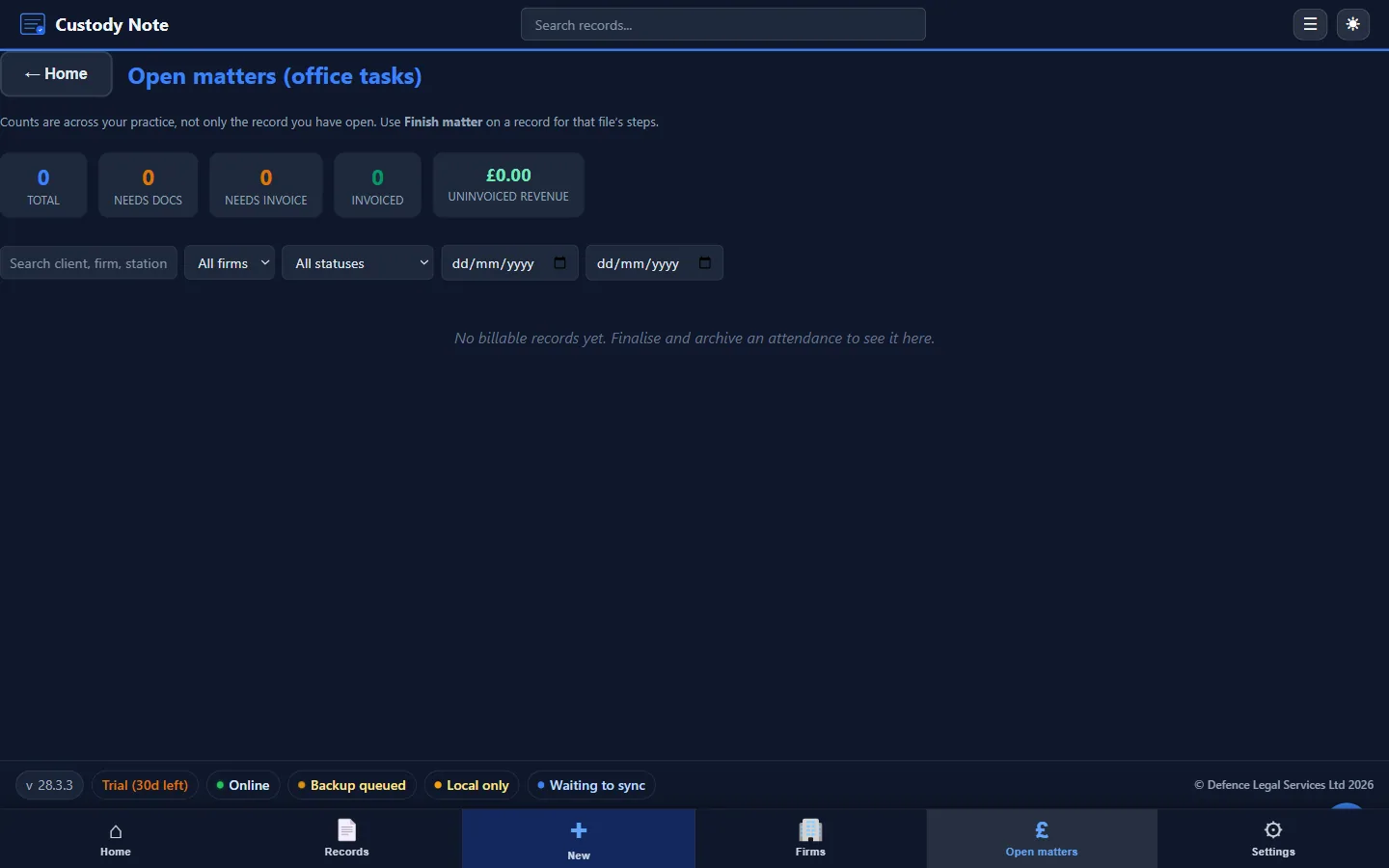
The fix: Build billing data into the attendance note from the start. Time recording, claim type, and disbursements should be part of the note, not a separate exercise. See Attendance Notes for Legal Aid Billing.
Eliminate these mistakes automatically
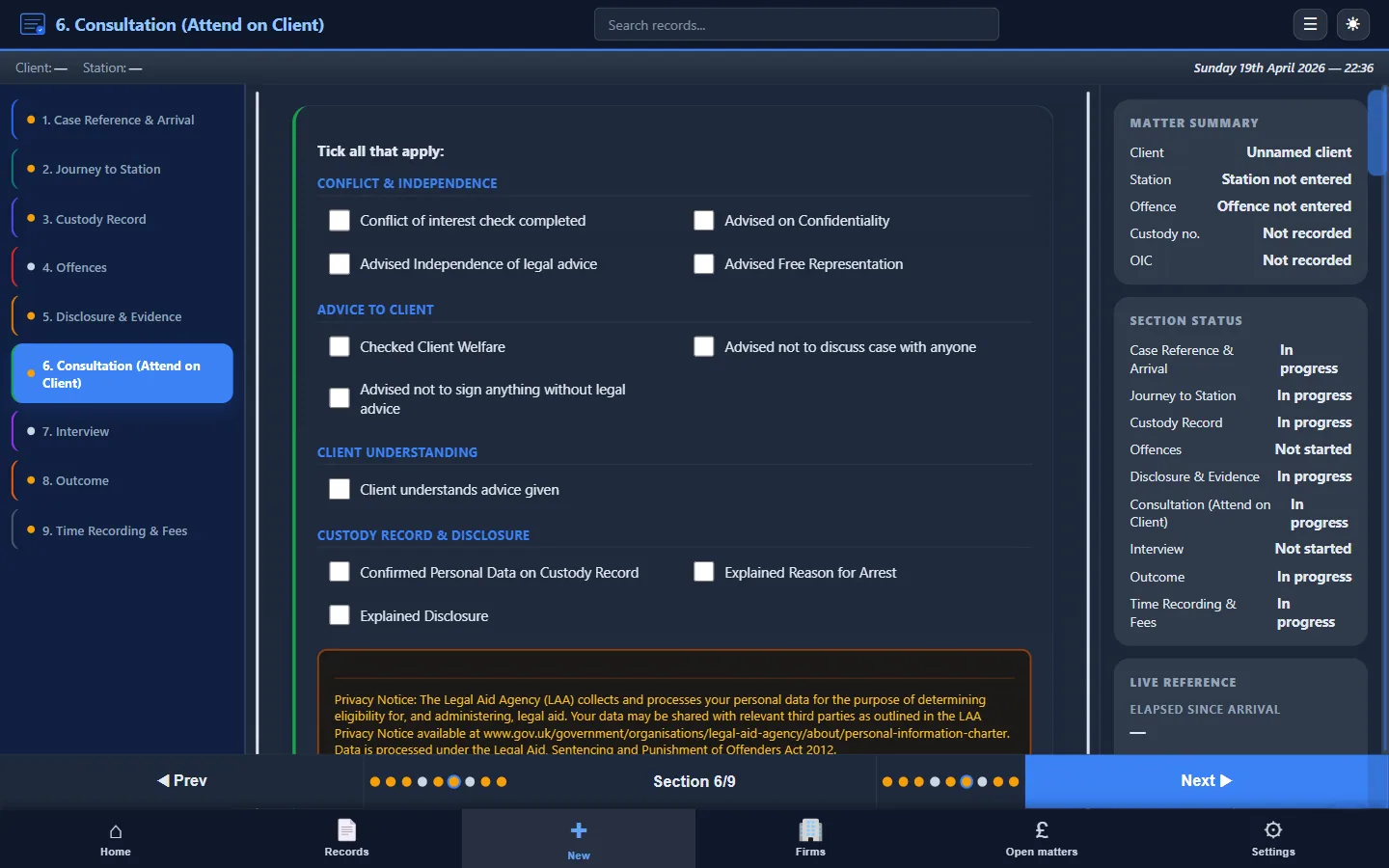
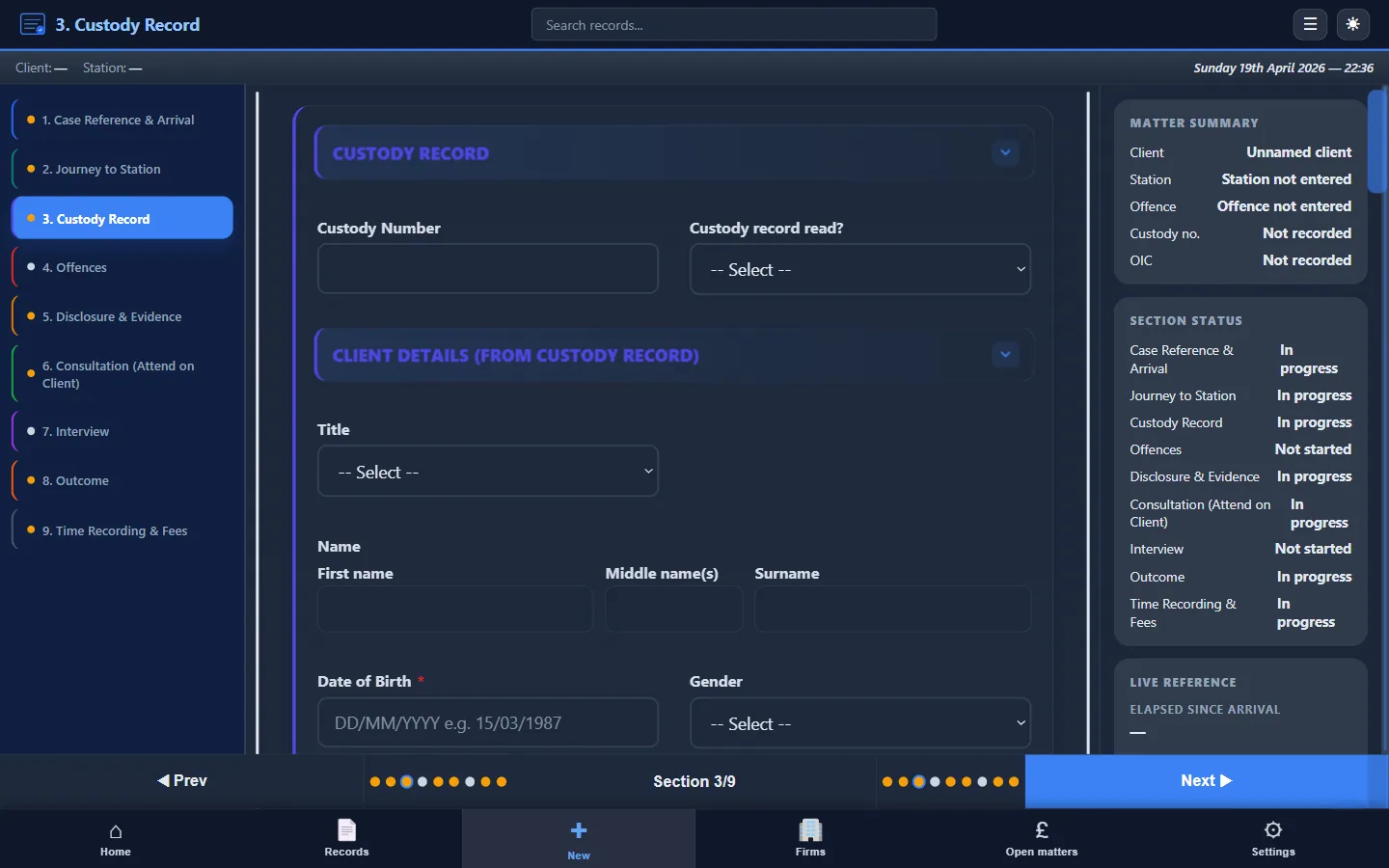
A structured workflow prevents most of these errors by prompting every section in sequence. Custody Note guides you through each field, from case identifiers through to billing, so nothing is skipped.
Structured fields that prevent every mistake on this list.
Custody Note guides you through each section: offline, encrypted, with instant PDF export. Free during beta, no credit card.
Download free