Digital vs Paper Attendance Notes: An Honest Comparison for Solicitors
The debate isn't really about technology. It's about whether your attendance notes consistently contain everything they need to, and whether your workflow gets the information from the station to the file to the billing system without gaps.
For the full guide, see Police Station Attendance Notes (UK Guide).
Paper attendance notes
How paper still works
Some practitioners prefer paper because it's familiar, requires no setup, and never runs out of battery. A printed template on a clipboard is ready the moment you sit down.
Where paper fails
- Legibility. Handwriting varies, especially at 3am. Supervisors and billing teams may not be able to read your notes.
- Completeness. Paper templates don't enforce completion. Under pressure, sections are skipped.
- Security. Loose paper in a bag or car is a data protection risk. If the paper is lost, so is the attendance record.
- Retyping. Paper notes must be typed into a Word document or practice management system for the firm file and billing. This duplication introduces errors and takes time.
- Versioning. The paper original, the typed version, and the emailed version may all differ.
Word templates
The middle ground
Word templates address legibility and provide some structure. They are easy to create and distribute.
Where Word falls short
- No enforcement. You can leave fields blank and the template does nothing.
- Version drift. Individuals modify their copies. Within months, the firm has multiple incompatible versions.
- Connectivity. If you're typing in Word at the station and saving to a cloud drive, you depend on Wi-Fi. If the station has no Wi-Fi (many don't), you're saving locally and hoping the file survives.
- No billing integration. Time recording and LAA fields are a separate process.
For a free template that at least provides the right structure, see Attendance Note Template (UK).
Dedicated digital software
What changes
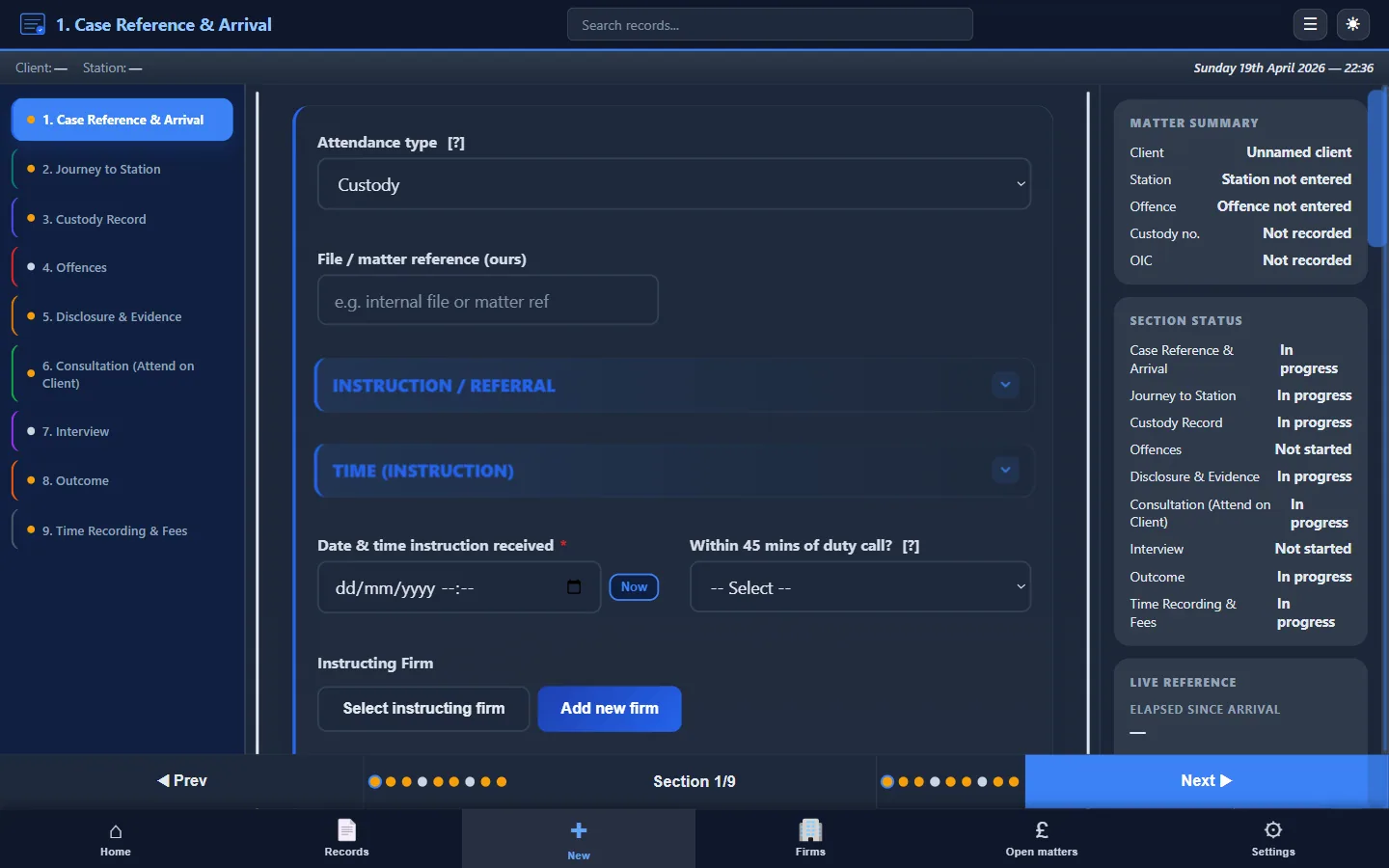
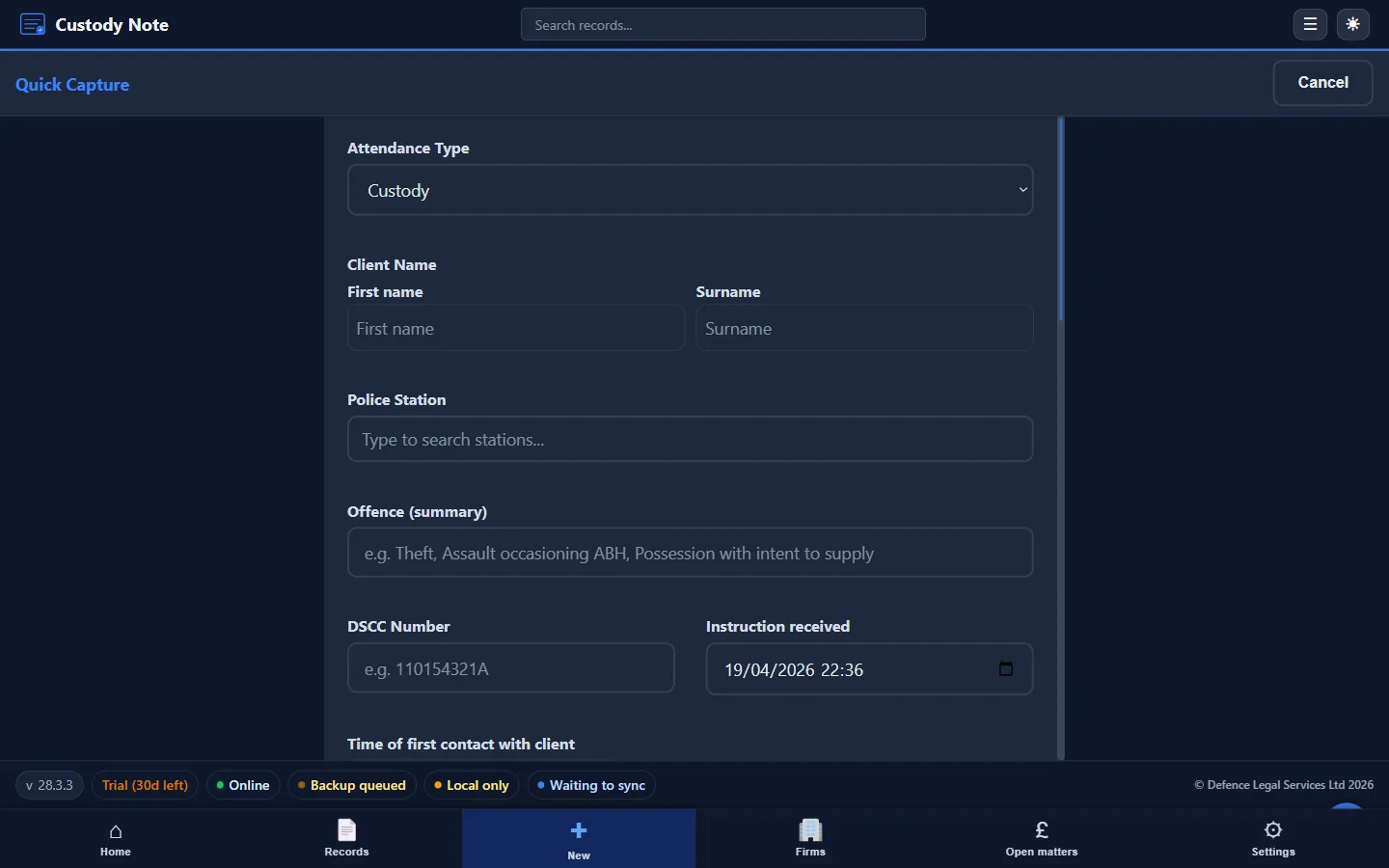
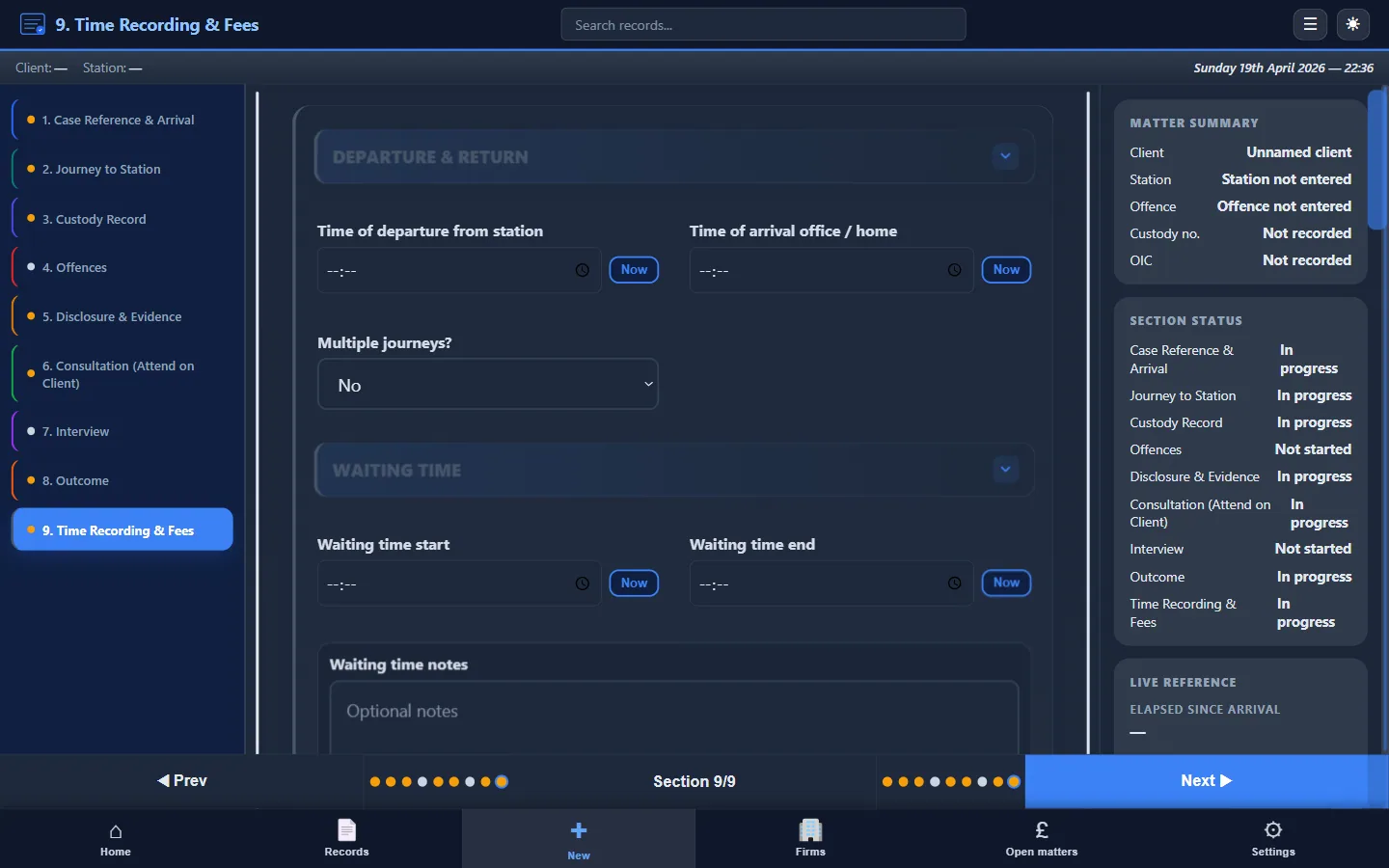
Specialist attendance note software, such as Custody Note: provides:
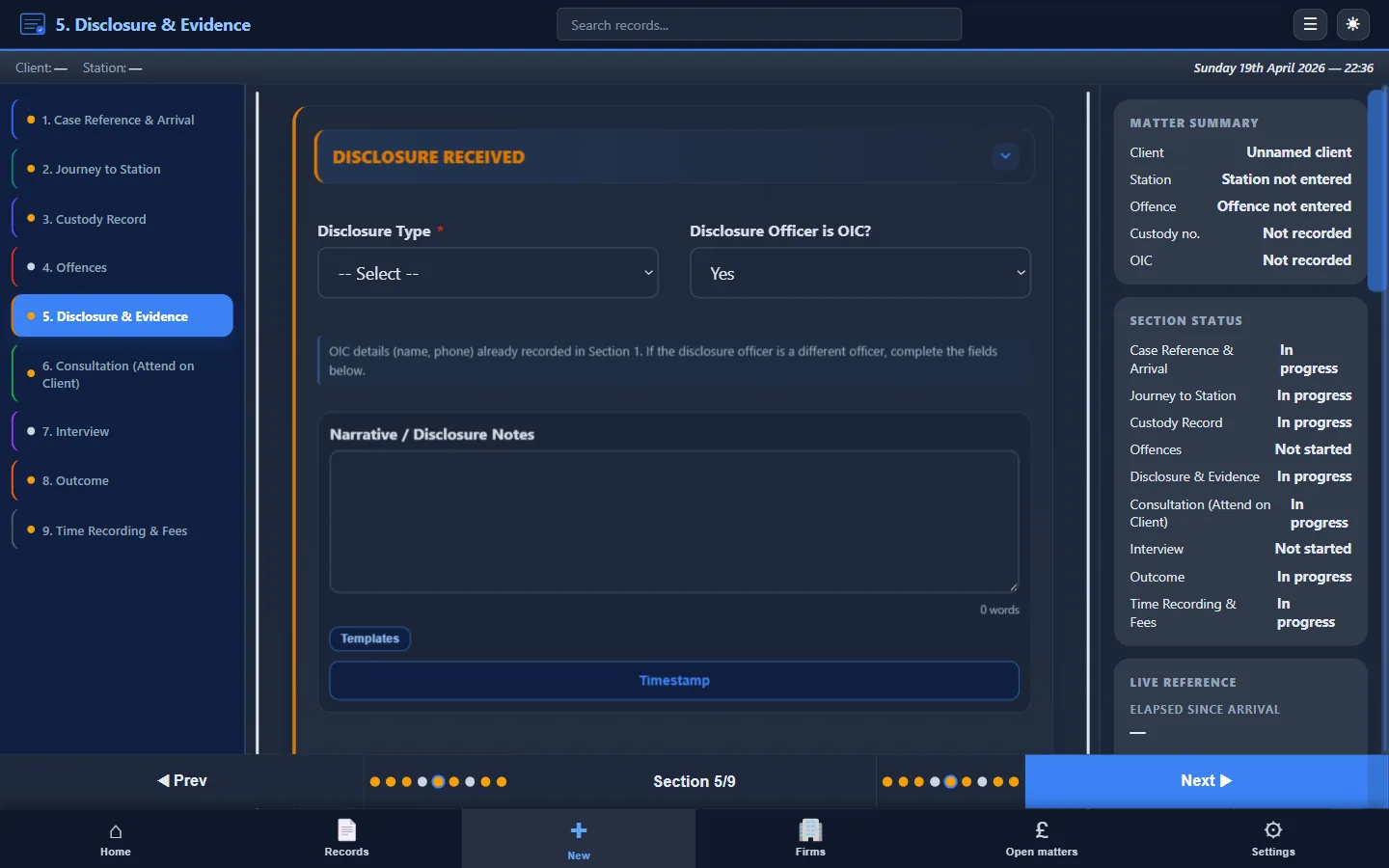
- Guided fields that prompt every required section. You can't accidentally skip disclosure or time recording.
- Works offline. The database is on your laptop. No Wi-Fi required. No cloud dependency.
- Encryption. AES-256 encryption at rest means a lost laptop doesn't expose readable client data.
- One-click PDF export. The attendance note goes straight to the firm file without retyping or reformatting.
- Billing integration. Time recording, LAA fee codes, and invoicing are part of the same workflow.
- Consistency. Every practitioner in the firm produces notes in the same format.
The trade-offs
- Desktop only (Windows and Mac). Custody Note runs on Windows 10+ and macOS, not iOS or Android natively.
- Requires a laptop. You need to have your laptop at the station and charged.
- Learning curve. Any new software requires a short adjustment period, though the structured fields make the transition straightforward.
Side-by-side comparison
| Factor | Paper | Word Template | Digital Software |
|---|---|---|---|
| Legibility | Variable | Good | Consistent |
| Structure enforcement | None | Minimal | Full |
| Offline capability | Always | Depends on save location | Built-in |
| Security | Poor | Depends on device | AES-256 encryption |
| PDF export | No | Manual | One click |
| Billing integration | None | None | Built-in |
| Version control | None | Poor | Single record |
| Cost | Free | Free | Planned ~£9.99/mo after beta |
| Retyping required | Yes | Partial | No |
Practical recommendation
If you're currently using paper, switching to a Word template is an immediate improvement, and it's free. Download our Attendance Note Template (UK) and start using it on your next attendance.
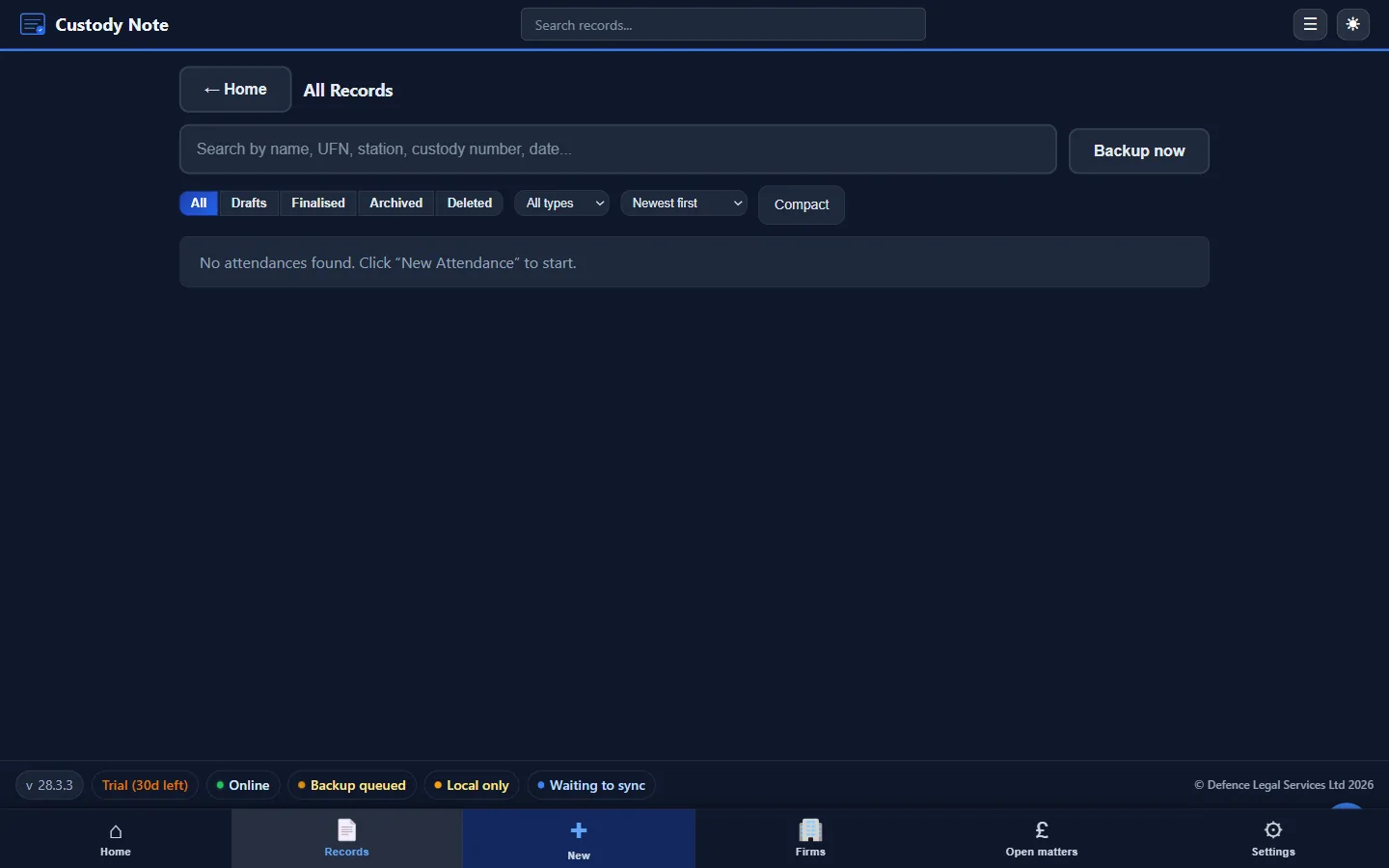
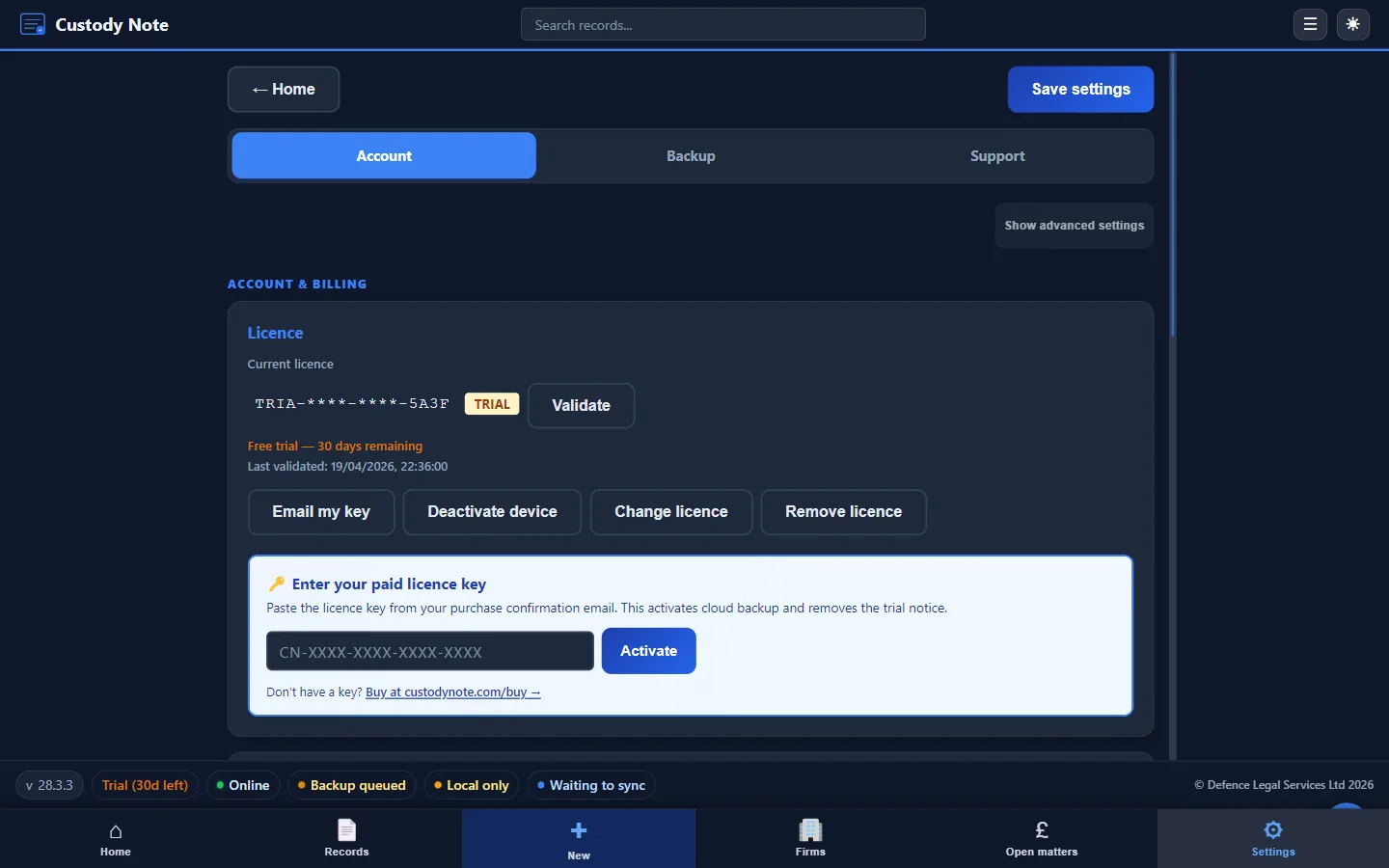
If you want enforcement, offline reliability, PDF export, and billing integration, Custody Note is built specifically for this workflow. Free during beta, no credit card.
Data protection considerations
Solicitors owe duties of confidentiality and must process personal data lawfully under the UK GDPR and the Data Protection Act 2018. Sensitive criminal-allegation data demands particular care: minimisation, retention policies, and clear rules on who may copy or share notes.
Paper notes in a bag or car are a security risk. Unencrypted Word documents on a lost laptop are a security risk. Custody Note uses AES-256 encryption at rest, which materially reduces the risk from device loss or theft. Encryption is one part of security. You still need device passwords, physical security, and firm policies on backups and email.
Ready to move from paper to structured digital notes?
Custody Note gives you guided fields, offline support, AES-256 encryption, and one-click PDF export.
Rolling out to a firm? See IT deployment for Microsoft Store, winget, and Setup.exe backup options.