Police station representation: best practices for solicitors and reps
A practical overview of effective police station representation, from initial instruction through to outcomes and file handover, for duty solicitors, higher-rights solicitors, and accredited representatives.
Preparation before arriving at the station
Effective representation starts before you enter the custody suite. Before setting out:
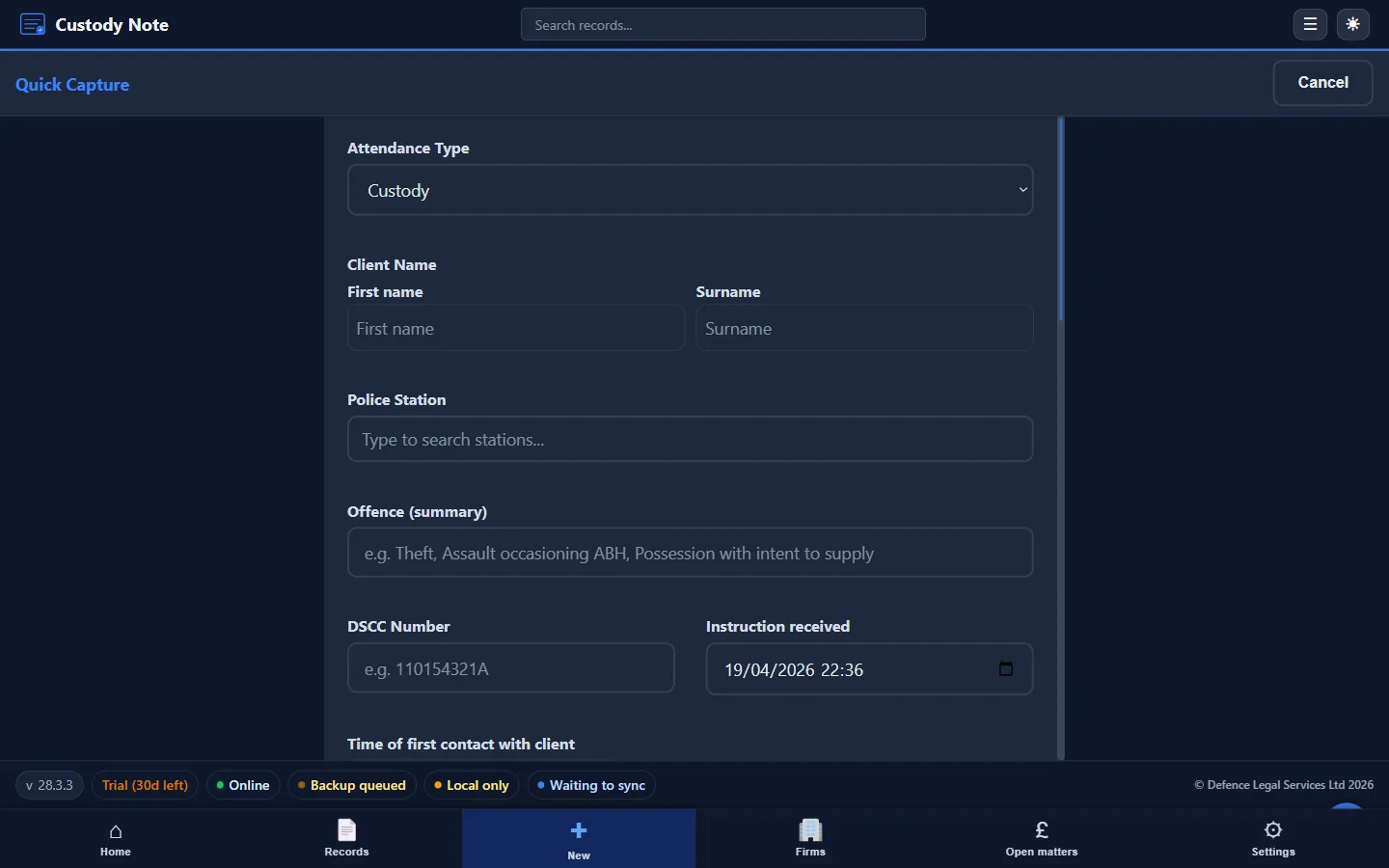
- Confirm the custody reference or URN, the client's name, the investigating officer, and the alleged offence(s)
- Run a conflict check against your firm's records
- Check the DSCC rota details if you're on duty
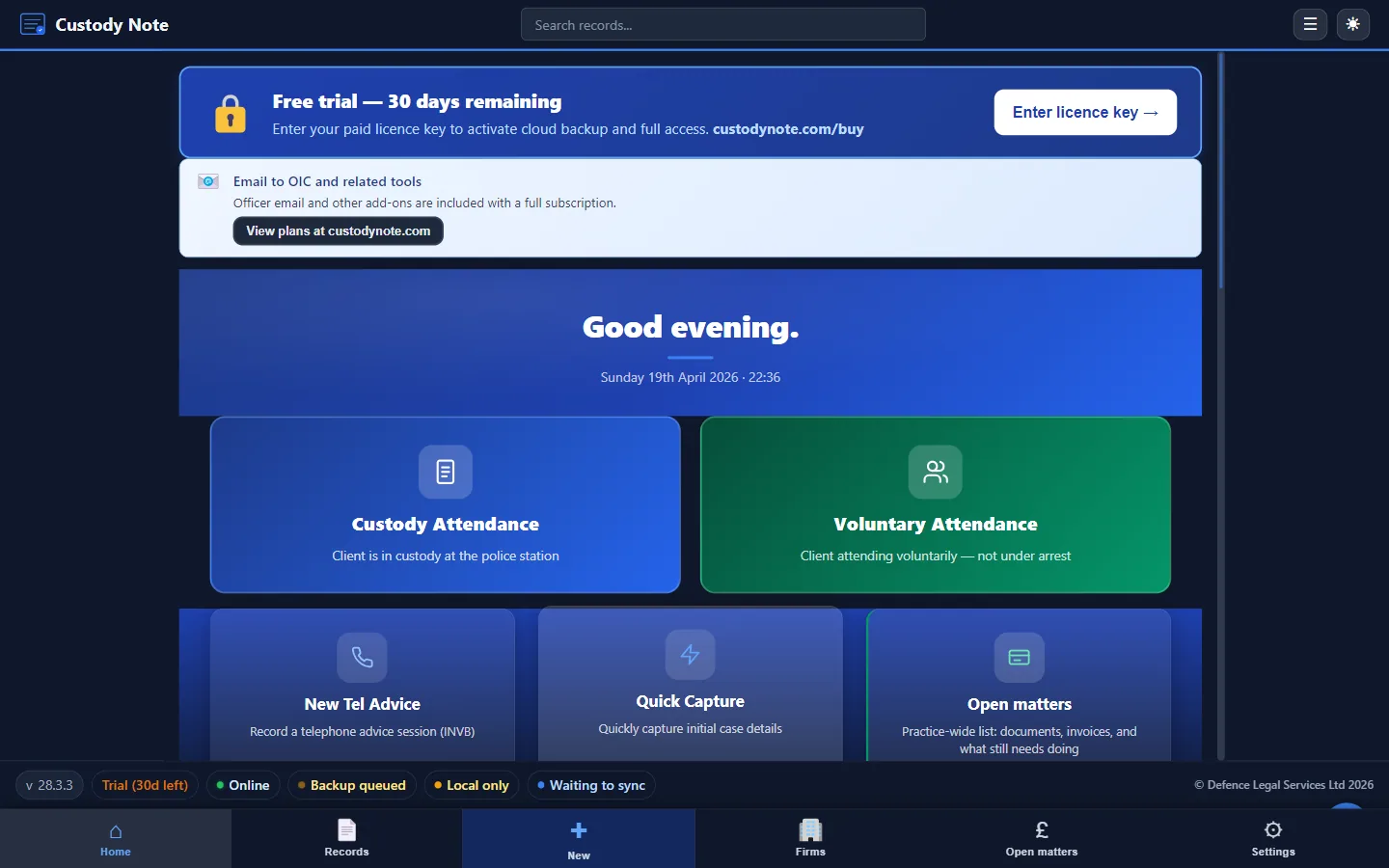
- Ensure your laptop and software are ready. Install Custody Note before your first attendance so you can capture structured notes from the start
Disclosure
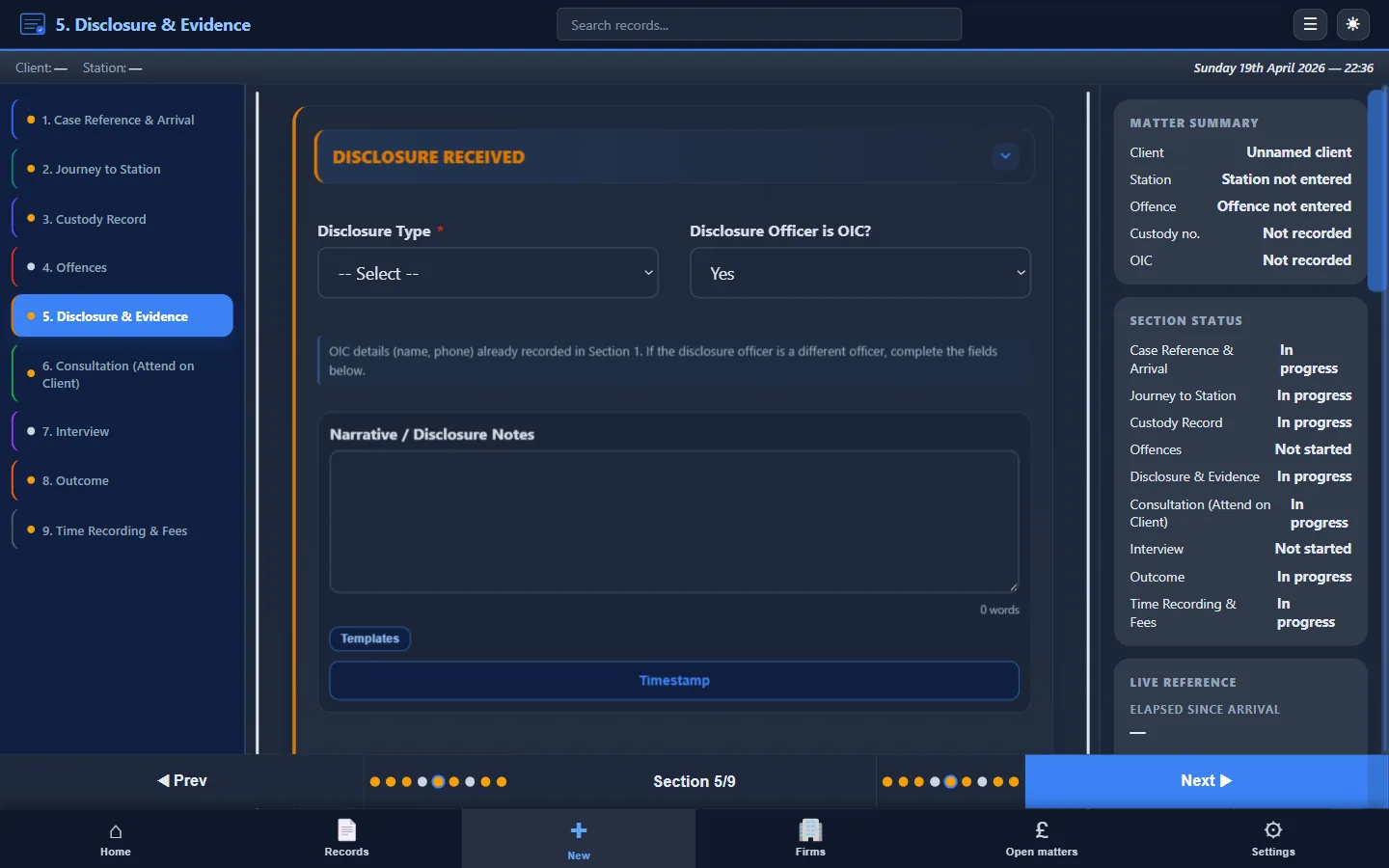
Request and review disclosure before consulting with your client. Record:
- What disclosure was provided and in what form
- What was withheld or not yet available
- Any objections raised and responses
- The time disclosure was received
Thorough disclosure notes strengthen your position if the case proceeds to court or is reviewed on audit.
Client consultation
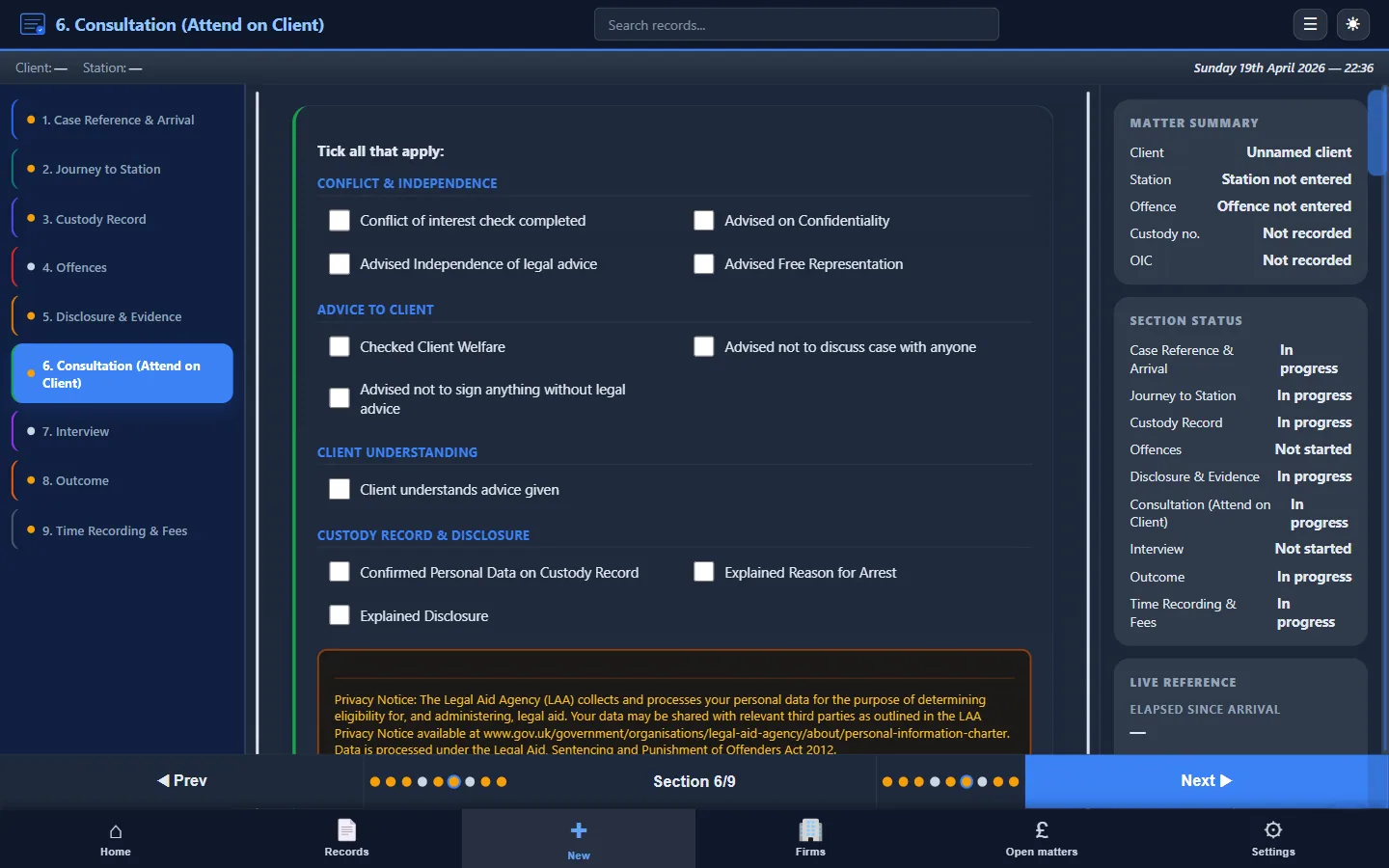
The private consultation is where you take instructions and give advice. Best practice includes:
- Explaining the allegation and evidence disclosed so far
- Advising on rights (silence, legal advice, appropriate adult)
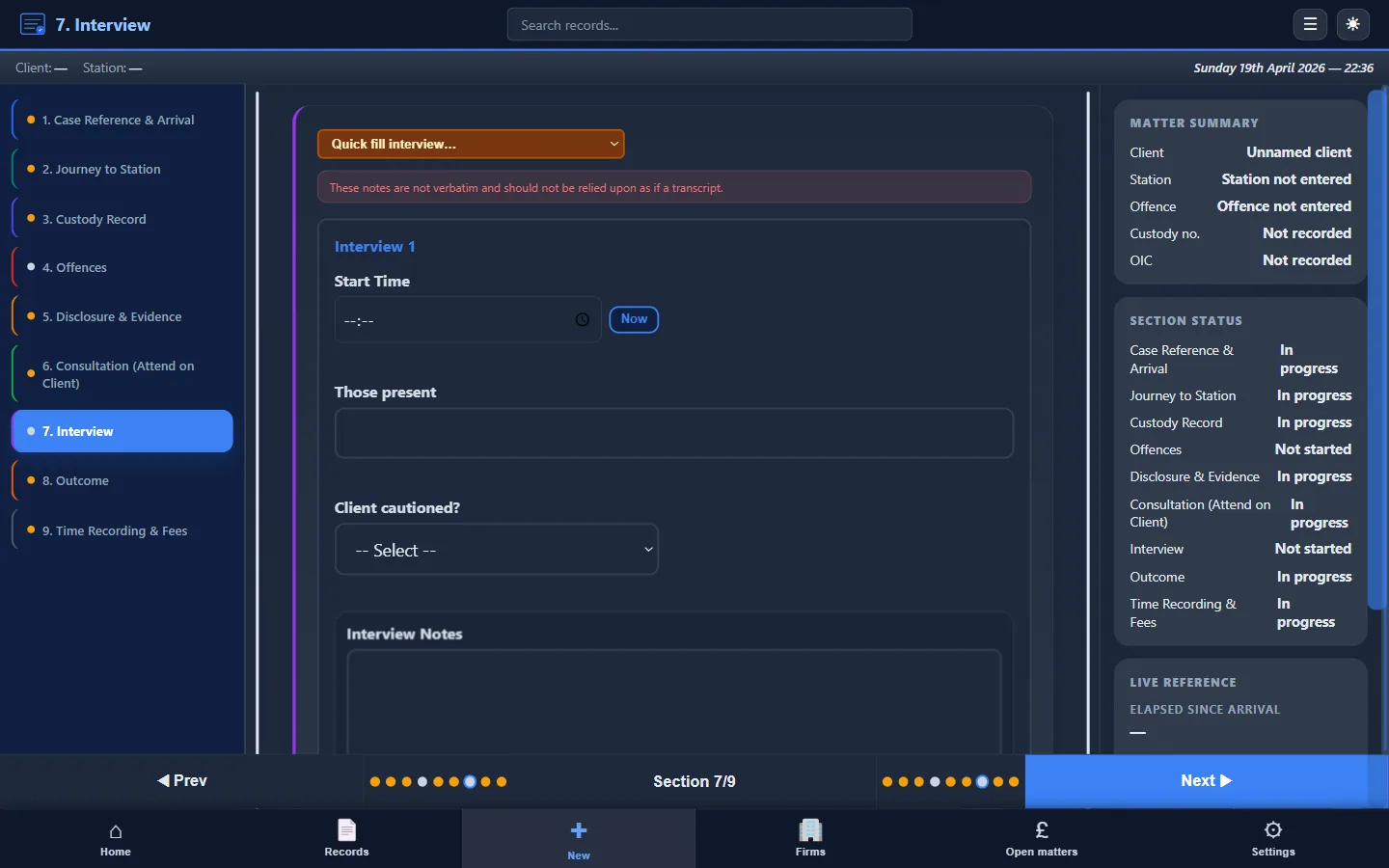
- Discussing interview strategy: prepared statement, no comment, full account
- Noting any vulnerability, mental health concern, or fitness-to-be-interviewed issue
During the interview
Your role during the interview is to protect the client's interests:
- Object to improper questions
- Seek clarification where questions are unclear or unfair
- Note key exchanges, admissions, denials, and any concerns about conduct
- Ensure PACE codes of practice are observed
Outcomes and post-interview
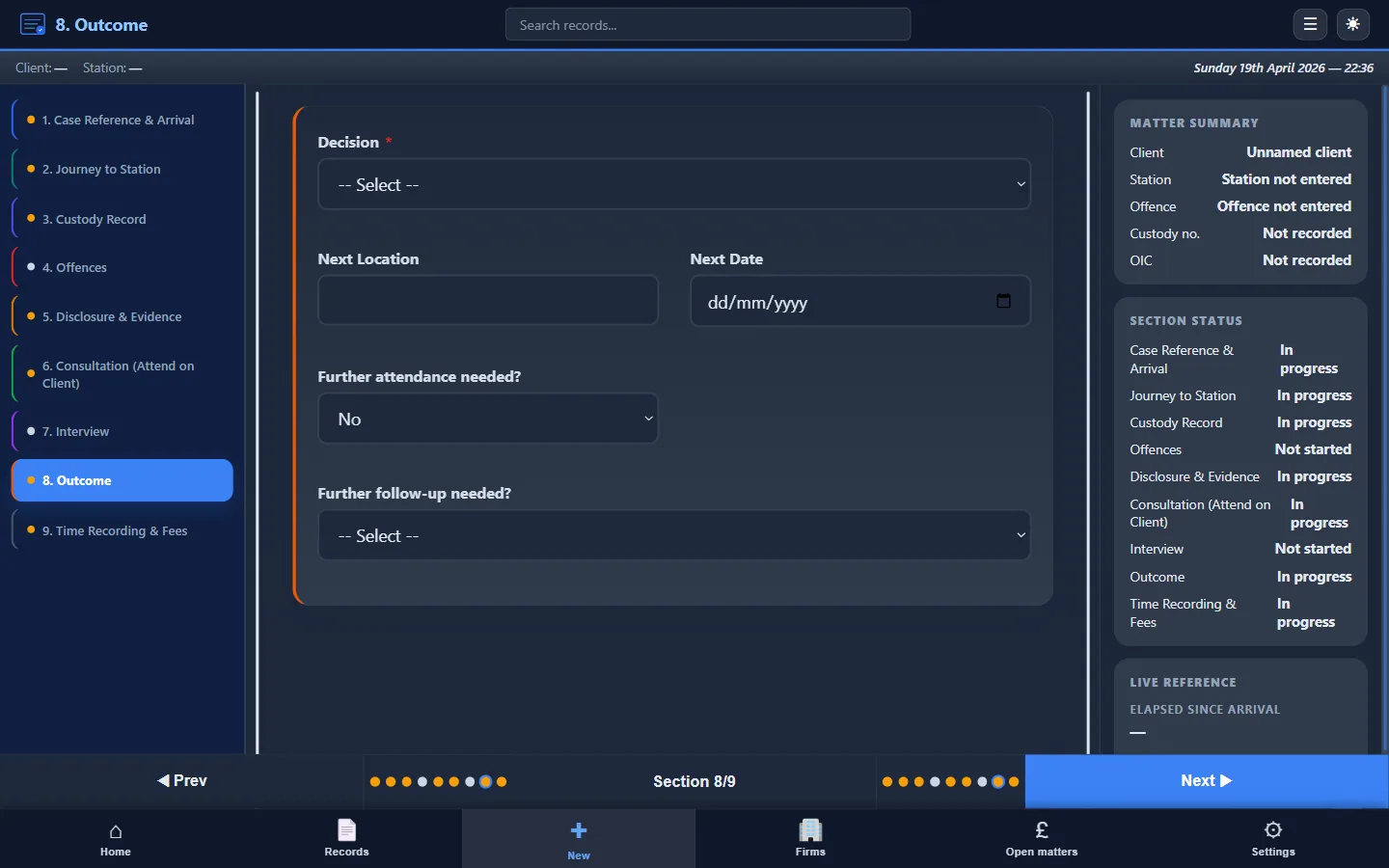
After the interview, record the outcome: NFA, charge, bail, released under investigation, or further enquiries. Advise the client on next steps.
Complete your attendance note while the details are fresh. Software like Custody Note lets you structure this immediately, offline if necessary, then export a PDF for your firm file and billing workflow.
File handover and billing
A good attendance note is the handover document. It should contain everything the fee earner or supervisor needs to continue the matter. Include:
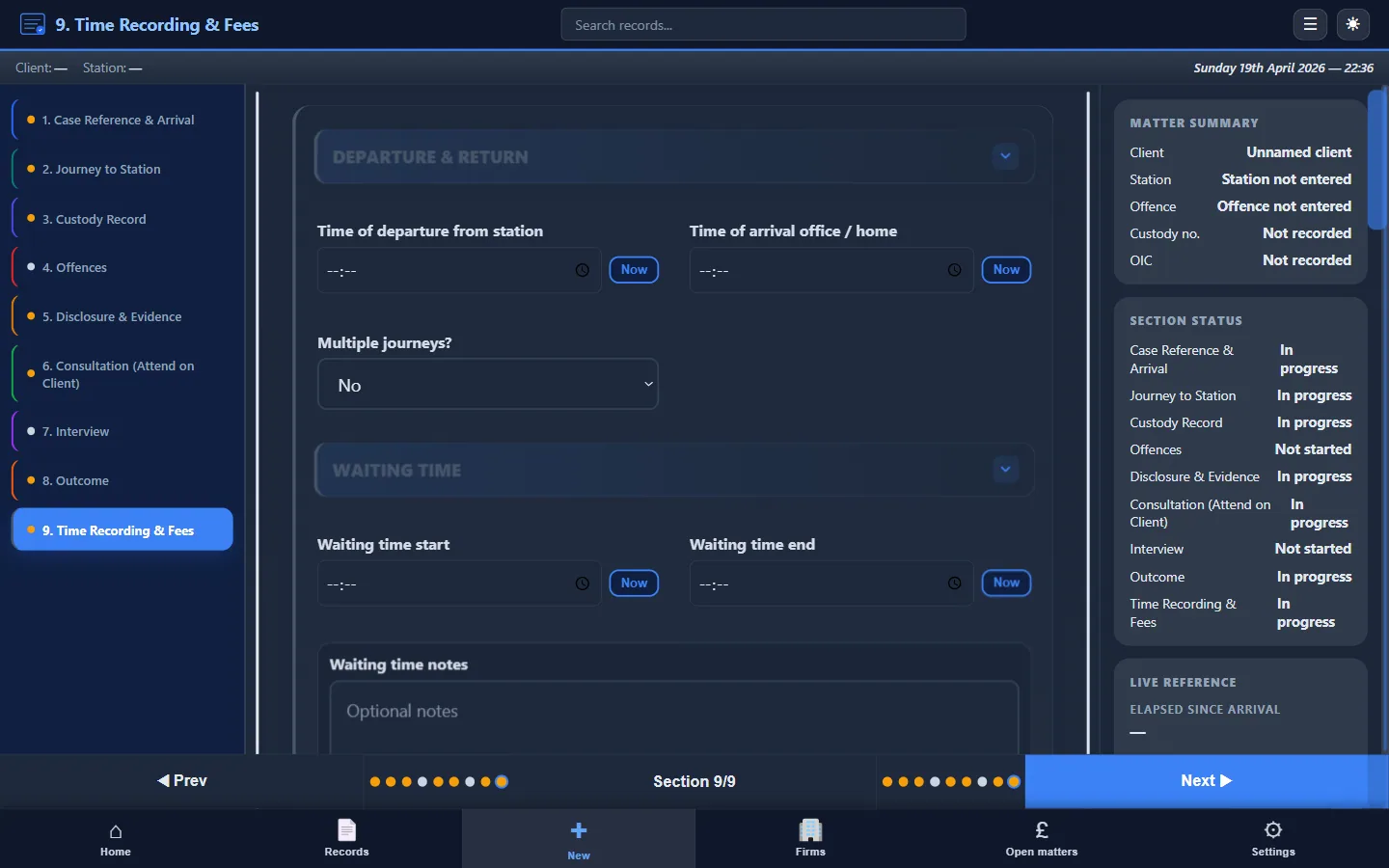
- Times: arrival, consultation start, interview start/end, departure
- LAA-relevant fields: claim type, travel, waiting, work done
- The structured attendance note itself (PDF or digital)
Tools for police station representation
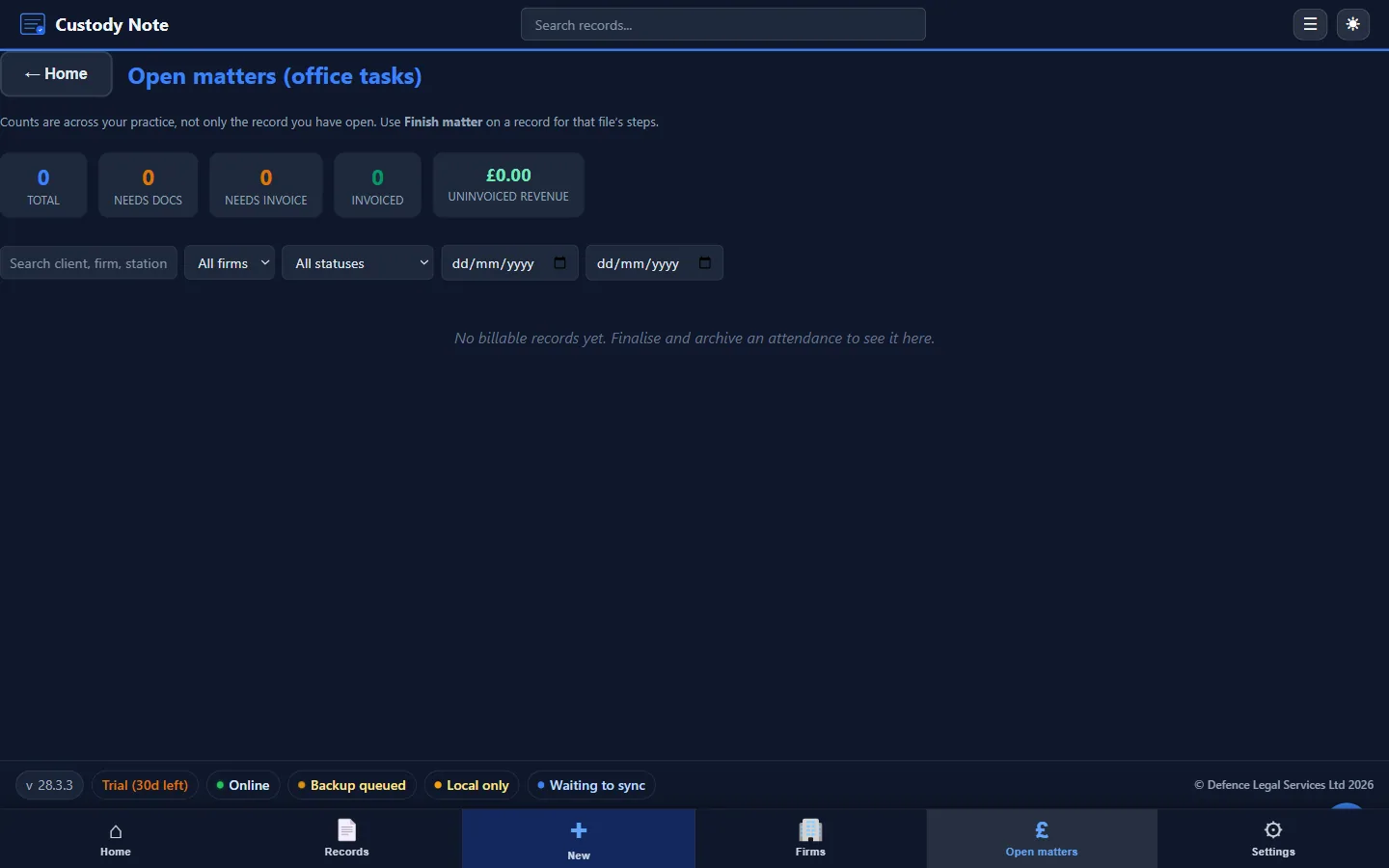
Custody Note is desktop software for Windows and Mac (not Linux or mobile) built specifically for this workflow. It covers PACE custody, voluntary interviews, and telephone advice, with offline support, encryption, PDF export, and LAA billing fields. Start with a Free during beta.