What must be included in a police station attendance note
A section-by-section checklist of what should appear in every police station attendance note in England and Wales. Use it as a quality-control check before you close any record, or print it for the station.
The checklist at a glance
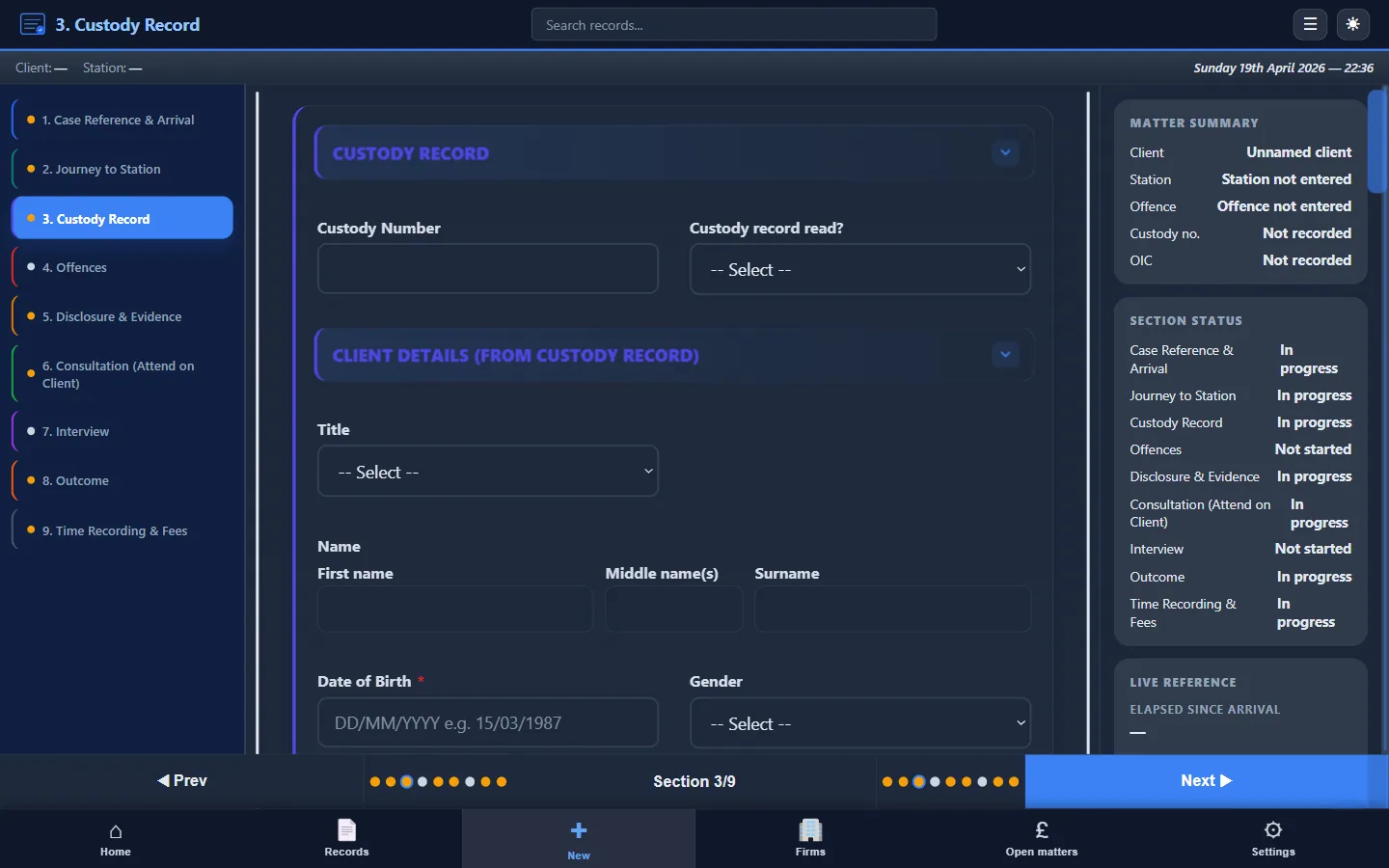
Every police station attendance note should cover these nine sections:
- Case identifiers
- Notification and arrival
- Disclosure
- Consultation and advice
- Prepared statement (if used)
- Interview
- Outcome and next steps
- Time summary
- LAA billing fields
Custody attendances need extra detention and welfare sections. New to the term? See what an attendance note is.
No sign-up required.
Disclaimer: Professional workflow aid only. Not legal advice. Adapt it to your firm's standards and the Standard Crime Contract.
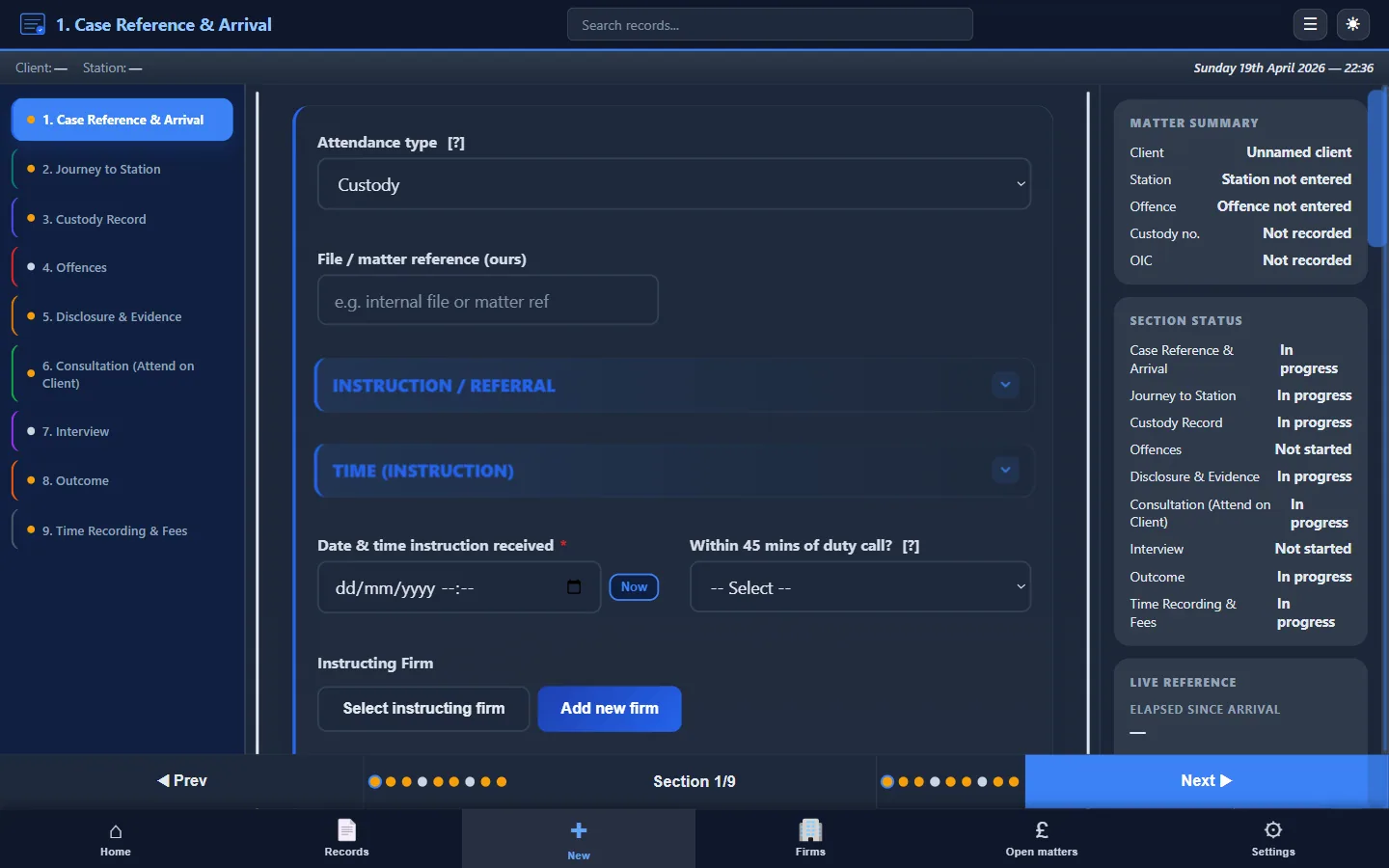
1. Case identifiers
- Client full name
- Date of birth
- Custody record number (or police reference for voluntary)
- DSCC reference number
- Instructing solicitor / firm and fee earner reference
- Police station name
- Date of attendance
- Alleged offence(s) with statutory reference
The DSCC reference links to your LAA claim. The custody record links to the custody officer's log. The fee earner reference ensures the billing team can match the note to the matter.
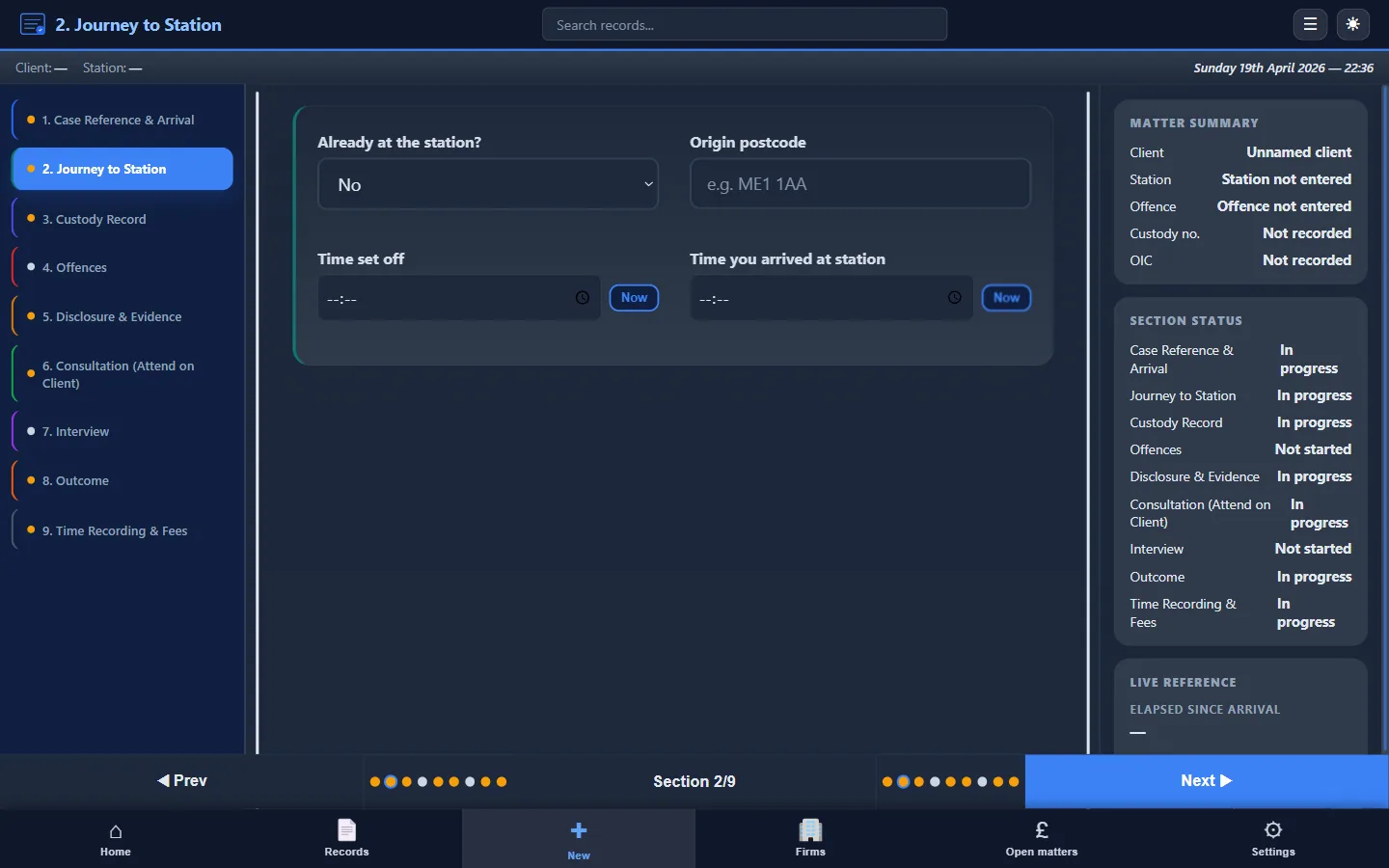
2. Notification and arrival
- Time instruction received
- Source of instruction (DSCC, own client, firm)
- Time departed for station
- Time arrived at station
- Time booked in with custody officer or front desk
Establishes the travel and waiting timeline for billing. Arrival time marks the start of your presence at the station.
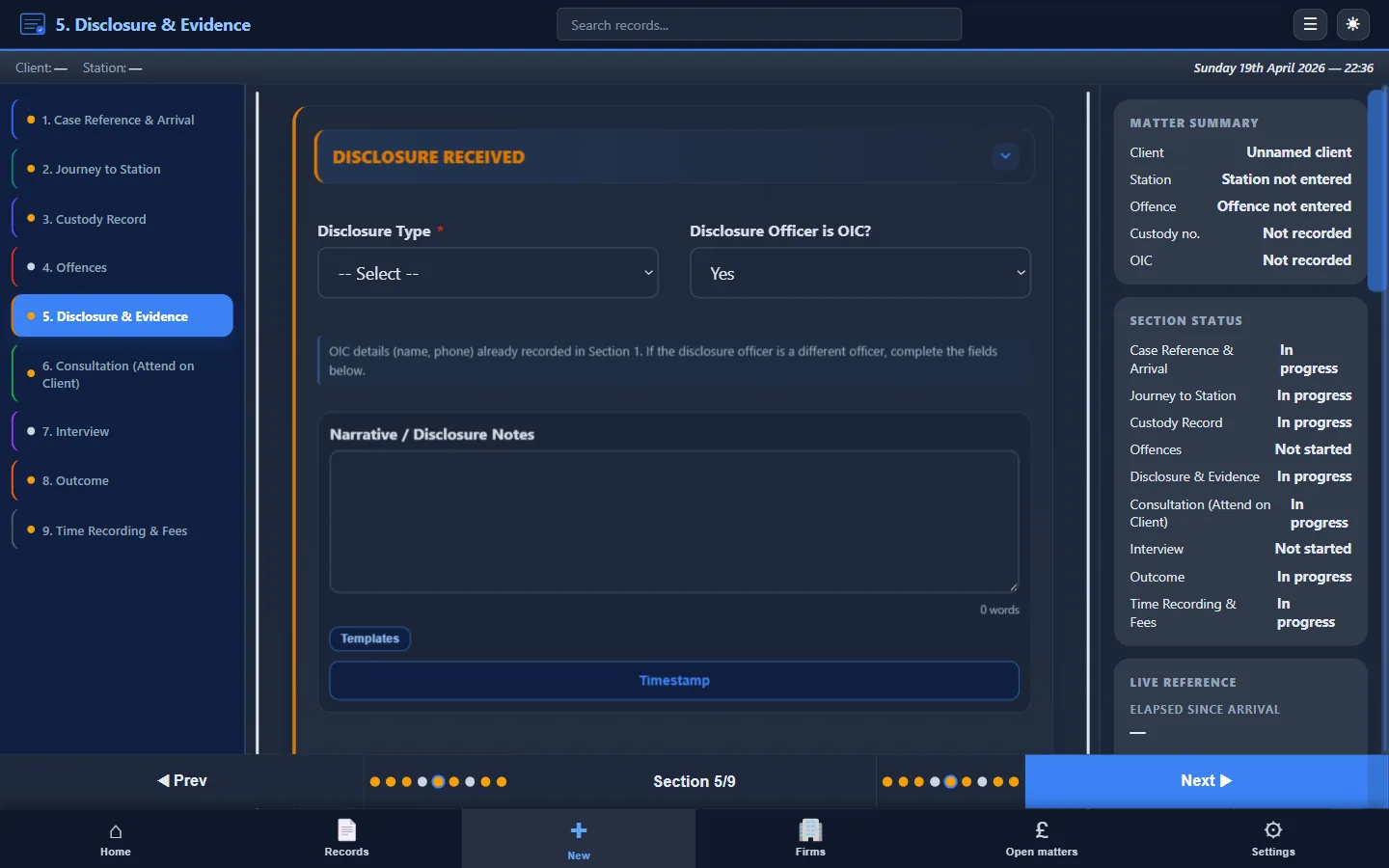
3. Disclosure
- Name and rank of officer providing disclosure
- Specific facts disclosed (not just “disclosure given”)
- Evidence mentioned but not provided
- Evidence explicitly withheld
- Format of disclosure (oral, written summary, shown documents)
- Your sufficiency assessment
This is the most commonly under-recorded section. Your disclosure note is critical if the case goes to trial and the prosecution relies on evidence not disclosed at the police station stage.
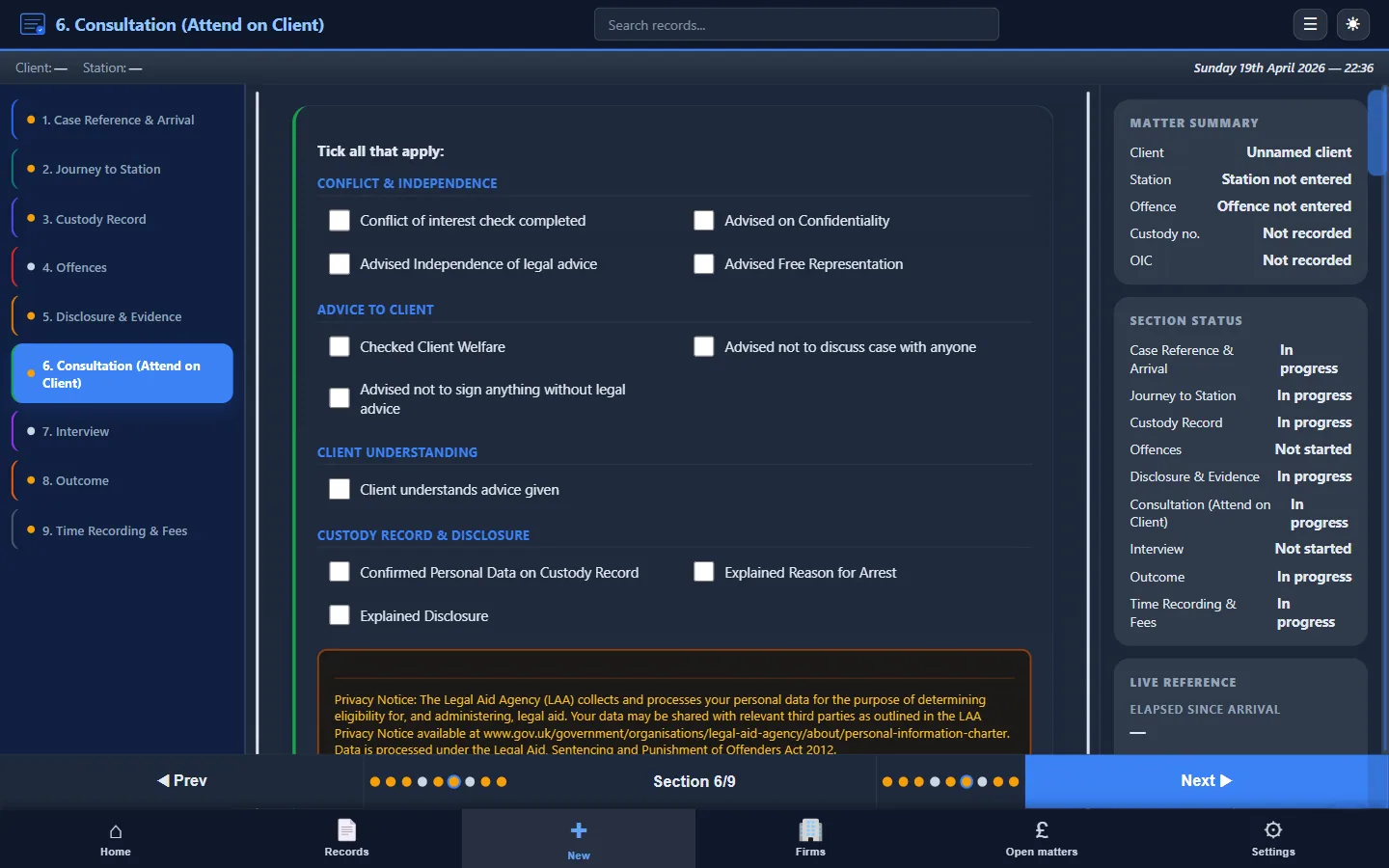
4. Consultation and advice
- Start and end times
- How you explained the allegation and evidence to the client
- Persons present and confirmation the consultation was private
- Client's account / instructions taken
- Options discussed (no comment / prepared statement / full account)
- Advice given and the reasons for it, including any adverse inference warning
- Client's decision and reasons
- Risks flagged
- Vulnerabilities: mental health, learning difficulty, intoxication, language, fitness to be interviewed
- Whether appropriate adult or interpreter was requested
- Whether the client appeared fit to be interviewed
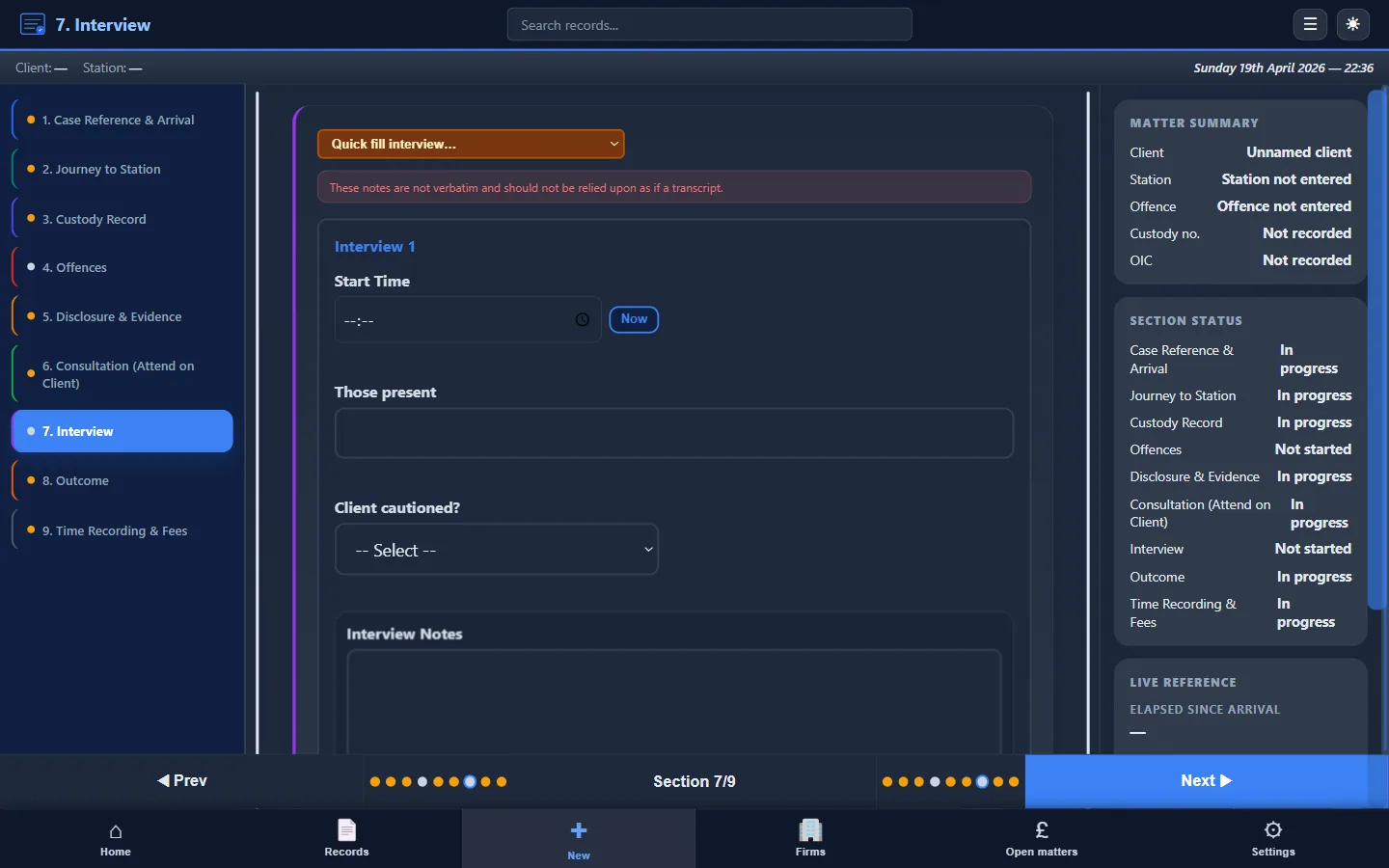
5. Prepared statement (if used)
- Confirmation that statement was drafted from client's instructions
- Confirmation that client reviewed and approved
- Summary of the position set out (or reference to attached copy)
6. Interview
- Start and end times
- Names of interviewing officers
- Recording method (audio / video)
- Key areas of questioning
- Client's responses or confirmation of no-comment approach
- Objections and representations made by you
- Breaks taken (with times)
- Concerns about interview conduct
For detailed guidance on this section, see Police Station Interview Notes Best Practice.
7. Outcome and next steps
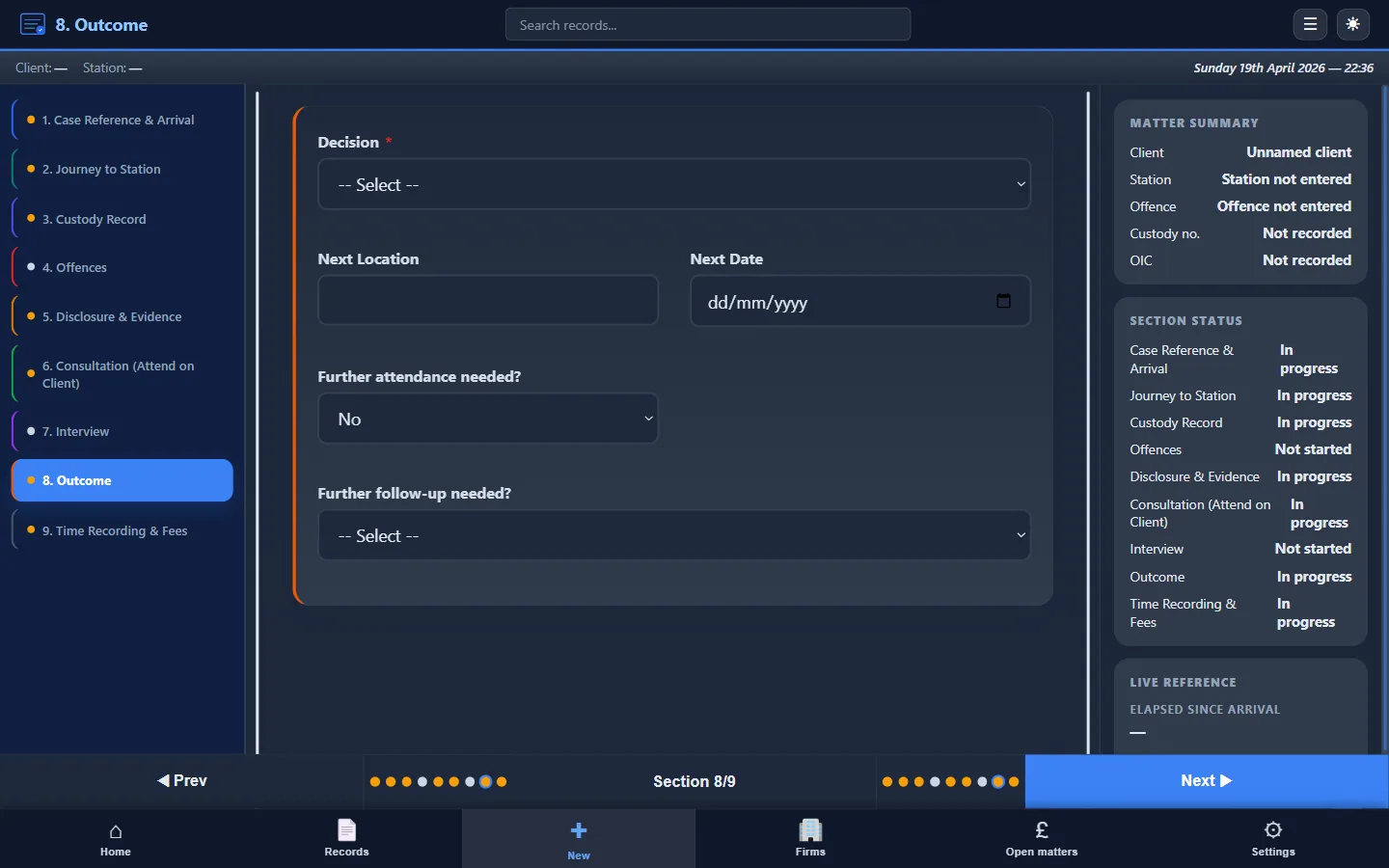
- Outcome: NFA, charge, pre-charge bail (s.47ZA), RUI, further detention
- If charged: offence(s), court name and date, bail conditions in full (not “standard bail”)
- If bailed or RUI: conditions, return date
- Post-interview advice to client
- Follow-up actions and diary dates
8. Time summary
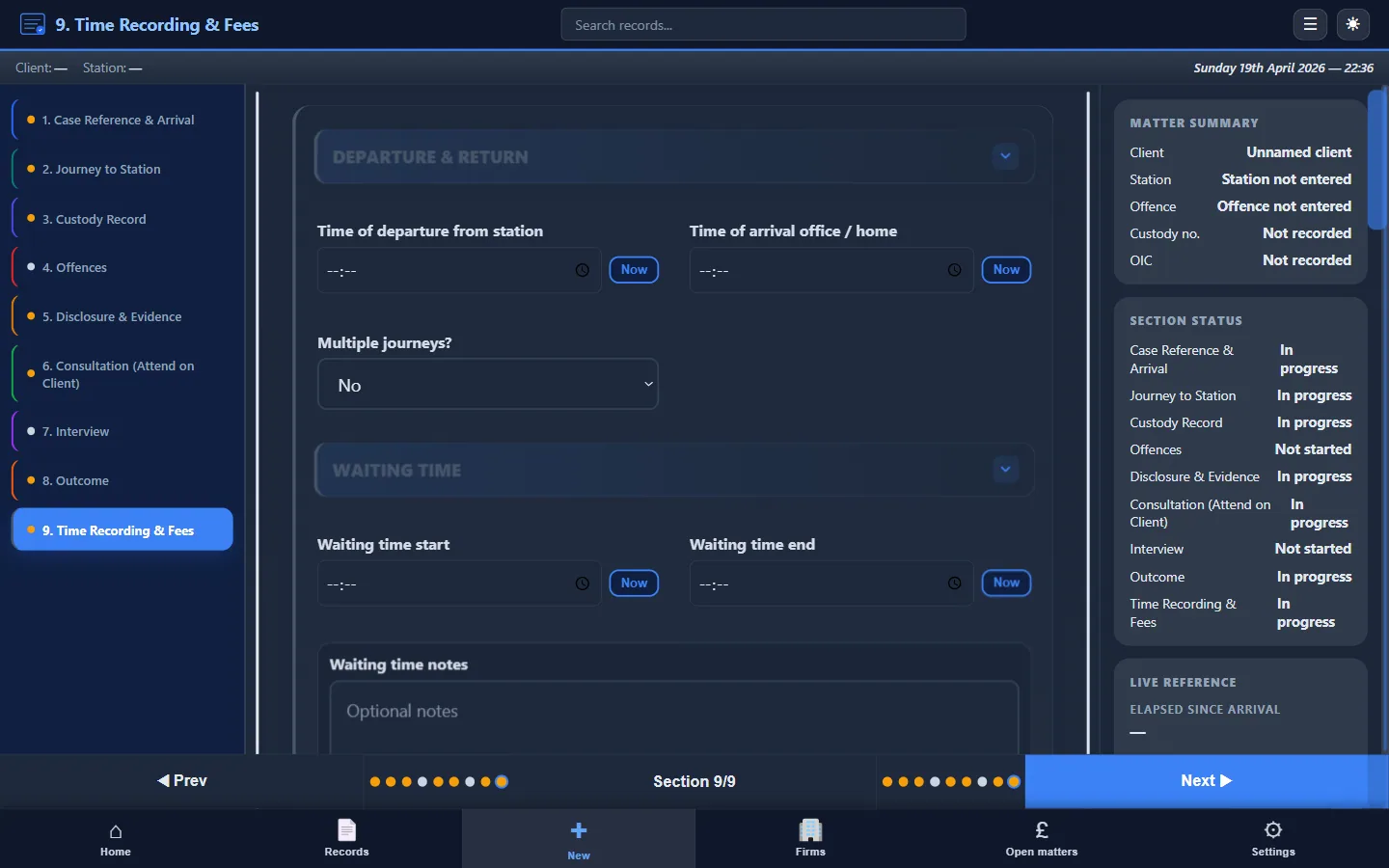
- Travel time (to and from station)
- Waiting time
- Consultation time
- Interview attendance time
- Post-interview / admin time
- Total attendance time
For how this feeds into your LAA claim, see Attendance Notes for Legal Aid Billing.
9. LAA billing fields (where applicable)
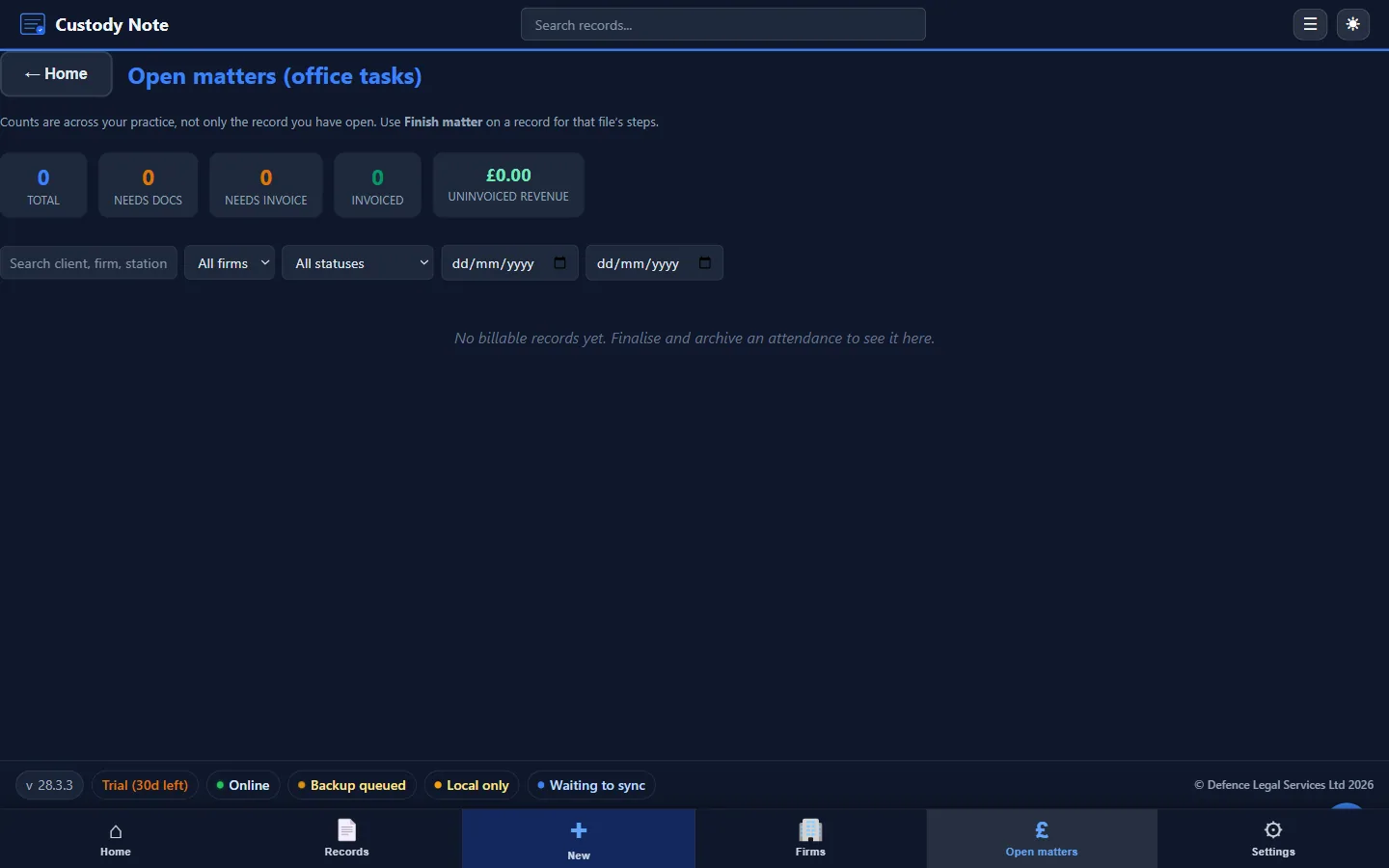
- Claim type and fee code
- Fixed fee or escape fee indicator
- UFN and any CRM / firm billing reference
- Who did the work (solicitor, accredited representative or other fee earner)
- Disbursements (interpreter, mileage, other)
- Notes supporting the CRM narrative
Extra sections for custody attendances
- Time detention was authorised and the detention clock position when you attended
- Detention review times and any representations
- Whether s.56 (someone informed) and s.58 (legal advice) rights were exercised, delayed, or waived
- Client's presentation: fitness, intoxication, vulnerability
- Appropriate adult or interpreter involvement
- Medical attention requested or provided, and concerns raised with custody staff
- Extensions of detention
Before you leave the station
- Note complete enough for a supervisor to follow
- Outcome and bail advice recorded now, not left for later
- Diary entries: bail return, hearing date, disclosure chase
- Follow-up tasks flagged for the firm
Why it matters
File review. A supervisor, or a colleague covering the next stage, should be able to pick up the file and see what was disclosed, what you advised and why, and what happens next, without having to ask you.
LAA assessment and audit. The 2025 Standard Crime Contract Specification (paragraphs 8.32 to 8.34) only allows work that is evidenced on the file in timed and dated attendance notes, and the Legal Aid Agency's Criminal Bills Assessment Manual says standardised notes with no reference to the client's instructions or the advice given are not satisfactory evidence for anything but the briefest attendance. See attendance notes for legal aid billing.
Complaints and your own protection. If a client later says they were not advised about something, or the case turns on what was disclosed at the station, the note made at the time is your record of what happened.
Download the checklist or template
Print this page with the button above, or download the free attendance note template, which follows the same sections. For the method of writing each section, see how to write an attendance note, and for a finished note, see the attendance note examples.
Do it at the station
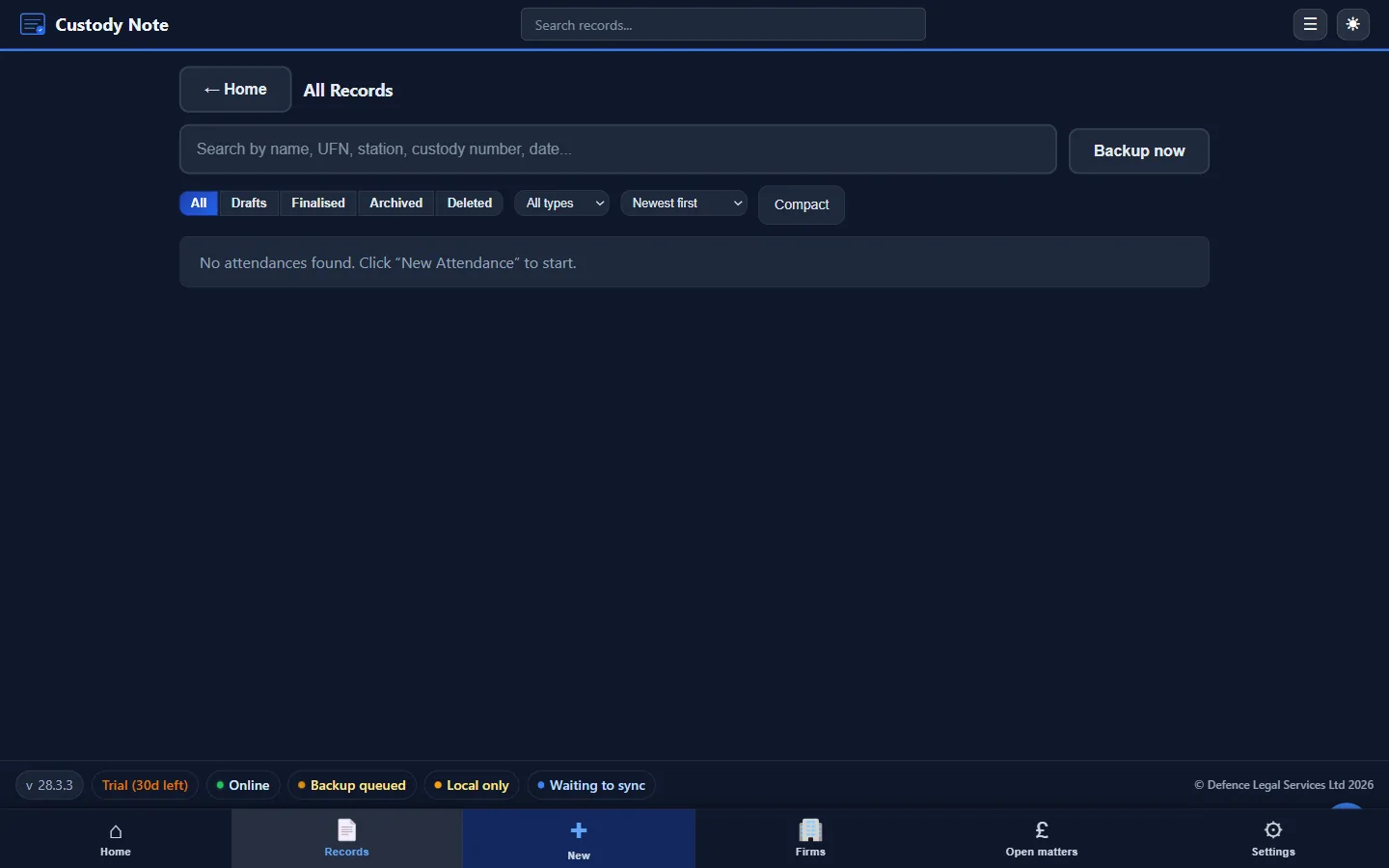
Custody Note is attendance-note software for Windows and Mac that sets out each section above as guided fields, works offline, and exports a PDF for the file. It's free during beta.
Every section above, built into guided fields.
Windows and Mac. Free during beta, no credit card.
Download freeFrequently asked questions
What must a police station attendance note include?
Nine sections: case identifiers, notification and arrival, disclosure, consultation and advice, any prepared statement, the interview, the outcome and next steps, a time summary, and the LAA billing fields. Custody attendances also need detention, welfare and rights details.
What is an attendance note in law?
A timed, dated record made by a solicitor or representative of work done for a client: who was there, what was said, what advice was given and why. At the police station it is the main record of the attendance. See the glossary entry for the full definition.
Does the LAA require specific information on attendance notes for billing?
Yes, in effect. Under the 2025 Standard Crime Contract Specification (paragraphs 8.32 to 8.34), you can only claim for work supported by evidence on the file, in the form of timed and dated attendance notes, and a claim not supported by written evidence will not be paid. The LAA's Criminal Bills Assessment Manual adds that standardised notes with no reference to the client's instructions or the advice given are not satisfactory evidence for anything but the briefest attendance, and that notes should identify who did the work where the contract requires a particular fee earner. Check the current versions of both documents.
How soon after the attendance should the note be written?
At the time, or as soon as possible afterwards and before you leave the station if you can. A note made at the time is more reliable than one reconstructed from memory, and the times and dates it records are what support the claim.
What are the most common attendance note mistakes?
Recording "disclosure given" without the detail, not recording the reasons for the advice, missing times for travel, waiting and interview, and leaving bail conditions as "standard bail". See the common mistakes guide for more.
Is there a free attendance note template?
Yes. The free UK attendance note template follows the same sections as this checklist and can be downloaded and adapted to your firm's procedures.
Is this checklist legal advice?
No. It's professional workflow guidance for solicitors and accredited representatives recording police station attendances in England and Wales. It doesn't advise what to do in any particular case, and it doesn't replace your firm's own standards or the Standard Crime Contract.
Can our firm or training provider link to this checklist?
Yes. You may link to this page from intranets, training materials, or public websites. Use the citation box on the page for suggested anchor text and HTML. Please describe it accurately as workflow guidance, not legal advice.