Custody Note for Police Station Representatives
You might be a freelance rep covering several firms, or an accredited representative building up your practice. Either way, Custody Note fits the way you work.
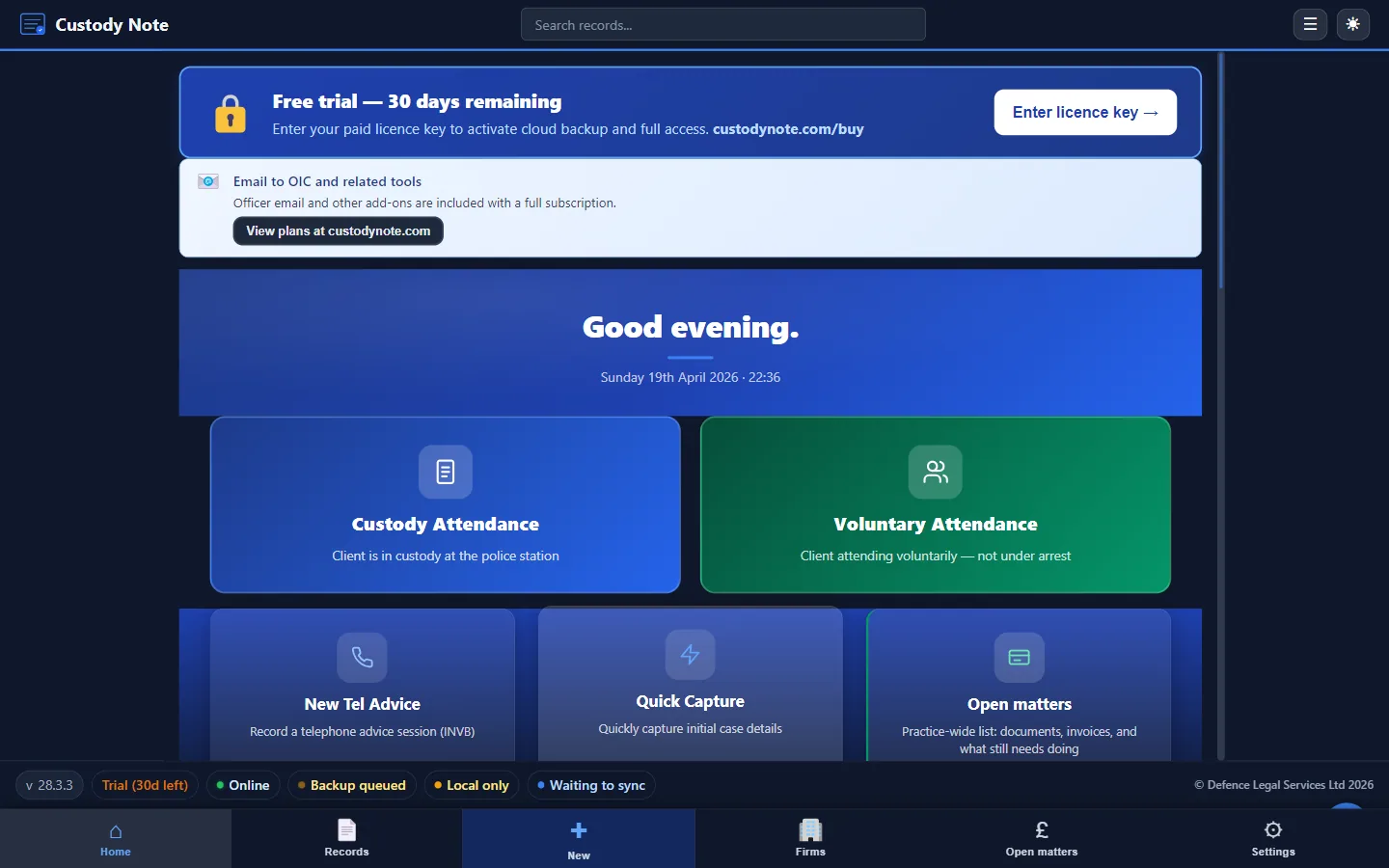
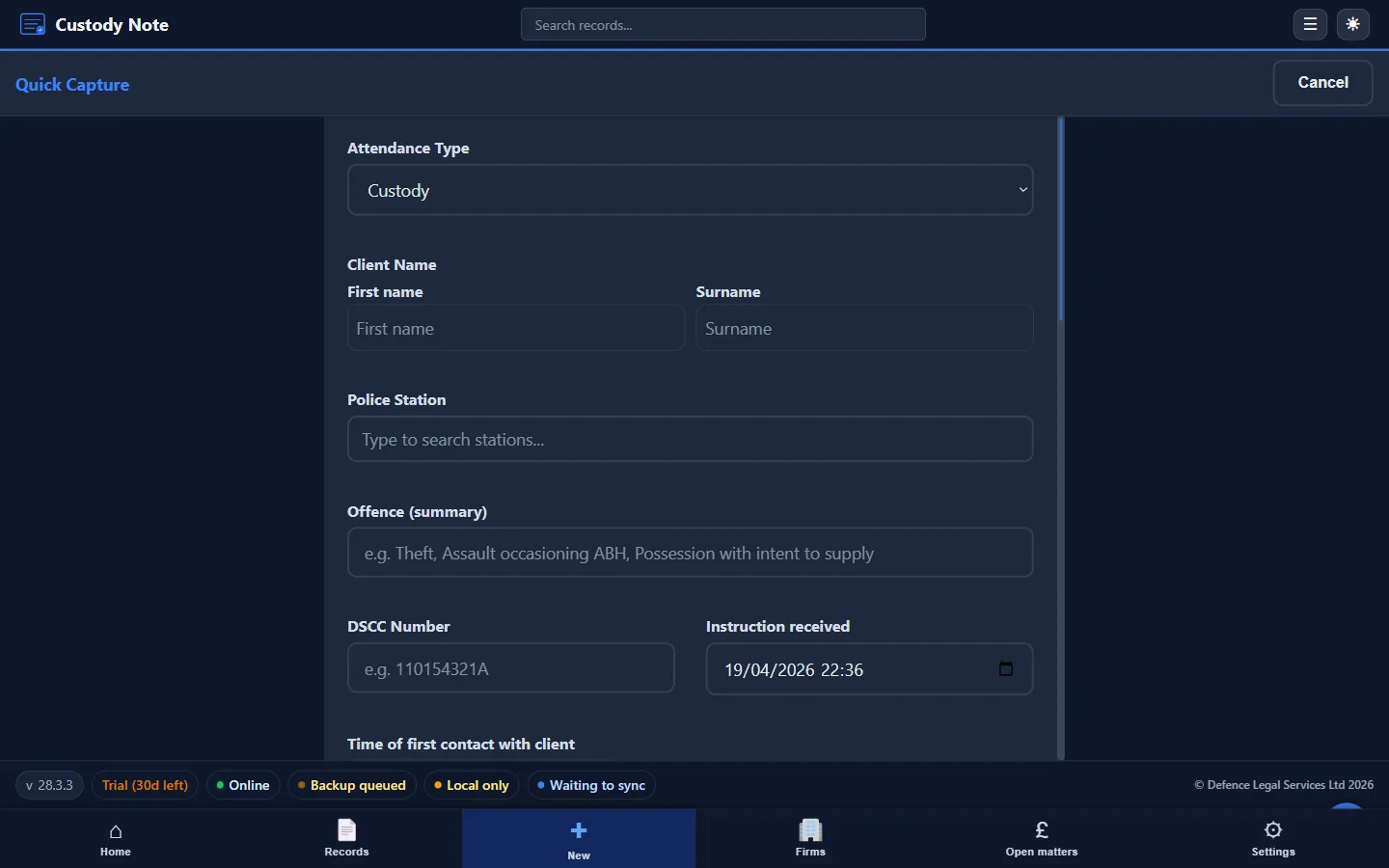
For reps as well as solicitors
Many tools assume one firm, one template, and a desk job. Police station representatives often work the opposite way: several firms on your books, different custody suites each night, and a need to turn around a clear note before you drive to the next job. Custody Note is built around that pattern: structured fields so you don't skip disclosure or welfare checks, quick entry on a laptop in the suite, and output you can send straight to whoever instructed you.
You might be accredited under the same scheme as in-house solicitors but without their IT department, their precedents folder, or their single matter-management login. The software has to be something you can rely on in the car park at 11 p.m., with a battery that's half gone and a sergeant waiting for your client. That's the bar Custody Note is aimed at: fewer moving parts, consistent structure, and a PDF that looks the same whether tonight's instruction came from a city firm or a high-street practice.
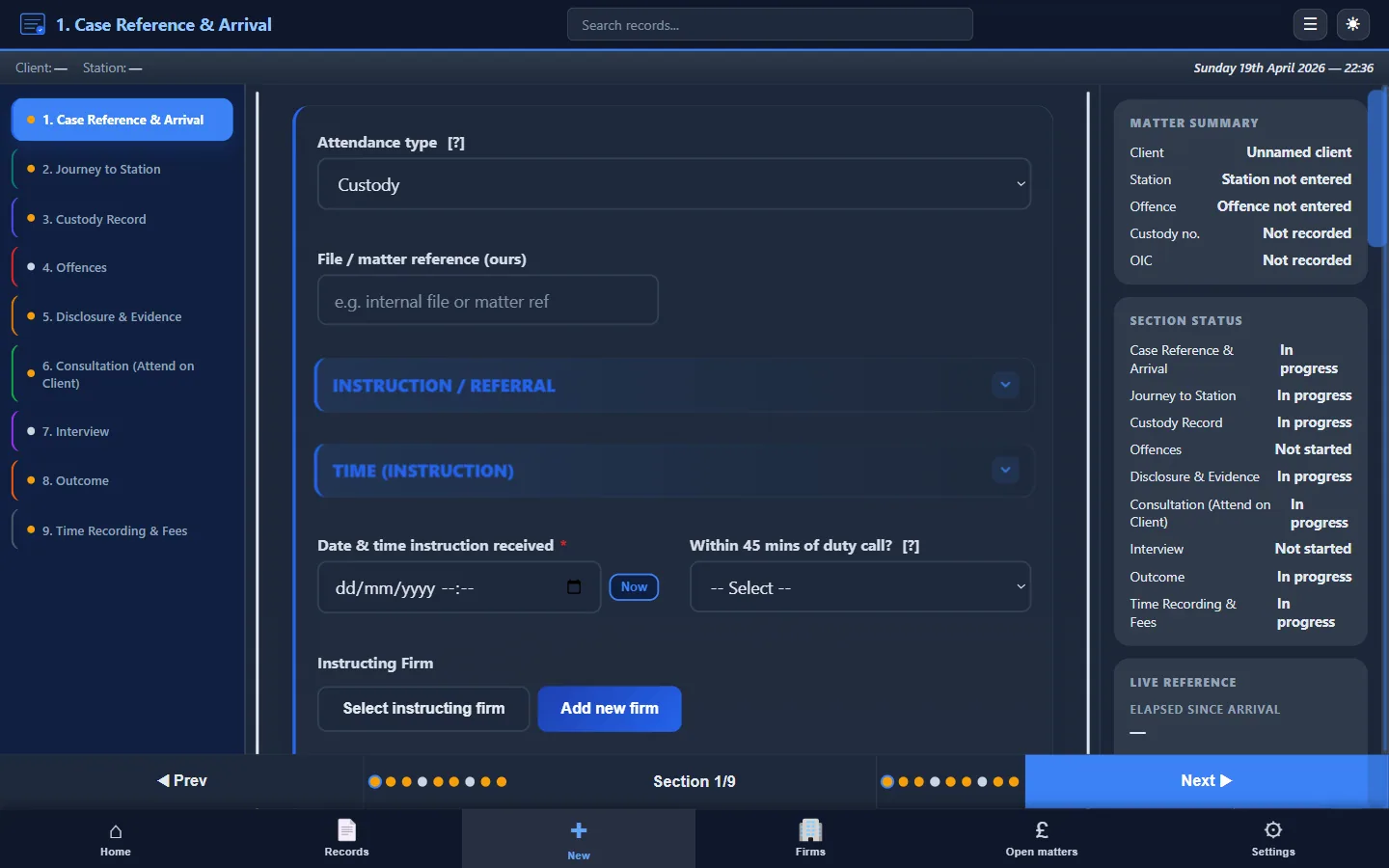
Your workflow, simplified
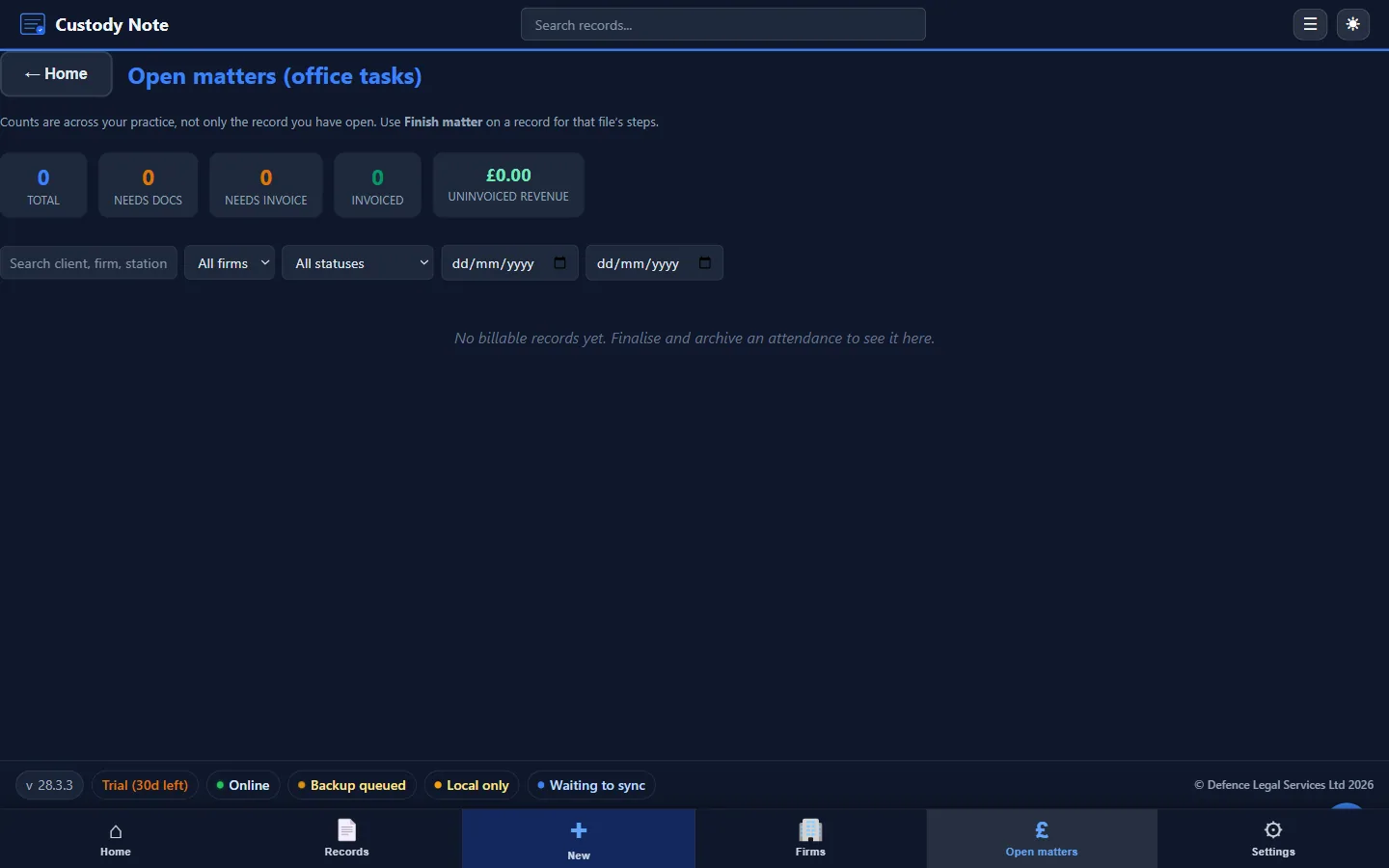
A typical evening might run like this. The DSCC or a firm rings with a name, station, and allegation summary. You open a new record in Custody Note, drop in those details, and add travel or waiting time as you go. At the station you work through the sections as events happen: booking in, disclosure, consultations, interview or no-comment, and any bail or charging decision. When you leave, you aren't facing a blank Word document at midnight: the spine of the note is already there. Export a PDF, attach it to the email the firm expects, or save it for their portal. Custody Note is meant to sit in that gap between “I was there” and “the file is complete.”
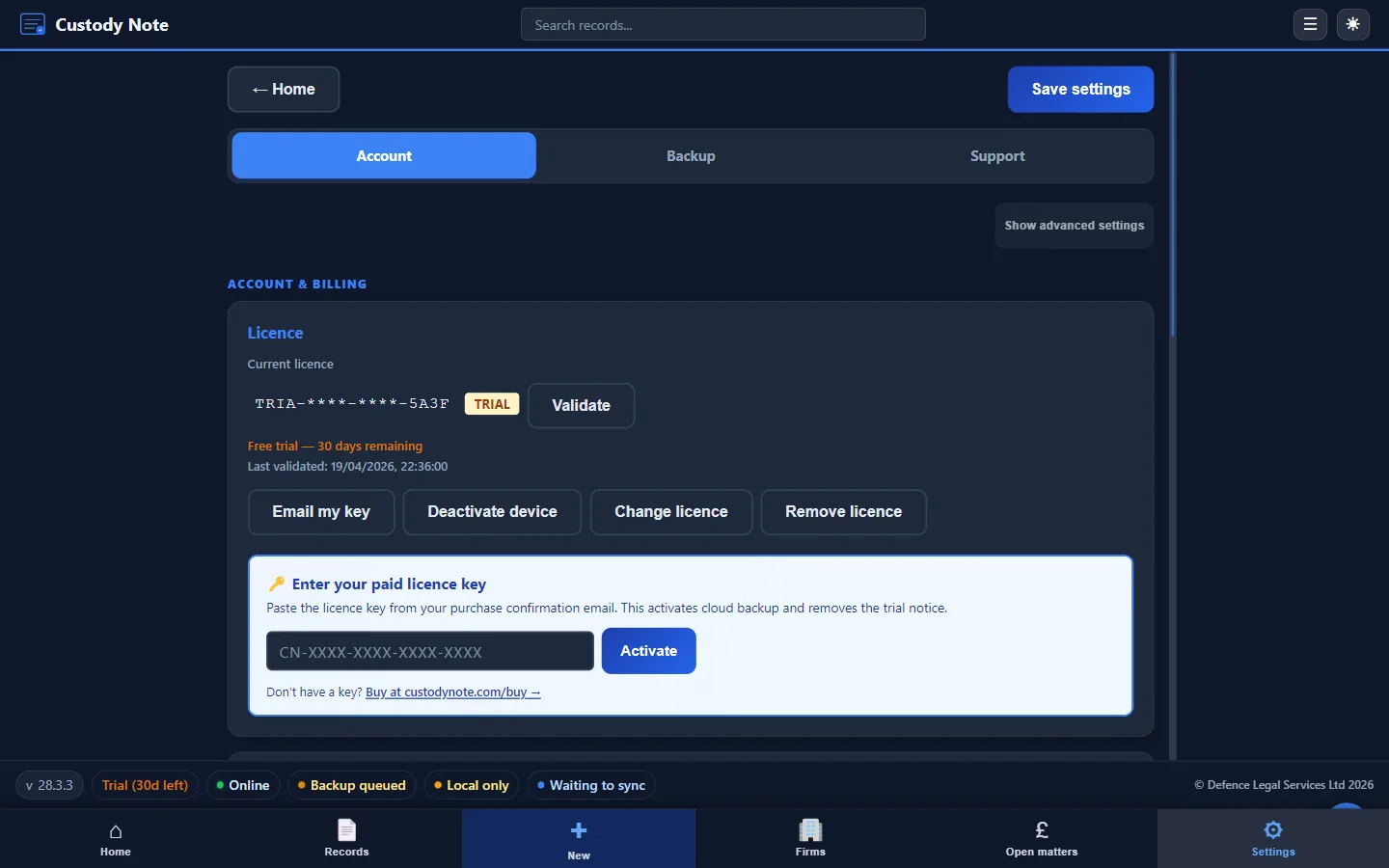
Offline by default
Custody areas and interview rooms are notorious for dead air. Custody Note saves your work locally first. You keep typing through consultations and interviews without waiting for a signal. Everything stays on your laptop first. It's free during beta. Sign in with your email to sync your notes across up to 5 computers. Notes are encrypted on your computer before upload. That's important when you're stacking several attendances in one shift and can't afford to lose a half-finished note because the network dropped.
Reps sometimes work from tethered phones or hotel Wi-Fi between jobs; neither is guaranteed stable inside a concrete building. Storing notes on the device first means the worst-case scenario is “I'll finish it at home,” not “the browser timed out and I am retyping three pages from memory.”
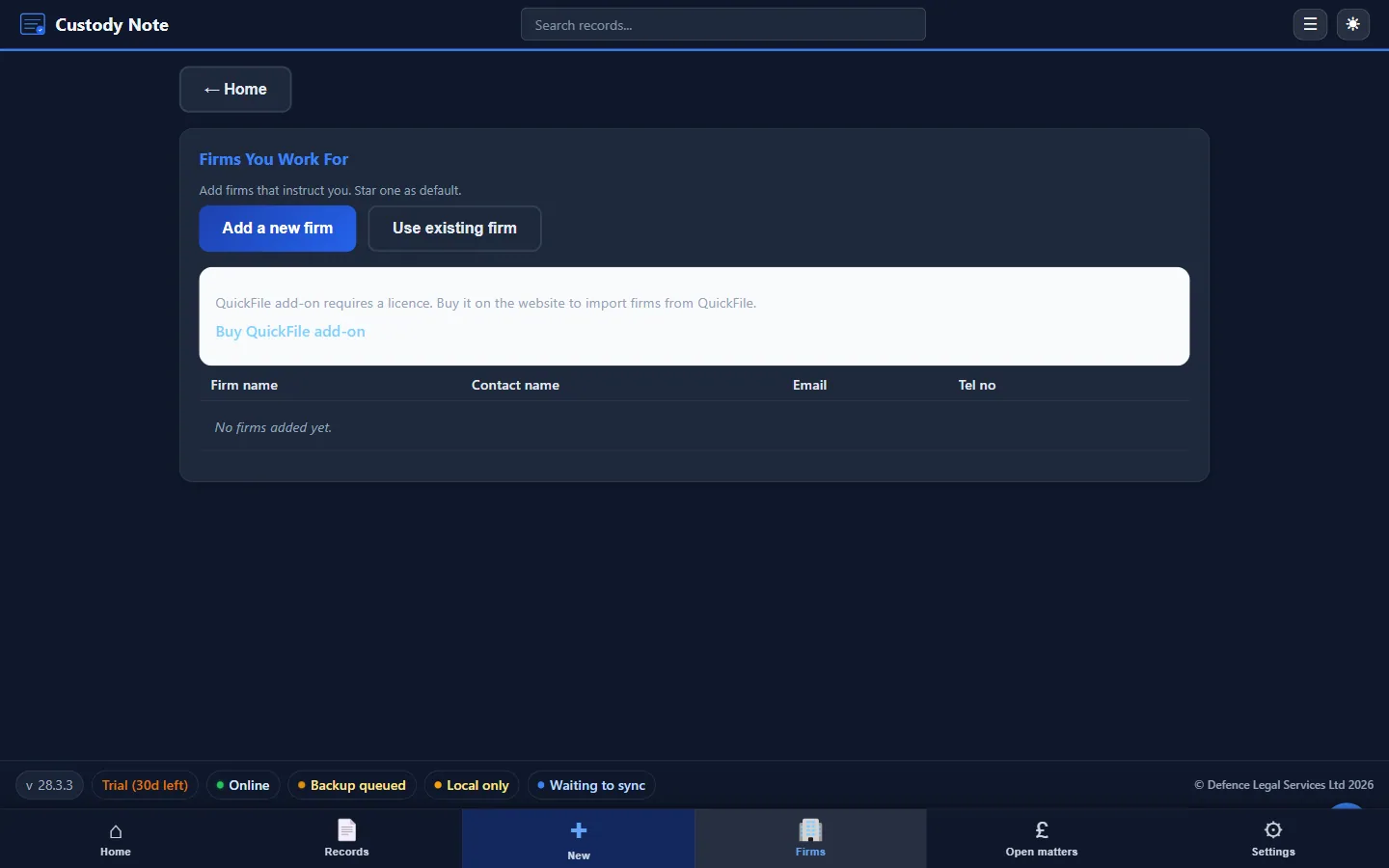
One tool, multiple firms
Freelance reps often need the same professional standard for Firm A on Tuesday and Firm B on Wednesday, without maintaining a separate stack of templates. You can organise notes by instructing firm, keep identifiers clear for each file, and export discrete PDFs per attendance so billing and filing stay tidy. The structure stays PACE-aware; only the instructing party and reference lines change.
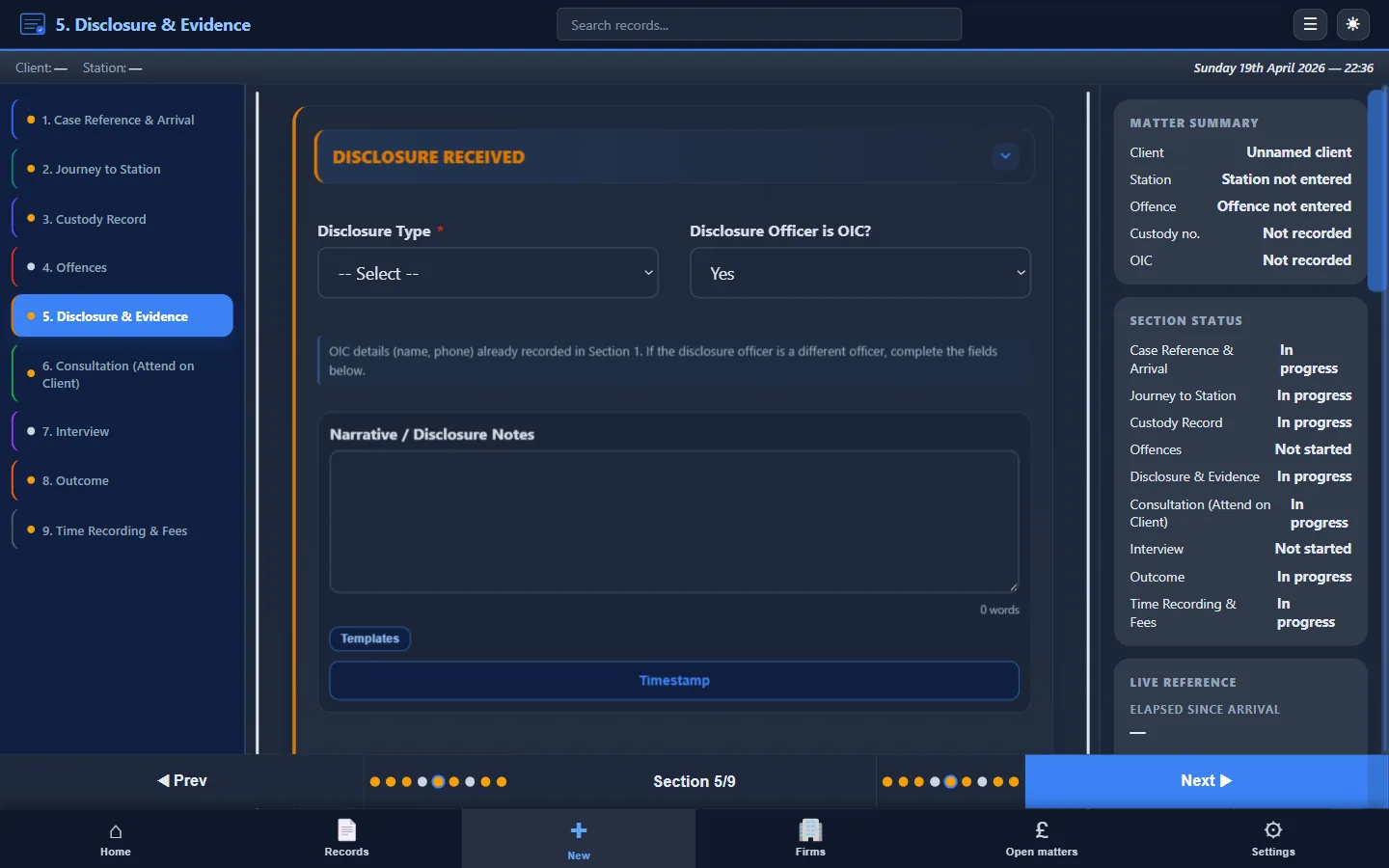
Set out around PACE
Custody officers and investigating officers have duties under PACE and codes of practice; your note is the contemporaneous record that shows what was said, what was disclosed, and what happened to the client in custody. Custody Note's sections prompt you for the kinds of detail firms and auditors expect, not so you tick boxes for their sake, but so you don't realise three days later that you never recorded when legal advice was offered or whether an appropriate adult was present. For a fuller picture of what good notes cover, see how to write attendance notes and our police station attendance notes guide.
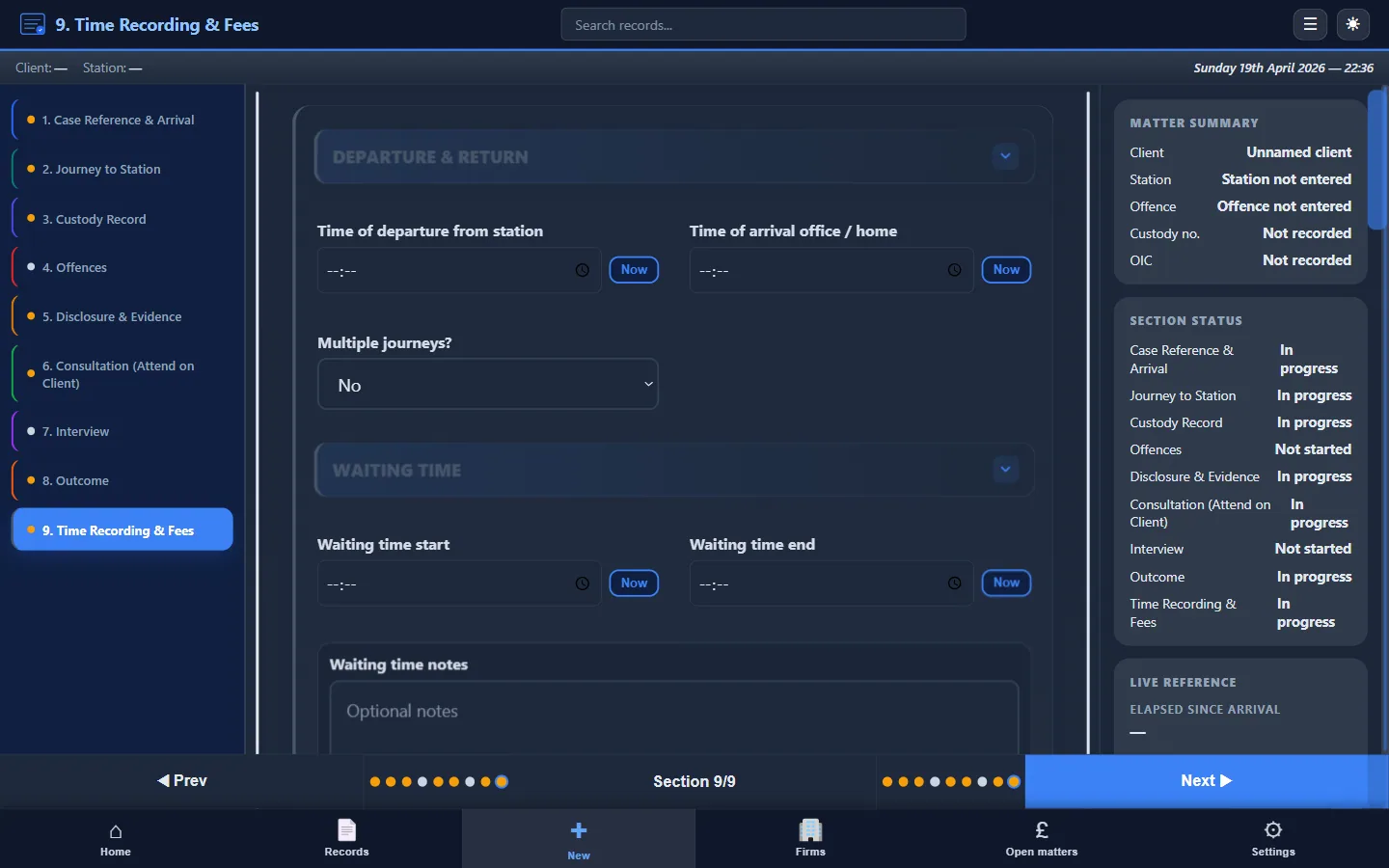
Billing support
When you bill through more than one firm, or when the firm bills Legal Aid on your attendances, messy notes cost money. Time recording fields, travel, and disbursement-style detail help you align what you did with what the LAA and the firm need on the bill. Custody Note is oriented towards that kind of output without turning every attendance into a spreadsheet exercise. For context on Legal Aid and notes, read attendance notes for legal aid billing.
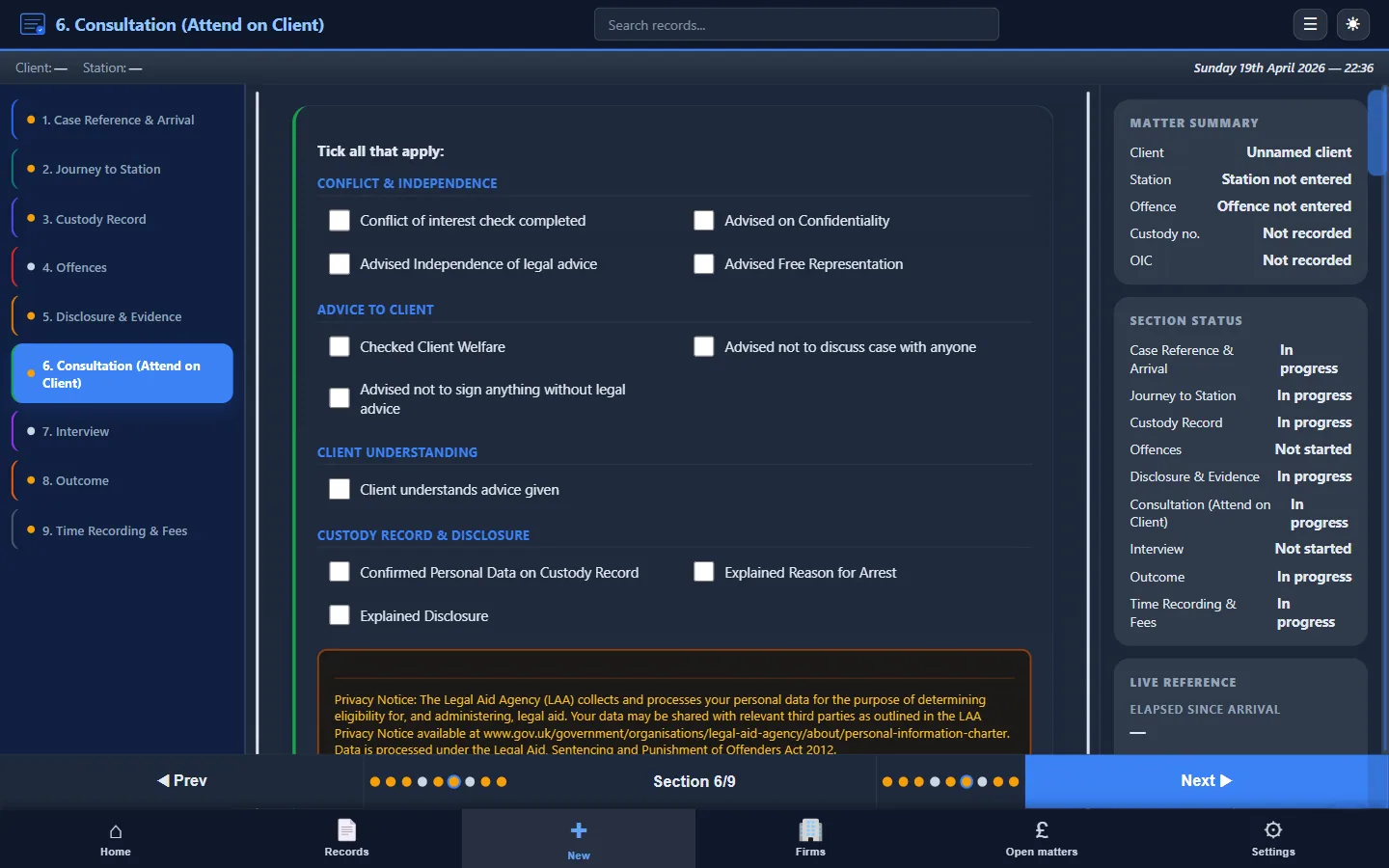
Templates and quality
If you're comparing your current Word template to a dedicated tool, our attendance note template (UK) page sets out what a solid template includes. Much of that's already built into Custody Note's flow. To avoid the errors that get files sent back, see common mistakes in attendance notes.
Getting started
Custody Note runs on Windows 10 or later (64-bit). You can start with a Free during beta: full functionality, no credit card required to try the core workflow. If you already know you want ongoing access, pricing is straightforward monthly billing after the trial.
For video walkthroughs and topic-by-topic demos as we publish them, see tutorials & demos.