Duty solicitor software: structured notes for every attendance
Custody Note is made for the reality of duty work: irregular hours, unreliable Wi-Fi, and the need for consistent, defensible records at every police station visit.
What is Custody Note?
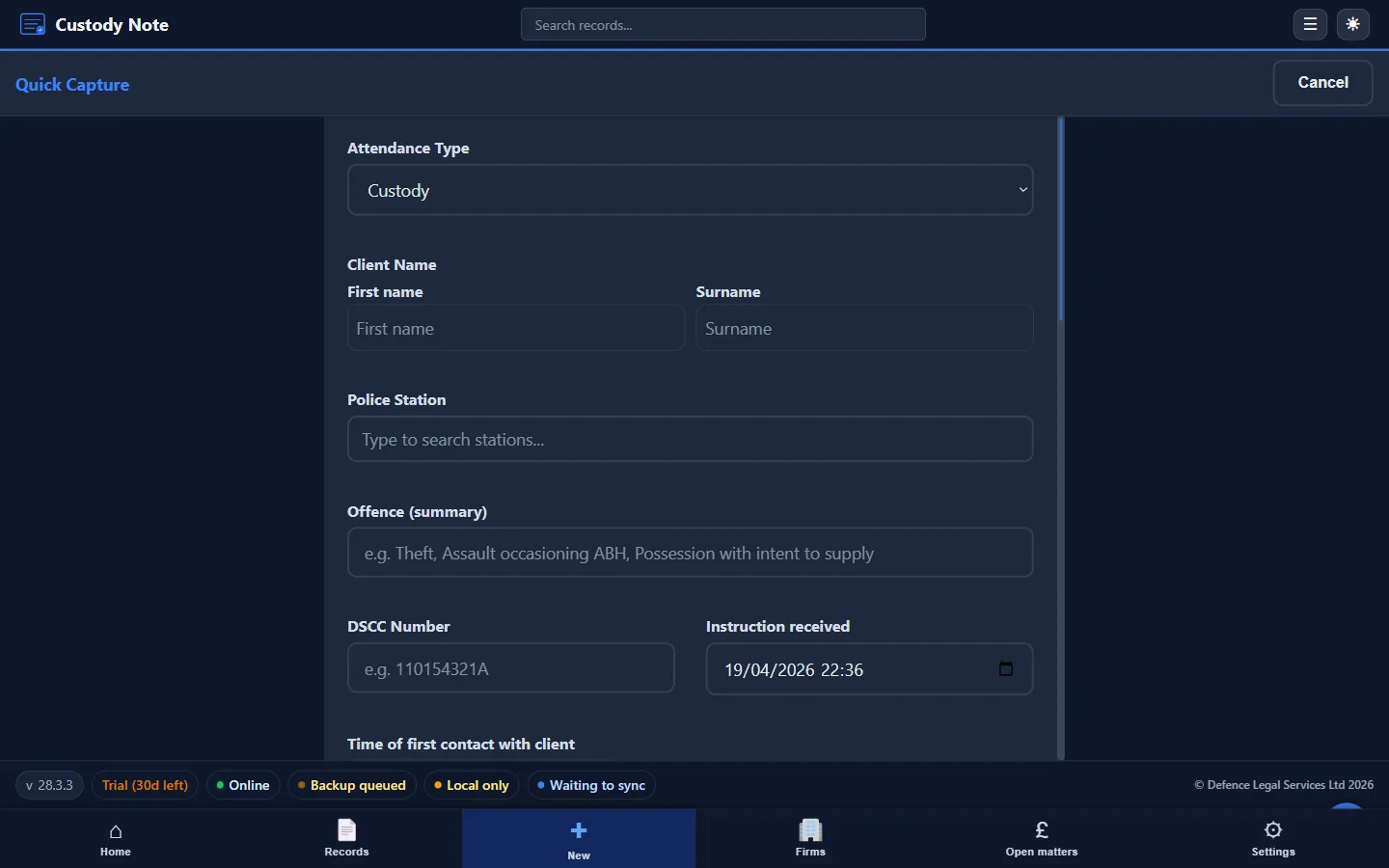
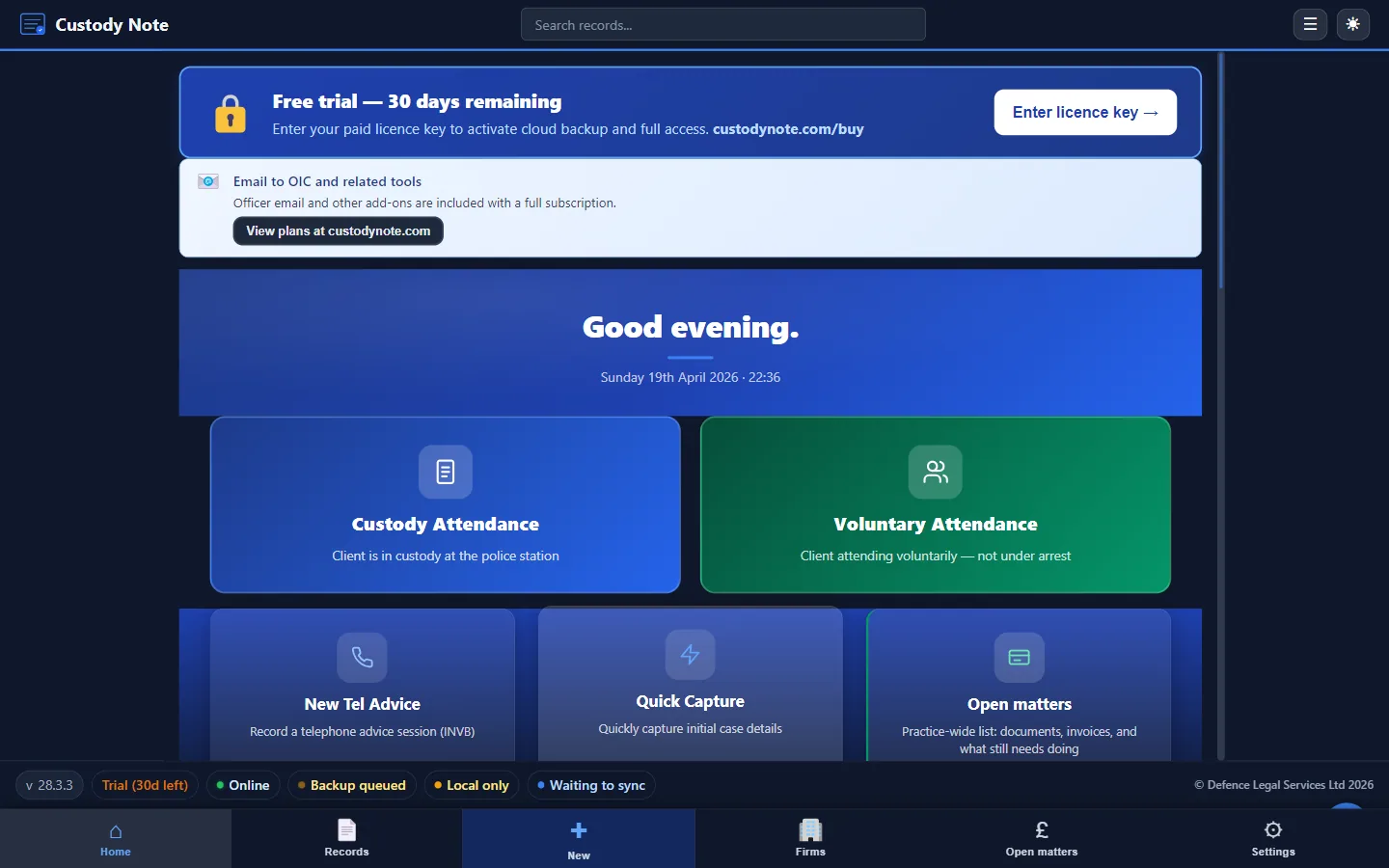
Custody Note is desktop software for Windows 10 or later and macOS 11+ for criminal defence practitioners who attend police stations. It doesn't run on Linux or mobile devices. It provides structured, section-by-section forms for:
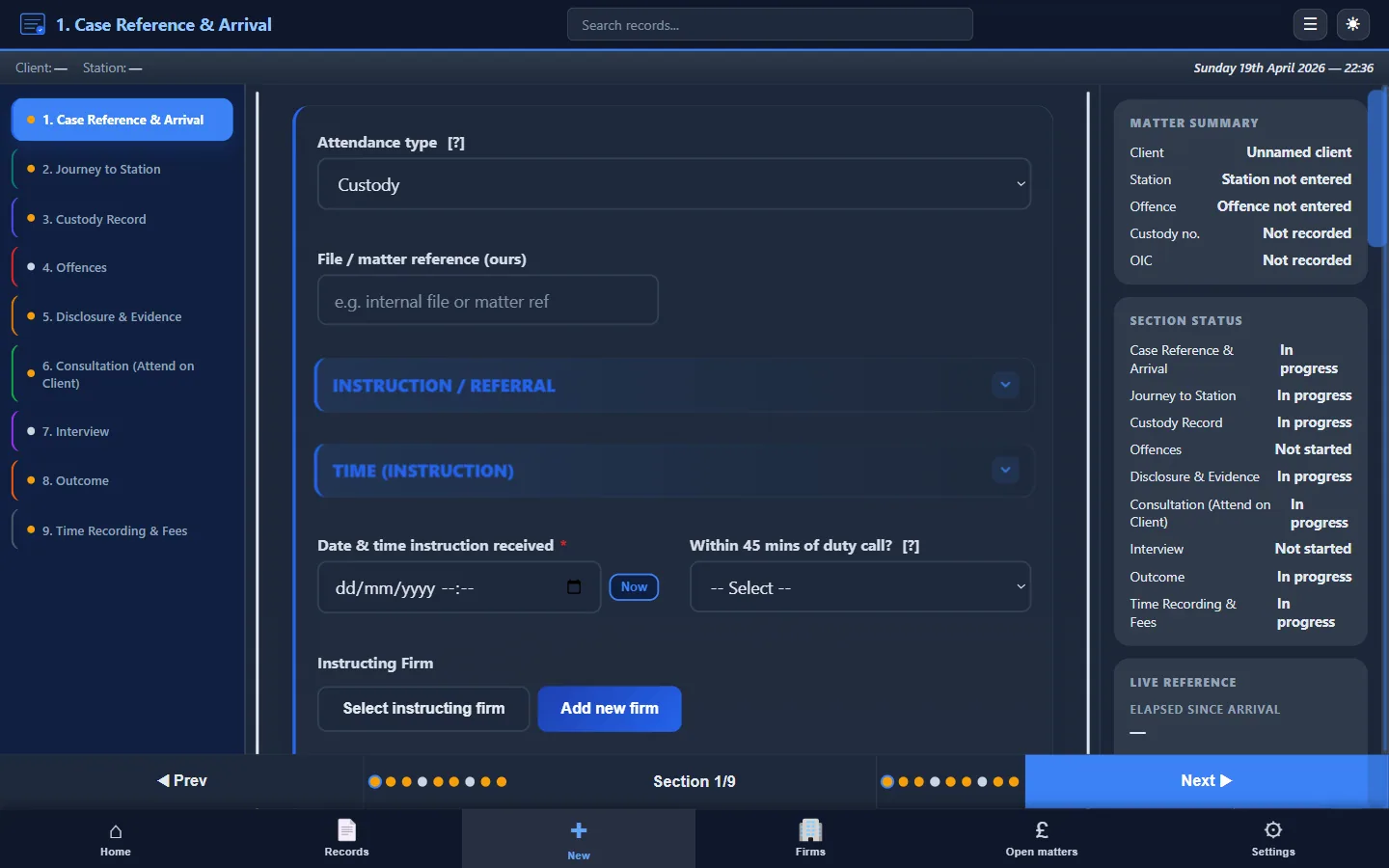
- PACE custody interviews: full attendance records from instruction to outcome
- Voluntary interviews: adapted fields for non-custody attendances
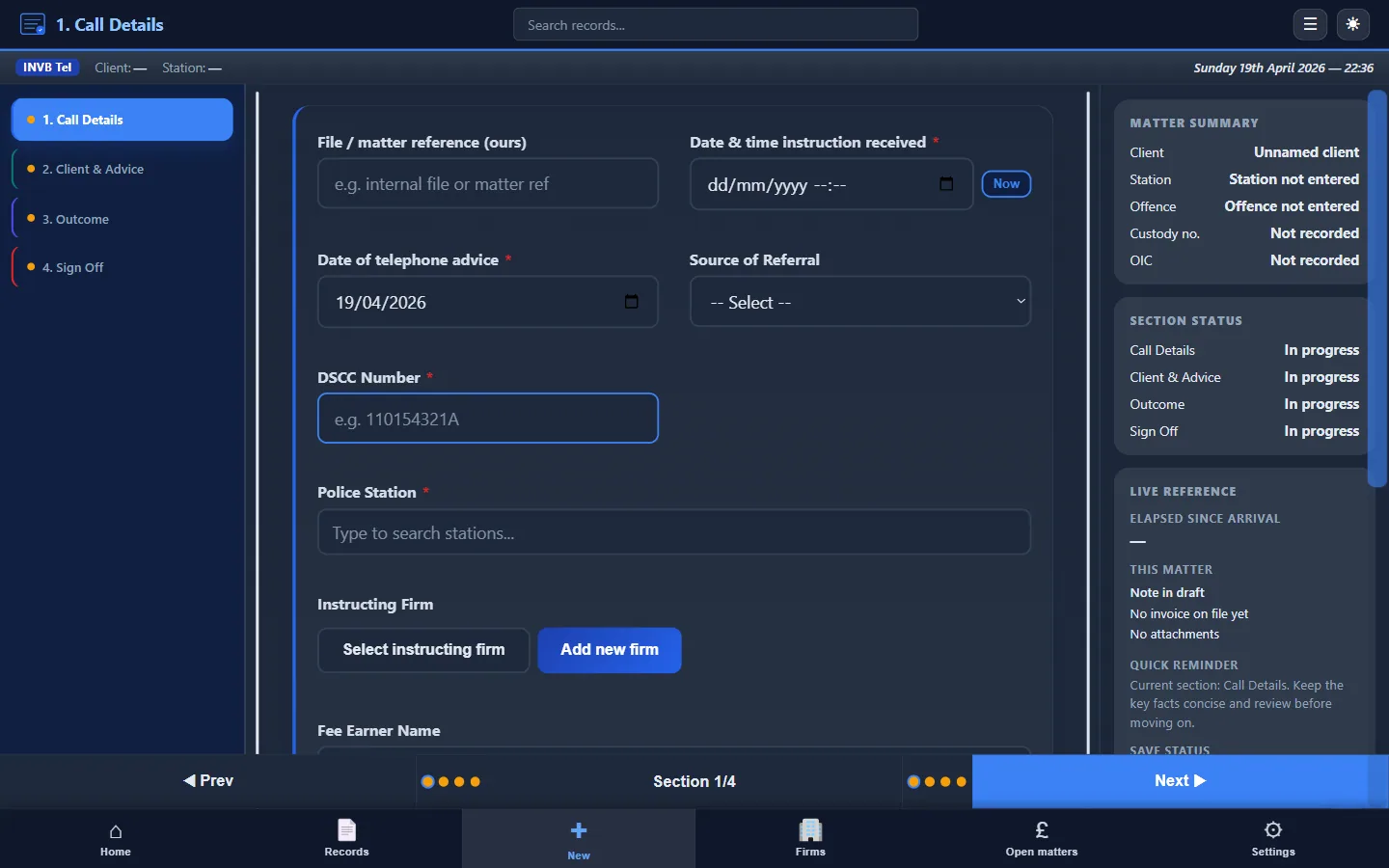
- Telephone advice: brief records for remote instructions
Why duty solicitors need dedicated software
Duty work is unpredictable. You may attend two or three stations in a shift, at all hours, with variable connectivity. Generic note-taking apps and practice management systems aren't designed for this environment:
- They assume reliable internet, Custody Note works offline
- They lack police station–specific fields like custody reference, disclosure, PACE reviews, and outcomes
- They don't produce structured PDF attendance notes ready for your firm file
Key features for duty solicitors
- Works offline: your encrypted database is on your laptop, not in the cloud
- AES-256 encryption: client data is protected at rest
- PDF export: produce a complete attendance note for your firm or instructing solicitor
- LAA billing support: time recording, claim types, and fee calculation fields
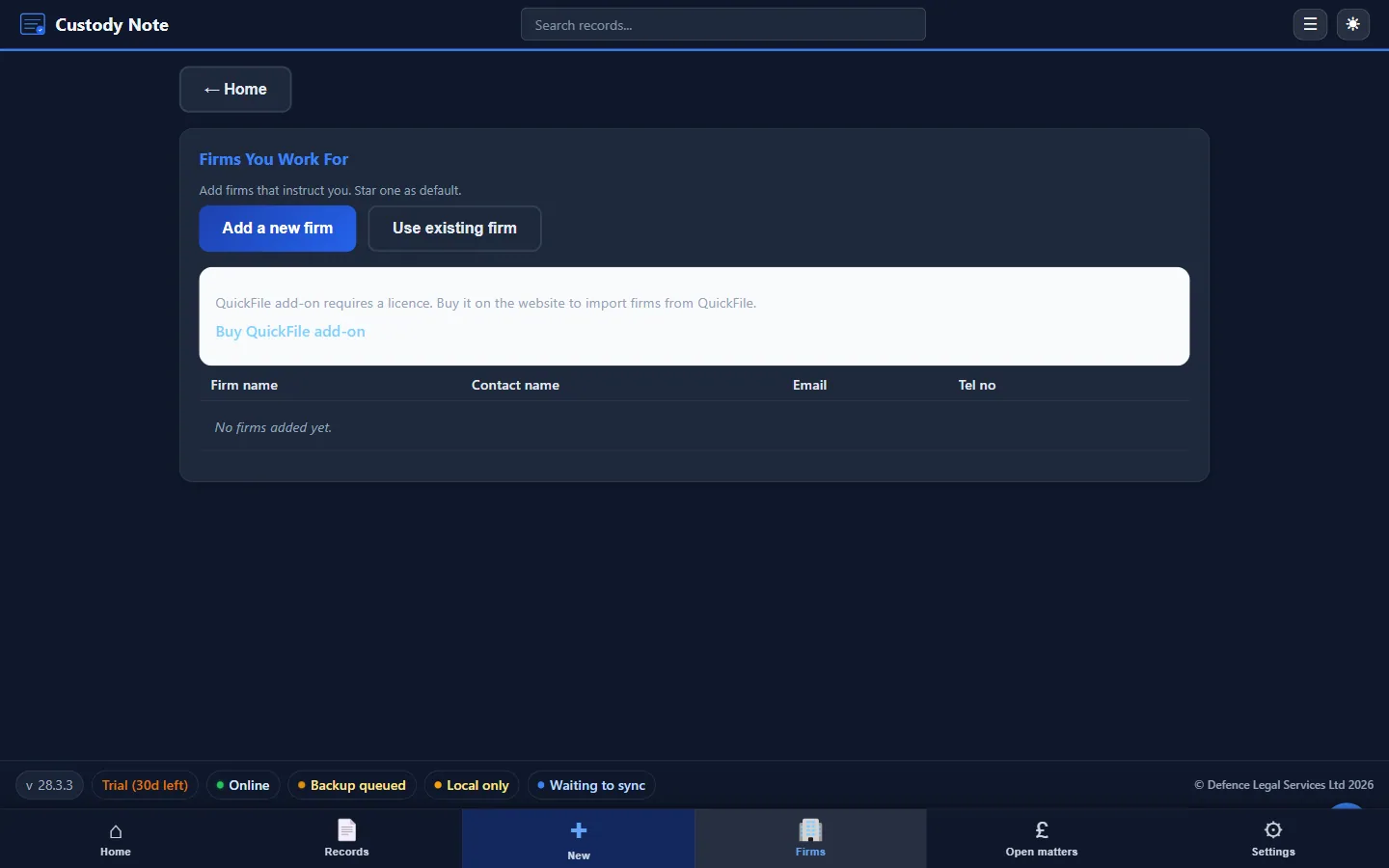
- QuickFile invoicing: push attendance data straight to your invoicing workflow
- Email templates: send disclosure requests, bail confirmations, and officer correspondence from pre-built templates
- Quick Capture: log incoming calls and instructions instantly
- Sync during the free beta: sign in with your email to sync your notes across up to 5 computers. Notes are encrypted on your computer before upload. Managed cloud backup (AWS London) is planned for Pro after beta
How it fits into your duty workflow
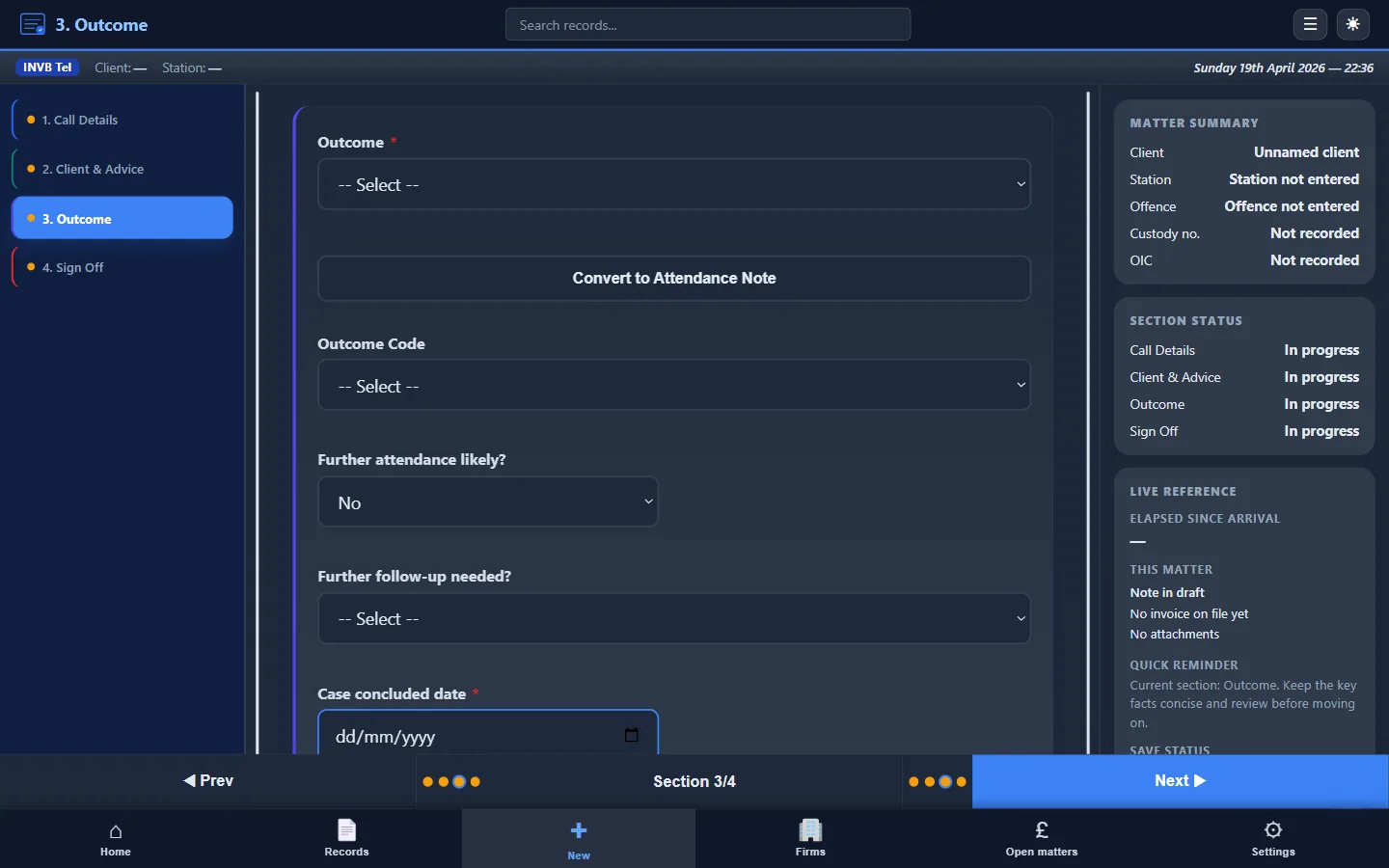
Open or create a record when you receive the instruction. Work through each section (client details, disclosure, consultation, interview, outcome) at the station or on the way. Export the PDF for the firm, use the billing fields to support your LAA claim, and move on to the next matter.
Pricing
Custody Note is free while it's in beta. A Pro plan, at around £9.99 a month, is planned after beta, with cloud backup, sync and firm reporting. You can't buy it yet. No card needed to download. See full pricing details.
Download Custody Note and try it on your next duty attendance.