Criminal Defence Solicitor Software for Station Work
Criminal defence solicitors doing police station work need a structured, reliable way to record attendance notes that withstand LAA scrutiny and file audits. Custody Note is desktop software for Windows and Mac built specifically for this workflow, from the initial callout notification through to interview notes, advice recorded, and billing fields completed.
The solicitor's workflow at the police station
Police station attendance follows a predictable sequence, but each stage generates information that must be captured accurately and contemporaneously. The typical workflow runs:
- Callout received: duty solicitor notification or direct client instruction, with initial offence details and station location
- Travel and arrival: journey time, arrival at the custody suite, initial wait
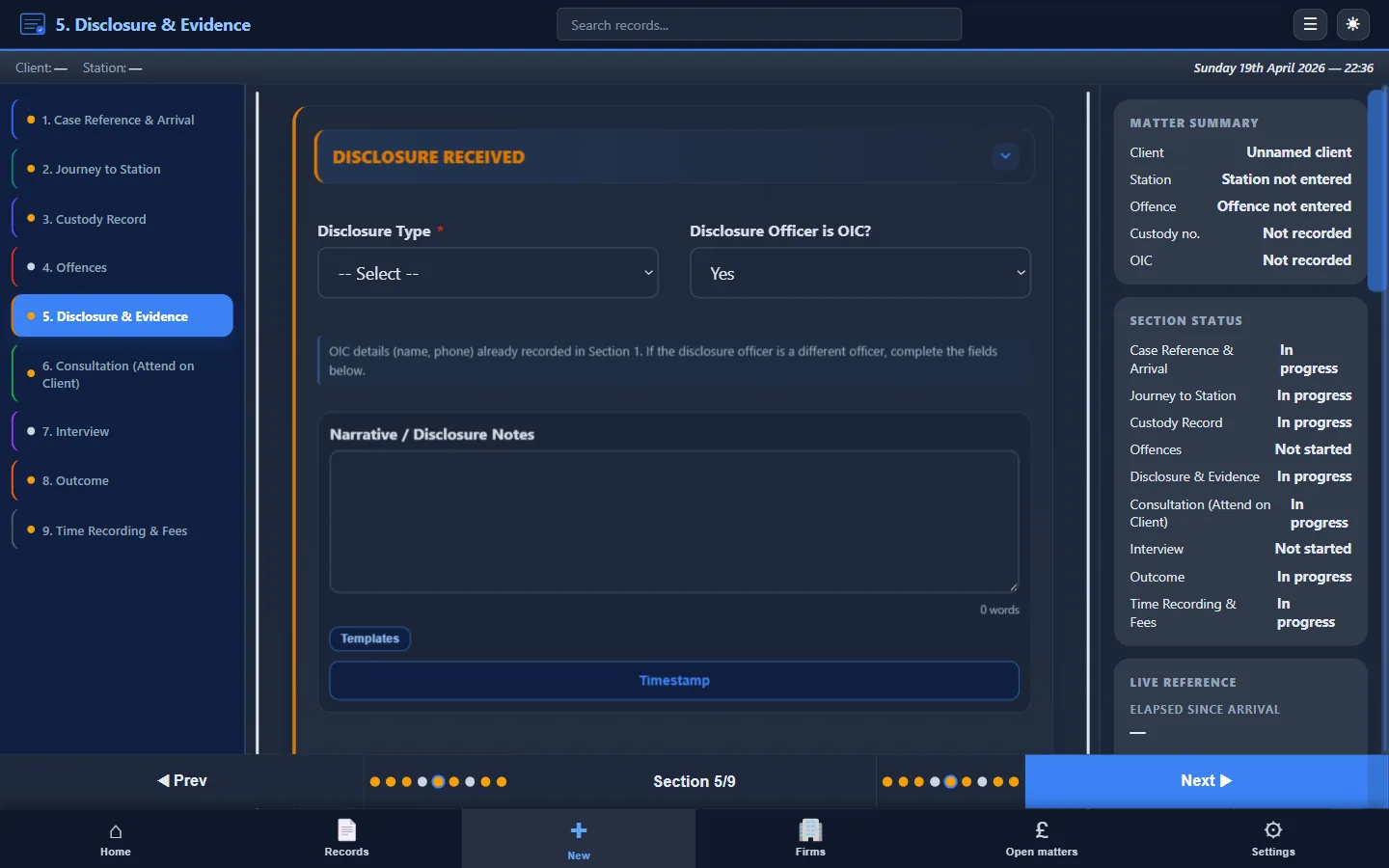
- Disclosure: reviewing what the police have provided (often limited at this stage), assessing strength of evidence, and identifying gaps
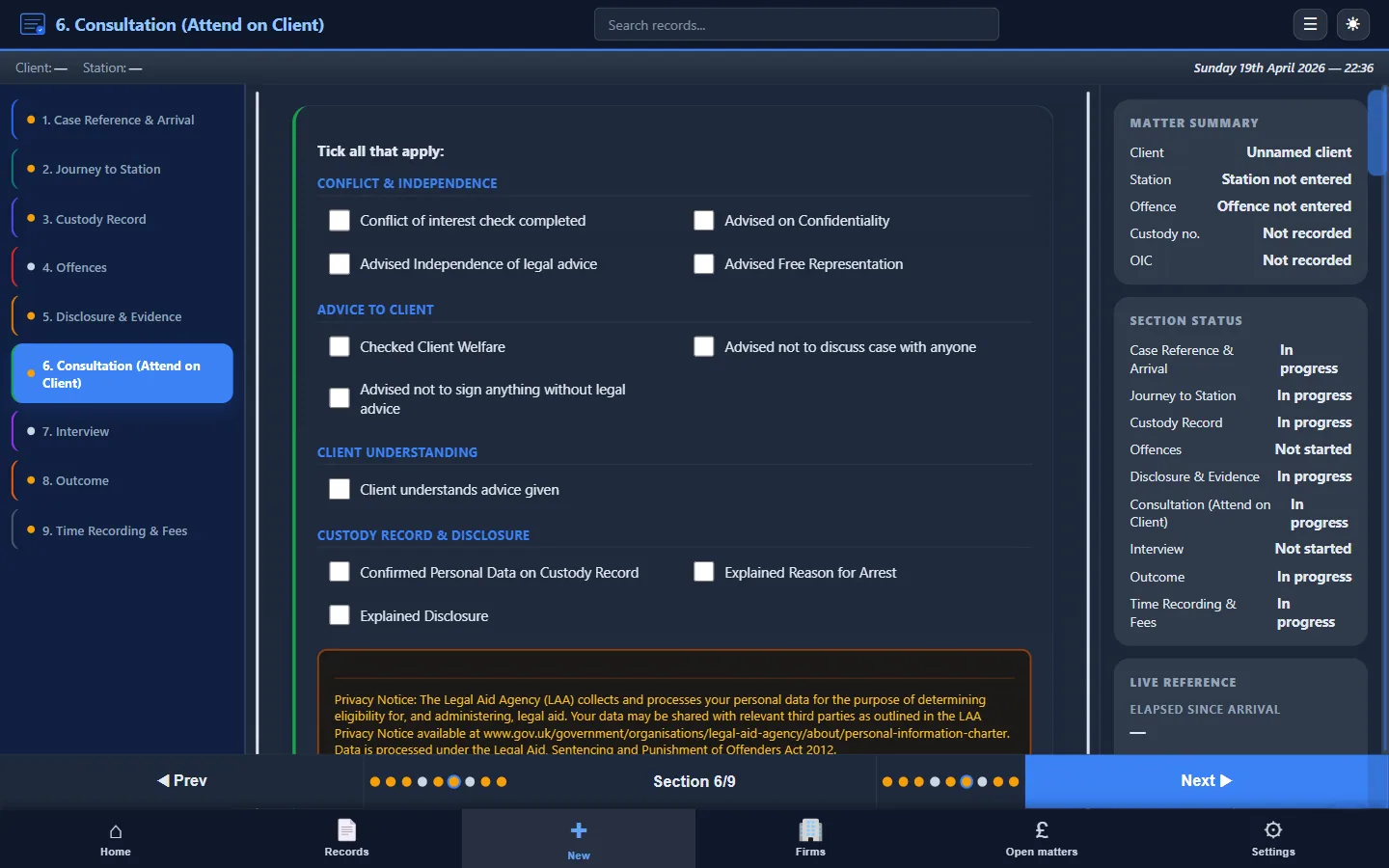
- Consultation: private conference with the client, taking instructions, explaining the allegation, advising on interview strategy and rights (including the right to silence)
- Interview: attending the PACE interview, monitoring questions for fairness, intervening where appropriate, and recording what was said
- Post-interview: further consultation if needed, representations on charge or bail, and outcome
- Billing and file closure: recording times, fee type, disbursements, and producing the attendance note for the firm file
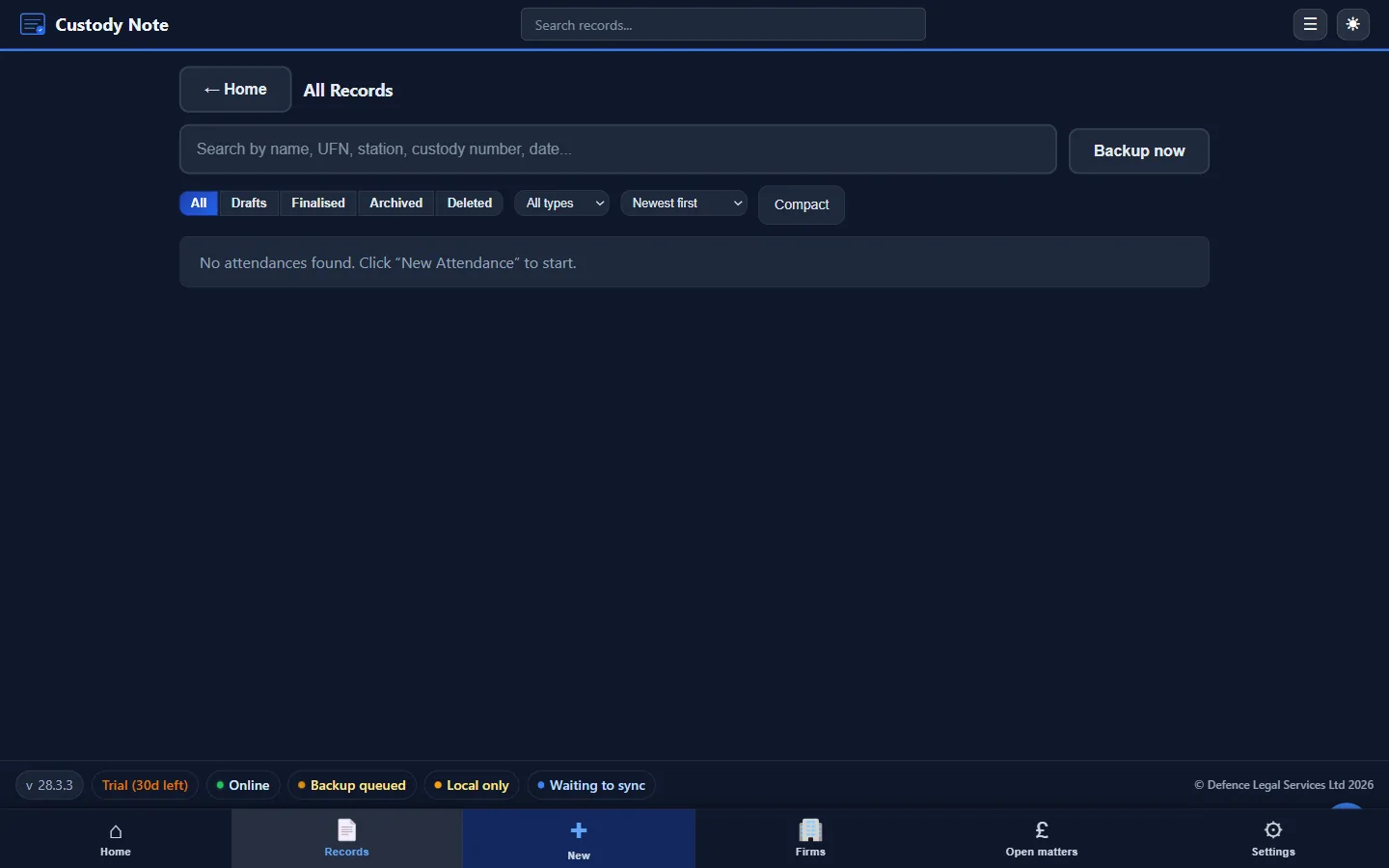
Each of these stages must be recorded. Generic note-taking tools treat all of this as unstructured text. Custody Note provides dedicated sections for each stage.
What the software does
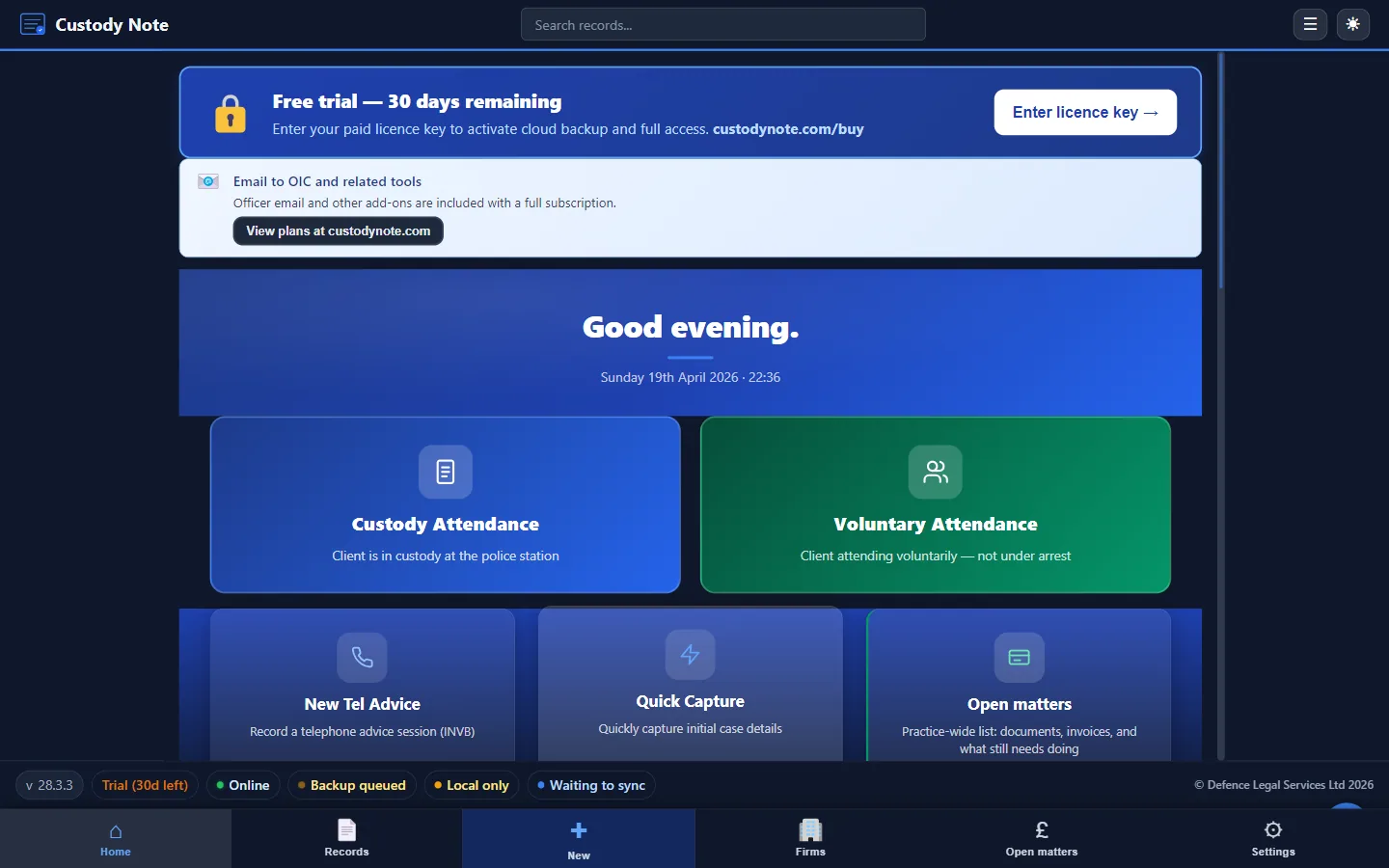
Custody Note runs on Windows 10 or later (64-bit) and on macOS 11 or later (Apple Silicon and Intel). It doesn't run on Linux or mobile devices. It provides structured, section-by-section forms for three types of attendance:
- PACE custody attendances: the full police station workflow from callout to outcome
- Voluntary interviews: adapted fields for non-custody attendances under caution
- Telephone advice: brief records for remote instructions and advice given by phone
For each type, the software walks you through the relevant sections, prompting you to record the information you need, rather than relying on memory or a blank page after the event.
Features for defence solicitors
- Works offline: your encrypted database is on your laptop. Police station Wi-Fi is unreliable; Custody Note doesn't depend on it
- AES-256 encryption: client data is encrypted at rest, protecting sensitive case information
- PDF export: produce a complete, professional attendance note for your firm file or for submission to an instructing solicitor
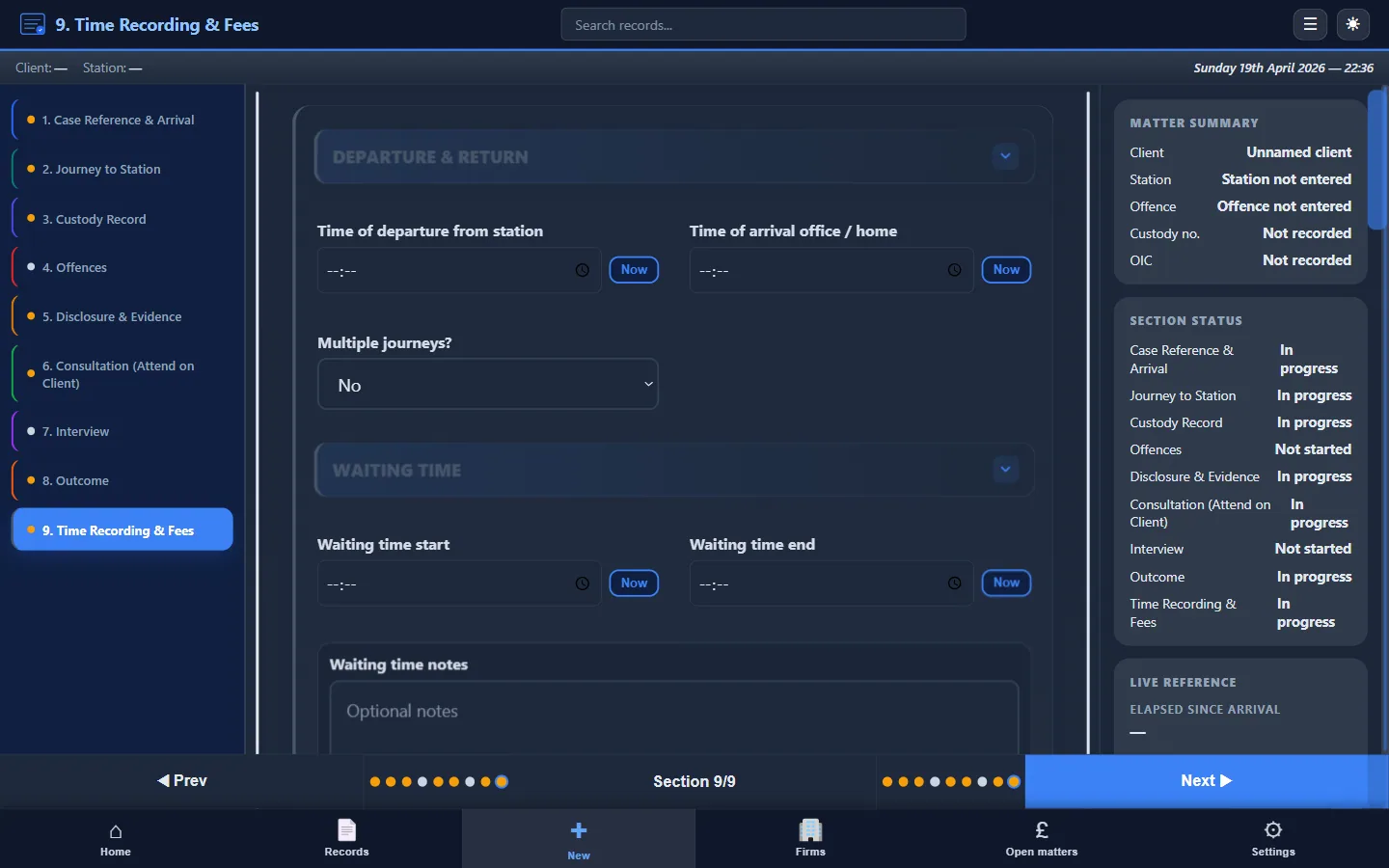
- LAA billing fields: time recording with start and end times for each stage, fee type selection (fixed fee, escape fee), claim reference, and automatic fee calculation
- QuickFile integration: push billing data directly to your invoicing workflow without re-keying
- Email templates: pre-built templates for common correspondence: disclosure requests, bail confirmations, and officer communications
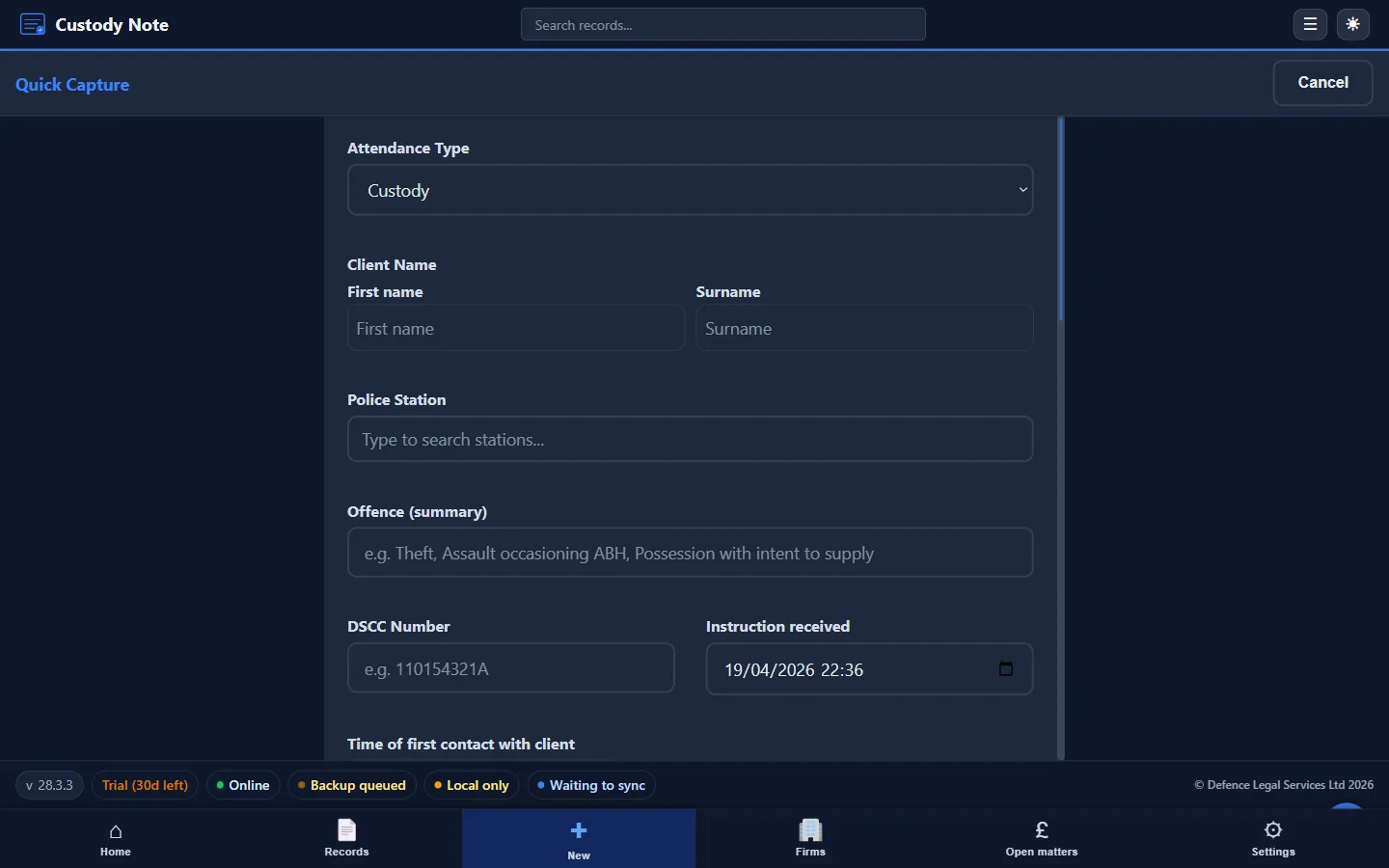
- Quick Capture: log incoming callout details instantly so nothing is lost before you start the full record
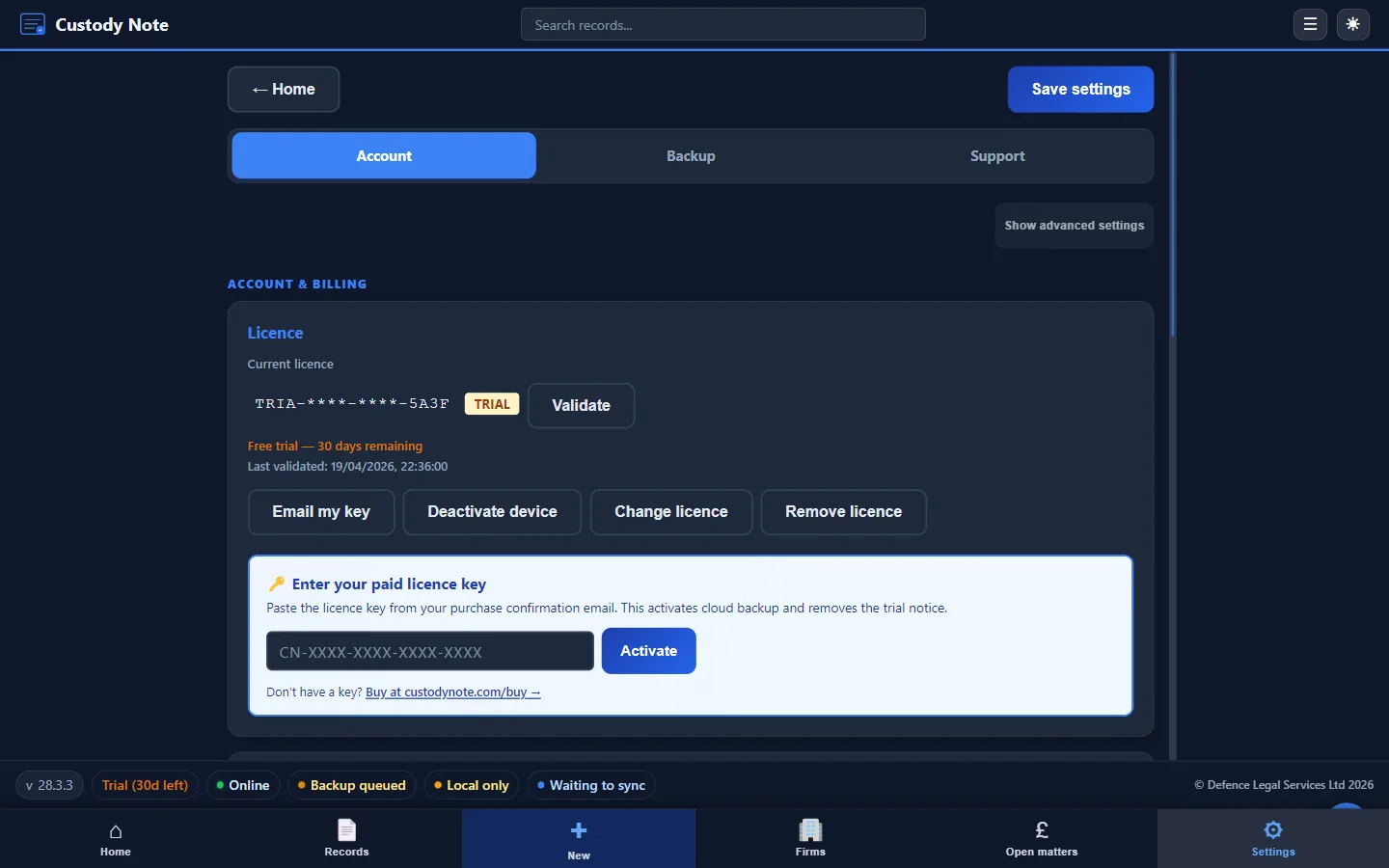
- Sync and cloud backup: it's free during beta. Sign in with your email to sync your notes across up to 5 computers. Notes are encrypted on your computer before upload. Managed cloud backup (AWS London) is planned for Pro after beta, for solicitors who work across machines
LAA billing support
LAA claims require contemporaneous evidence of the work done. For fixed fee claims, your attendance note must confirm the type of attendance, the work carried out, and the outcome. For escape fee claims, a detailed time breakdown is essential: travel, waiting, consultation, interview, and post-interview work, each with start and end times.
Custody Note builds these billing fields into the attendance record itself. You capture times as you work, select the fee type, and the software calculates the total. This means your attendance note and your billing data describe the same work, which is exactly what LAA assessors look for.
Custody Note isn't endorsed or approved by the Legal Aid Agency. It supports your LAA billing workflow by providing structured fields that align with LAA requirements. For more on how attendance notes support billing, see LAA Attendance Notes Explained.
Consistency across fee earners
Firms with multiple solicitors and representatives attending police stations face a quality control challenge. Each practitioner may structure notes differently, record different levels of detail, and approach billing fields inconsistently. Custody Note enforces a consistent template across all users, so every attendance note from your firm follows the same structure, regardless of who attended.
Security and compliance
Attendance notes contain sensitive personal data: client names, offence details, legal advice, and case strategy. Custody Note encrypts all data at rest using AES-256. Cloud backup (optional) uses encrypted transit and UK-hosted storage. The software doesn't transmit unencrypted client data over the internet and doesn't share data with third parties.
Pricing
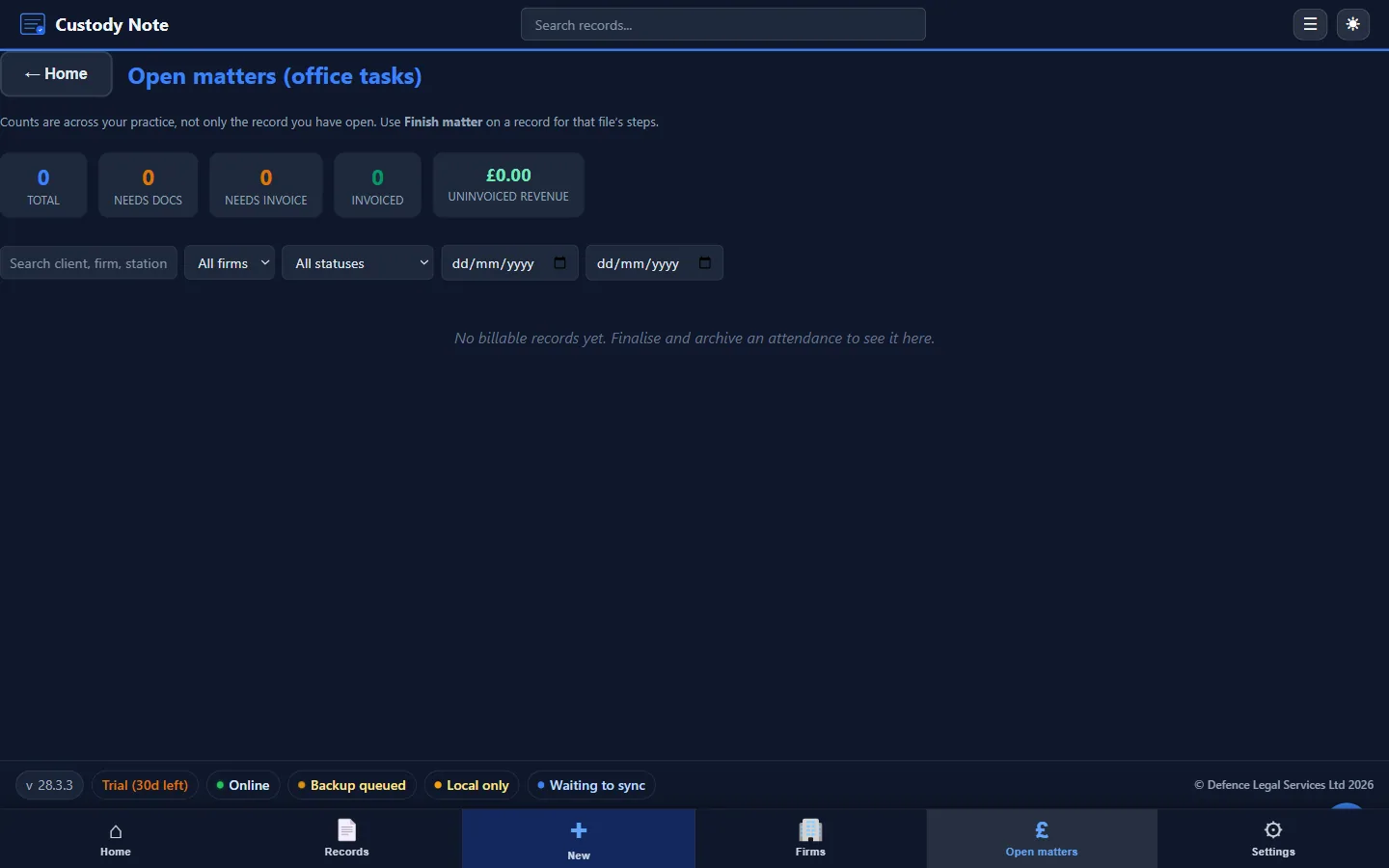
Custody Note is free while it's in beta. A Pro plan, at around £9.99 a month, is planned after beta, with cloud backup, sync and firm reporting. You can't buy it yet. No card needed to download. See full pricing details.
It works the way you work at the station.
Structured templates, offline working, encryption, LAA billing fields, and PDF export. Free during beta.
Download freeFrequently asked questions
Is Custody Note suitable for own-client work as well as duty?
Yes. Custody Note handles both duty rota attendances and own-client police station work. The structured templates are the same. The only difference is whether the callout comes from the duty solicitor scheme or directly from a client. For duty-specific features, see Custody Note for Duty Solicitors.
Does it integrate with my practice management system?
Custody Note exports structured PDFs that can be saved to any case management system. It also integrates with QuickFile for invoicing. Direct integrations with specific PMS platforms aren't currently available but are on the development roadmap.
Can multiple solicitors in my firm use the same licence?
Each practitioner needs their own licence. It's free during beta. Sign in with your email to sync your notes across up to 5 computers. Notes are encrypted on your computer before upload.
How does it handle voluntary interviews differently?
Voluntary interview templates omit custody-specific fields (custody reference, detention reviews, bail conditions) and include fields relevant to non-custody attendances, such as the basis of the voluntary attendance and the interview location outside a custody suite.
What happens to my data if I cancel?
Your local database remains on your laptop and is always accessible. If you used cloud backup, your encrypted data remains available for download for 90 days after cancellation. Download Custody Note to try it yourself.