Custody Note Software: Structured Notes for Defence Work
Custody note software is an application for recording structured notes during police custody attendances. In England and Wales, criminal defence solicitors and accredited police station representatives create custody notes to record what happened at the police station, from the moment they receive the callout through to advice given, interview notes, and case outcome.
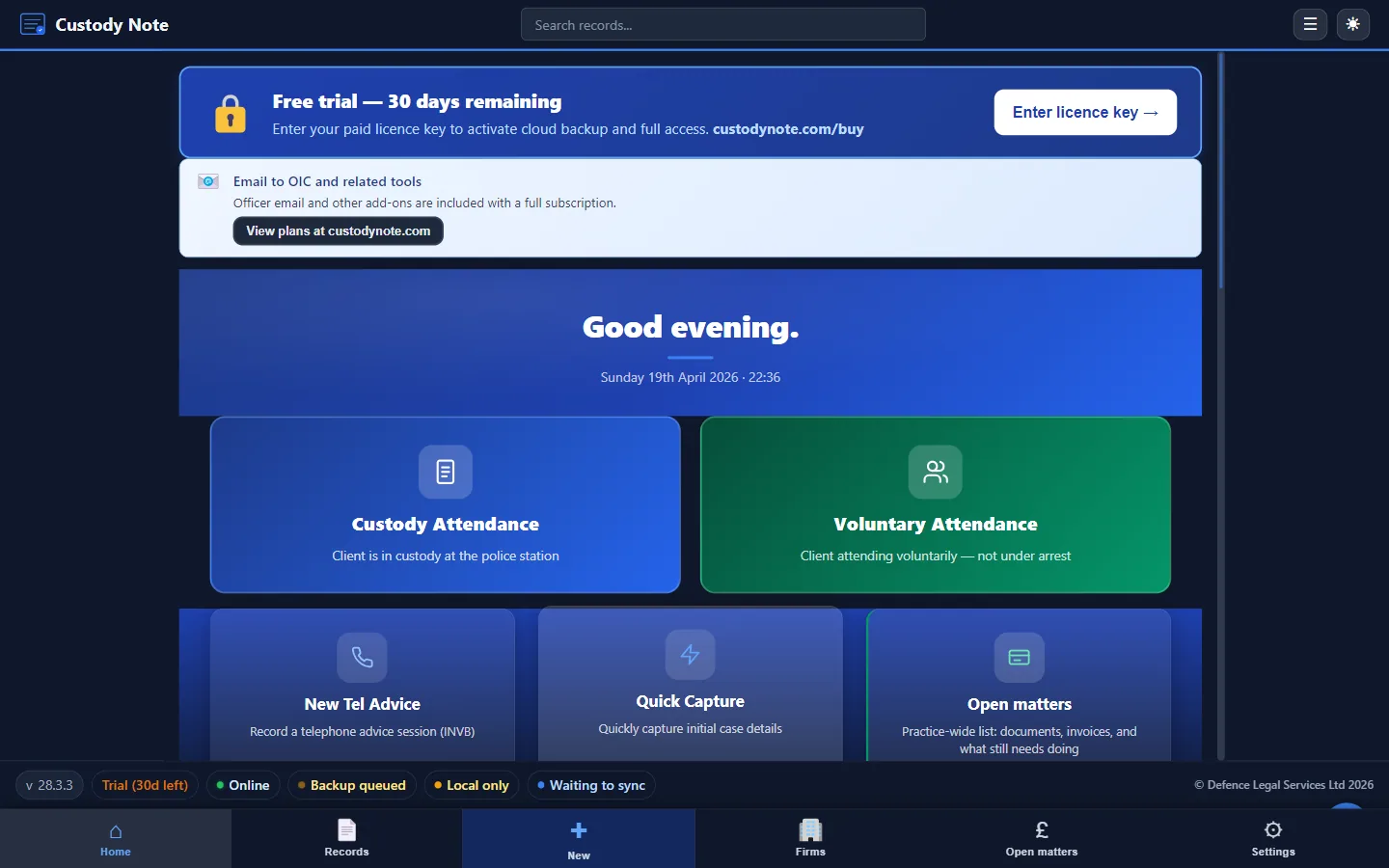
What is custody note software?
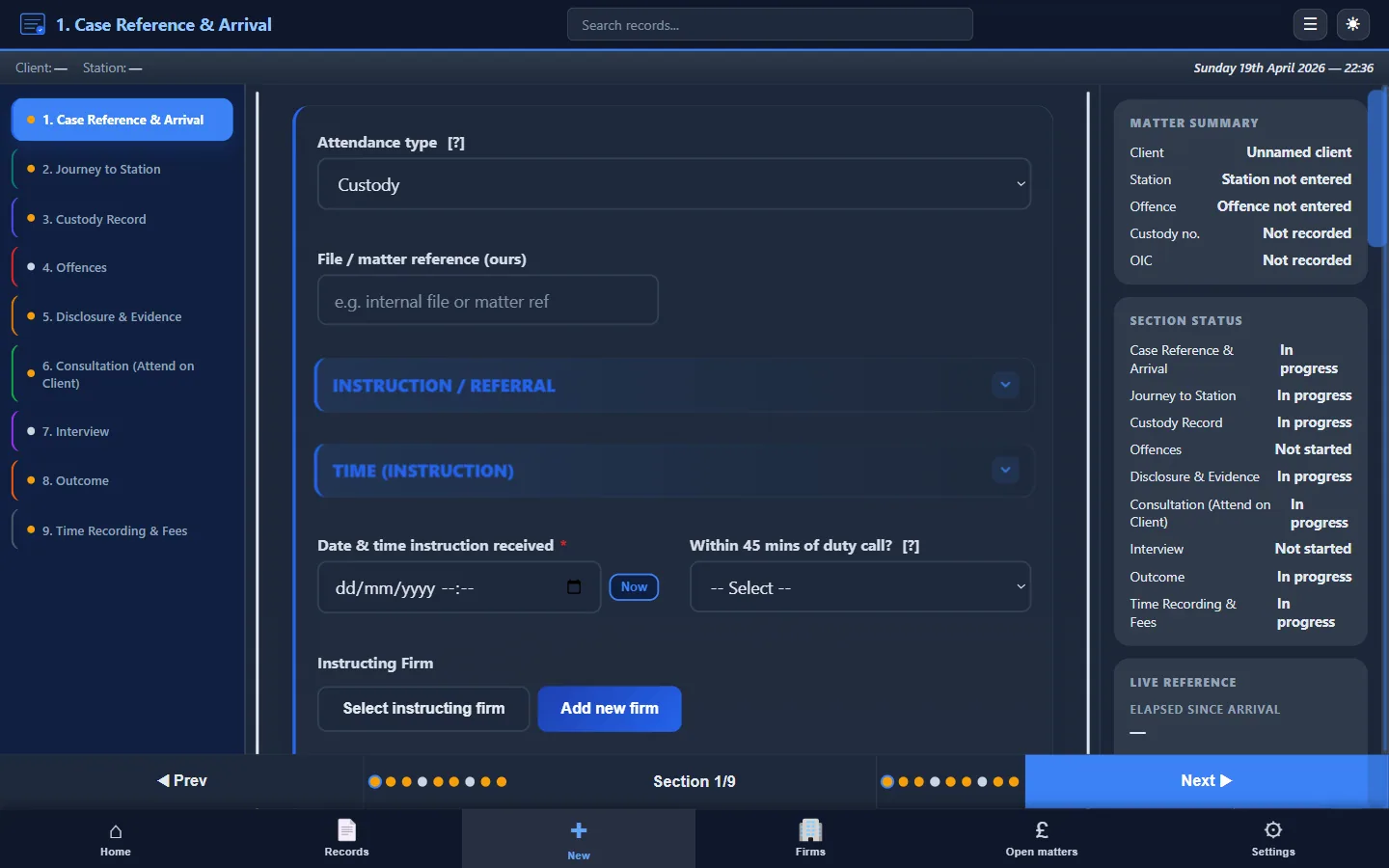
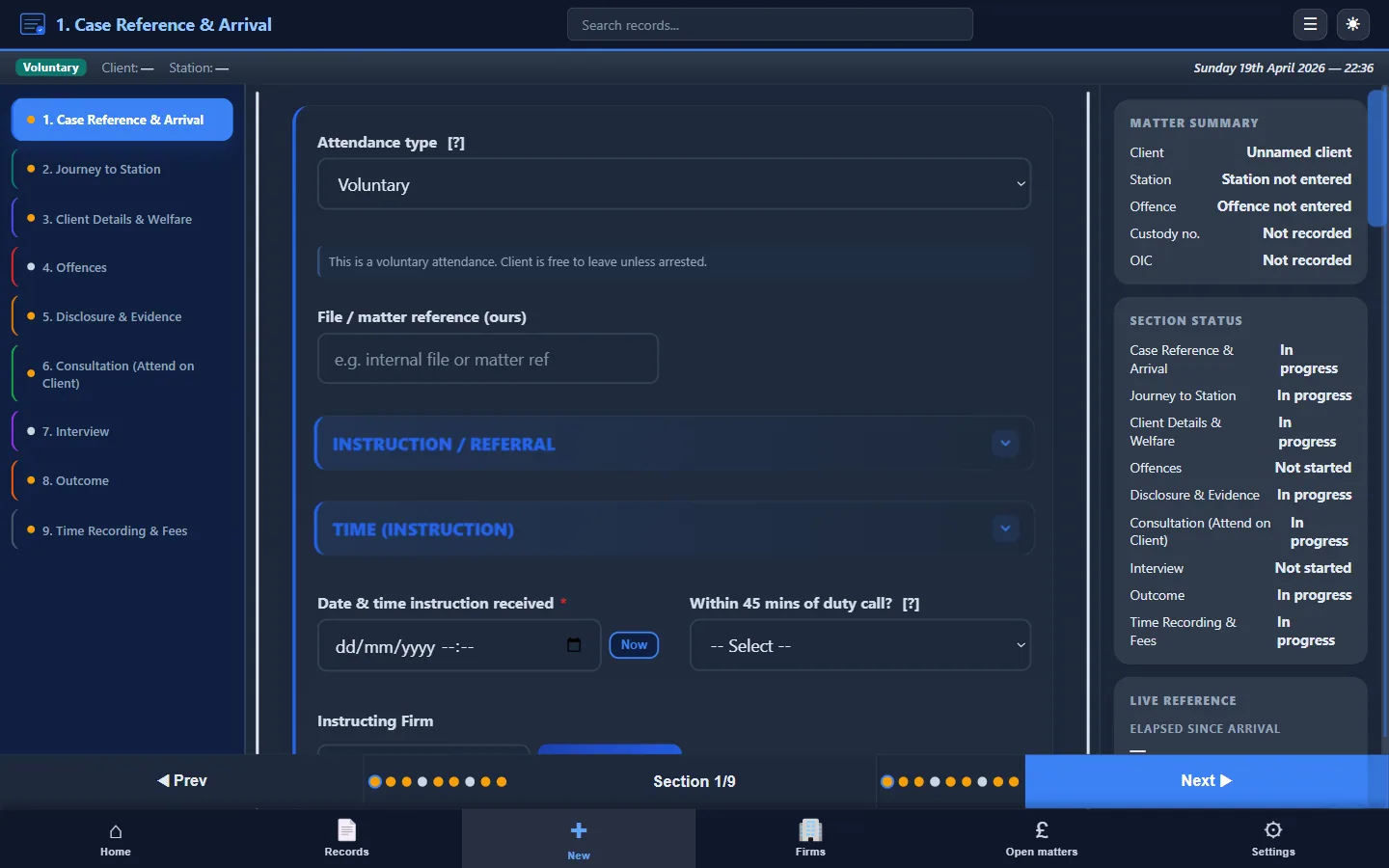
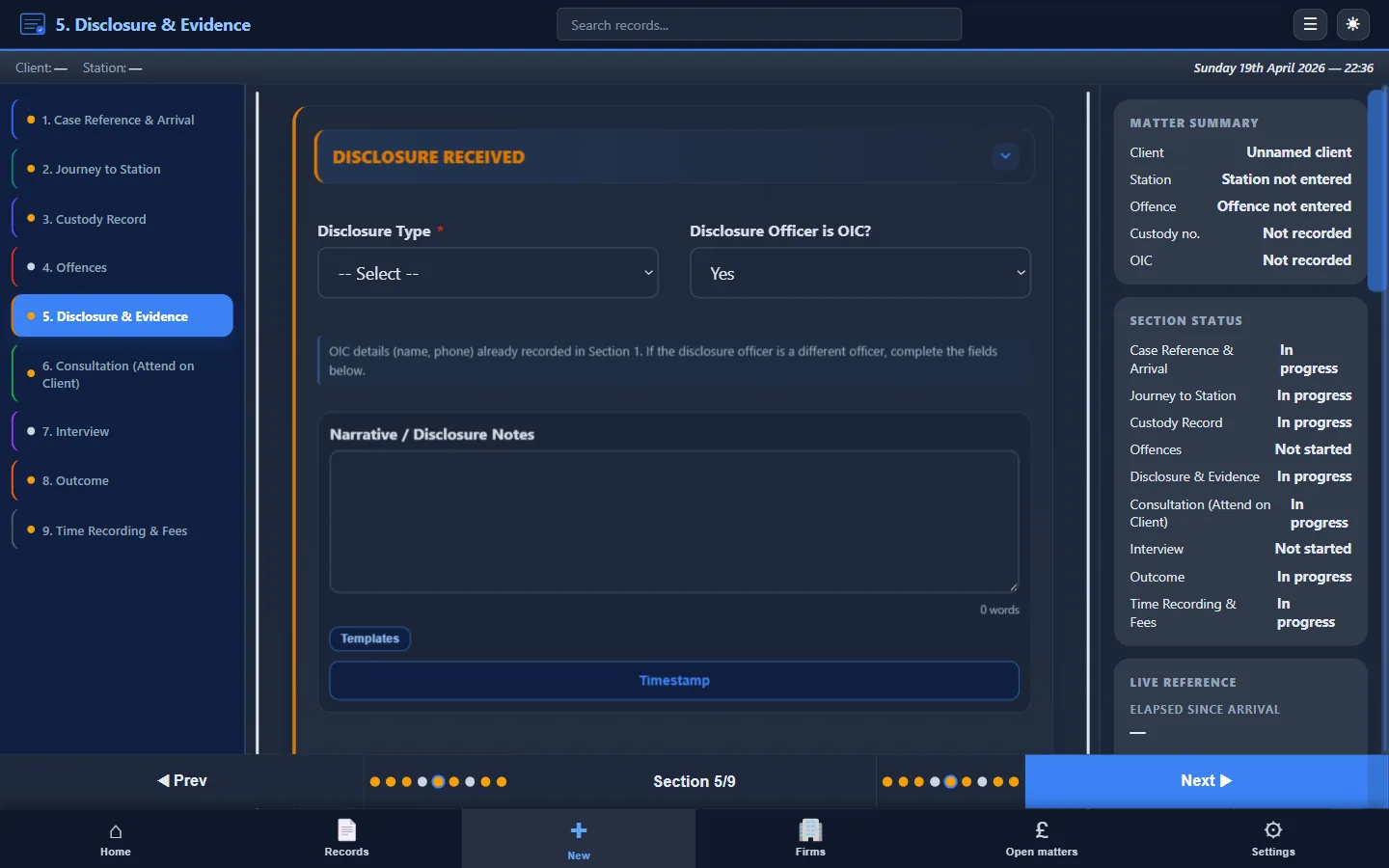
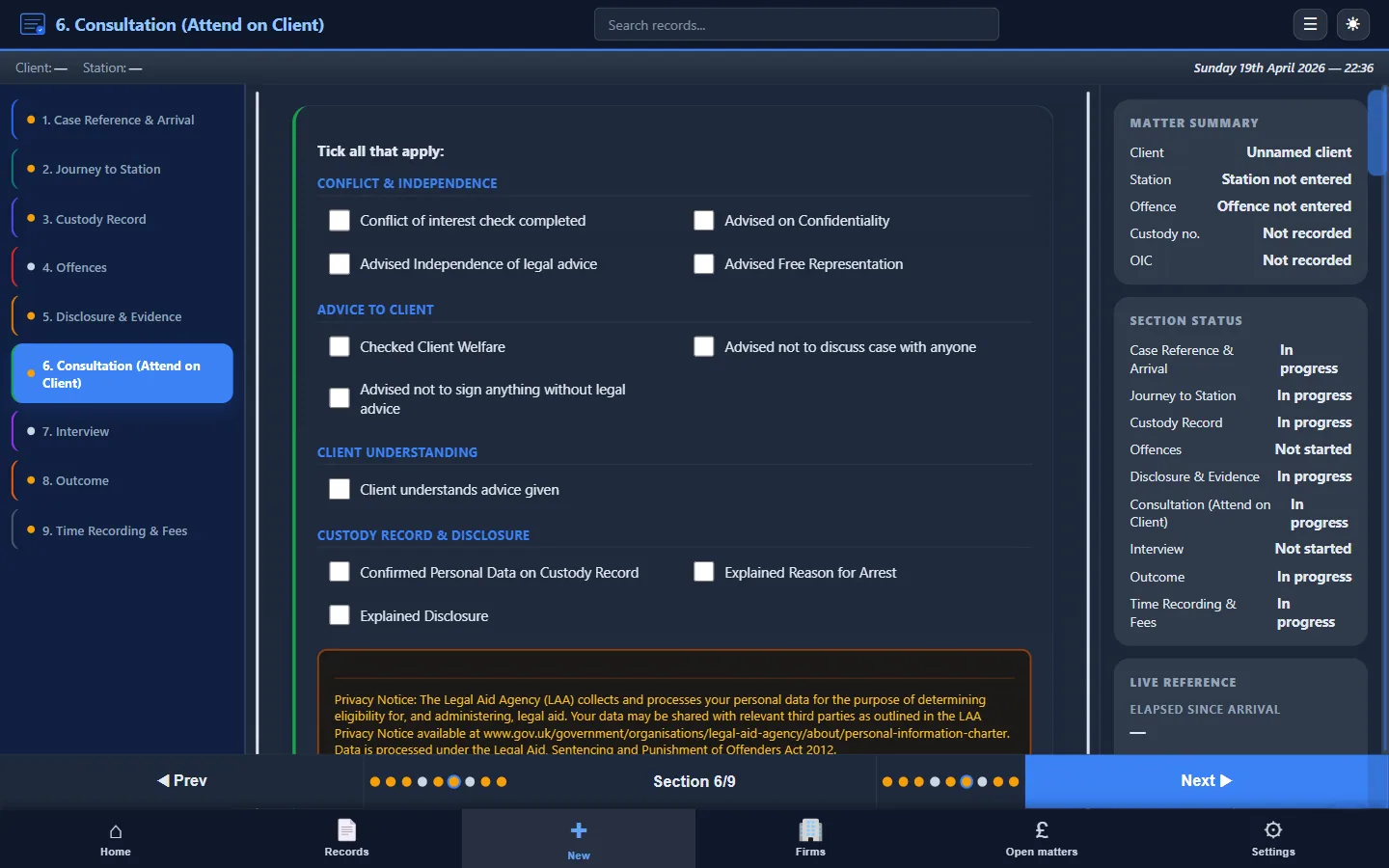
Custody note software replaces blank documents, paper pads, and improvised Word templates with a structured, section-by-section workflow designed around police station attendances. Rather than typing freeform notes after the event, practitioners work through guided fields (client details, offence information, disclosure received, consultation notes, interview record, outcome, and billing) as the attendance progresses.
The result is a consistent, contemporaneous record that serves three purposes: an accurate file note for the firm, evidence of the work done for LAA billing, and a defensible document if the attendance is ever scrutinised.
Who needs custody note software?
Any practitioner who attends police stations for criminal defence work benefits from structured note-taking software. The primary users are:
- Criminal defence solicitors: both own-client work and duty rota attendances, where structured notes support LAA claims and firm file standards
- Accredited police station representatives: who attend independently and need to produce professional attendance notes for instructing solicitors
- Probationary representatives: who benefit from the structured prompts to ensure nothing is missed during early attendances
- Firm managers and supervisors: who need consistent file quality across all fee earners
Key features
Custody Note is desktop software for Windows 10+ (64-bit) and macOS 11+ built specifically for police station defence work on Windows and macOS. Core features include:
- Structured templates: separate workflows for PACE custody attendances, voluntary interviews, and telephone advice
- Works offline: your encrypted database lives on your laptop, so you can work without Wi-Fi at the station
- AES-256 encryption: client data is encrypted at rest, protecting sensitive information if the device is lost or stolen
- PDF export: generate a complete, professional attendance note for your firm file or instructing solicitor
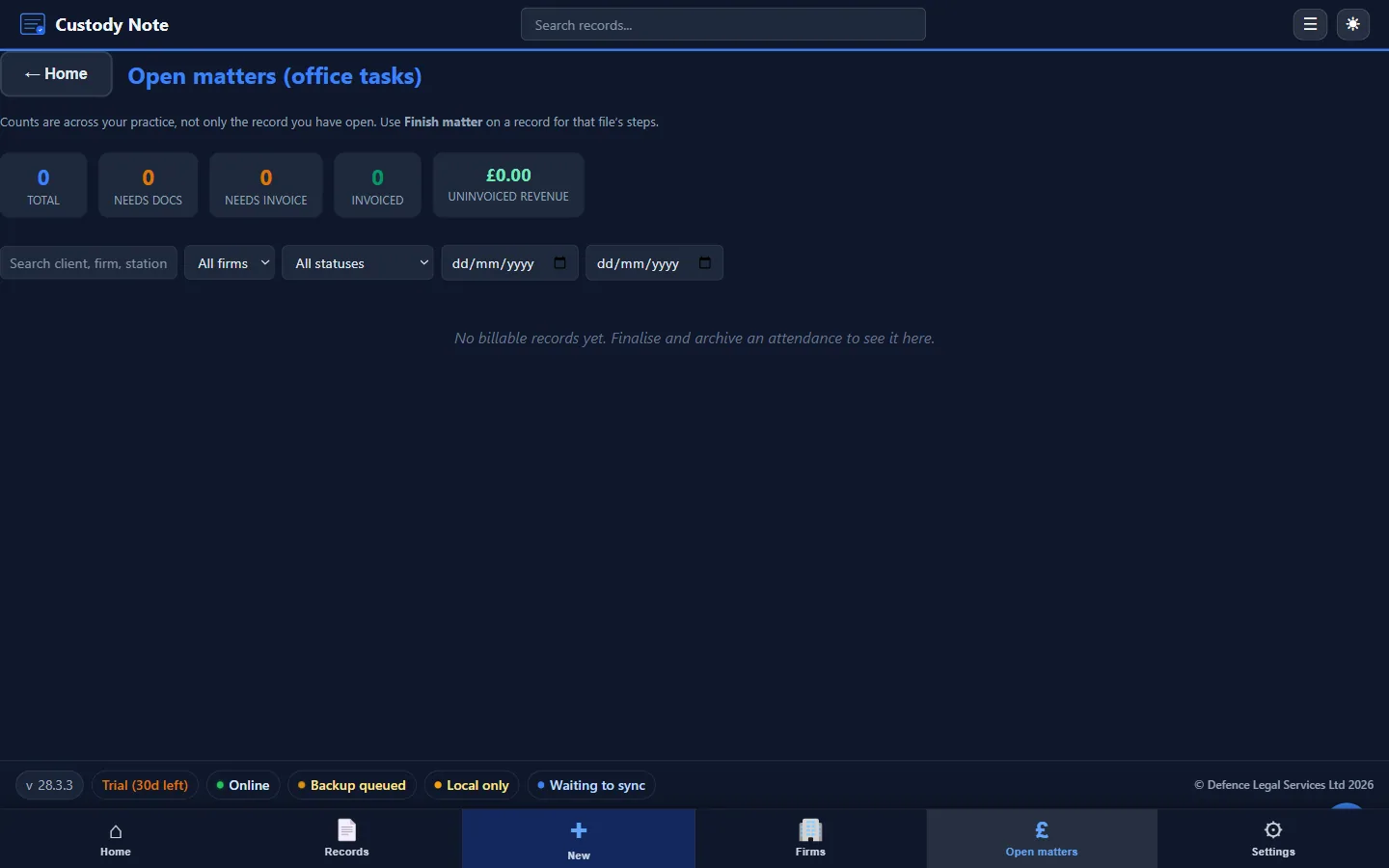
- LAA billing fields: time recording, fee type selection (fixed fee or escape fee), claim reference, and fee calculation built into the attendance record
- QuickFile invoicing integration: push attendance billing data directly to your invoicing workflow
- Email templates: pre-built templates for disclosure requests, bail confirmations, and officer correspondence
- Quick Capture: log incoming callout details instantly before starting the full attendance record
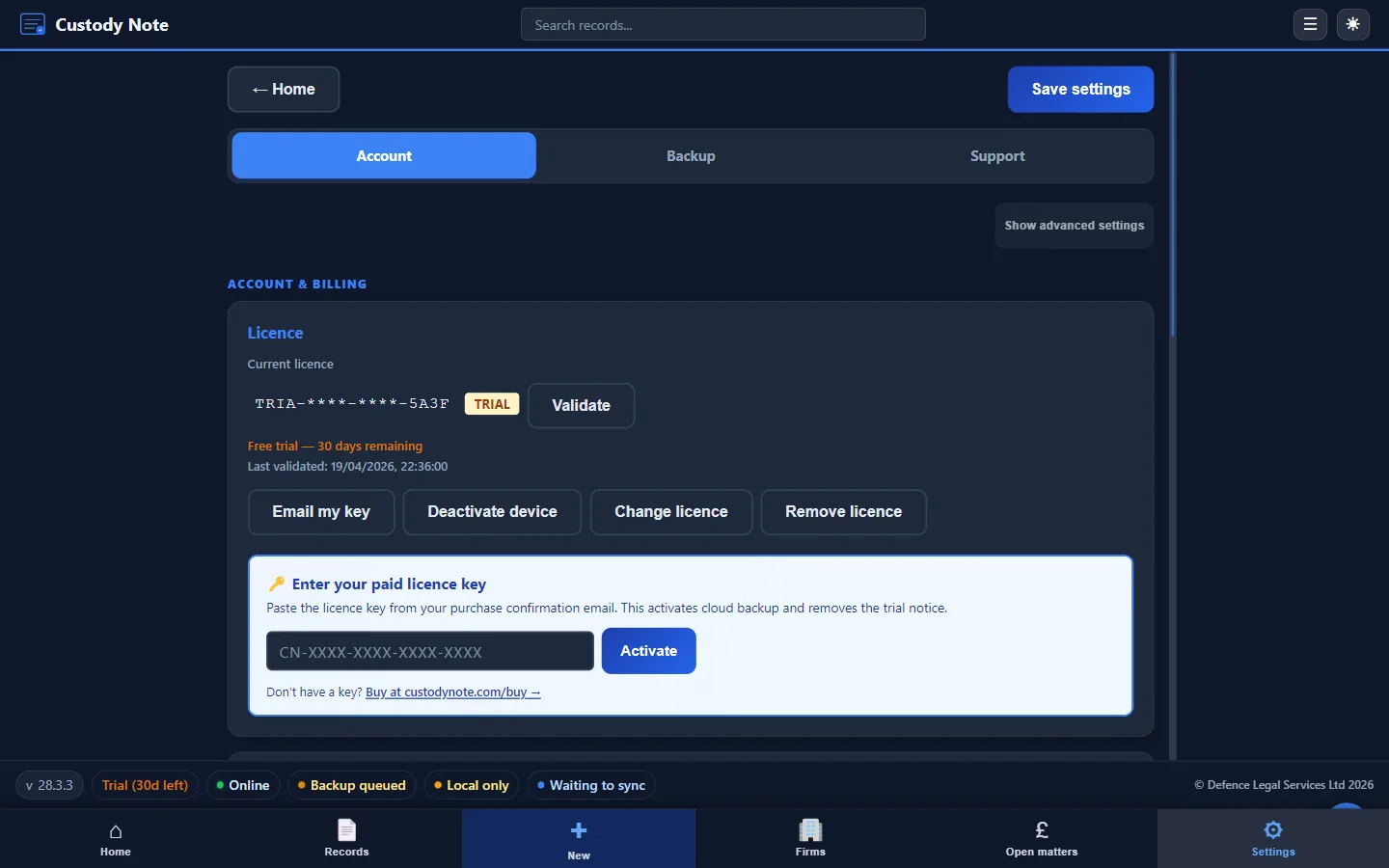
- Sync: it's free during beta. Sign in with your email to sync your notes across up to 5 computers. Notes are encrypted on your computer before upload. Managed cloud backup (AWS London region) is planned for Pro after beta
How custody note software compares to alternatives
Most people I know use one of three things: paper notes, Word templates or a general practice management system. Each has real limits for police station work.
- Paper notes: difficult to read, easy to lose, can't be searched, and must be typed up later for the file. See our paper notes comparison
- Word templates: better than blank documents, but lack guided structure, offline reliability, encryption, and integrated billing. See our Word templates comparison
- Practice management systems: designed for case management and accounts, not for live note-taking at a police station. They typically require internet access and lack police station-specific fields
Dedicated custody note software deals with each of these gaps: it works offline, guides you through every section, encrypts client data, and produces a ready-to-file PDF.
The attendance workflow
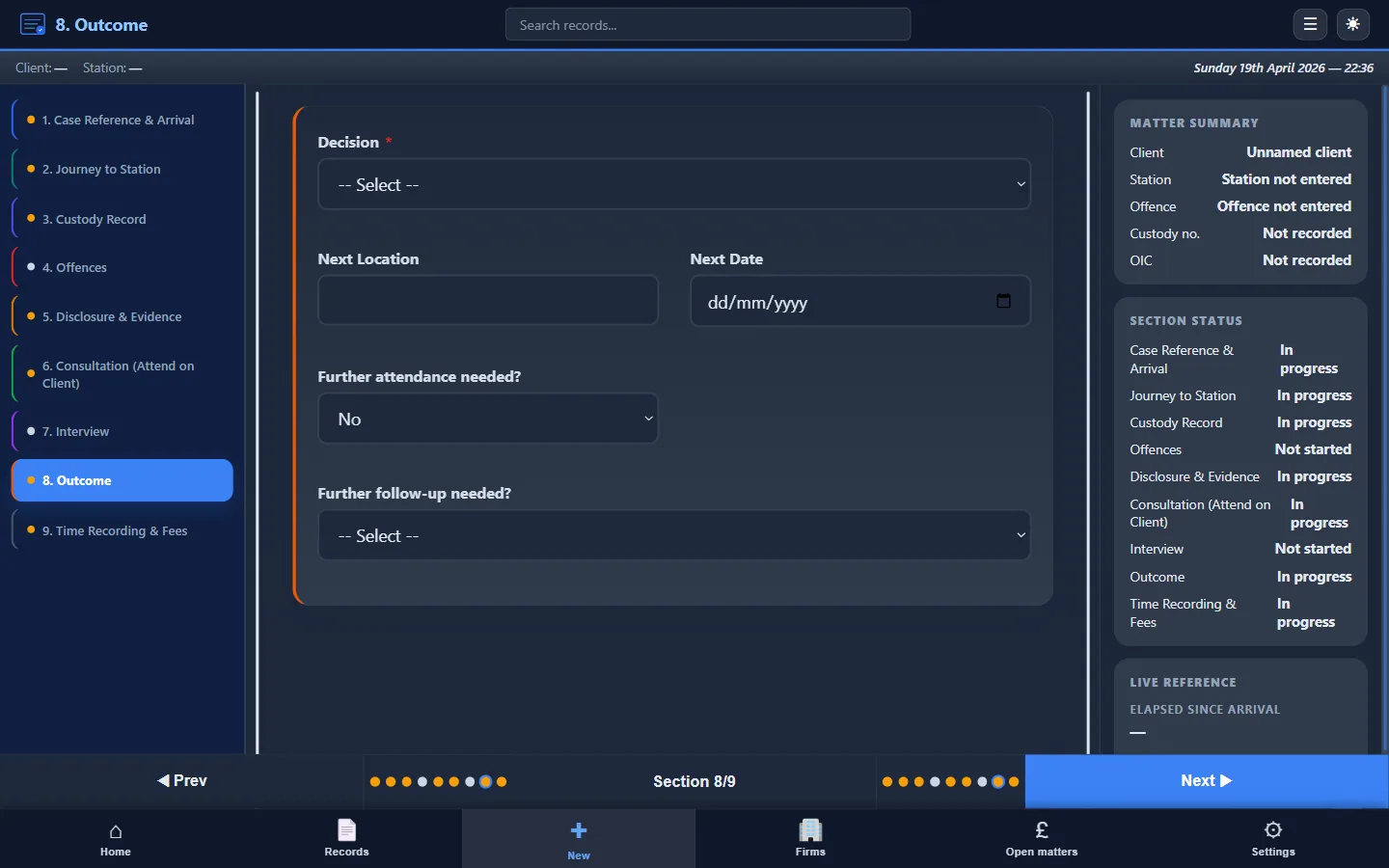
A typical attendance in Custody Note follows this sequence:
- Receive the callout: use Quick Capture to log initial details
- Create or open the attendance record and enter client and offence information
- Record disclosure received and any pre-consultation research
- Document the consultation: instructions taken, advice given, client decisions
- Record the interview: questions, answers, and significant exchanges
- Note the outcome: NFA, charge, bail, or further investigation
- Complete billing fields: times, fee type, disbursements
- Export the PDF and send to your firm or instructing solicitor
For a detailed guide to what each section should contain, see How to Write Attendance Notes.
Security and data protection
Police station attendance notes contain sensitive personal data: client names, offence details, legal advice, and case outcomes. Custody note software must protect this data properly. Custody Note uses AES-256 encryption for the local database, optional encrypted cloud backup hosted in the UK (AWS London), and doesn't transmit unencrypted client data over the internet.
Pricing
Custody Note is free while it's in beta. A Pro plan, at around £9.99 a month, is planned after beta, with cloud backup, sync and firm reporting. You can't buy it yet. No card needed to download. See full pricing details.
Try structured custody notes on your next attendance.
Custody Note gives you guided templates, offline working, encryption, and PDF export, all made for criminal defence work. Free during beta.
Download freeFrequently asked questions
What platforms does Custody Note run on?
Custody Note runs on Windows 10 or later (64-bit) and macOS 11 or later (Apple Silicon and Intel). It's a desktop application. Linux, iOS and Android aren't supported natively.
Can I use the software without an internet connection?
Yes. Custody Note works offline. Your encrypted database is stored locally on your laptop. You can create, edit, and export attendance notes without any internet connection. Cloud backup and sync are optional features that work when connectivity is available.
Does Custody Note support LAA billing?
Custody Note includes billing fields set out for LAA claims: time recording, fee type selection (fixed fee, escape fee), claim reference, and fee calculation. These fields are built into the attendance record so you capture billing data as you work. Custody Note isn't endorsed or approved by the LAA; it supports your billing workflow.
How is client data protected?
The local database is encrypted with AES-256 encryption. If you enable cloud backup, data is encrypted in transit and at rest on UK-hosted servers (AWS London region). Custody Note doesn't share client data with third parties.
Can I export my notes?
Yes. Every attendance record can be exported as a structured PDF suitable for your firm file, instructing solicitor, or LAA audit evidence. Download Custody Note to try the export workflow.