Legal Aid Software: LAA-Ready Attendance Notes
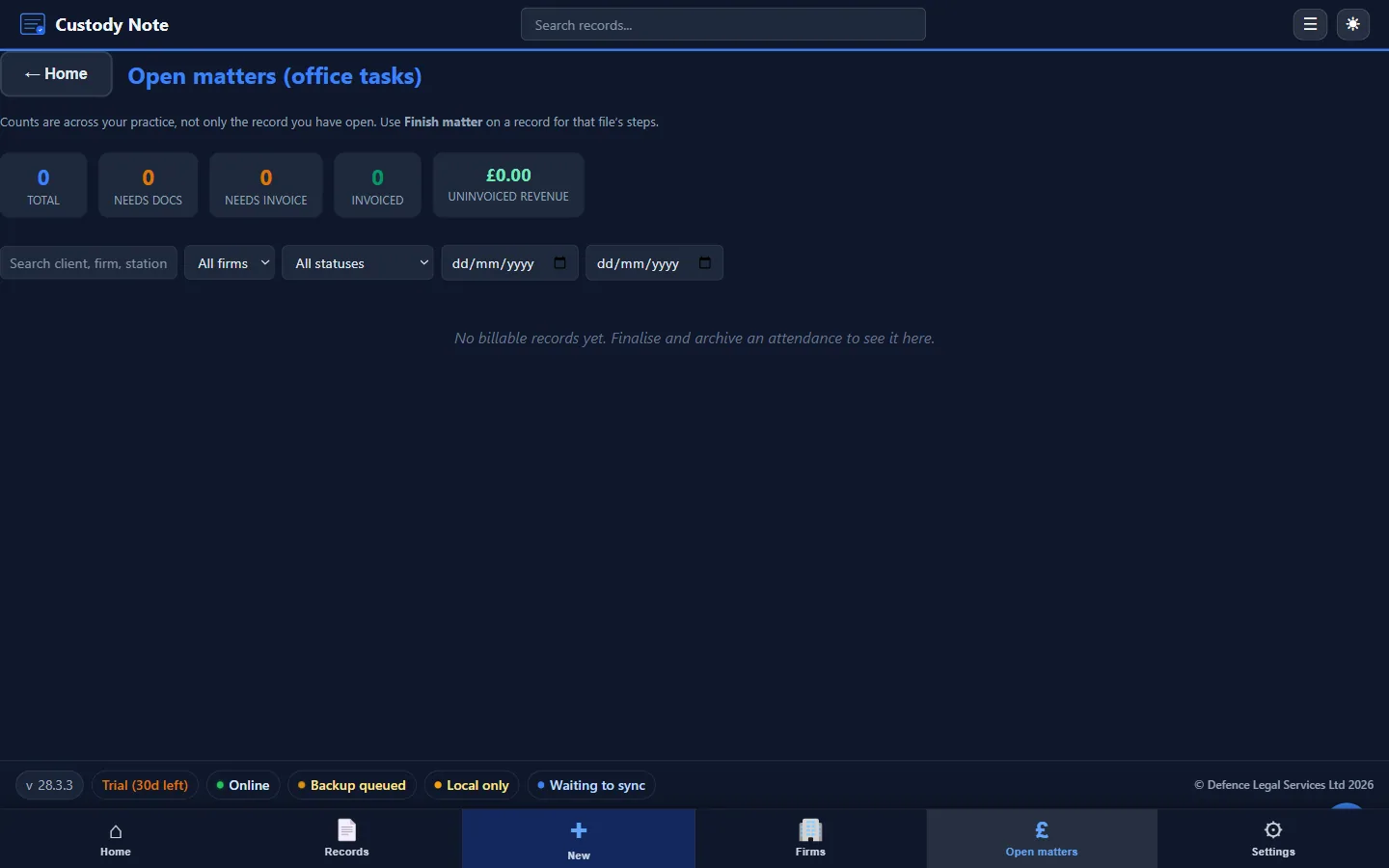
Legal aid software for police station work must support the specific billing requirements of the Legal Aid Agency. Custody Note has billing fields set out for LAA claims: time recording, fee type selection (fixed fee, escape fee), claim reference fields, and structured attendance note sections that provide the contemporaneous evidence LAA auditors look for.
LAA billing requirements for police station work
The Legal Aid Agency requires providers to demonstrate that the work claimed was actually carried out, that the correct fee code applies, and that the time recorded is supported by contemporaneous evidence. For police station work, this means your attendance note must show:
- The type of attendance (custody, voluntary, telephone)
- When the work started and ended
- What work was done at each stage
- The outcome of the attendance
- A time breakdown sufficient to support the claim (particularly for escape fee claims)
Weak or incomplete attendance notes are the most common reason for LAA billing queries and rejections. The note is the primary evidence. If it doesn't support the claim, the claim is vulnerable regardless of the work actually done. For a detailed guide, see LAA Attendance Notes Explained.
How Custody Note supports LAA billing
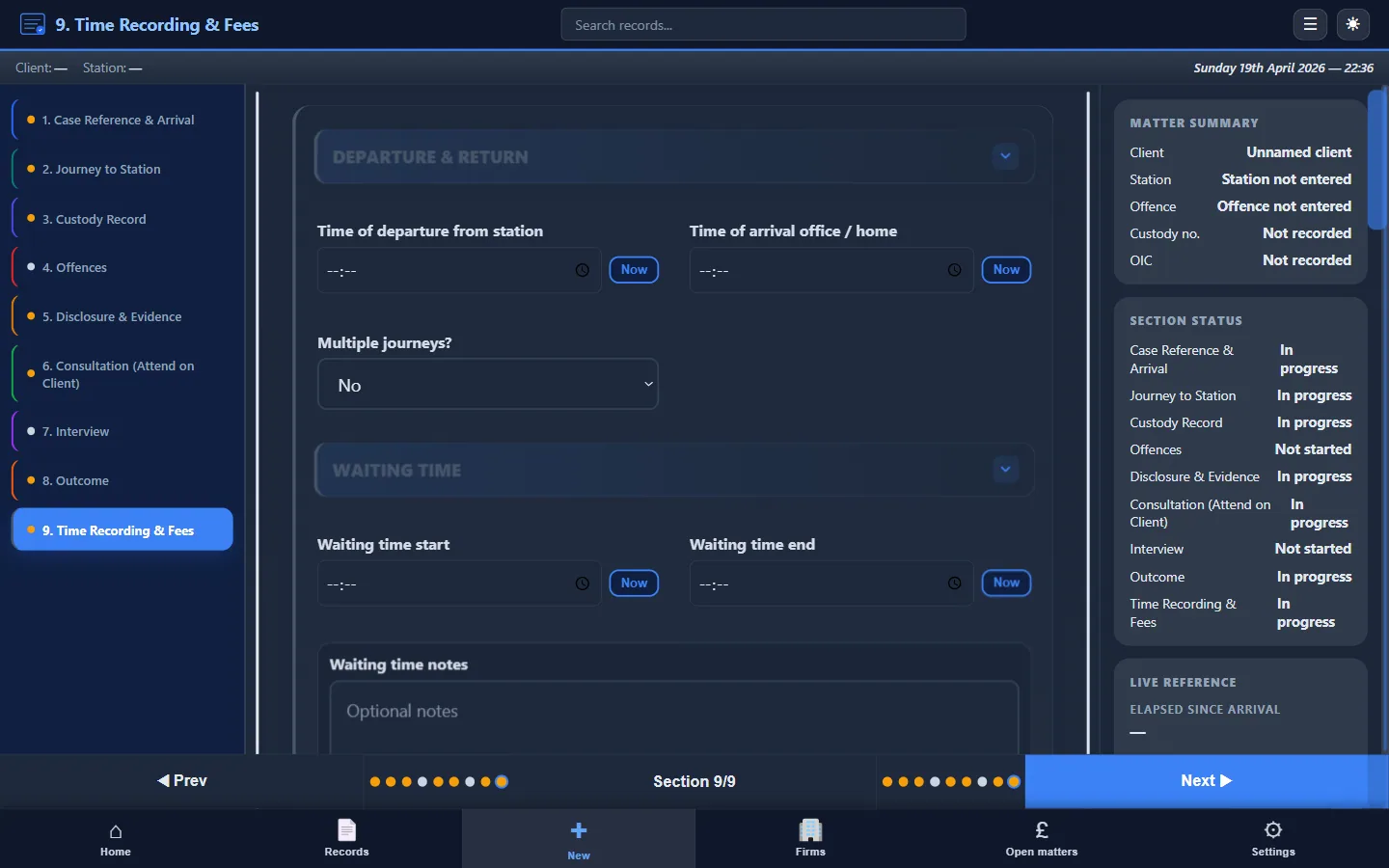
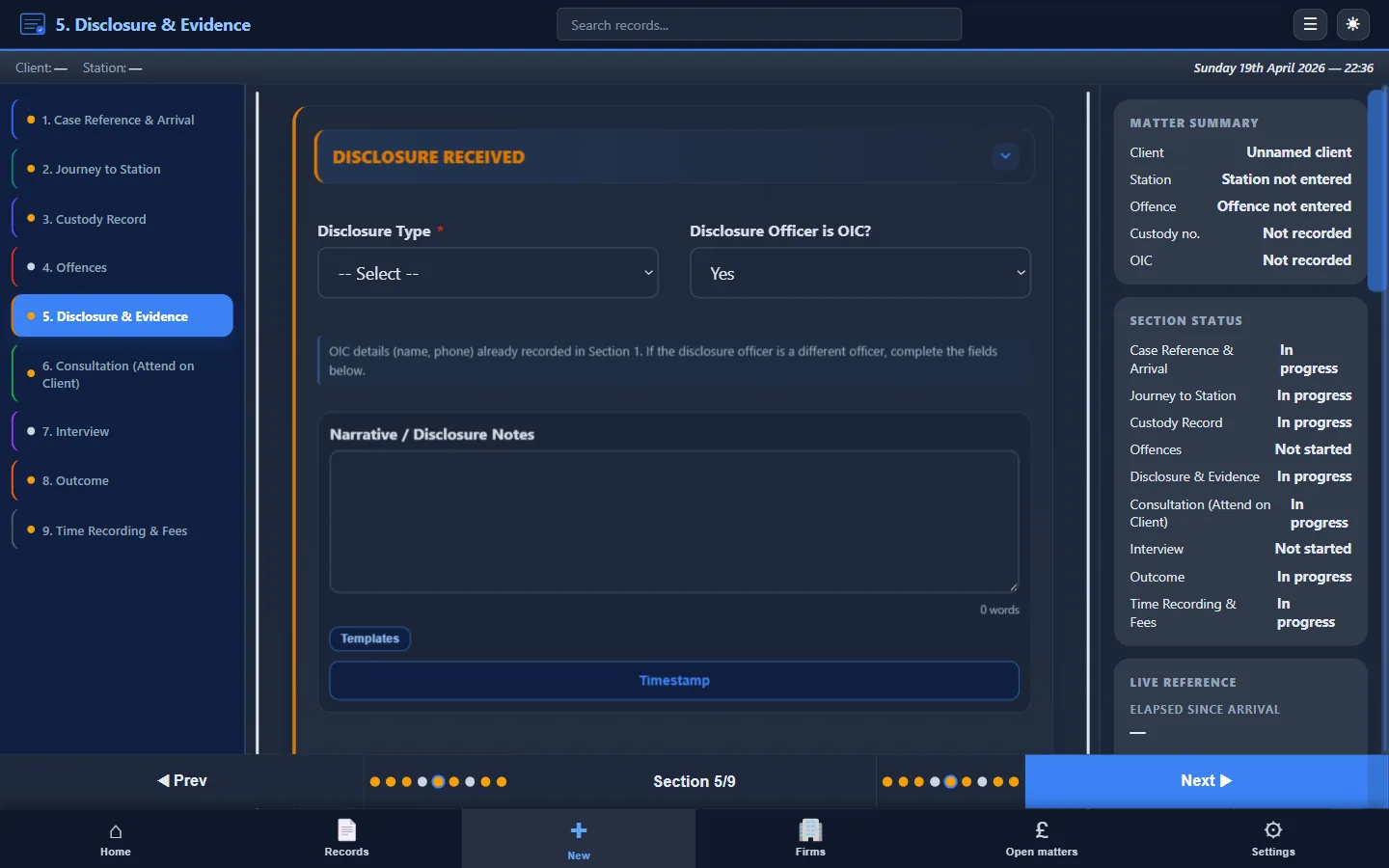
Custody Note builds billing fields set out for LAA claims directly into the attendance record. Rather than recording your notes in one place and your billing data in another, you capture both as part of the same workflow. This means your attendance note and your billing claim describe the same work, which is exactly what LAA assessors expect.
Custody Note isn't endorsed, approved, or certified by the Legal Aid Agency. It's independent software that supports your LAA billing workflow by providing structured fields aligned with LAA requirements.
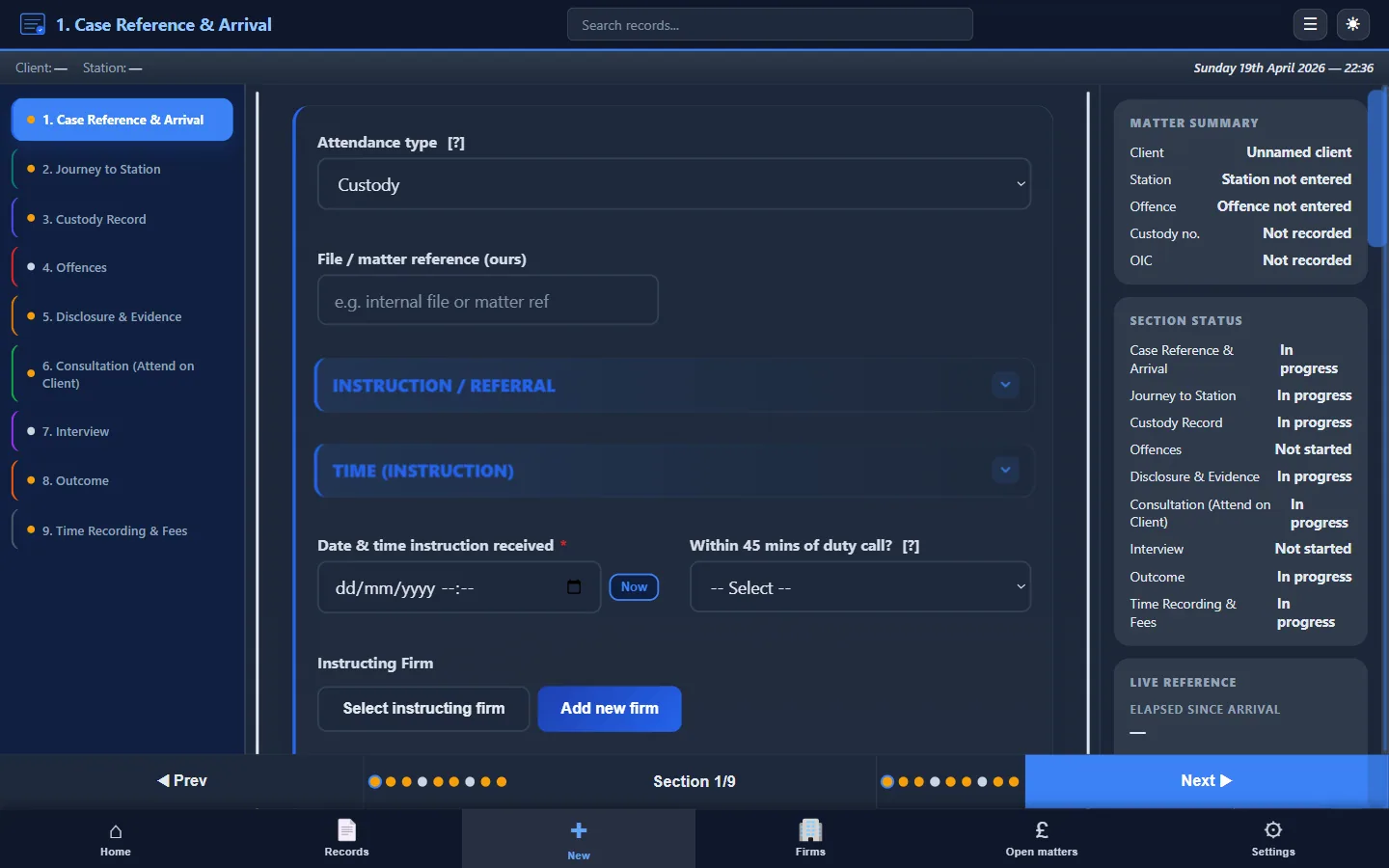
Time recording
Each stage of the attendance has start and end time fields: travel, waiting, consultation, interview, and post-interview work. You record times as you work rather than estimating them afterwards. The software calculates total time for each component and for the attendance as a whole.
Fee type selection
Custody Note supports both fixed fee and escape fee claims. You select the appropriate fee type within the record. For escape fee claims, the software calculates whether the time threshold has been met based on your recorded times.
Claim reference fields
The attendance record includes fields for claim references, MAAT IDs, and other identifiers needed for LAA submissions. These are captured alongside the attendance data so the record is complete when you come to submit.
Fee calculation
Based on the attendance type, time recorded, and fee type selected, Custody Note calculates the fee. This is a guide for your records (the authoritative calculation is made by the LAA at assessment) but it helps you confirm that the claim is correctly assembled before submission.
Fixed fees vs escape fees
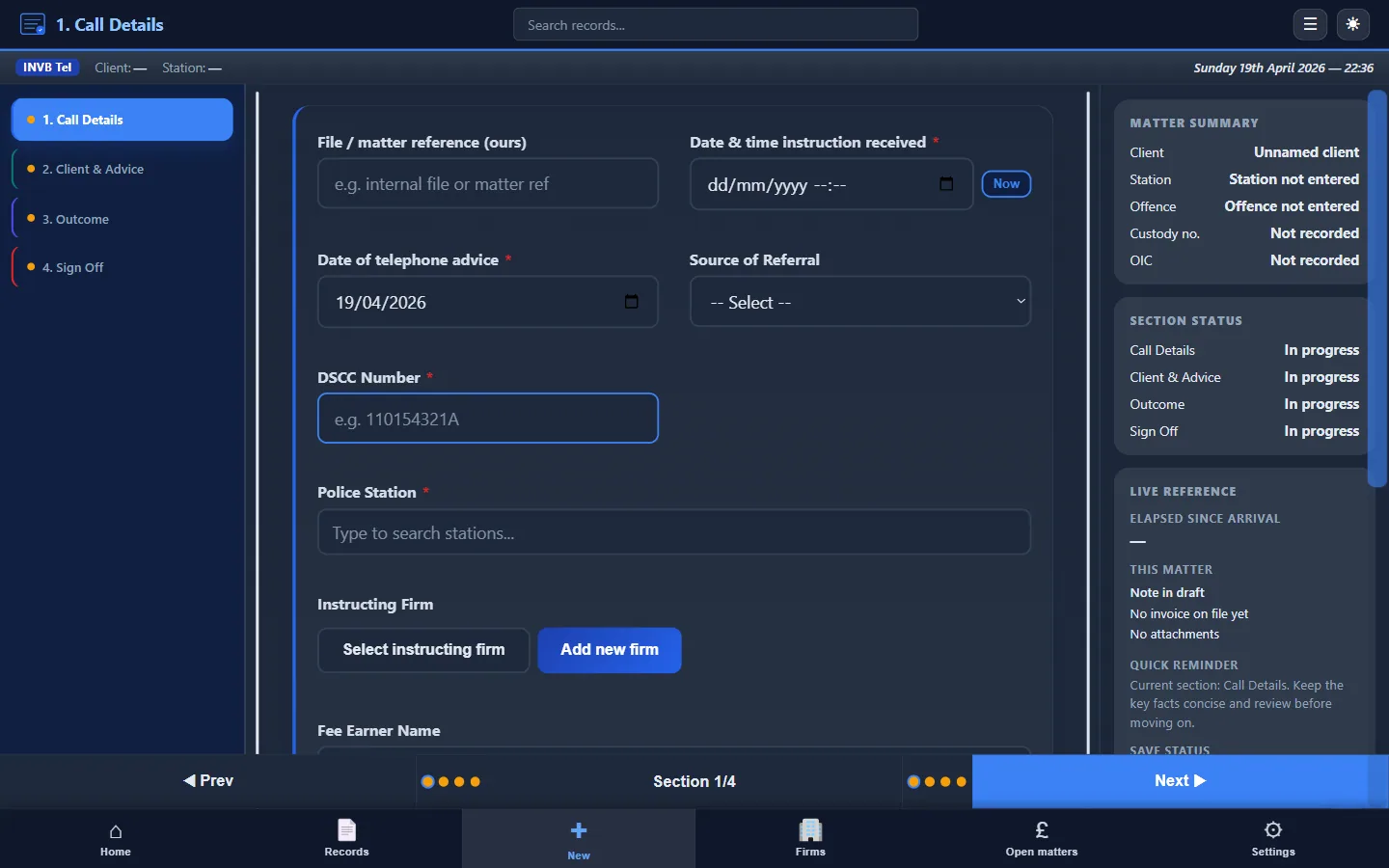
Most police station attendances are claimed at the standard fixed fee. The fixed fee covers a standard attendance regardless of the time spent. For fixed fee claims, the attendance note must confirm the type of work and that it was carried out. The time breakdown is supporting evidence rather than the basis of the fee.
Escape fee claims apply when profit costs at the prescribed hourly rates exceed the £650 escape threshold (from 22 December 2025, excluding VAT). The claim is the £320 fixed fee plus the excess over £650 — not the full hourly total and not a substitute for the fixed fee. For escape fee claims, the time breakdown is critical: the LAA assessor needs to see each component (travel, waiting, consultation, interview, post-interview) separately, with start and end times, to verify the total.
Custody Note captures time at the component level for every attendance. If the matter becomes an escape fee claim, the evidence is already in the record. You don't need to reconstruct times from memory or diary entries.
For more detail on how attendance notes feed into LAA billing, see Attendance Notes for Legal Aid Billing.
Surviving an LAA audit
LAA peer reviews and contract compliance audits examine the quality of file work, including attendance notes. The most common problems auditors identify are:
- Missing or incomplete notes: attendances where no record exists, or the record is too brief to confirm what happened
- No time breakdown: total time stated without component-level detail
- Inconsistency between note and claim: the attendance note describes one version of events and the billing data another
- No contemporaneous evidence: notes clearly written well after the event, with vague recollections rather than specific details
- Unstructured format: freeform text that auditors must decode to find the relevant information
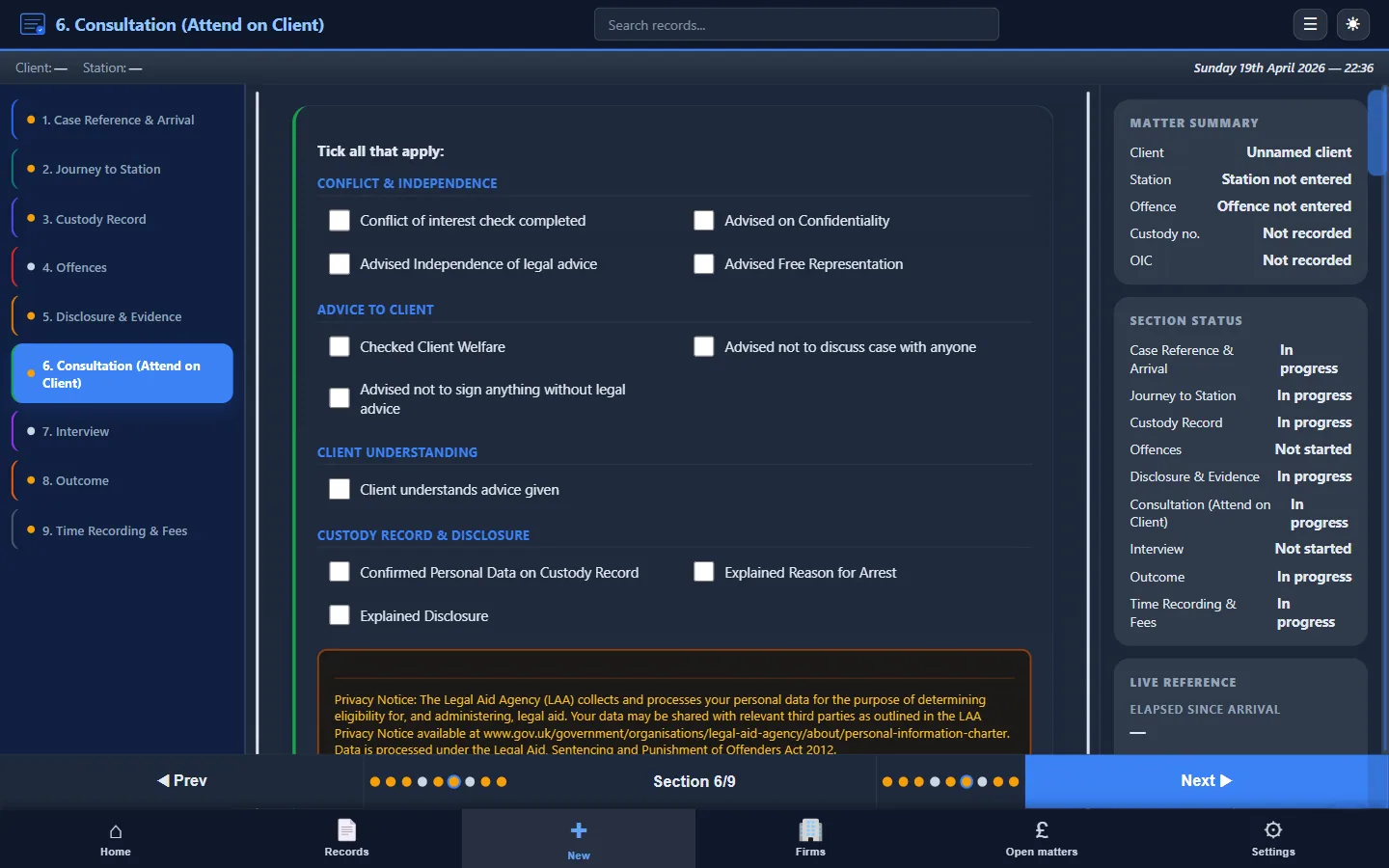
Structured attendance note software addresses all of these issues. Because Custody Note prompts you to record each section as the attendance progresses, the resulting note is complete, contemporaneous, consistent with the billing data (since both are part of the same record), and structured in a format that auditors can review efficiently.
The SaBC submission workflow
Since February 2026, LAA claims are submitted through the Submit a Bulk Claim (SaBC) system. Providers submit monthly by the 20th. Structured attendance notes make SaBC submissions faster because the data (attendance type, times, fee type, disbursements) is already captured in a consistent format. You can refer directly to the attendance record when completing your SaBC submission rather than collating information from scattered notes and diary entries.
Additional features
Beyond LAA billing support, Custody Note provides:
- Works offline: no internet needed, critical for police station environments
- AES-256 encryption: client data encrypted at rest
- PDF export: structured attendance notes for the firm file
- QuickFile integration: push billing data to your invoicing workflow
- Email templates: disclosure requests, bail confirmations, officer correspondence
- Sync during the free beta: sign in with your email to sync your notes across up to 5 computers. Notes are encrypted on your computer before upload. Managed cloud backup (AWS London) is planned for Pro after beta
Pricing
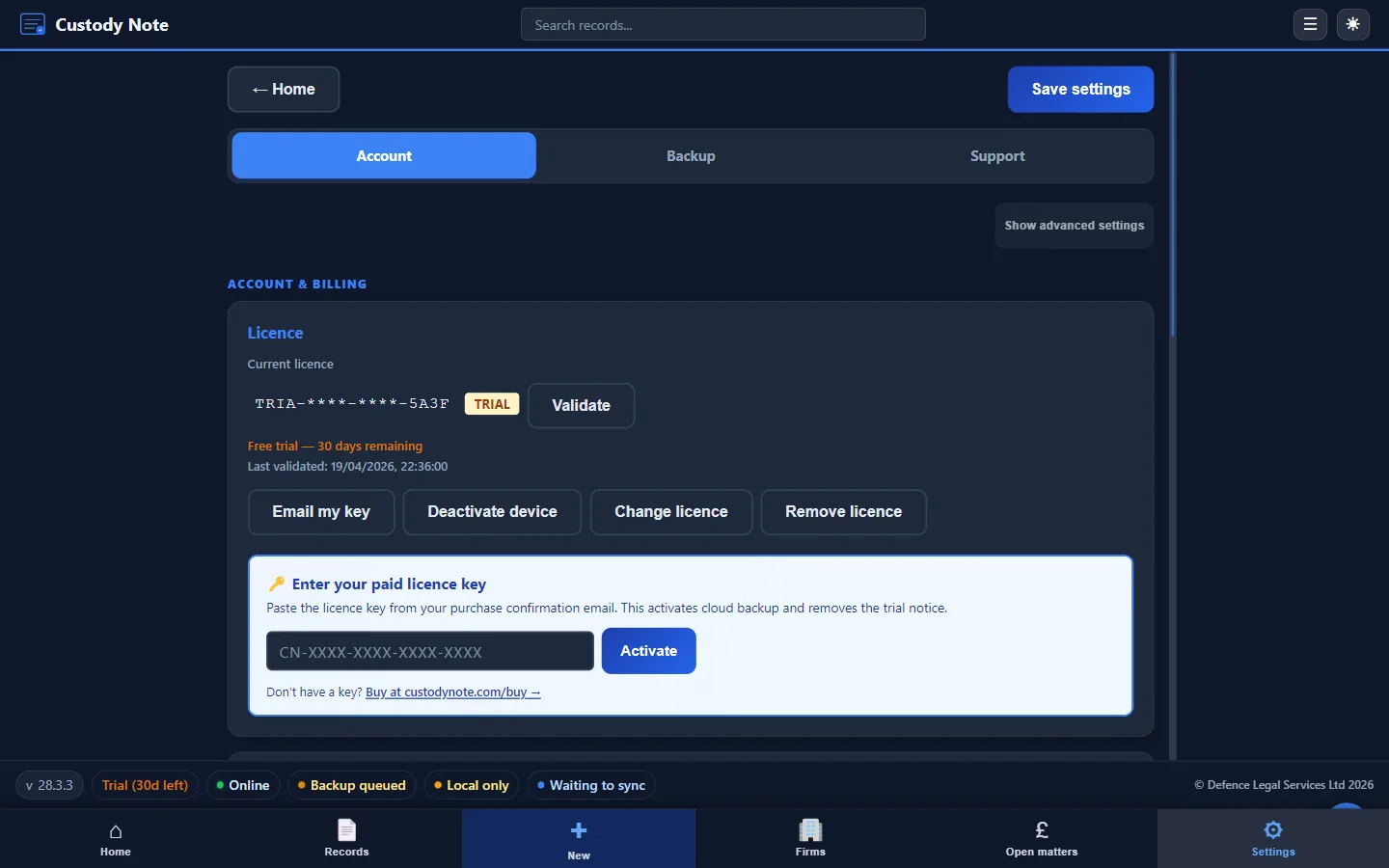
Custody Note is free while it's in beta, including LAA billing fields and fee calculation. A Pro plan, at around £9.99 a month, is planned after beta, with managed cloud backup and advanced tools. You can't buy it yet. No card needed to download. Software updates are included, and free during beta. See full pricing details.
Attendance notes that support your LAA claims.
Structured billing fields, time recording, fee calculation, and PDF export: built into your attendance record. Free during beta.
Download freeFrequently asked questions
Is Custody Note approved by the LAA?
No. Custody Note is independent software. It isn't endorsed, approved, or certified by the Legal Aid Agency. It supports your LAA billing workflow by providing structured fields that align with LAA requirements, but the responsibility for accurate billing remains with the provider.
Does Custody Note submit claims to the LAA directly?
No. Custody Note captures attendance and billing data. You use this data when completing your SaBC submission through the LAA portal. Custody Note doesn't interface directly with LAA systems.
How does Custody Note calculate fees?
Custody Note calculates fees based on the attendance type, time recorded, and fee type selected (fixed fee or escape fee). The calculation is a guide for your records. The authoritative fee assessment is made by the LAA when the claim is processed.
Can I use Custody Note for non-police-station legal aid work?
Custody Note is designed specifically for police station attendances (custody, voluntary interview, telephone advice). It doesn't cover magistrates' court attendance, Crown Court work, or other areas of legal aid.
What if the LAA changes its fee structure?
Custody Note is updated when fee structures change. Software updates are included, and free during beta. If a significant fee change occurs, the application will be updated to reflect the new rates and thresholds.