Offline Attendance Note Software: Works Without Wi-Fi
Most police stations have unreliable Wi-Fi, or none at all. Cloud-based tools fail when you need them most. Custody Note is desktop software that works offline: every feature works without an internet connection. Your attendance notes are created, saved, and encrypted locally on your laptop, and your notes stay on your computer.
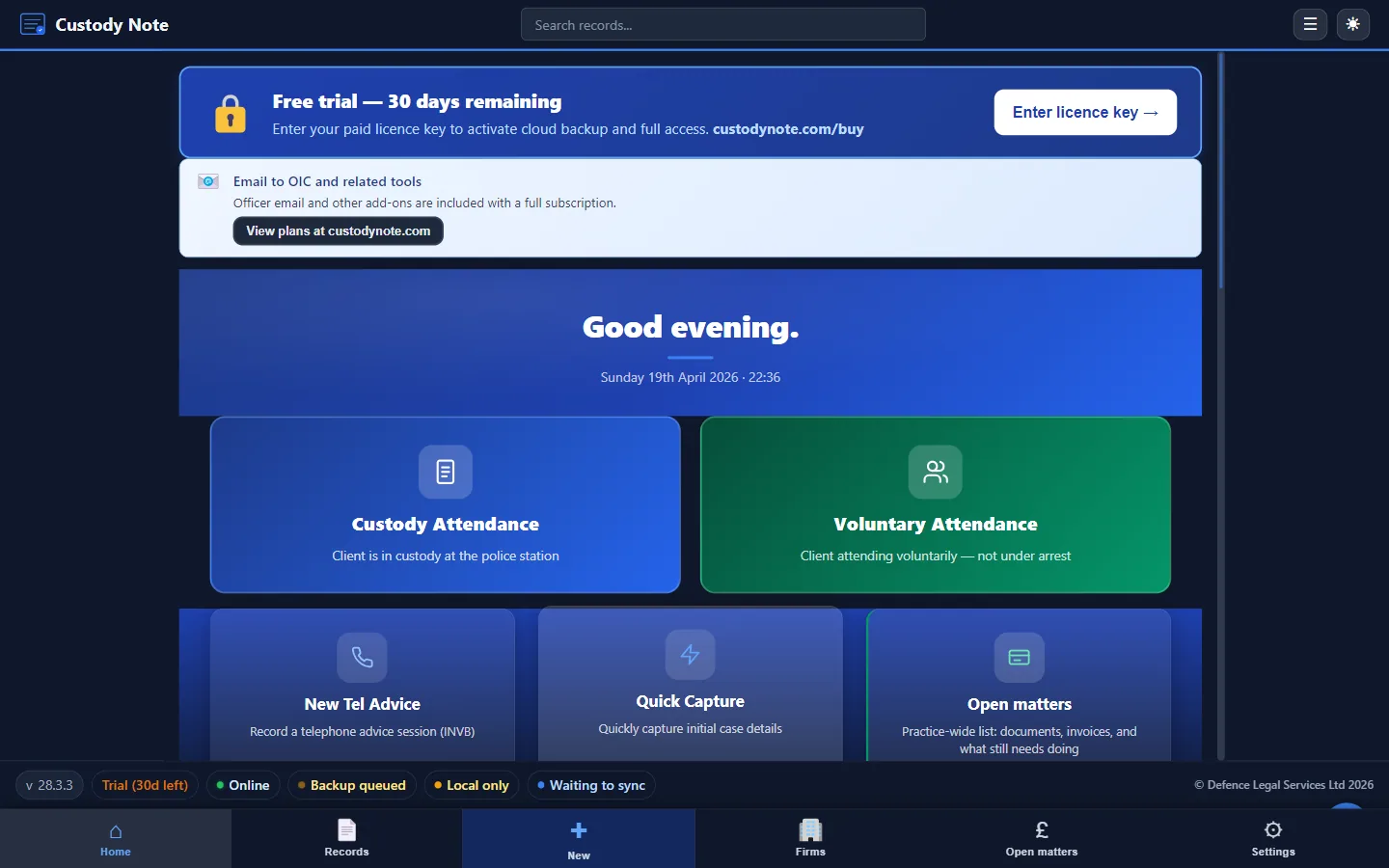
Criminal defence practitioners who attend police stations regularly know the connectivity problem first-hand. Custody suites are often in basements or interior rooms with thick walls. Interview rooms rarely have reliable signal. Mobile data can be patchy or non-existent inside the building. If your attendance note software depends on an internet connection, it will fail at exactly the moment you need it most.
Custody Note was designed from the ground up to work offline. This isn't an afterthought or a “save locally when offline” workaround: it's the core architecture. Your database lives on your laptop, your notes are encrypted at rest, and every feature works whether you have full broadband or no signal at all.
Why working offline is important at the police station
The consequences of losing connectivity mid-attendance aren't trivial:
- Lost work: cloud tools that time out can lose unsaved data. Typing three pages of interview notes and having the browser fail isn't recoverable in real time.
- Interrupted workflow: if you can't open a record or add to it because the server is unreachable, you're back to pen and paper and retyping later.
- Delayed completion: notes completed hours after the attendance, from memory, are less accurate and less defensible than contemporaneous records.
- Security risk: using personal hotspots or unknown station Wi-Fi to transmit sensitive client data introduces unnecessary risk.
Software that works offline eliminates all of these problems. You work locally, you save locally, and your notes stay on your computer.
How Custody Note works offline
Custody Note is a Windows desktop application (Windows 10 or later, 64-bit). When you install it, it creates a local encrypted database on your machine. Here is what happens at each stage:
Creating a new record
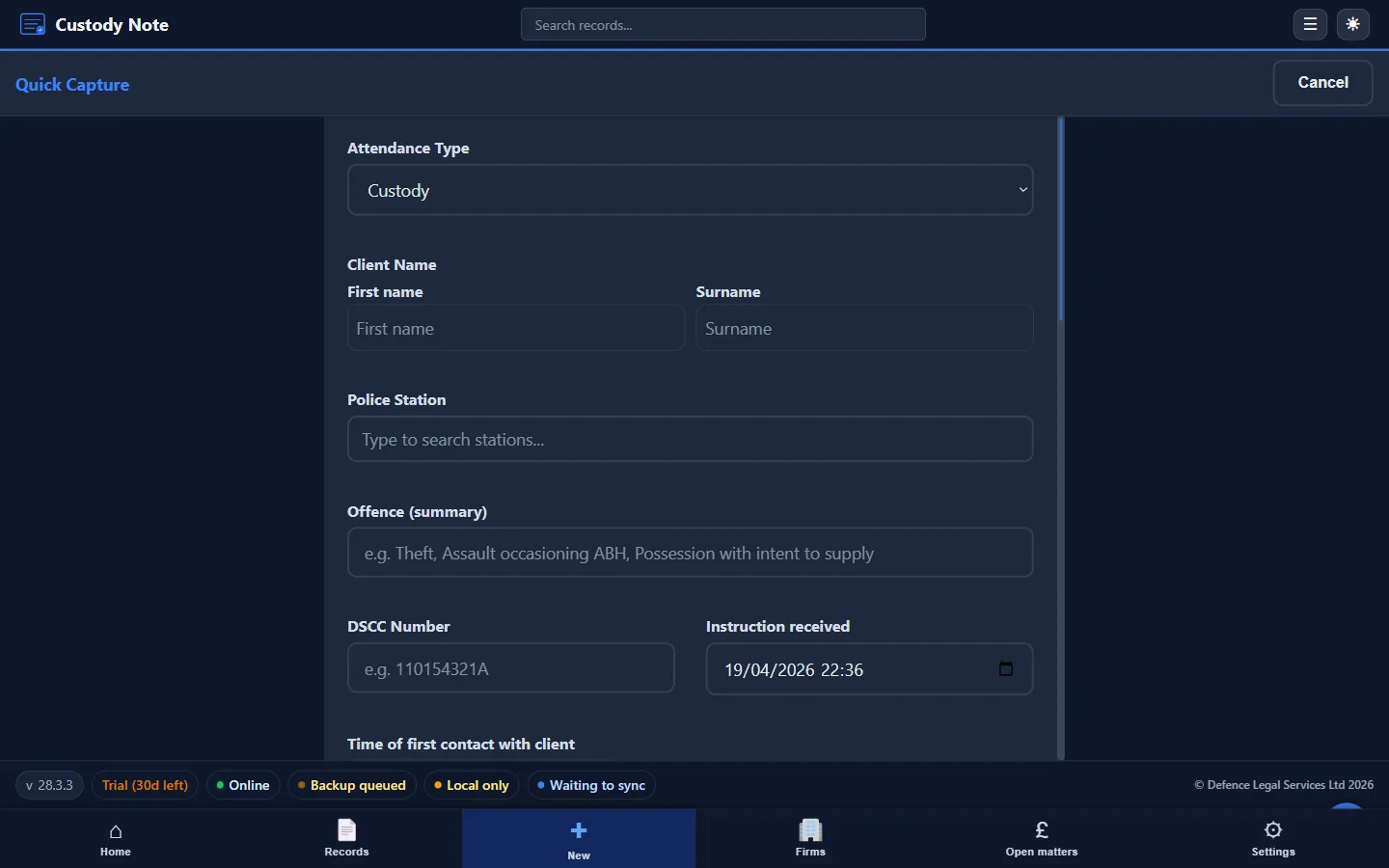
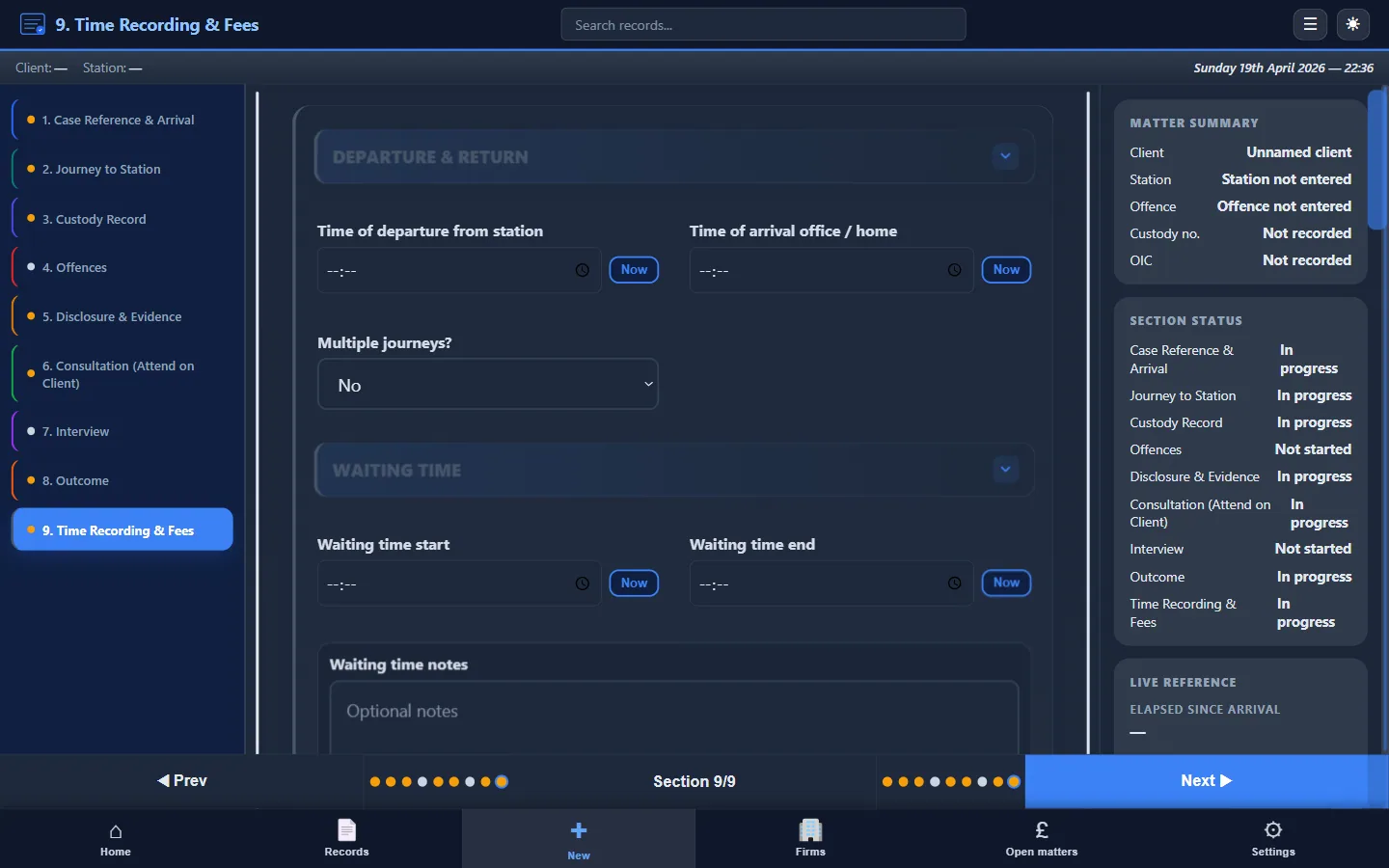
When you receive an instruction, you open Custody Note and create a new attendance record. This happens locally, no server call, no loading spinner, no “waiting for connection.” The record exists on your laptop from the moment you create it.
Working through the attendance
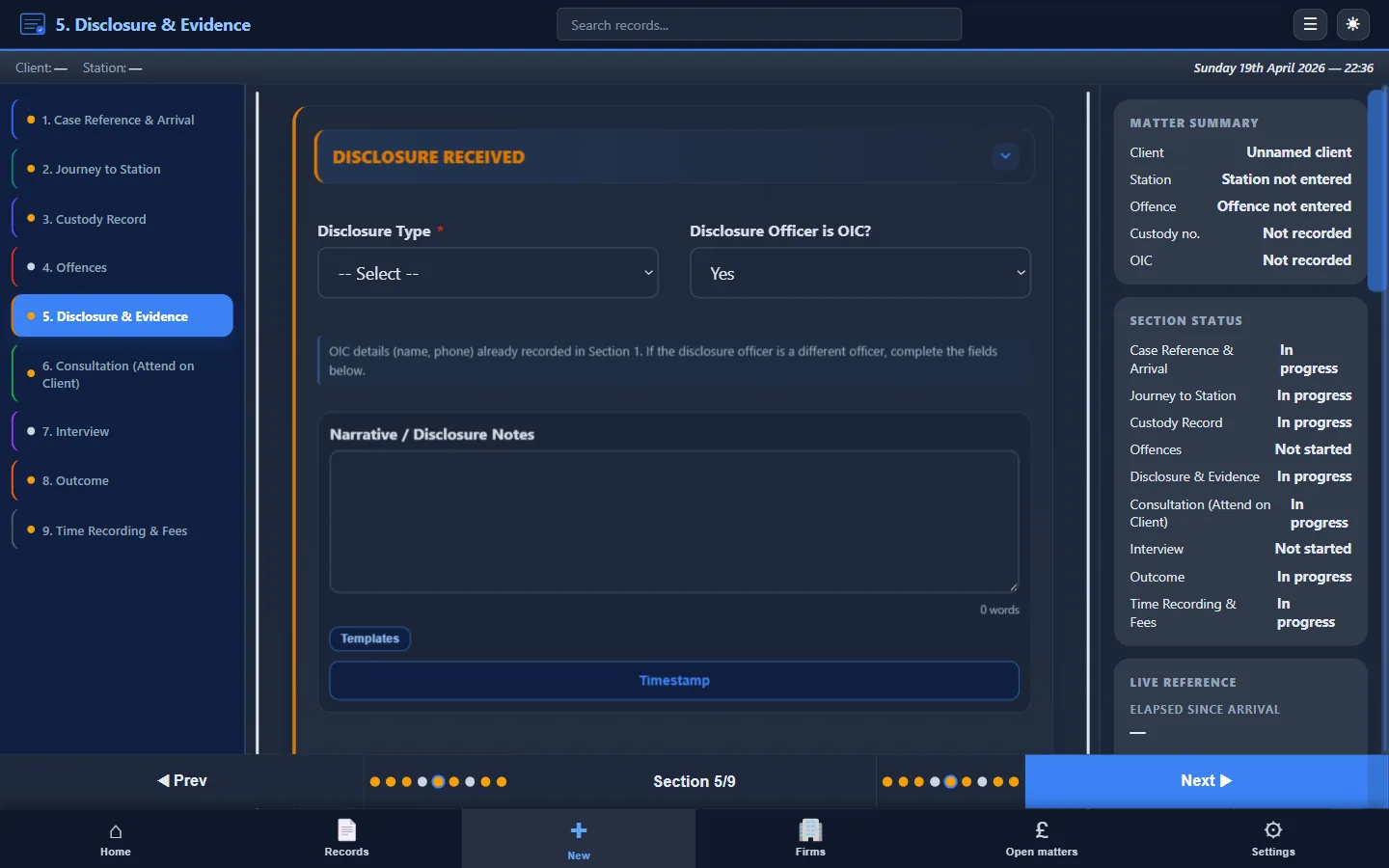
As you progress through the custody attendance (client details, disclosure, consultation, interview, outcome) every entry is saved to your local database. There's no autosave delay waiting for a server round-trip. Custody Note saves your work as you go, to local storage.
Exporting a PDF
PDF export is generated locally on your machine. You can produce a complete, formatted attendance note in the custody suite car park without any internet connection. The PDF is saved to your file system and ready to email or upload when you choose.
Cloud backup and sync
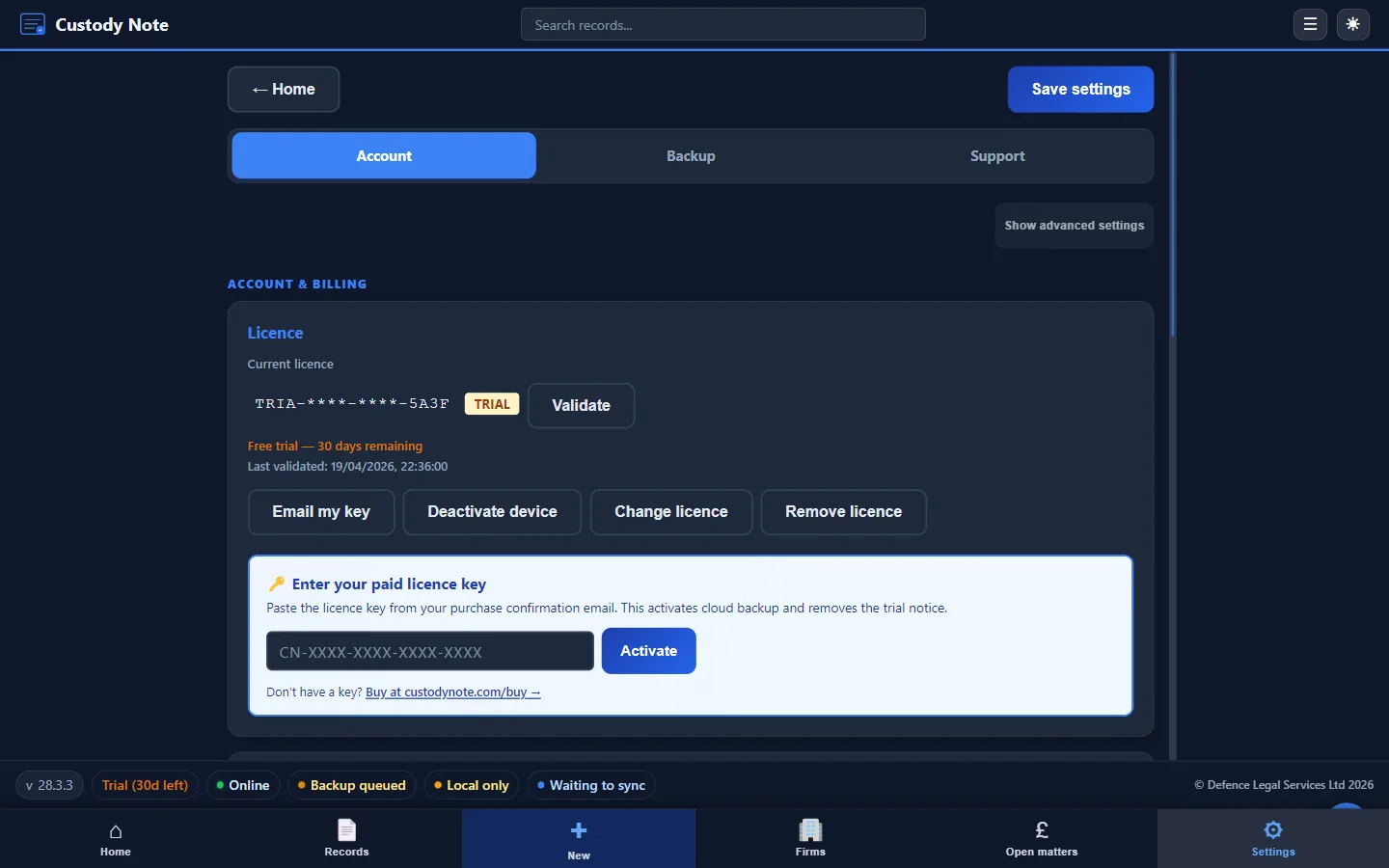
It's free during beta. Sign in with your email to sync your notes across up to 5 computers. Notes are encrypted on your computer before upload. Managed cloud backup is planned for Pro after beta. Your notes still save on your computer and work without internet.
Local encryption: AES-256 at rest
Client data from police station attendances is sensitive: names, allegations, legal advice, interview records. Custody Note encrypts your local database using AES-256 encryption at rest. This means:
- If your laptop is lost or stolen, the attendance note data is encrypted; combined with full-disk encryption and a strong OS password it's very difficult to access
- The encryption operates at the application level, independent of Windows BitLocker or other full-disk encryption (though using both provides defence in depth)
- Encryption and decryption happen locally. Records are encrypted before they are written to disk, synced or backed up
Cloud backup: planned for Pro
Encrypted cloud backup on UK-hosted infrastructure (AWS London) is planned for Pro after beta. During the free beta, automatic local backups on your device are what protect your work.

Comparison with cloud-based tools
Cloud-based attendance note tools and practice management systems work well in an office with stable broadband. They are less well suited to police station conditions:
- Connectivity dependency: if the connection drops, you can't access your records, add notes, or export documents. Some tools offer limited offline caching, but this is typically incomplete and unreliable.
- Latency: even with a connection, slow or congested Wi-Fi introduces delays when saving, loading, or exporting. At 2am in a busy custody suite, every second of lag counts.
- Data in transit: every keystroke sent to a cloud server travels over whatever network is available. Station Wi-Fi and public hotspots aren't secure by default.
- Single point of failure: if the provider's servers go down, all users are affected simultaneously. When the software stores data on your machine first, it's always there.
Custody Note's offline approach means the worst case is “I'll finish it at home.” With cloud-only tools, the worst case is “I can't work at all.”
Who benefits most from offline software
- Duty solicitors attending multiple stations per shift, often at unsociable hours with unreliable connectivity
- Freelance police station representatives working across different custody suites with varying infrastructure
- Firms standardising attendance notes who need consistent output regardless of which station the practitioner visits
- Practitioners in rural areas where mobile data coverage is poor and station facilities are limited
Getting started
Custody Note runs on Windows 10 or later (64-bit). Download free with full offline functionality from day one, or download directly. No credit card required. For a detailed guide to what Custody Note captures, see police station attendance notes (UK guide).
Frequently asked questions
Does Custody Note work completely without internet?
Yes. Every feature (creating records, entering notes, exporting PDFs, searching existing records) works without any internet connection. Custody Note stores all data locally on your machine. Internet is only needed if you choose to enable optional cloud backup.
What encryption does Custody Note use?
Custody Note encrypts your local database using AES-256 encryption at rest (AES-256-GCM). Records are encrypted on your machine before they are stored or synced.
What happens if my laptop dies?
Keep the automatic local backups and use full-disk encryption. It's free during beta. Sign in with your email to sync your notes across up to 5 computers. Notes are encrypted on your computer before upload. Managed cloud backup is planned for Pro.
Can I use Custody Note on multiple devices?
Yes. It's free during beta. Sign in with your email to sync your notes across up to 5 computers. Notes are encrypted on your computer before upload. The app still works offline on each computer.
Is the cloud backup hosted in the UK?
Yes. Cloud backup data is stored on AWS infrastructure in the London region. Data is encrypted before it leaves your machine and remains encrypted at rest on the server. For full details on data handling, see our privacy policy and security information.
Works offline. Encrypted. Made for the custody suite.
Custody Note works where cloud tools can't, at police stations with no Wi-Fi, in interview rooms with no signal. Every feature works offline, every record is encrypted. Free during beta.
Download free