PACE Interview Note Software
PACE interview note software helps solicitors and representatives create structured records of police interviews conducted under the Police and Criminal Evidence Act 1984. A defensible interview record should cover disclosure reviewed, advice given before interview, interview strategy, what happened during the interview, and post-interview advice, all timestamped and structured.
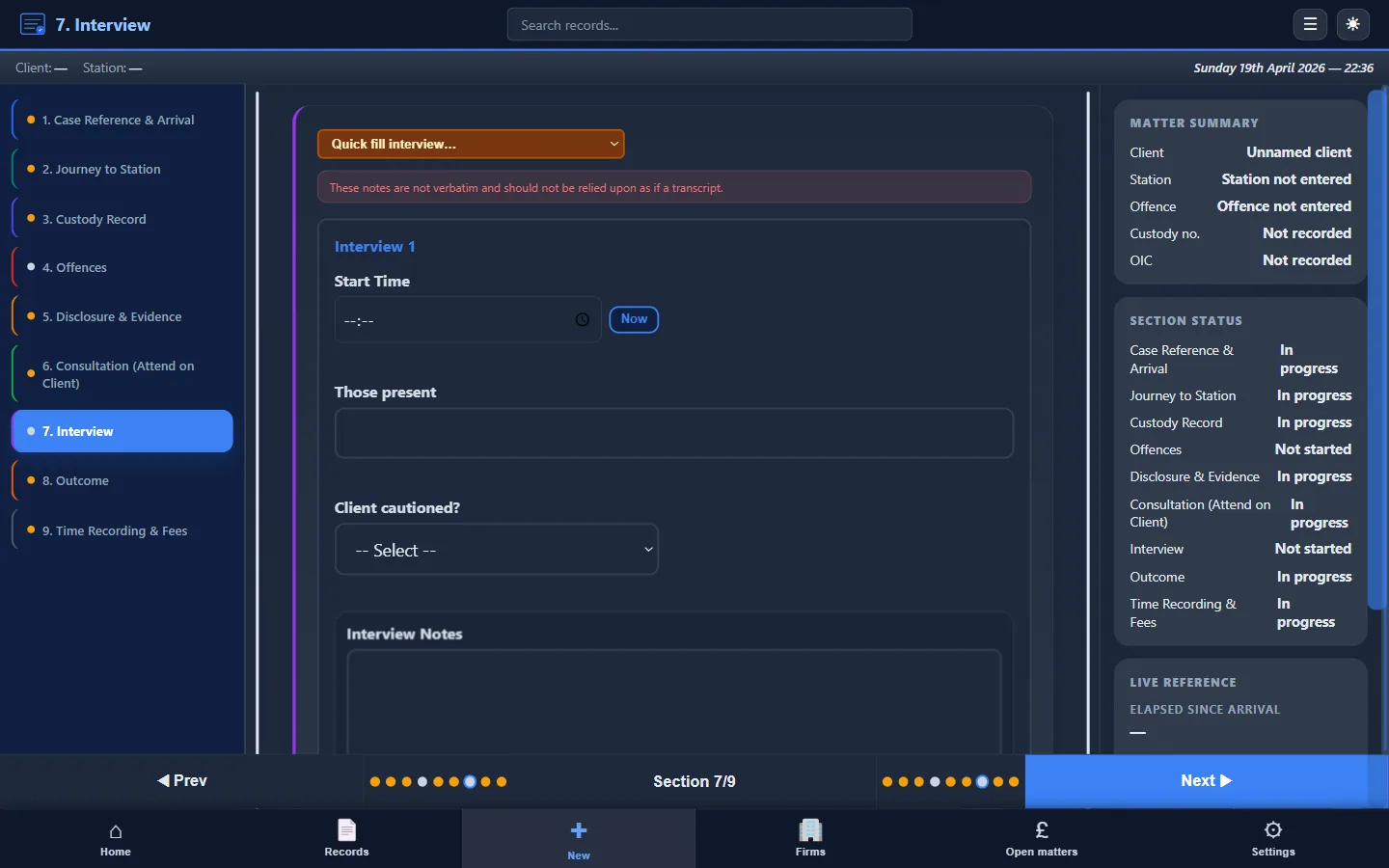
The interview is the centrepiece of most police station attendances, yet it's the section most often left incomplete or poorly structured in attendance notes. A contemporaneous, structured record of what happened before, during, and after the PACE interview is essential for the client's defence, for your professional protection, and for LAA billing compliance. Custody Note provides dedicated software for building that record as events unfold.
What PACE Code C requires, and what it implies
PACE Code C governs the detention, treatment, and questioning of persons at police stations. While Code C primarily imposes duties on custody officers and interviewing officers, it creates the factual framework your attendance note must capture. Key provisions that shape your interview record include:
- Code C 11.1A: the investigating officer must provide sufficient information about the offence for the detainee and their solicitor to understand the nature of the suspected offence and why the person is suspected. Your note should record what disclosure was given, what was withheld, and your assessment of its sufficiency.
- PACE s.58(1) and Code C section 6 (Note 6J): a detained person is entitled to consult privately with a solicitor at any time. Record when the consultation took place, its duration, and the substance of the advice given (in terms you can later justify disclosing if needed).
- Code C 6.8: a detainee who has been permitted to consult a solicitor is entitled to have the solicitor present when interviewed (subject to paragraph 6.6). Record attendance at interview and any representations made.
- Code C 12.8: interviews must include breaks at recognised intervals. Record break times, reasons, and any welfare-related requests.
- Code C 11.7: accurate records of interviews must be made. While the police typically satisfy this through audio recording, your own note serves a different purpose: recording your role, observations, and any representations made.
For a comprehensive guide to PACE requirements and attendance notes, see PACE custody note requirements.
What to record before the interview
A defensible interview record doesn't begin when the tape starts. It begins with disclosure and preparation:
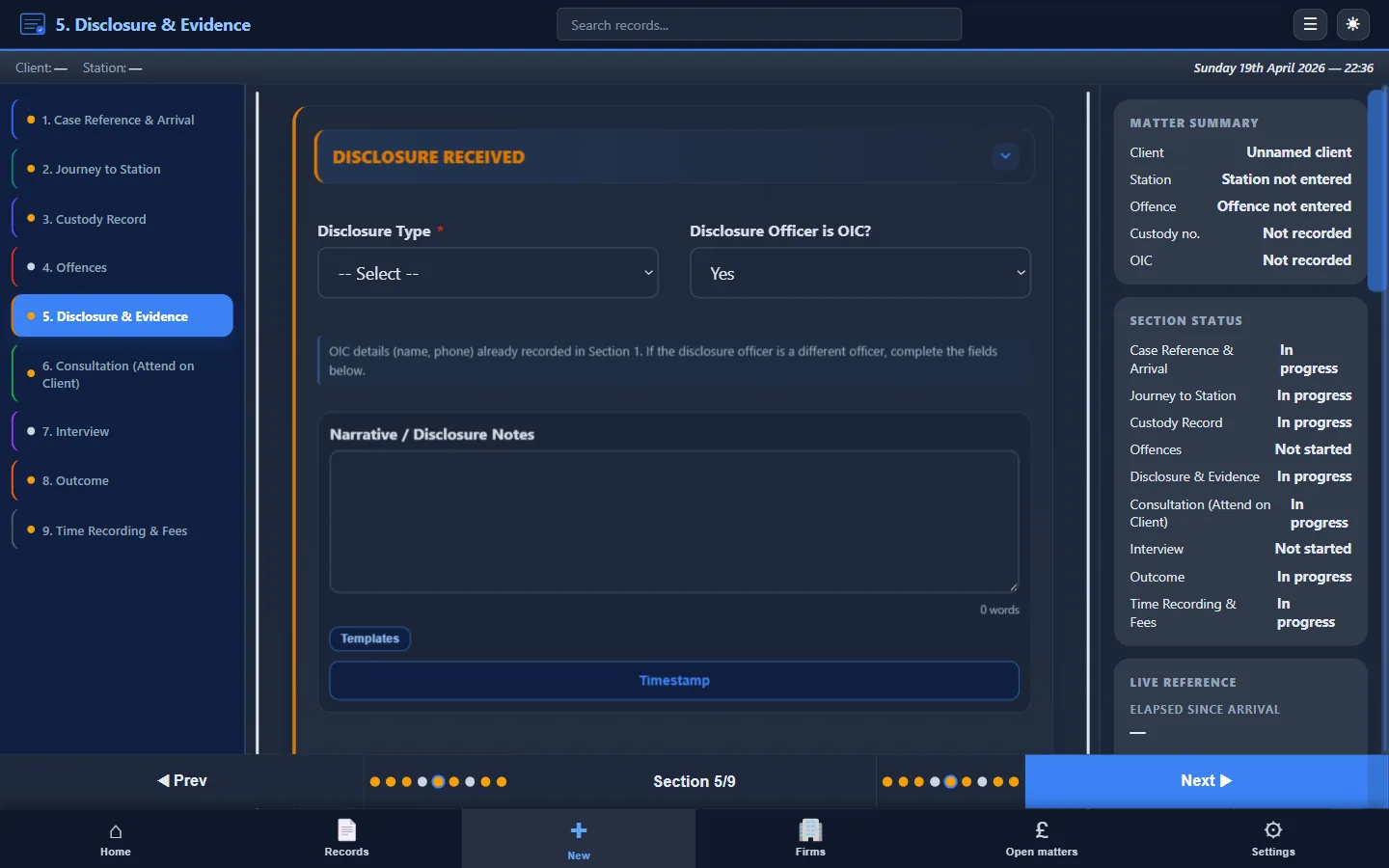
- Disclosure summary: what the investigating officer told you about the allegation, the evidence, and the basis for suspicion. Note the time, the officer's name, and whether disclosure was oral or written.
- Pre-interview consultation: record the advice you gave the client, the agreed interview strategy (full account, no comment, or prepared statement), and any concerns about fitness for interview. Note the time and duration.
- Prepared statement: if you drafted a prepared statement, note that it was drafted, reviewed by the client, and signed. Record whether the statement was read at the start of interview and the officer's response.
What to record during the interview
You aren't producing a transcript. The audio recording does that. Your interview record should capture:
- Interview start time, officers present, and recording method
- Key areas of questioning: the themes explored, not every question
- The client's approach: full account given, no comment maintained, or prepared statement read
- Significant admissions, denials, or changes in position
- Your interventions: objections to improper or oppressive questions, requests for clarification, and representations made to the interviewing officer
- Break times and reasons
- Client welfare observations: confusion, distress, requests for a break, fitness concerns
- Interview end time
The intervention record is the most important section. If you objected to a question and the objection isn't in your attendance note, it effectively didn't happen. These entries may support an exclusion application under s.76 or s.78 PACE months or years later.
What to record after the interview
Post-interview recording completes the picture:
- Post-interview advice: what you told the client about next steps, bail, charging decisions, or further interviews
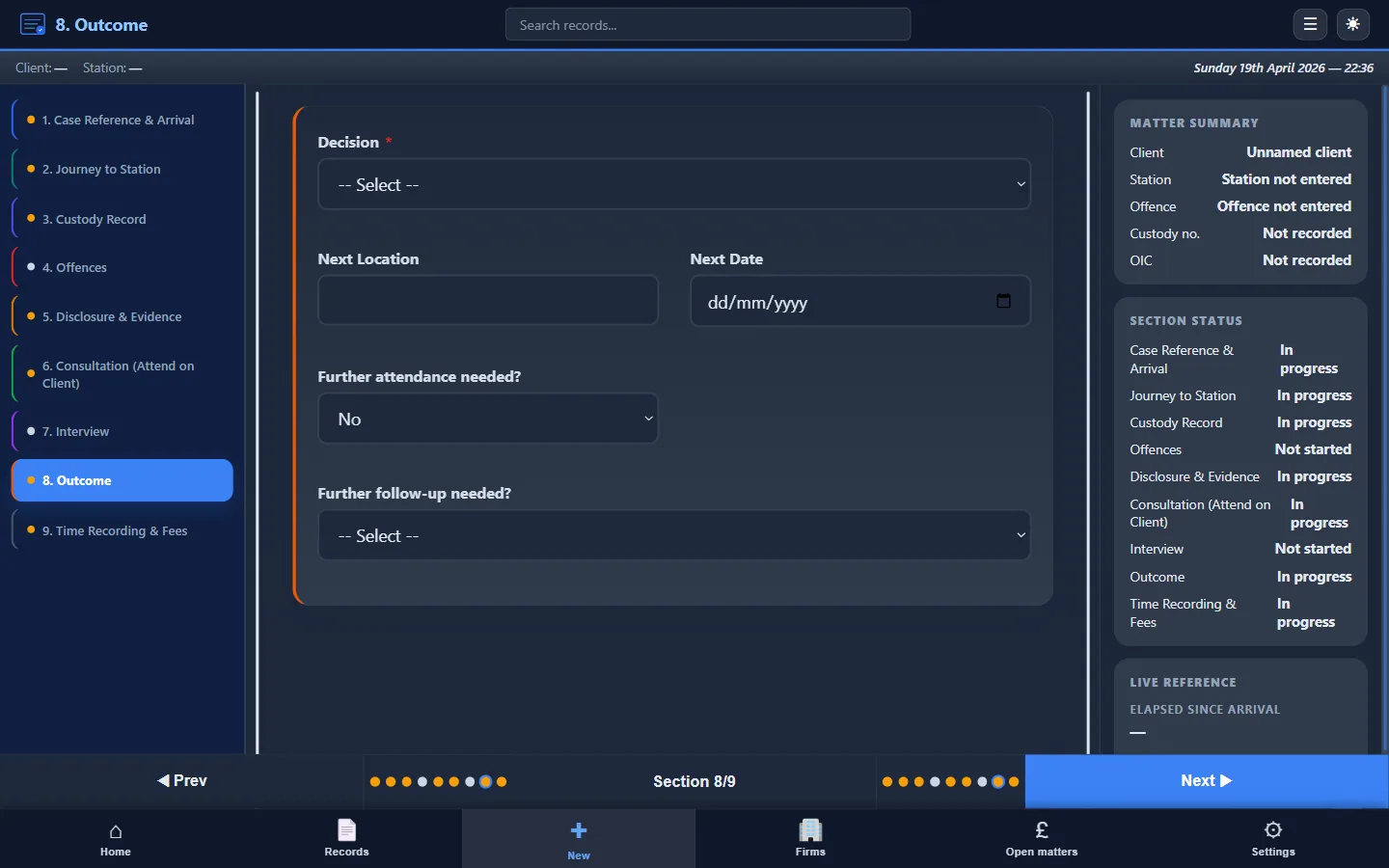
- Outcome: charge, NFA, bail (pre-charge bail under s.47ZA PACE), or release under investigation, with any conditions
- Further action: whether identification procedures, further interviews, or forensic procedures are anticipated
- Departure time: for billing and for establishing the full timeline of your attendance
How Custody Note structures PACE interview notes
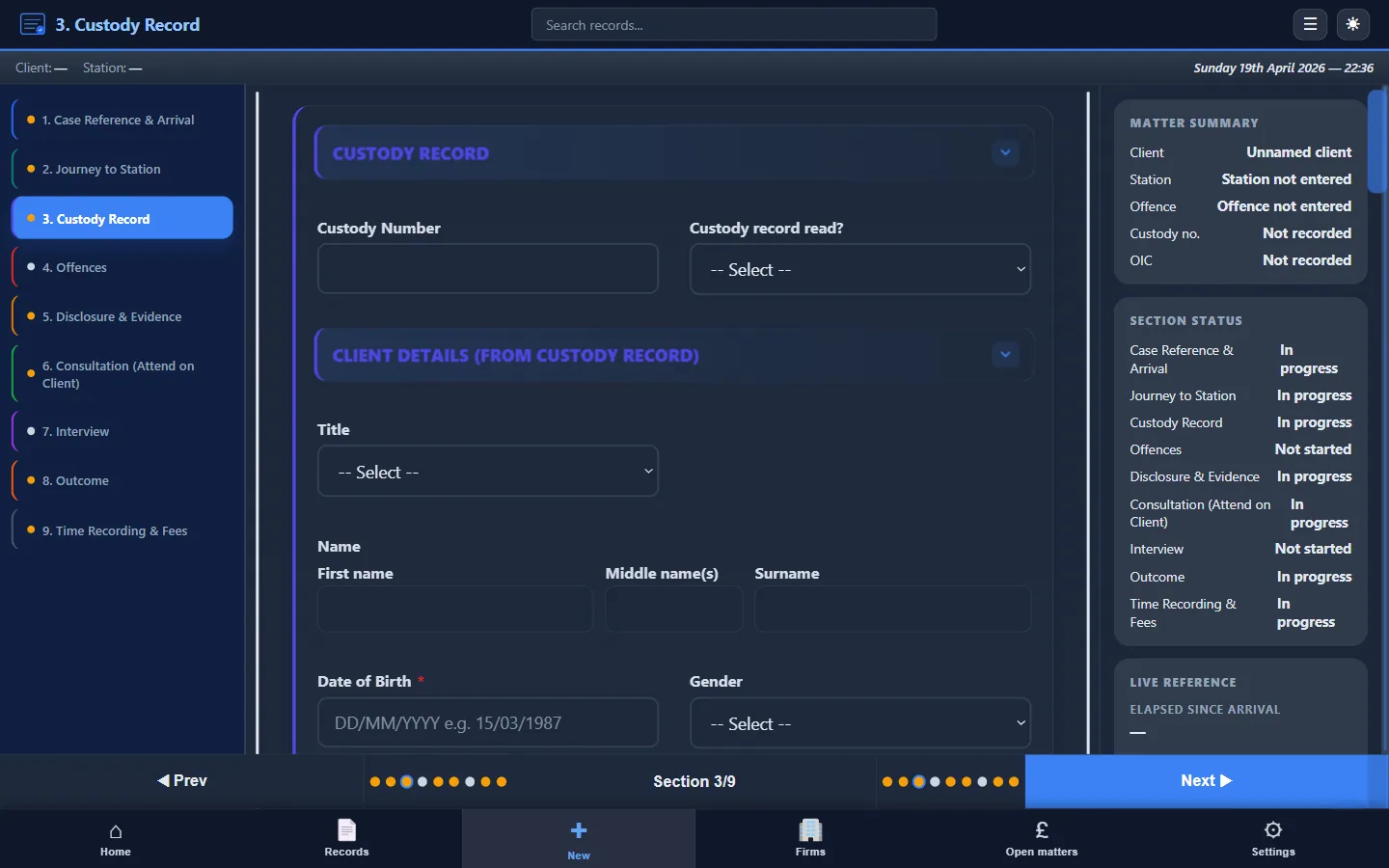
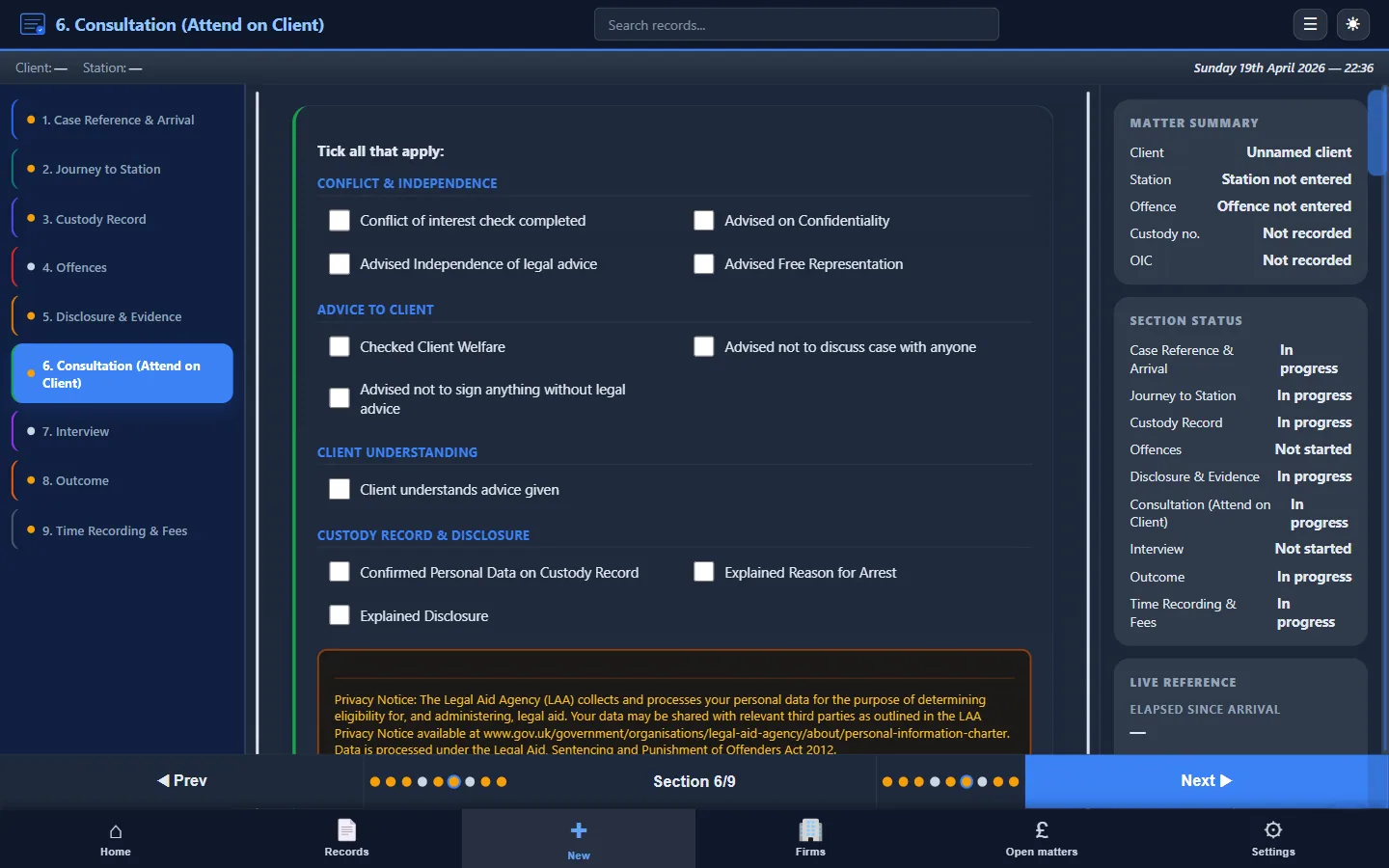
Custody Note provides dedicated sections that mirror the interview timeline. Rather than typing into a blank document and hoping you remember every element, the software prompts you through each stage:
- Disclosure section: fields for what was disclosed, by whom, and your assessment
- Consultation section: advice given, strategy agreed, time and duration
- Interview section: start/end times, officers, recording method, substance, interventions, and breaks
- Outcome section: charging decision, bail conditions, next steps
- Time recording: integrated fields for travel, waiting, attendance, and consultation time
Each section is available as you work through the attendance. You can enter data during the consultation, add interview notes in real time, and complete the outcome before you leave the station. The result is a structured record that reads coherently from start to finish.
Benefits over unstructured notes
Unstructured interview notes, whether handwritten on paper or typed into a Word document, share common problems:
- Missing sections: disclosure summaries omitted, consultation advice unrecorded, break times absent
- Inconsistent format: each attendance looks different, making peer review and quality assurance difficult
- Reconstruction from memory: notes completed hours or days after the attendance, reducing their evidential weight
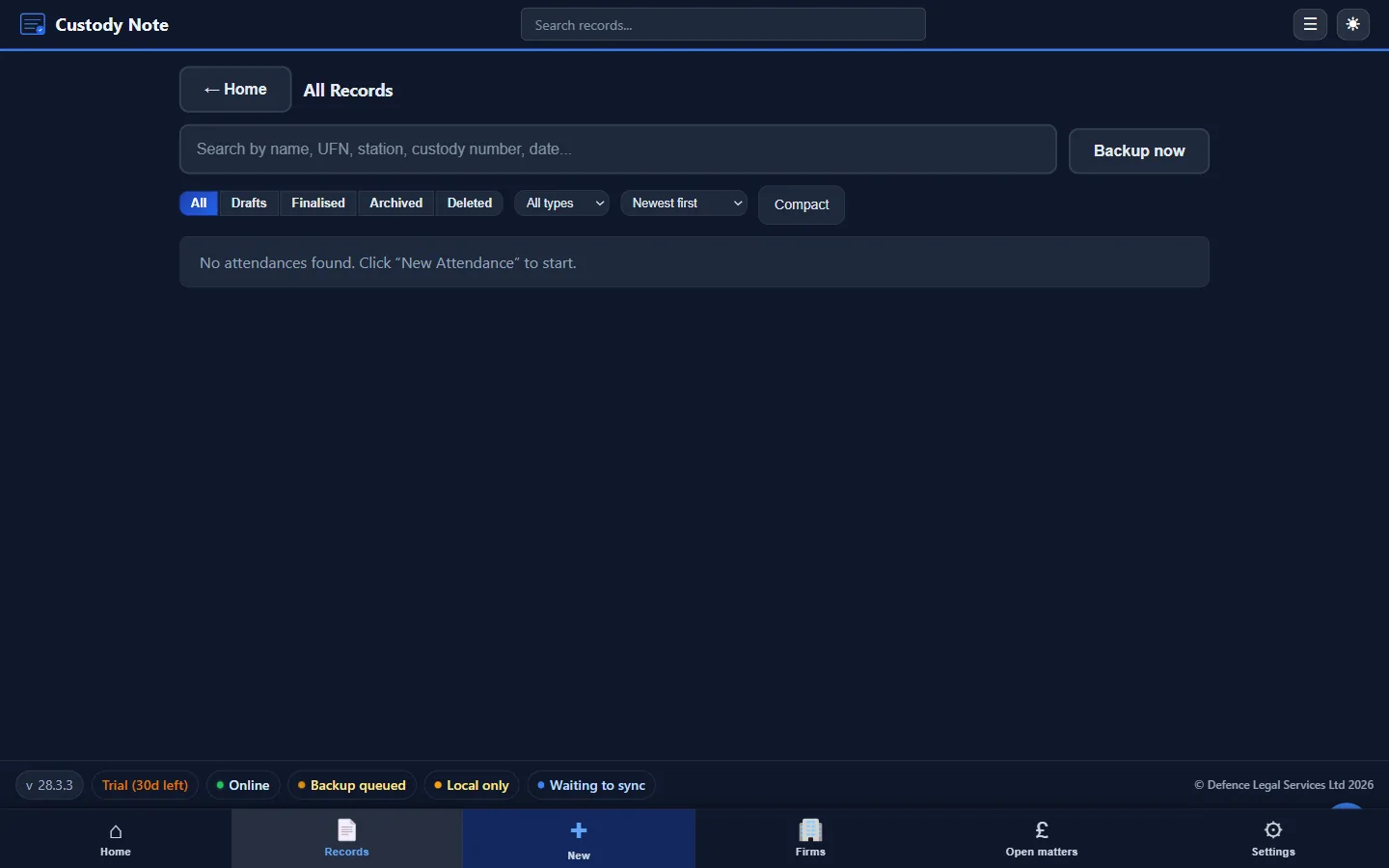
- Billing gaps: time recording separated from the attendance note, leading to discrepancies and rejected claims
Structured software eliminates these problems by ensuring every section is addressed in sequence, with timestamps, and with billing data captured alongside the substantive record. For a detailed comparison, see digital vs paper attendance notes.
Offline and encrypted
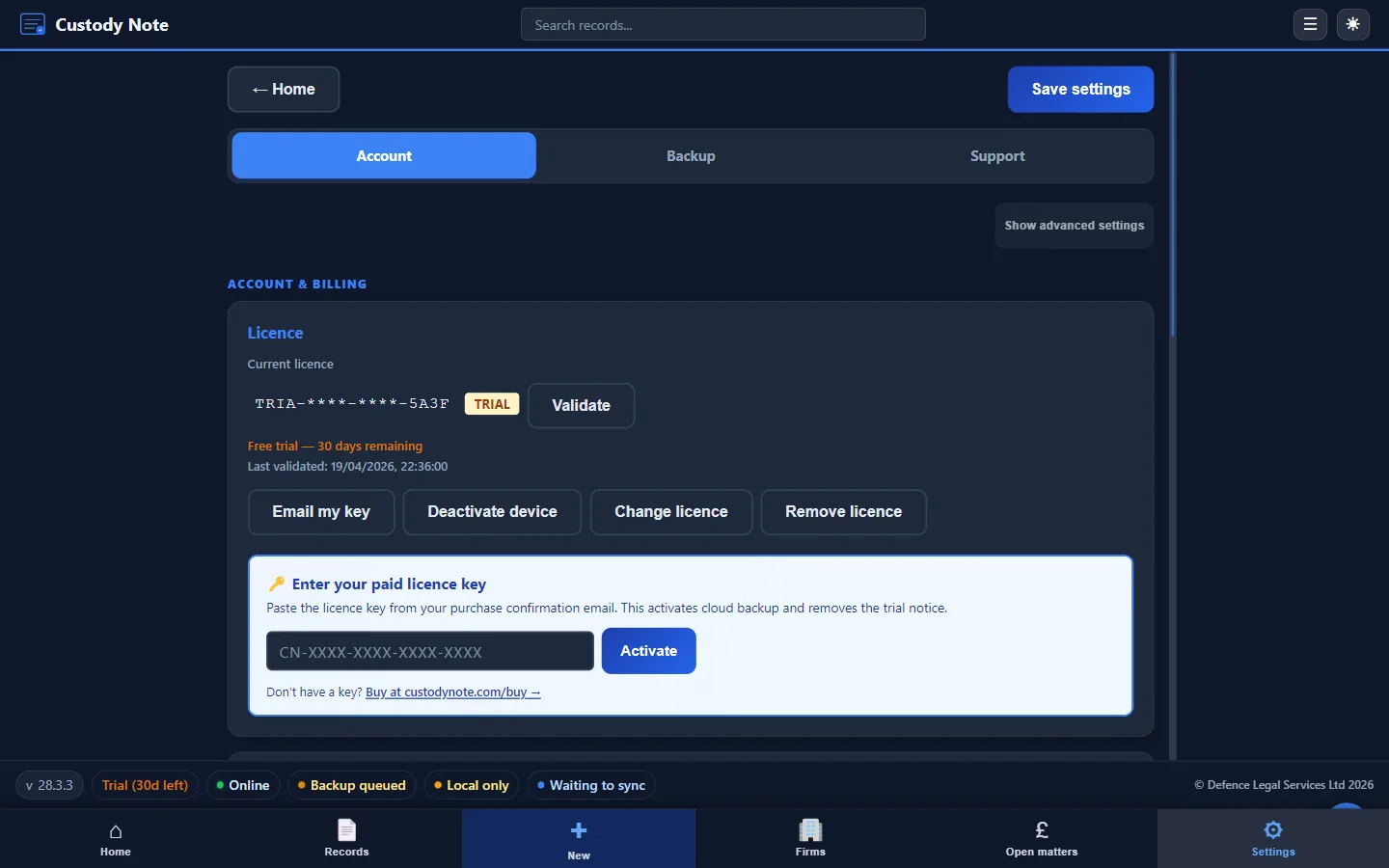
PACE interviews happen in police stations where connectivity is unreliable. Custody Note works entirely offline. Your records are saved and encrypted locally using AES-256 encryption. There's no dependency on a cloud server to create, edit, or export your interview notes. For more on how the offline capability works, see police station interview notes.
Getting started
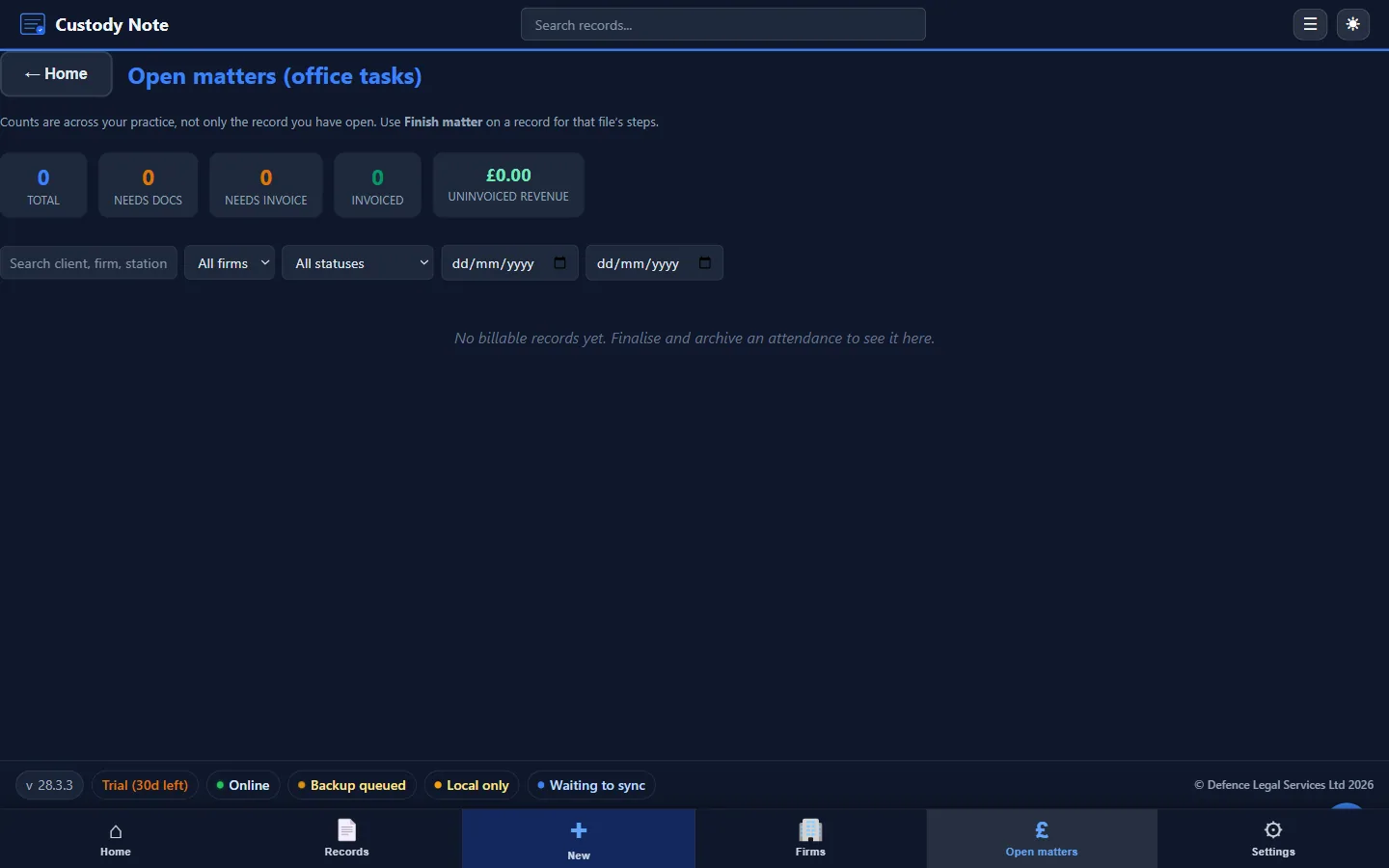
Custody Note runs on Windows 10 or later (64-bit). Download free with full functionality, or download directly. No credit card is required to start.
Frequently asked questions
Does Custody Note record the audio of the PACE interview?
No. Custody Note is attendance note software, not an audio recording tool. The police are responsible for audio recording the interview under PACE Code E. Custody Note captures your written record of what happened: your observations, interventions, and the structured data that forms your attendance note.
Can I use Custody Note during the interview itself?
Yes. Custody Note is designed for real-time note-taking. You can enter interview observations, record break times, and note interventions as they happen. The offline capability means you aren't waiting for a server response while the interview is in progress.
How does Custody Note handle no-comment interviews?
A no-comment interview still requires a complete record. Custody Note prompts you to record the areas of questioning (which tell the firm what the investigation is focused on), any attempts by officers to engage the client outside the formal interview, and the client's adherence to the agreed strategy.
Is the interview note section separate from the rest of the attendance note?
The interview section is part of the complete attendance record. In Custody Note, the interview fields sit within the broader attendance workflow, alongside disclosure, consultation, outcome, and billing. The PDF export produces a single, coherent document covering the entire attendance.
What if there are multiple interviews in one attendance?
Custody Note supports recording multiple interviews within a single attendance. Each interview can be entered with its own timings, officers, and substance, reflecting the reality of extended custody attendances where further interviews follow additional disclosure or evidence gathering.
Structured PACE interview records, built into your attendance note.
Custody Note guides you through disclosure, consultation, interview, and outcome, with timestamps and billing data captured as you work. Offline, encrypted, instant PDF. Free during beta.
Download free