Software for Police Station Representatives
Police station representatives need software that works under pressure, at 2am in a custody suite with no Wi-Fi, or between back-to-back voluntary interviews. Custody Note is built specifically for accredited reps working in England and Wales, with structured templates that guide you through every section of the attendance note.
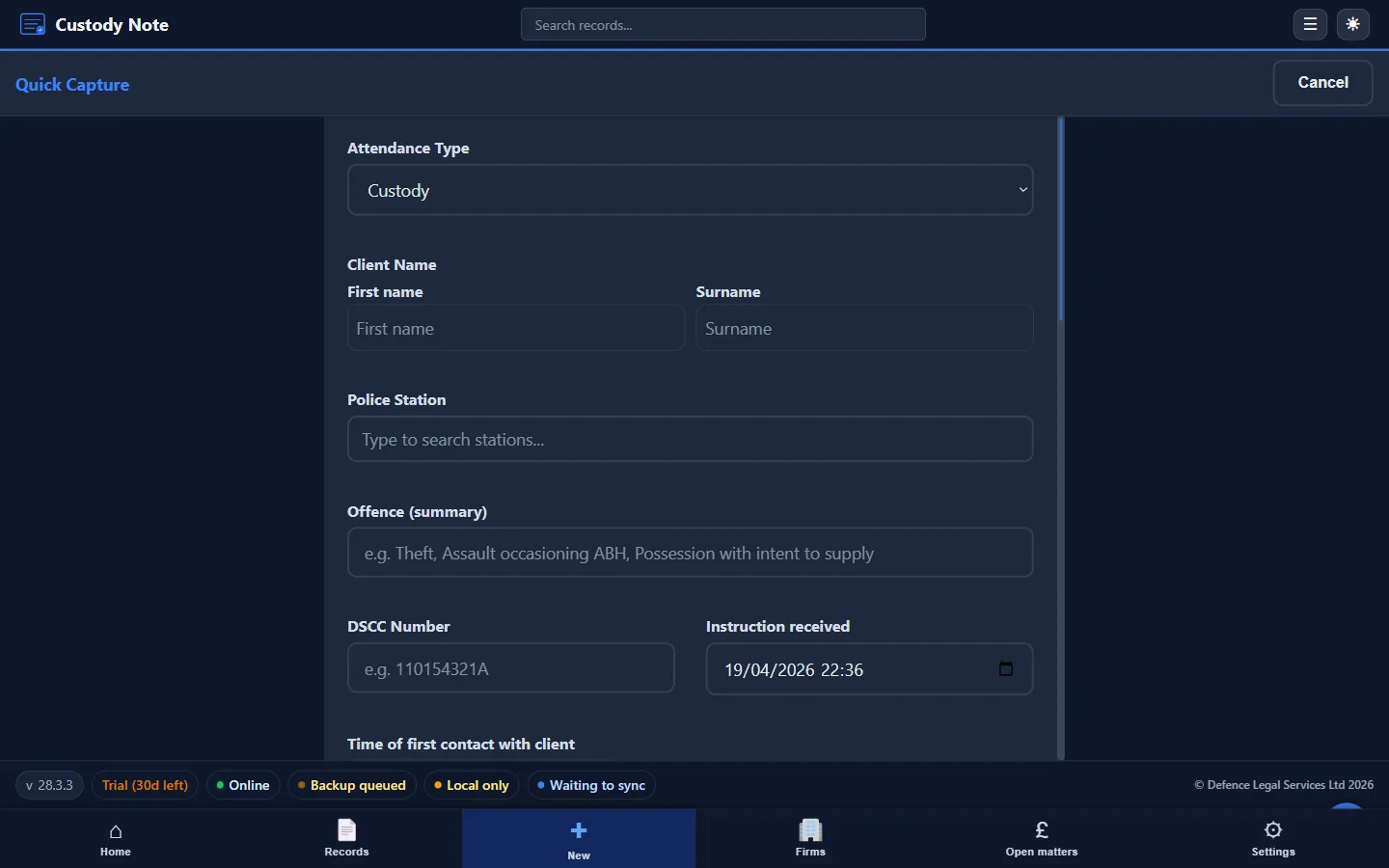
Probationary rep, fully accredited rep or agent covering several firms, the core problem is the same: you need a defensible attendance note completed before you leave the station, and the tools most firms provide aren't designed for custody suite conditions. Custody Note addresses that gap with dedicated software for the work police station representatives actually do.
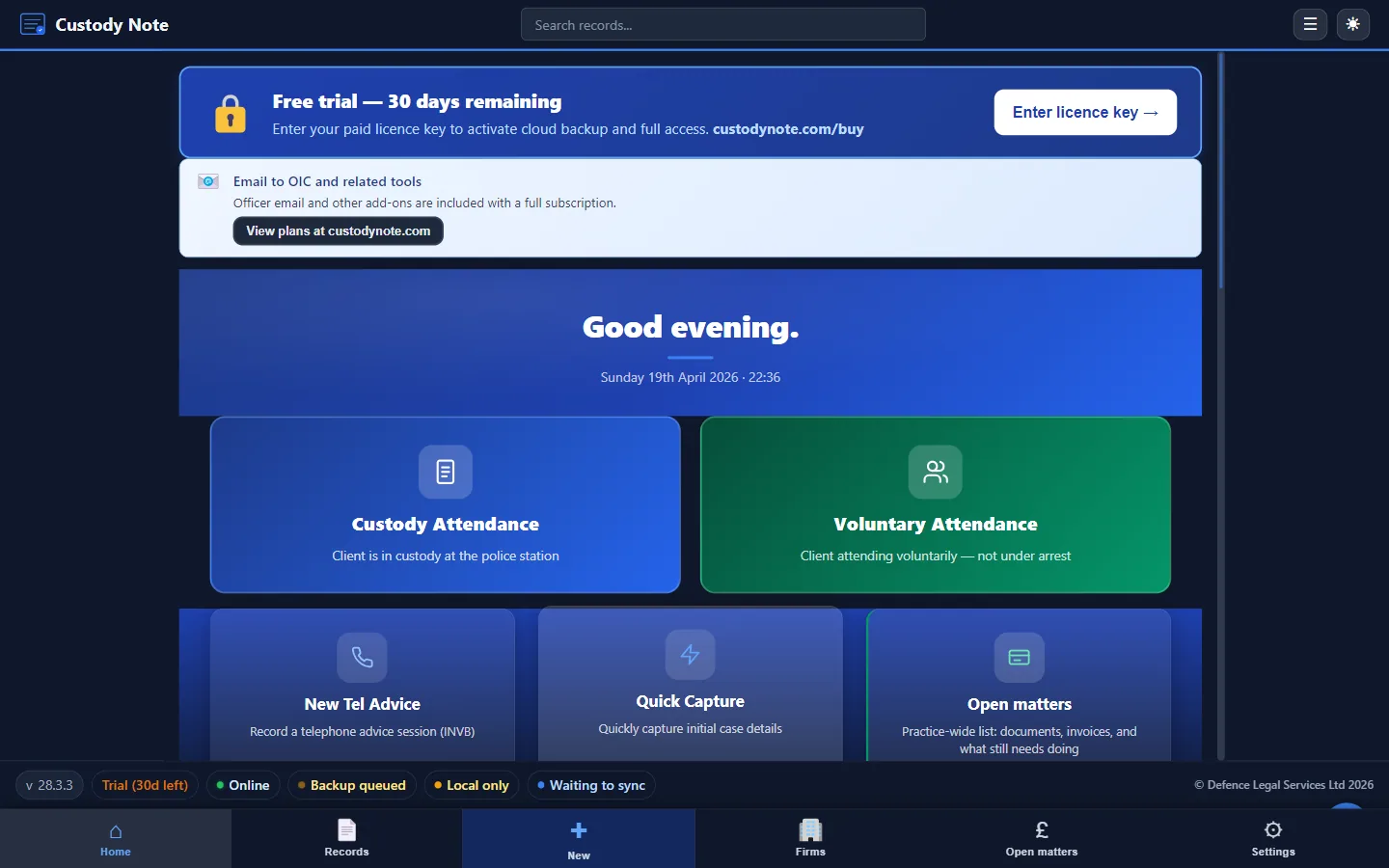
How reps work, and why generic tools fail
The typical rep workflow starts with a call from the DSCC or an instructing firm. You receive a name, station, and allegation summary. From that point you're on the clock: travel, booking in, disclosure review, private consultation, interview (or no-comment strategy), and outcome. Each stage generates information that must be captured accurately and in sequence.
Generic note-taking applications, Word templates, and practice management systems weren't made for this. They assume reliable internet access, a predictable workflow, and a single instructing firm. They lack fields for custody record numbers, DSCC references, PACE review times, and disclosure summaries. They can't produce a structured PDF attendance note without manual reformatting.
Custody Note is different because it was designed around the custody attendance from the start. Every screen, every field, and every export option exists because reps and solicitors asked for it.
Structured templates for every attendance type
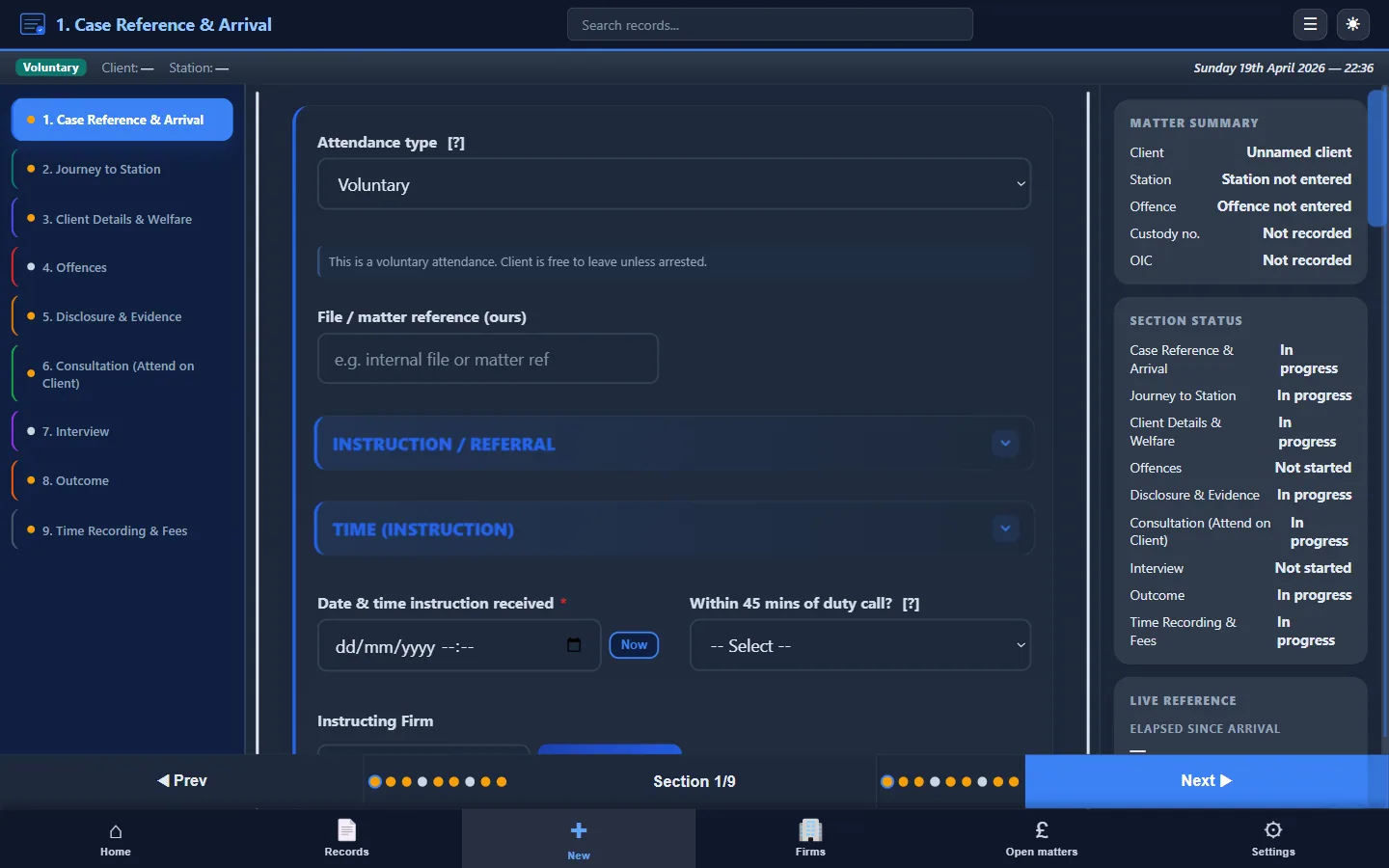
Custody Note provides three core attendance templates, each with section-by-section fields tailored to the type of matter:
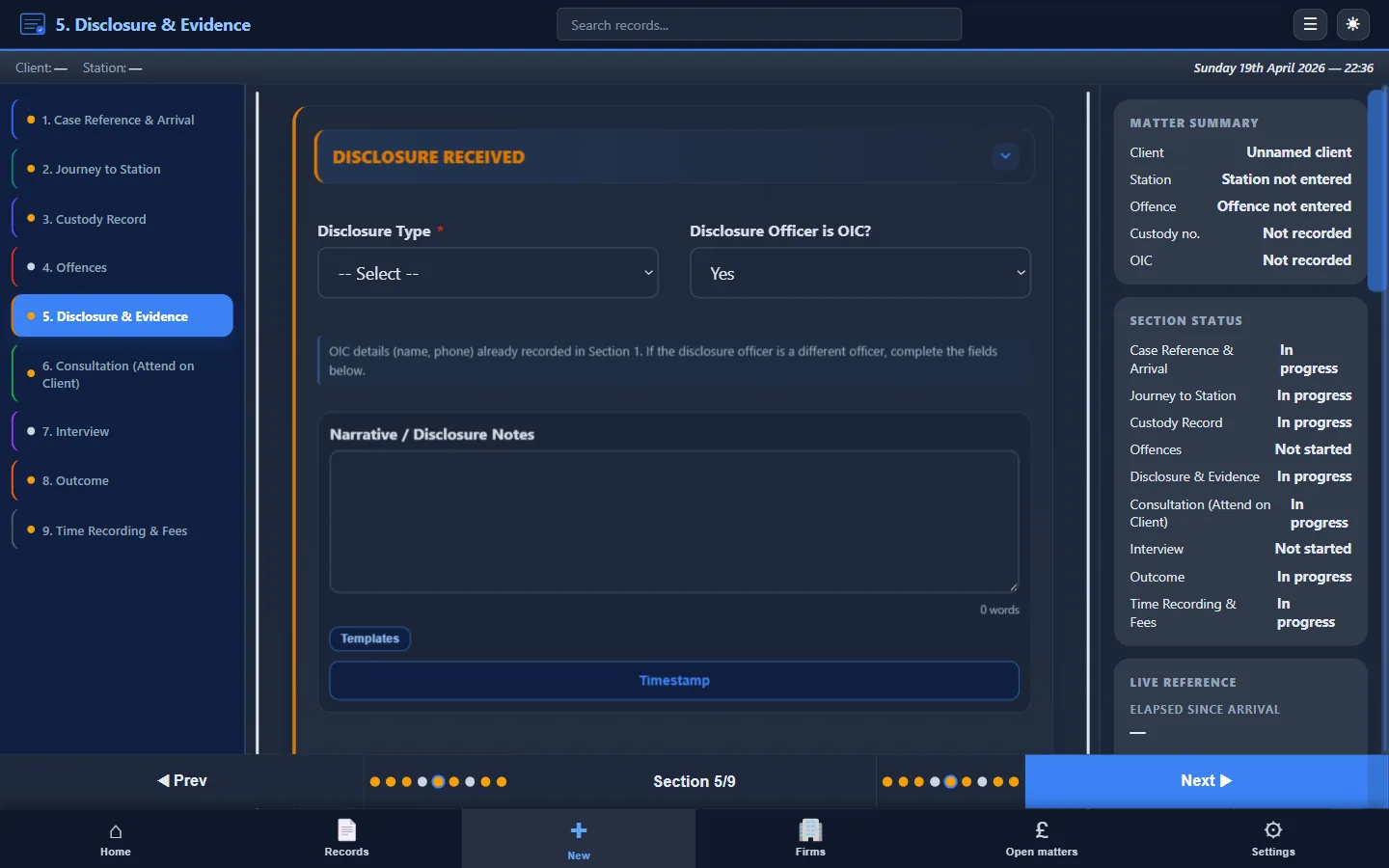
- PACE custody attendance: full structured record from instruction through to outcome, covering client details, custody record, disclosure, consultation, interview, representations, and result
- Voluntary interview attendance: adapted fields for non-custody attendances where the client attends by arrangement, without the PACE detention framework
- Telephone advice: brief record for remote instructions where you provide advice without attending the station
Each template prompts you through the sections in the order events typically unfold. You aren't staring at a blank page trying to remember whether you recorded the disclosure summary or the custody review times. The structure does that work for you. For more detail on what each section should contain, see police station attendance notes (UK guide).
Offline working in custody suites
Most custody suites have poor or non-existent Wi-Fi. Interview rooms are often underground or behind thick walls. Cloud-based tools stop working when the connection drops, and mobile signal is frequently unavailable inside the building.
Custody Note is desktop software that works offline. Every feature works without an internet connection. Your records are created, saved, and encrypted locally on your laptop using AES-256 encryption. There's no dependency on a server to open a record, add notes during an interview, or export a PDF. Cloud backup to encrypted UK-hosted storage (AWS London) is planned for Pro.
You notice it most at 2am when you're finishing your third attendance of the shift and the station Wi-Fi has been down all evening. You close Custody Note, your work is saved and encrypted on your laptop.
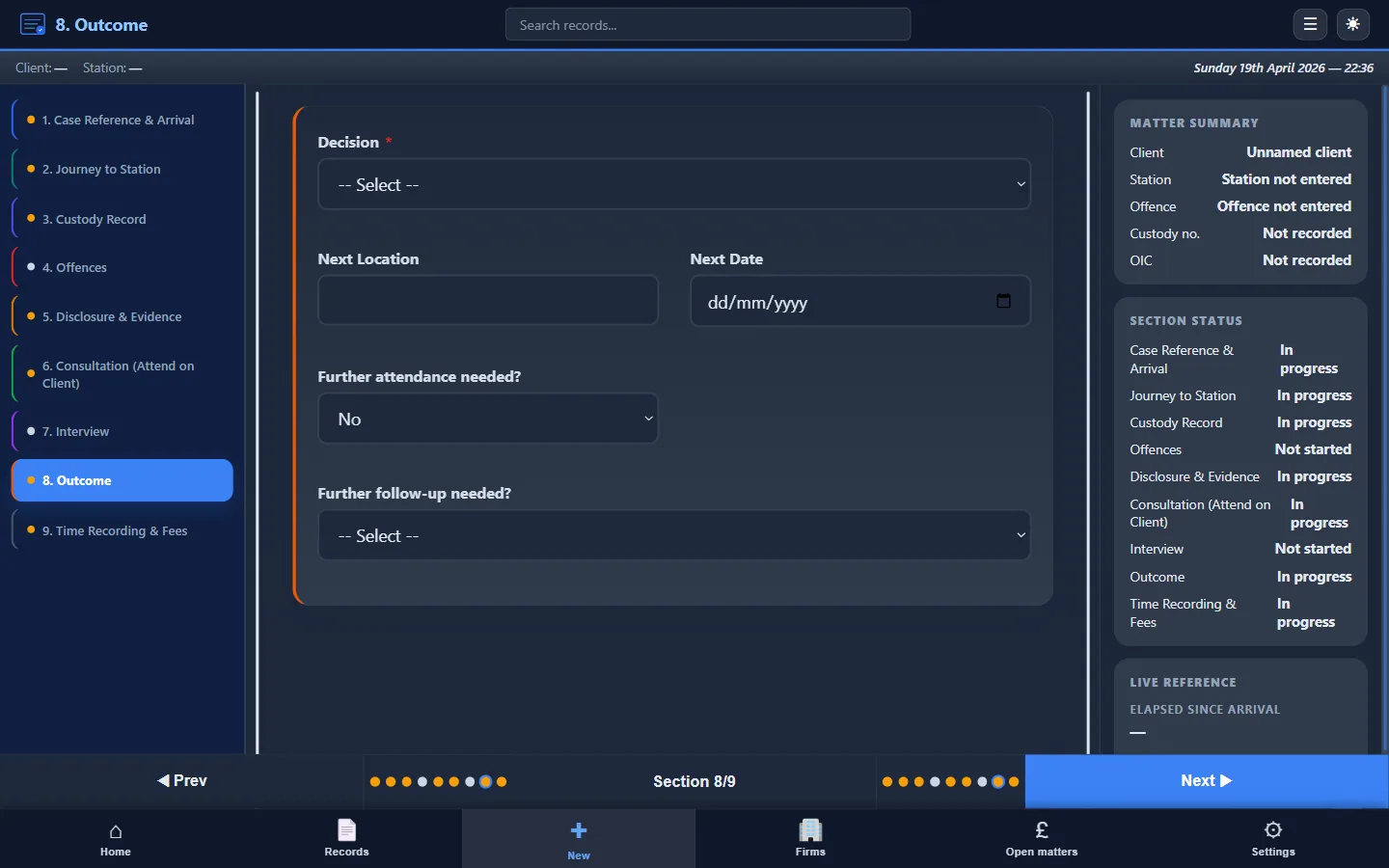
Instant PDF export
When you finish an attendance, you need a professional document for the instructing firm, your own file, or both. Custody Note exports a formatted PDF attendance note directly from the structured data you entered during the matter. No copy-pasting into Word, no reformatting tables, no chasing missing sections.
The PDF includes all sections you completed: client details, custody record, disclosure, consultation, interview, outcome, and time recording. It's ready to attach to an email, upload to a firm portal, or save to your case file. The output is consistent regardless of whether the instruction came from a Legal Aid firm or a private client.
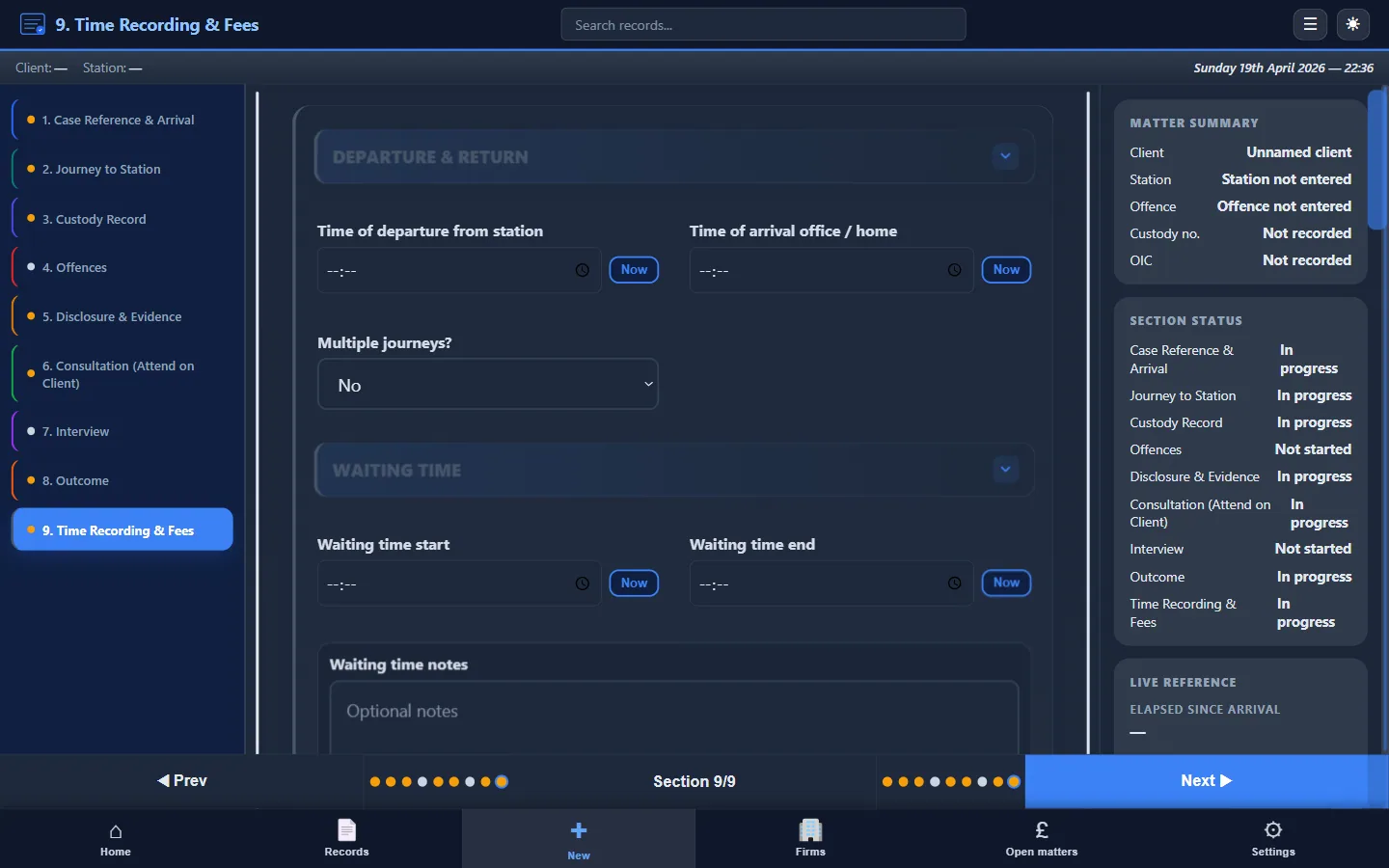
LAA billing and time recording
Police station work under Legal Aid requires accurate time recording and claim-type classification. Custody Note includes fields for:
- Travel time (to and from the station)
- Waiting time
- Attendance time (consultation, interview, post-interview)
- Claim type (standard fee, escape fee, hourly rates)
- Disbursements and mileage
These fields are populated as you work through the attendance, not reconstructed afterwards from memory and diary entries. The data is available in the PDF export and can support your LAA billing submission. For background on how attendance notes and Legal Aid billing interact, see police station attendance notes and attendance notes for legal aid billing.
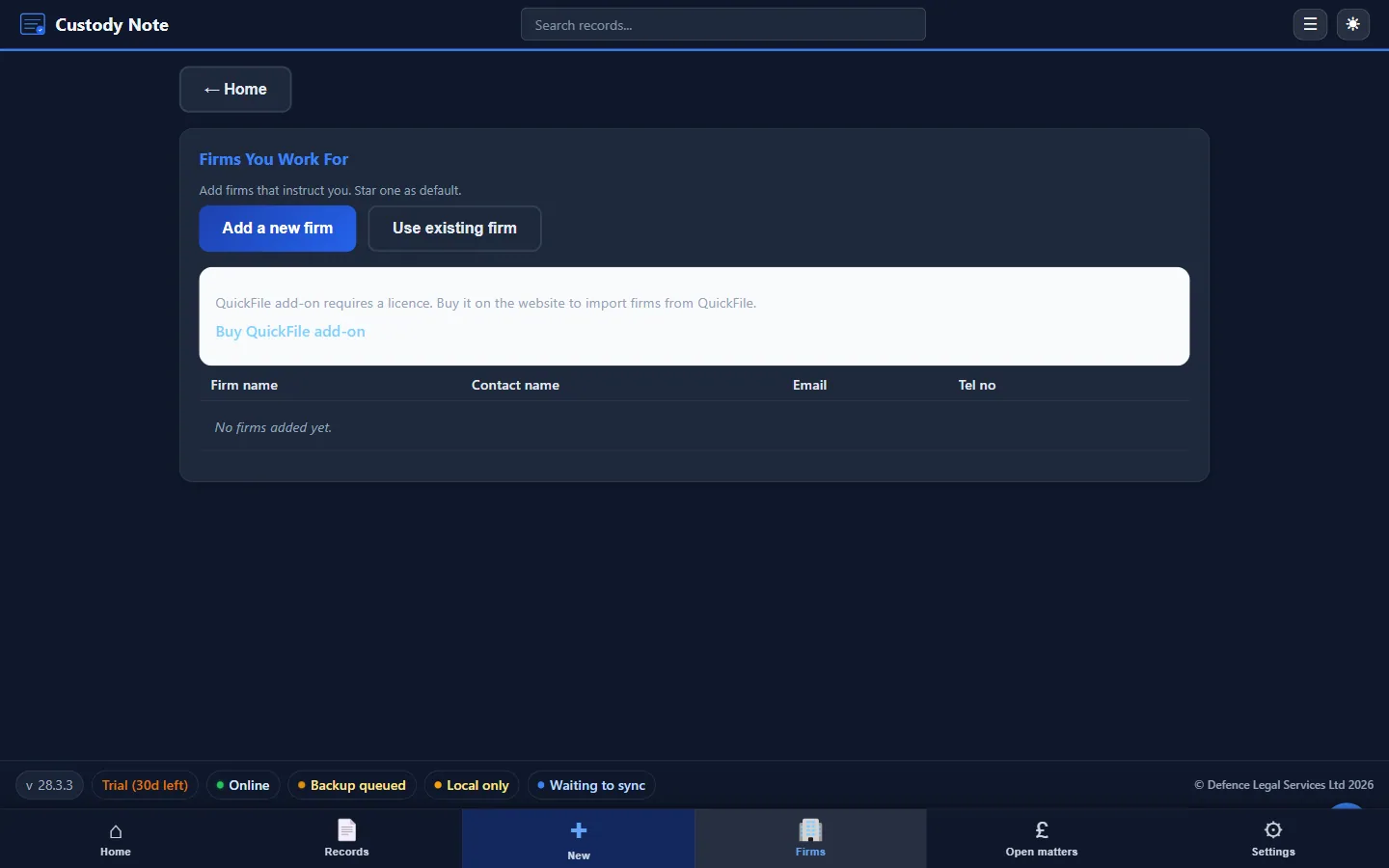
Working with multiple firms
Freelance reps often cover work for several firms. Custody Note lets you organise records by instructing solicitor or firm, keeping each attendance clearly attributed. You can export discrete PDFs for each firm, maintain separate billing records, and switch between matters without confusion. The structure of the note stays consistent; only the instructing party and reference details change.
For more on how Custody Note fits the freelance rep workflow, see Custody Note for freelance police station reps.
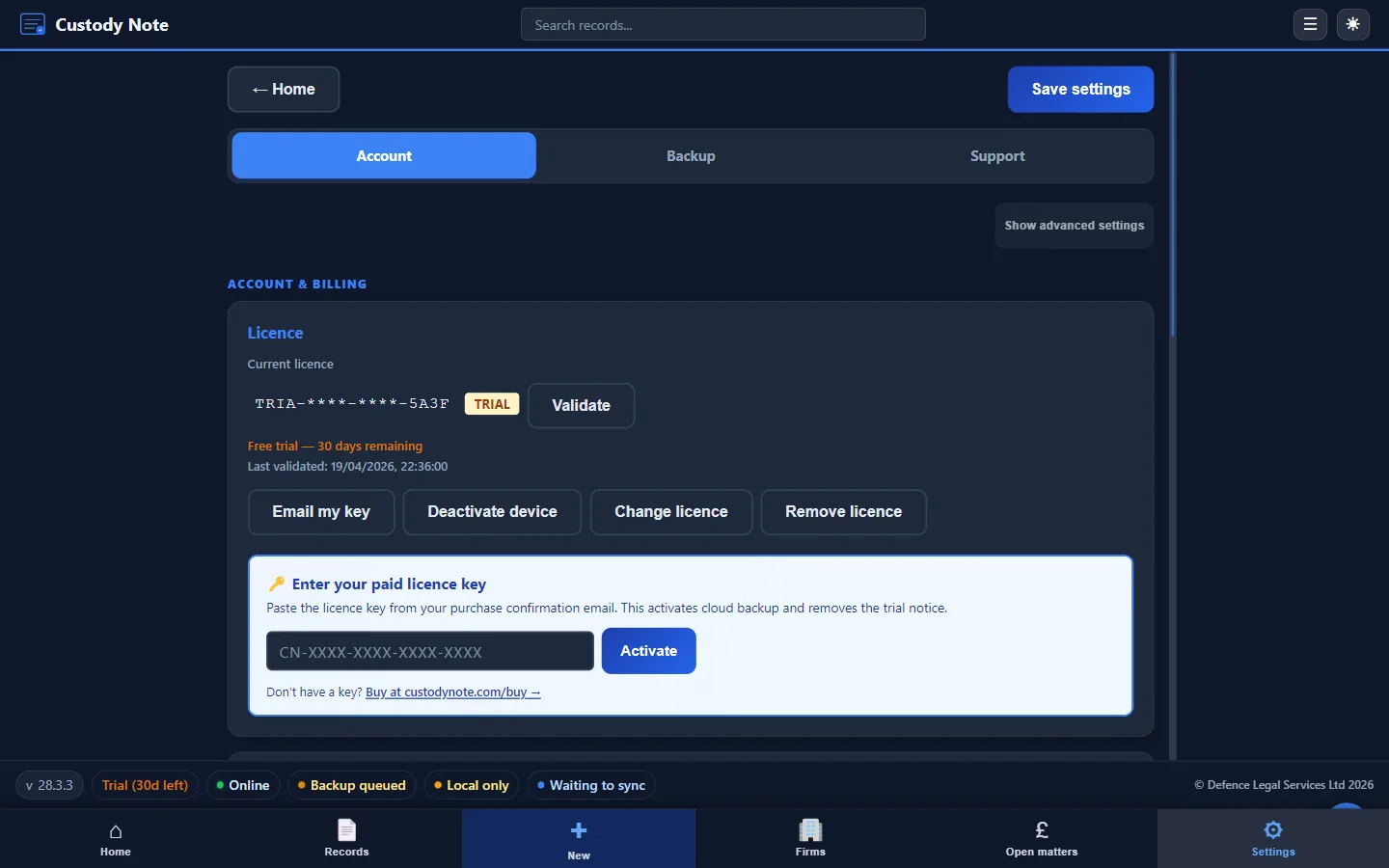
Security and encryption
Client data from police station attendances is sensitive. Custody Note encrypts your local database with AES-256 encryption at rest. Optional cloud backup uses encrypted UK-hosted infrastructure. You retain control of your data: it's on your machine first, and in the cloud only if you choose to enable backup.
What Custody Note doesn't do
Custody Note is an attendance note tool, not a practice management system. It doesn't manage your diary, your client ledger, or your firm's accounts. It does one thing well: structured, defensible attendance notes for police station work, with the billing data to support your claims. It integrates with your existing workflow rather than replacing it.
Getting started
Custody Note runs on Windows 10 or later (64-bit). Download the Free during beta with full functionality, no credit card required. A Pro plan, at around £9.99 a month, is planned after beta. You can't buy it yet. See pricing. You can also download directly and be working within minutes.
Frequently asked questions
Do I need internet access to use Custody Note?
No. Custody Note works offline software. Every feature (creating records, entering notes, exporting PDFs) works without an internet connection. Cloud backup is planned for Pro.
Is Custody Note suitable for probationary representatives?
Yes. The structured templates guide you through each section of the attendance note, which is particularly useful if you're building experience and want to ensure nothing is missed. Your supervising solicitor can review the exported PDF and provide feedback on a consistently structured document.
Can I use Custody Note for multiple instructing firms?
Yes. You can organise records by instructing firm and export separate PDFs for each. Billing fields are per-attendance, so each firm receives the data relevant to their instructions.
Does Custody Note replace my firm's practice management system?
No. Custody Note is a specialist attendance note tool for police station work. It produces structured notes and billing data that you can feed into your firm's existing systems. It sits alongside your case management software, not in place of it.
What happens to my data if I stop using Custody Note?
Your local database remains on your laptop. Custody Note stores data locally first, so uninstalling or stopping doesn't delete your records. You retain access to your existing data and can export PDFs from completed attendances.
Made for reps. Structured notes, offline, encrypted.
Custody Note gives police station representatives a dedicated tool for every attendance, from instruction to PDF export. Free during beta, no credit card required.
Download free