No Wi-Fi at the Station? How to Work Offline Effectively
Most custody suites in England and Wales have poor or no Wi-Fi and limited mobile signal. If your workflow depends on the internet, it breaks the moment you walk through the airlock. Here is how to work effectively without it.
This isn't a hypothetical problem. Ask any duty solicitor or police station rep and they will confirm it: custody suites are built of thick concrete and metal, often in basements or interior rooms with no windows. Mobile signal drops to nothing. The station's Wi-Fi, if it exists, isn't available to visitors. You're, for all practical purposes, offline from the moment you arrive until you leave.
Why connectivity is a problem for police station work
Modern legal practice is increasingly cloud-dependent. Your case management system, your email, your document store, your billing software: they all assume an internet connection. At the police station, that assumption fails, and the consequences are practical:
- You can't access the case file: if a client has been to the station before, the previous attendance note, any pre-existing instructions, or relevant case history may be locked in your cloud CMS
- You can't send or receive email: so you can't confirm instructions with the supervising solicitor, send an update to the client's family, or request further information mid-attendance
- You can't check legal resources: sentencing guidelines, CPS charging standards, or legislation that might be relevant to the advice you give
- You can't file your note in real time: the attendance note sits on your device until you're back in signal, which may be hours later
None of these are insurmountable. But if you don't plan for them, they create delays, gaps in your notes, and wasted time after the attendance.
Paper vs phone notes vs dedicated tools
Practitioners handle the offline problem in different ways, each with trade-offs:
Paper
The traditional approach. A paper attendance note form or a blank notepad. Advantages: entirely offline, no battery issues, no learning curve. Disadvantages: handwriting is often illegible (especially at 3 a.m.), the note must be typed up afterwards, paper can be lost, and there's no backup. The type-up stage is where most information gets lost: practitioners paraphrase, skip sections, or simply never get around to it. For a detailed comparison, see Digital vs Paper Attendance Notes.
Phone notes app
Many reps type notes into their phone's default notes app. It's quick and always available. But phone notes are unstructured. You're essentially writing free text with no prompts for the sections you need to cover. There's no template, no time-stamping, and no way to ensure you have captured everything the LAA requires. Phone notes also create data protection concerns: client-sensitive data sitting in an unencrypted app on a personal device.
Cloud-based case management
Systems like Osprey or Lawsyst include police station modules. Check with the supplier how well they work offline.
Desktop software that works offline
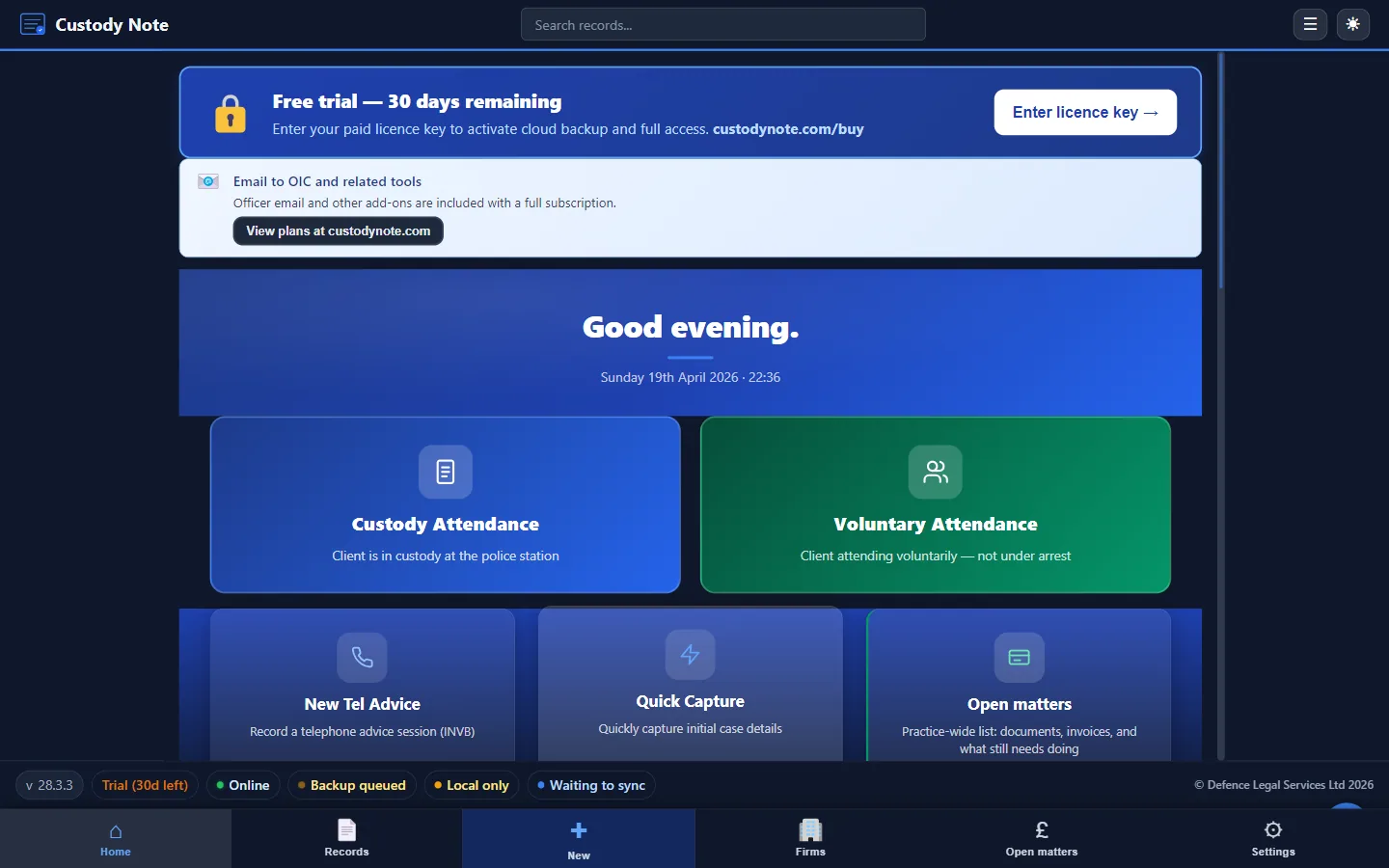
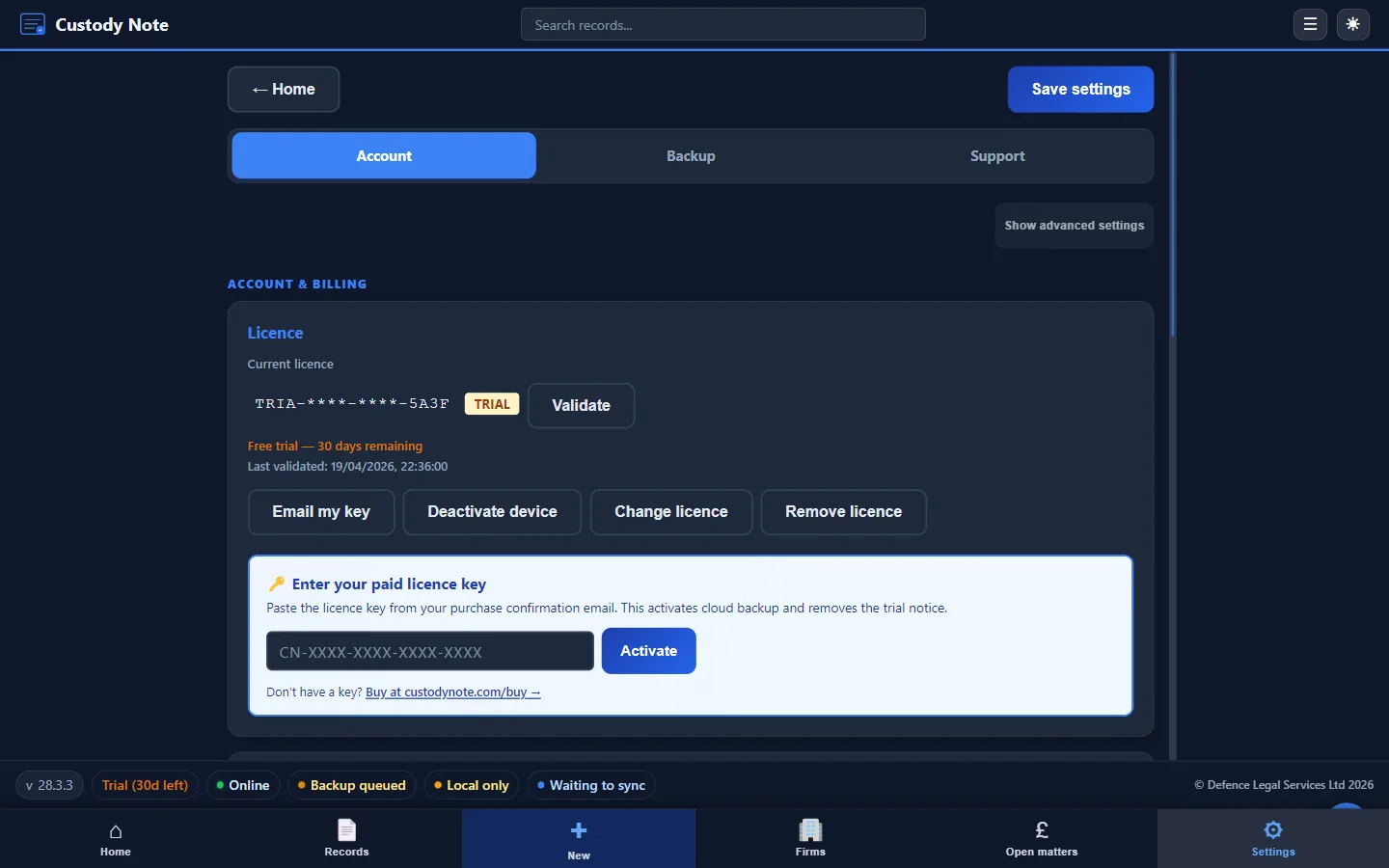
Tools that save data locally on your device and don't need an internet connection to work. This is the approach Custody Note takes: everything is stored and encrypted on your laptop. No server connection is needed at the station.
Strategies: prepare before you arrive
Whatever tool you use, the single most effective strategy is preparation. Before you leave for the station:
- Download what you need: if the client has previous matters, download the last attendance note, any relevant instructions, and the case summary to your local device
- Check the DSCC notification: note the reference number, the client name, the offence, and the station address before you lose signal
- Save relevant legal resources: if the offence is unusual, download the CPS charging standard or relevant sentencing guideline as a PDF
- Charge your device: obvious, but a dead laptop at the station is worse than no laptop at all
- Carry a paper backup: even if you work digitally, having a blank attendance note template on paper means you can still capture key data if your device fails
Filing the note when you're back
The danger zone is the gap between leaving the station and filing the note. This is where notes go missing:
- You forget: it's 4 a.m., you drive home, you go to bed, and the note sits on your laptop for days
- You duplicate: you start a fresh note in your CMS from memory, not realising you already typed one at the station, and now there are two inconsistent versions
- You lose data: the note was in an app that didn't save properly, or on paper that got left in the car
The safest habit is simple: export or file the note before you do anything else. As soon as you have signal, in the station car park if possible, save the note to your case file. If you use PDF export, email it to yourself or upload it to the CMS immediately. Don't wait until morning.
How Custody Note handles offline work
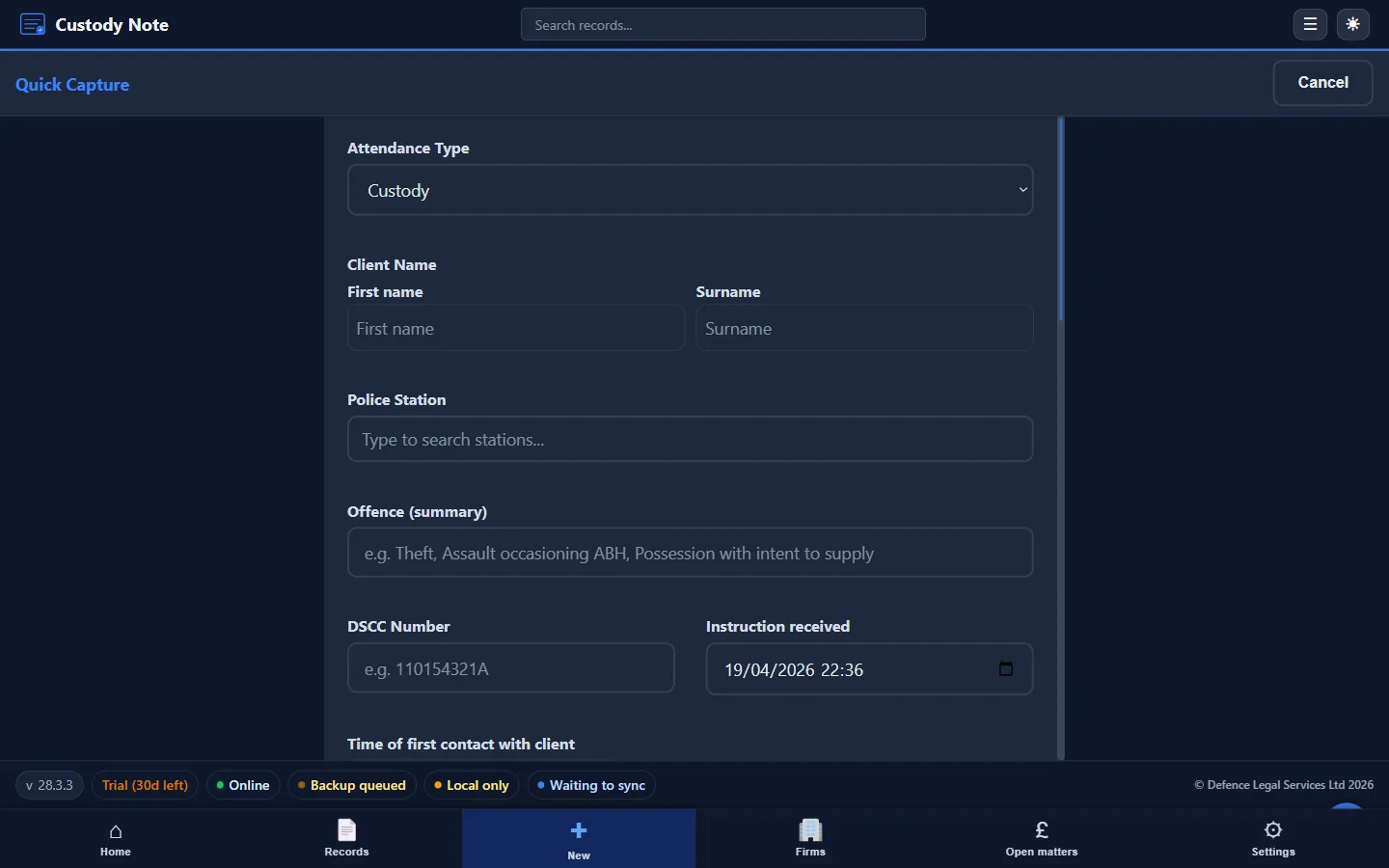
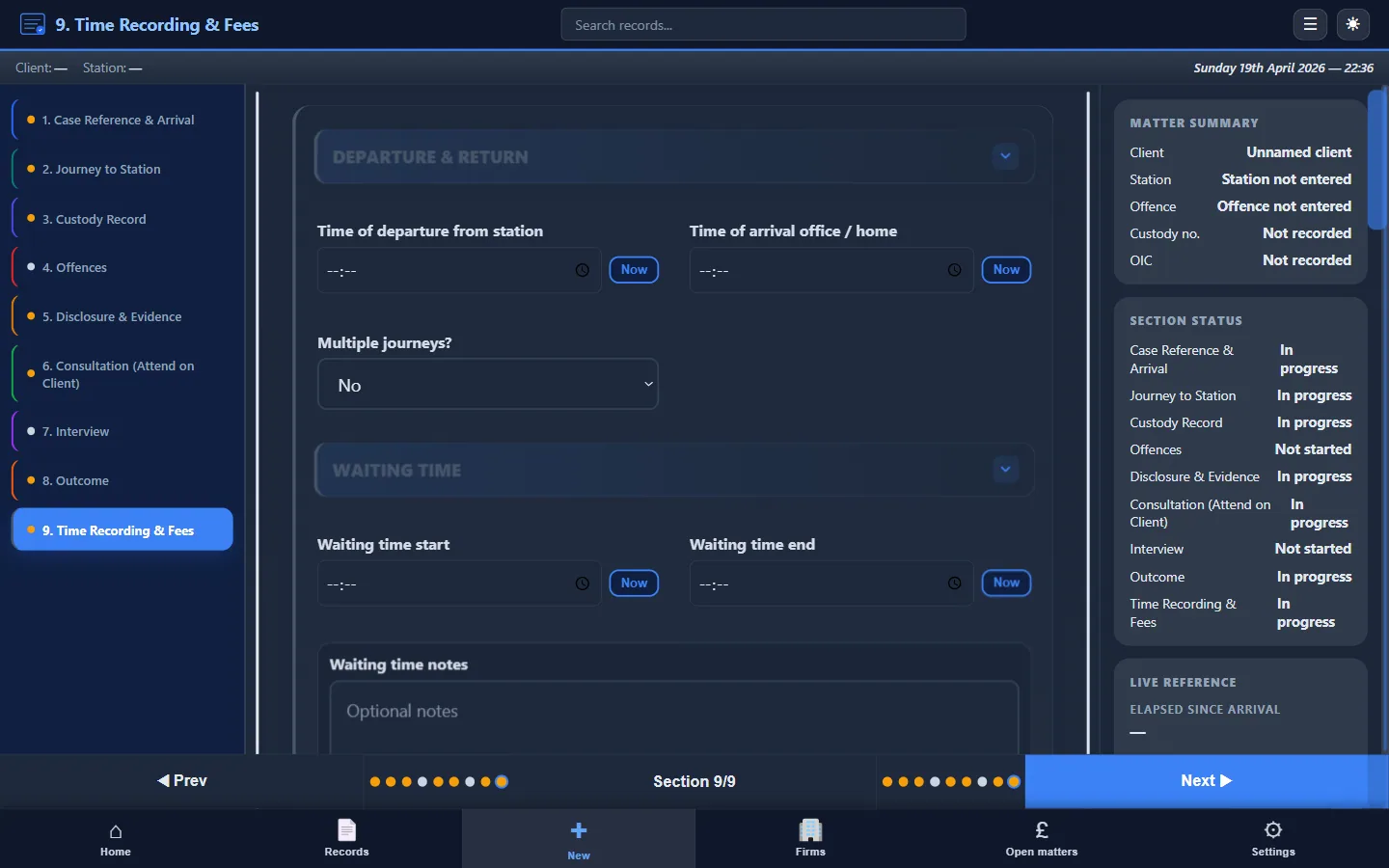
Custody Note was designed for exactly this scenario. It's a Windows desktop application, not a web app, so it runs entirely on your laptop with no internet connection required. Notes are saved locally with AES-256 encryption. You create the note at the station, working through structured sections that prompt you for every required field. When you're finished, you export to PDF, which also works offline, and file the note when you're back in signal.
There's no sync to fail, no cloud dependency at the station, and no risk of losing data because the connection dropped. The tool works the same way whether you have full broadband or no signal at all.
For more on the practical differences between tools, see Digital vs Paper Attendance Notes and Police Station Interview Notes.
Summary
Poor connectivity at police stations isn't going to change. The buildings are designed for security, not for solicitors' Wi-Fi. The practitioners who work effectively in this environment are the ones who plan for it: they prepare before they leave, use tools that work offline, and file their notes the moment they are back in signal. The ones who don't plan for it are the ones writing up notes from memory the next day, with all the gaps, errors, and billing problems that follow.
Made for custody suites
Custody Note runs entirely on your laptop, no Wi-Fi needed. Structured sections, local encryption, instant PDF export. Free during beta.
Download freeRelated articles from the blog
App Features
Custody Note for Windows is on the Microsoft Store (UK)App Features
AI-Assisted Custody Notes: Benefits and LimitsApp Features
Settings and Customisation in Custody Note